
5060 vs. RX 9060 XT8GB vs. Arc B580: Real-World 1080p Performance Tested
Three budget GPUs compete under $300 as rising VRAM requirements reshape entry-level gaming expectations.
Hardware by Tanisha Aria on Dec 29, 2025
Right now, there are three main choices for graphics cards under $300: the Intel Arc B580, the AMD Radeon RX 9060 XT 8 GB, and the Nvidia GeForce RTX 5060.
With DRAM prices rising sharply, these GPUs with less VRAM may be the only ones that remain cheap in the future. The most important thing is to find the best choice by testing it in real life rather than in ideal conditions.
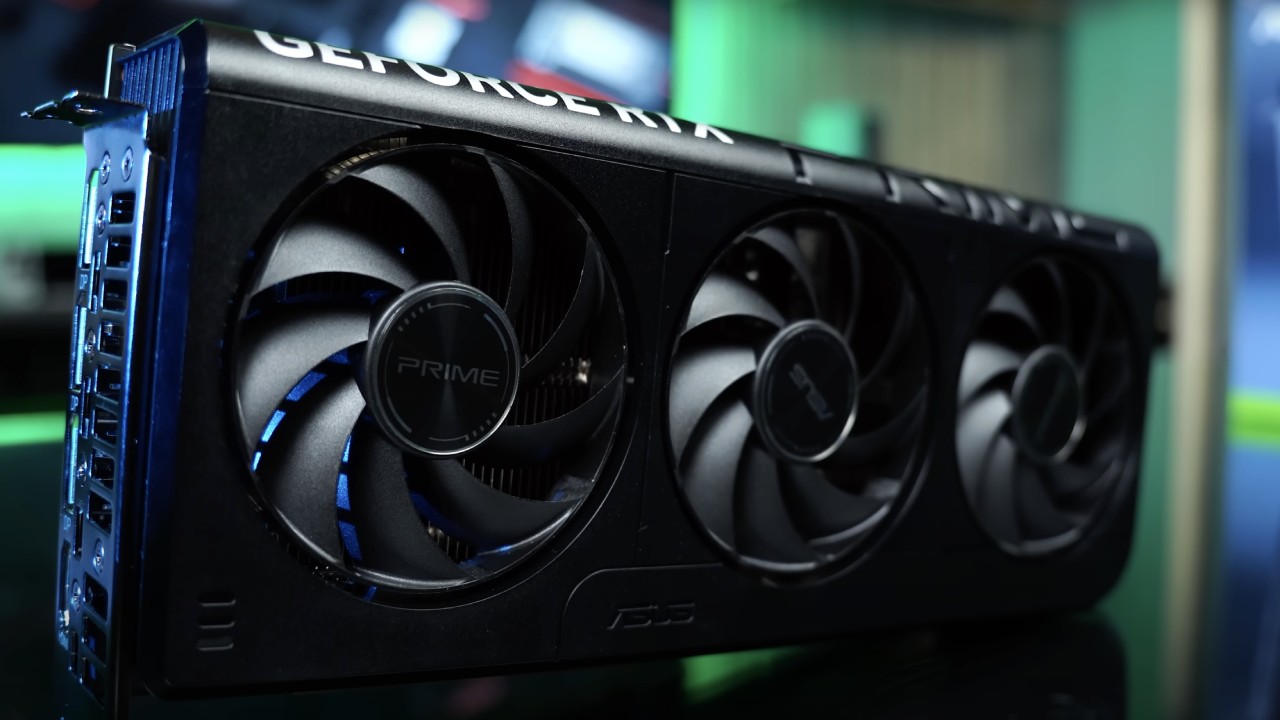
In this test, native graphics, DLSS4, FSR4, and XESS are used to evaluate the three cards. The goal is to find out which option raises performance the most, if that changes the overall performance ranking, and what a player can fairly expect in-game fps.
We also look at what settings can actually be used on GPUs with only 8GB of VRAM. This is getting harder to do in current games.
Test Methodology and Hardware Setup
The original TAA and the main upscaling modes (quality, balanced, and performance) were used to test 19 games. Image quality varies across GPUs, so keep in mind that results may look different. We have already looked at DLSS4, FSR4, and XESS image quality in detail, and those results show how these findings should be understood.
All the tests were done at 1080p, which is the quality level that entry-level cards like the RTX 5060 are mostly designed for. Some models only have 8GB of VRAM, so 1440p gets hard to run, and even 1080p high settings can be a stretch.
The best preset that fits in 8GB of VRAM was chosen for each game. This typically means medium or high settings. The Arc B580 has 12GB of VRAM, so we also say how it works with higher settings when relevant.
The test machine had the newest games, drivers, and operating systems, as well as a Ryzen 7 9800X3D and 32GB of DDR5-6000 CL30 memory. All the GPUs were tested at the default clock speeds provided for each.
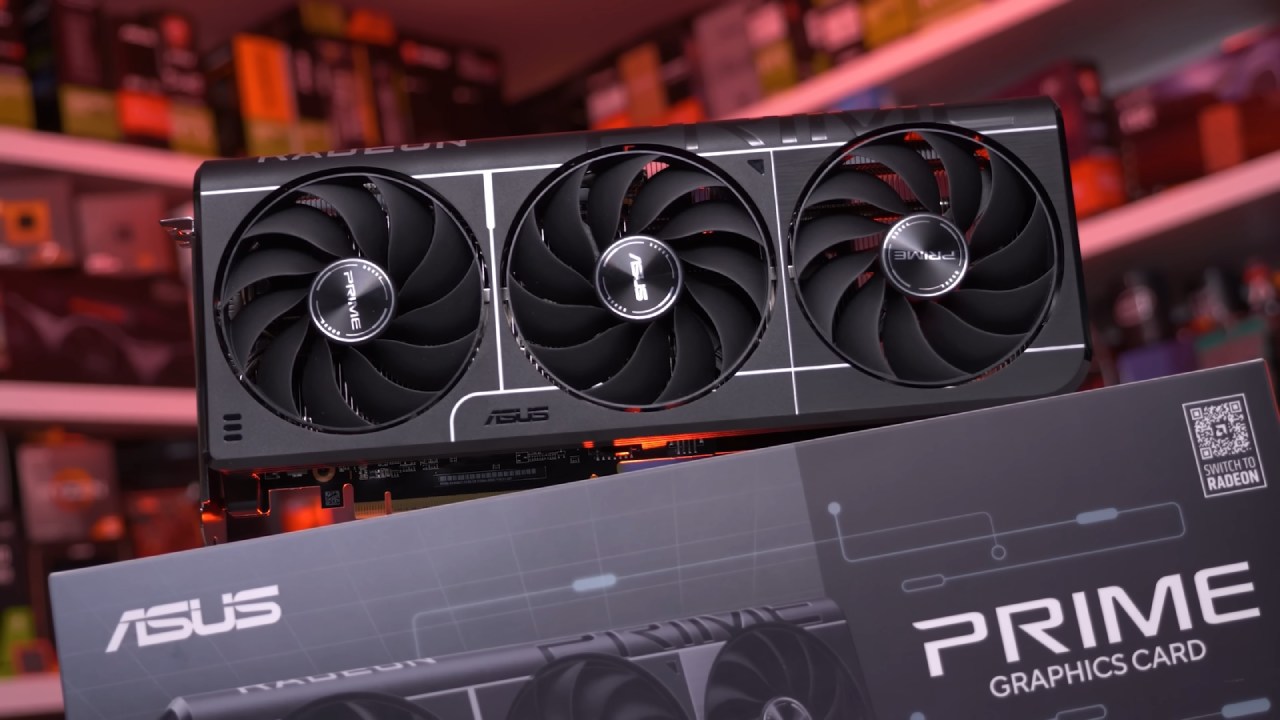
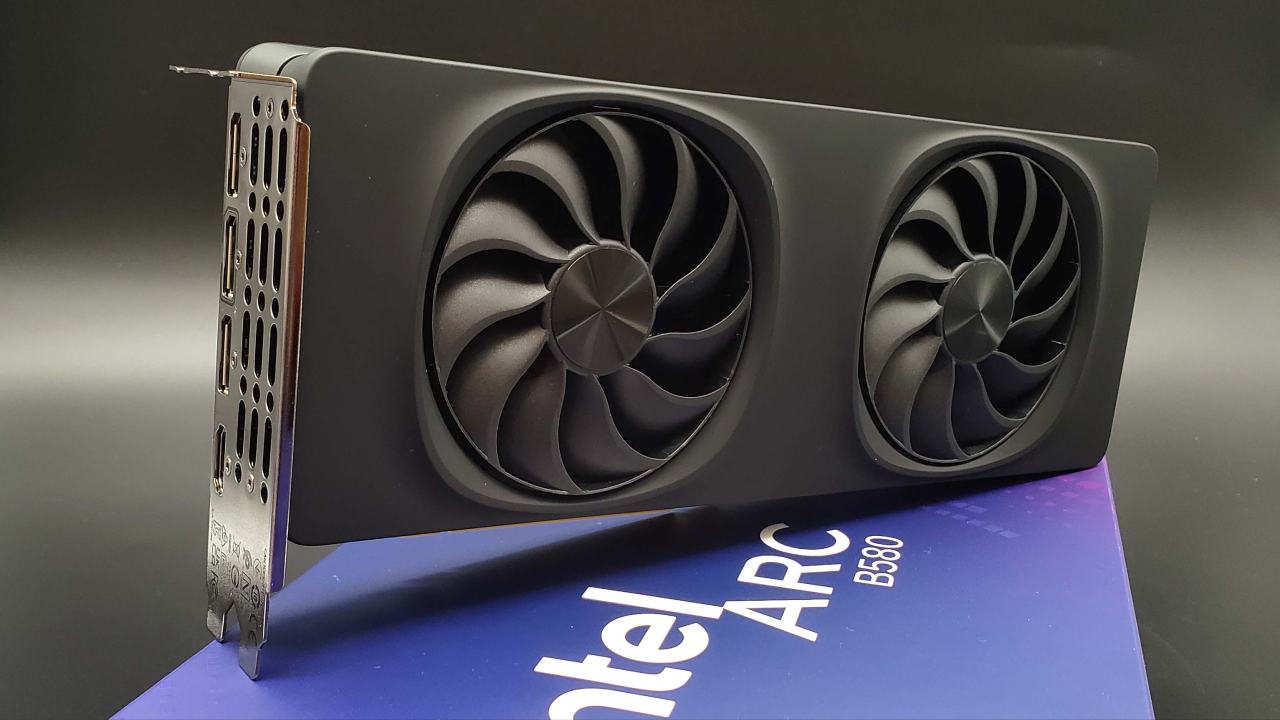
The RTX 5060 tested was an Asus Prime OC model; the RX 9060 XT8GB was a PowerColor Reaper; and the Arc B580 was Intel's limited-edition reference card.
Game Performance Analysis
Ratchet & Clank: Rift Apart
On an 8GB GPU, Ratchet and Clank: Rift Apart only runs smoothly at medium settings at 1080p; higher settings cause lag. On medium, all cards average over 100 fps natively. The RX 9060 XT8GB is the fastest one here.
It is 15% faster than the RTX 5060 with native TAA and 17% faster with quality upscaling. With native graphics, it is also 22% faster than the B580. The B580 has 12GB of VRAM, so it can run maximum settings at about 70 frames per second. This gives a better visual ceiling but with lower performance.
Marvel's Spider-Man 2
Spider-Man 2 on the Arc B580 runs really badly, even with the settings set to medium. The RX 9060 XT8GB is almost twice as fast as the B580 and about 9% faster than the RTX 5060, both in its original state and with quality upscaling enabled.
The GeForce and Radeon cards can get over 150 fps with upscaling. Still, higher-quality settings cause stuttering when they hit VRAM limits, making them not very useful.
Assassin's Creed Shadows
At medium or lower settings, Assassin's Creed Shadows only uses 8GB of VRAM, which is about what these GPUs can handle at 1080p. In this game, the RX 9060 XT is 13% faster than the RTX 5060 and 53% faster than the B580 with native rendering. The same speed differences occur when upscaling is enabled.
The B580 struggles here, only getting about 60 frames per second at XESS quality. On the other hand, the RTX 5060 gets into the mid-70s with DLSS 4 quality.
The Last of Us Part II
The best choice is to use high settings, since the maximum VRAM exceeds 8 GB. The RX 9060 XT8GB is a little faster than the RTX 5060; it has a 4% advantage in raw speed and a 5% advantage when quality upscaling is used. The B580 has decent frame rate numbers, but it hits a 1% low wall around 83 fps.
The Intel card can handle very high settings thanks to its larger VRAM pool. Still, the 8GB cards deliver much higher frame rates at lower settings, which means a trade-off between performance and visuals.
Ghost of Tsushima
The best product from the Arc B580 is Ghost of Tsushima. With the Very High setting, this is the only game where the B580 beats both the RX 9060 XT and the RTX 5060, but it only beats the Radeon card by a small margin. Still, the RX 9060 XT is faster than the RTX 5060 by 16% without quality upscaling and by 10% with it.
S.T.A.L.K.E.R. 2
S.T.A.T.L.K.E.R. 2 plays smoothly at 1080p on 8GB GPUs when the setting is changed from epic to high. Both the RX 9060 XT and RTX 5060 can reach about 100 fps with upscaling enabled.
The RTX 5060 is natively 9% faster, which is interesting, but the Radeon card has better 1% lows when upscaling. The B580's VRAM lets it run epic settings, but the frame rate stays around 60fps, so high settings are the better choice.
Marvel Rivals
To avoid VRAM stuttering, Marvel Rivals needs to be set to high settings. In this setup, the RX 9060 XT is slightly slower than the RTX 5060 in average frames per second (fps), but it delivers better 1% lows. The B580 is far behind; the GeForce and Radeon cards give at least 40% better speed at the same settings.
Star Wars Outlaws
Star Wars Outlaws requires a lot of VRAM; even the lowest setting needs over 8 GB. Graphics cards with more VRAM offer better image quality and longer draw distances.
The performance results are strange: the RX 9060 XT performs a little better in higher quality modes, but the RTX 5060 performs better in more severe upscaling settings. The B580 still falls behind overall, even with its VRAM edge.
God of War Ragnarök
All three GPUs can run the ultra setting at 1080p, but 8GB cards will get VRAM warnings. Still, the RX 9060 XT is 48% faster than the B580, and the RTX 5060 is 41% faster. The Radeon card also has a 5%–10% lead over the GeForce GPU with better 1% lows.
Call of Duty: Black Ops 7
The RX 9060 XT is strongly favored by Black Ops 7. It has a 30% advantage over the RTX 5060 without any changes, and a 33% advantage with quality upscaling. The Radeon card is more than 70% faster than the B580. In the test suite, this is the best score for the RX 9060 XT.
F1 25
When the settings are set to high, F1 25 is a very close race between all three GPUs. All cards achieve over 200 frames per second with upscaling enabled. The B580 is special because it can handle ultra-high presets without VRAM issues and averages 90 fps, which 8GB cards can't do without speed issues.
Cyberpunk 2077
On 8GB GPUs, the ultra setting can be played at 1080p. The RX 9060 XT and RTX 5060 perform almost identically, both with and without upscaling. The B580 also works well and lets you play ray tracing at about 50 frames per second, whereas the 8GB cards struggle with frame-time stuttering.
Hogwarts Legacy
8GB GPUs must drop to medium settings to avoid problems with texture and speed. The RX 9060 XT and RTX 5060 are equally fast at these settings and at least 30% faster than the B580. The Intel card can handle high settings, but with a much slower frame rate.
Borderlands 4
All three GPUs work best on high settings. The RX 9060 XT and RTX 5060 take turns beating each other depending on the rendering mode, but both are much better than the B580.
Mafia: The Old Country
Mafia: The Old Country performs poorly on the B580, even with settings set to high. The RX 9060 XT is about 20%–23% faster than the RTX 5060 and almost twice as fast as the Intel GPU.
ARC Raiders
The RTX 5060 is a clear winner for ARC Raiders; it's over 50% faster than the B580 and 25% faster than the RX 9060 XT. Here, VRAM use is low, so all cards can handle epic settings.
Dying Light: The Beast
The Beast prefers the RTX 5060 over the RX 9060 XT, which is about 10% slower. The B580 does well in raw fps, but it leans on XESS rendering, which isn't as good.
Alters
The RX 9060 XT is over 50% faster than the B580 and a little faster than the RTX 5060 in The Alters. The Radeon card pulls ahead by more and more 1% lows when quality upscaling is turned on.
Battlefield 6
If you lower the settings too low, all three GPUs can get over 100 fps with upscaling. The RX 9060 XT and RTX 5060 are very similar, and both are about 20% to 30% faster than the B580. The Intel card can use higher settings, but with lower frame rates.
Average Performance Results
The RX 9060 XT8GB is about 4% faster than the RTX 5060 with native rendering at 1080p, with values that fit within 8GB of VRAM over a 19-game average. With upscaling, this speed advantage rises to about 5%.
The Radeon card is about 7% to 9% better at 1% low framerates. The average frame rates with the upscaling method were about 120 fps on both GPUs. This shows that VRAM, not core performance, is the main limit.
In a smaller game set, the Arc B580 is about 34% to 37% slower than the RX 9060 XT. The RTX 5060 is still 20% to 29% faster, based on the mode. With XESS ultra quality, the B580 gets about 90 fps, which is a full tier below the other two in terms of speed.
Final Thoughts
There are clear downsides to all three GPUs. The RX 9060 XT8GB and RTX 5060 are mostly held back by their VRAM, but the Arc B580 is limited by its lower power and the fact that not all games support it.
The Radeon and GeForce cards deliver great 1080p performance, often exceeding 120 fps at medium to high settings, as long as they stay within 8GB of VRAM. But not being able to improve visual quality even when there's speed headroom is a real problem.
The Arc B580 has 12GB of VRAM, so it doesn't have these VRAM problems and can run some games at ultra levels or higher resolutions. The downside is that it doesn't perform as well overall or with upscaling as DLSS4 and FSR4.
The B580 may perform better over time as VRAM demands rise, as long as driver support continues to improve. However, it starts from a lower level of performance.
The B580 is the most adaptable choice if you like higher resolutions or ultra settings and are okay with lower fps. If you are okay with playing games on medium to high settings and care about higher frame rates and better upscaling support, the RX 9060 XT8GB and RTX 5060 are better options. The Radeon card is slightly faster on average, but the GeForce card has better DLSS support.
Also, check our other NVIDIA articles below:
- GeForce RTX 5090 Unleashed: Is NVIDIA's New Flagship the Ultimate 4K Gaming GPU?
- NVIDIA GeForce RTX 5080 Review (2025): Still A 4K Gaming Powerhouse?
- RTX 5090 Performance Testing In GTA 5 – 1080p, 1440p, and 4K Max Settings Benchmark
- RTX 5090 Laptop Vs. M4 Max MacBook Pro: Ultimate Raw Performance Vs. Battery Endurance
- NVIDIA RTX 5070 Review: Mid-Range Muscle or Marketing Hype?
- RTX 5070 Ti Review: Performance, Thermals & Power Efficiency Tested
- Asus ROG RTX 5090 Astral OC Vs. Founders Edition: The 4K Gaming Benchmark
- ASUS ROG Astral RTX 5090 OC Edition Review: 32GB GDDR7 & 4K Gaming Benchmark
- ASUS GeForce RTX 5090 LC Liquid Cooled GPU Review: Unmatched Silence & Speed
- MSI GeForce RTX 5090 32GB SUPRIM SOC Review: Power Efficiency, Cooling, and Gaming Performance
- INNO3D RTX 5060 Ti 16 GB X2 Review: Gaming Benchmarks, Temps, and Power Efficiency
- HP Omen 45L Review: RTX 5090 Performance, Thermals, and Value Analysis
- ASUS TUF Gaming GeForce RTX 5060 Ti Review: DLSS 4, Power Efficiency, and Gaming
- ASUS Prime RTX 5060 Ti OC 16GB Review: DLSS 4, Ray Tracing, & Thermals Tested
- NVIDIA GeForce RTX 5060 Review: Specs, Gaming, and Cost per Frame
- MSI GeForce RTX 5090 GAMING TRIO OC Review: A Monster Power GPU
Contributor, NoobFeed
Latest Articles
No Data.