
Intel Arc A770 Resizable BAR Benchmark: Before and After Results
Resizable BAR allows the CPU to access the full memory pool of an Intel Arc GPU at once.
Hardware by Shinji Okazaki on Jul 02, 2026
Resizable BAR has become one of the more overlooked settings that affects gaming performance, and its impact on Intel Arc graphics cards stands out compared to other GPU brands. A prior round of testing on an Intel Arc GPU showed severe stuttering in Battlefield 5 running under DirectX 12, prompting a closer look into whether Resizable BAR had actually been enabled during that testing.
After confirming it had not been turned on, a new round of benchmarks shows exactly how much of a difference the setting makes. Resizable BAR lets the CPU access the entire GPU memory pool at once rather than working through it in smaller chunks, a capability that Intel Arc GPUs rely on more than competing cards to reach expected performance levels.
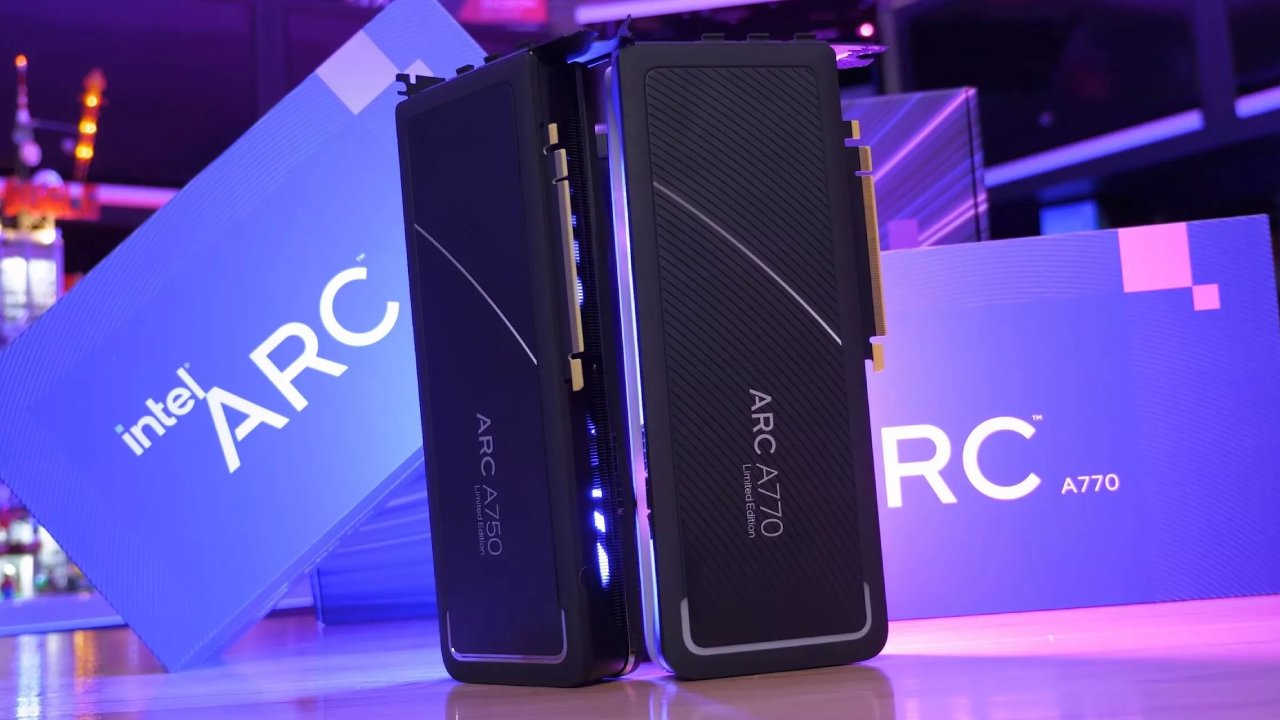
What Resizable BAR Does and Why It Matters for Arc GPUs
During the earlier round of testing, a mix-up between two similar motherboard BIOS layouts led to a mistaken assumption that Resizable BAR was already active, when in fact it was not. Revisiting the setup confirmed the setting had been off the entire time, prompting a direct comparison between performance with it enabled and disabled.
On one motherboard used for testing, Resizable BAR support does not appear directly under the IO Ports section of the BIOS until Above 4G Decoding is enabled first, which can make the setting easy to overlook if you don't know to look for it.
A separate motherboard used for testing showed Resizable BAR support enabled by default under the same IO Ports menu, which is what caused the earlier confusion between the two systems.
Enabling the Resizable Bar Caused a Driver Conflict
At first, enabling Resizable BAR support caused a problem with the Intel drivers already installed on the system. For a short time, Windows treated the Arc A770 as a basic display device rather than a dedicated GPU. The problem was fixed by reinstalling the latest Intel drivers. This means the comparison shows Resizable BAR off versus Resizable BAR on with a newer driver version, rather than using the same driver for both tests.
When the resizable BAR was enabled, Battlefield 5 running on DirectX 12 performed much better. The average frame rate stayed about the same as before, but the multi-second stutters that happened when the setting wasn't turned on were gone, which made the game a lot easier to play.
Even though there is still some stuttering and the performance isn't completely smooth, benchmarks show that things have improved, with a 1% low of 22 fps being a real gain, though that number is still small in absolute terms.
Grand Theft Auto 5 also showed performance gains with Resizable BAR enabled, though the improvement was smaller than the one seen in Battlefield 5. Control, a title that already performed reasonably well without Resizable BAR enabled, still showed a noticeable improvement in 1% lows after turning the setting on, reaching an average of 94fps using medium ray tracing settings, a strong result overall.
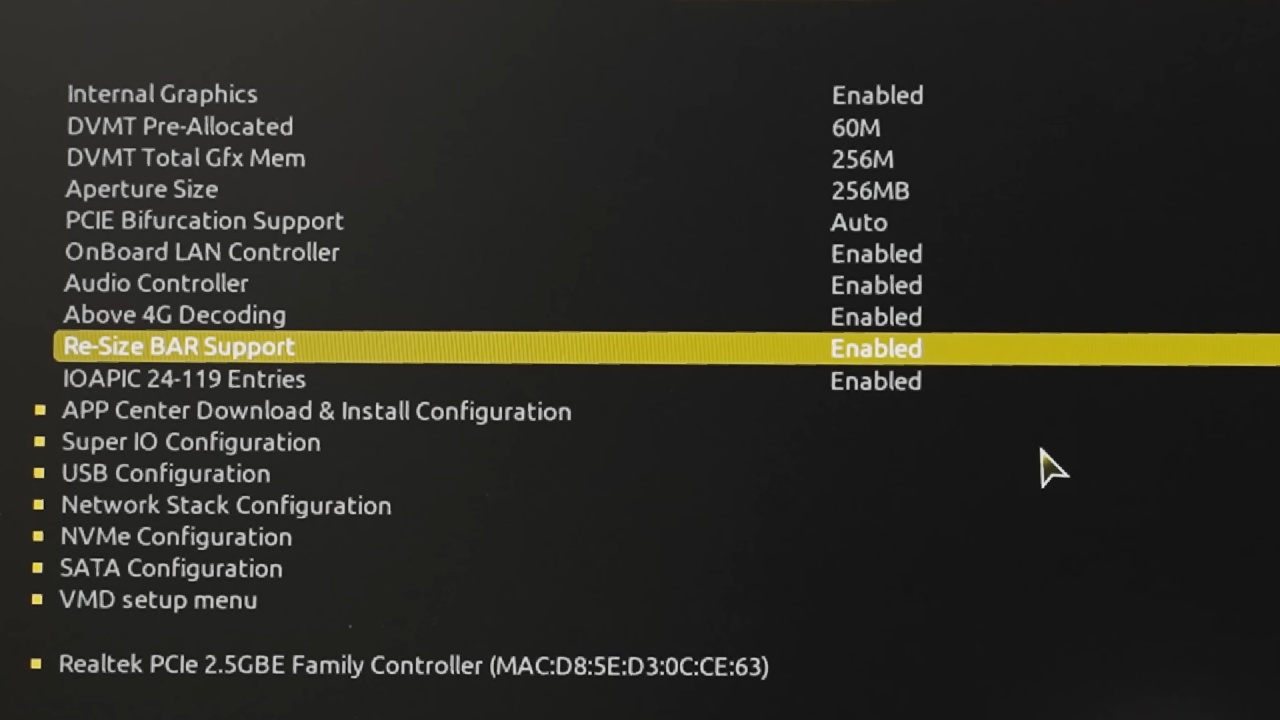
Resizable BAR is a significant part of fixing Battlefield 5's stuttering on Arc hardware.
Clearly, Resizable BAR affects speed in many games on Intel Arc GPUs. If you turn it off, you'll miss out on real performance. Some bugs still persist on Arc hardware, even with the setting enabled. These include random crashes and persistent screen-capture issues that persist regardless of the Resizable BAR setting.
In general, Intel's Arc GPUs keep showing promise, and one of the easiest ways to get them closer to their full speed level is to enable Resizable BAR. Clearly, Resizable BAR affects speed in many games on Intel Arc GPUs. If you turn it off, you'll miss out on real performance. Some bugs still persist on Arc hardware, even with the setting enabled.
These include random crashes and persistent screen-capture issues that persist regardless of the Resizable BAR setting. In general, Intel's Arc GPUs keep showing promise, and one of the easiest ways to get them closer to their full speed level is to enable Resizable BAR.
Editor, NoobFeed
Gaming Hardware Updates
No Data.