
How Valve Overcomes HDMI 2.0 Limits on the Steam Machine
HDMI 2.1 restrictions on Linux systems create significant performance limitations for modern gaming hardware and high-resolution display setups.
Hardware by Tanvir Kabbo on Jan 23, 2026
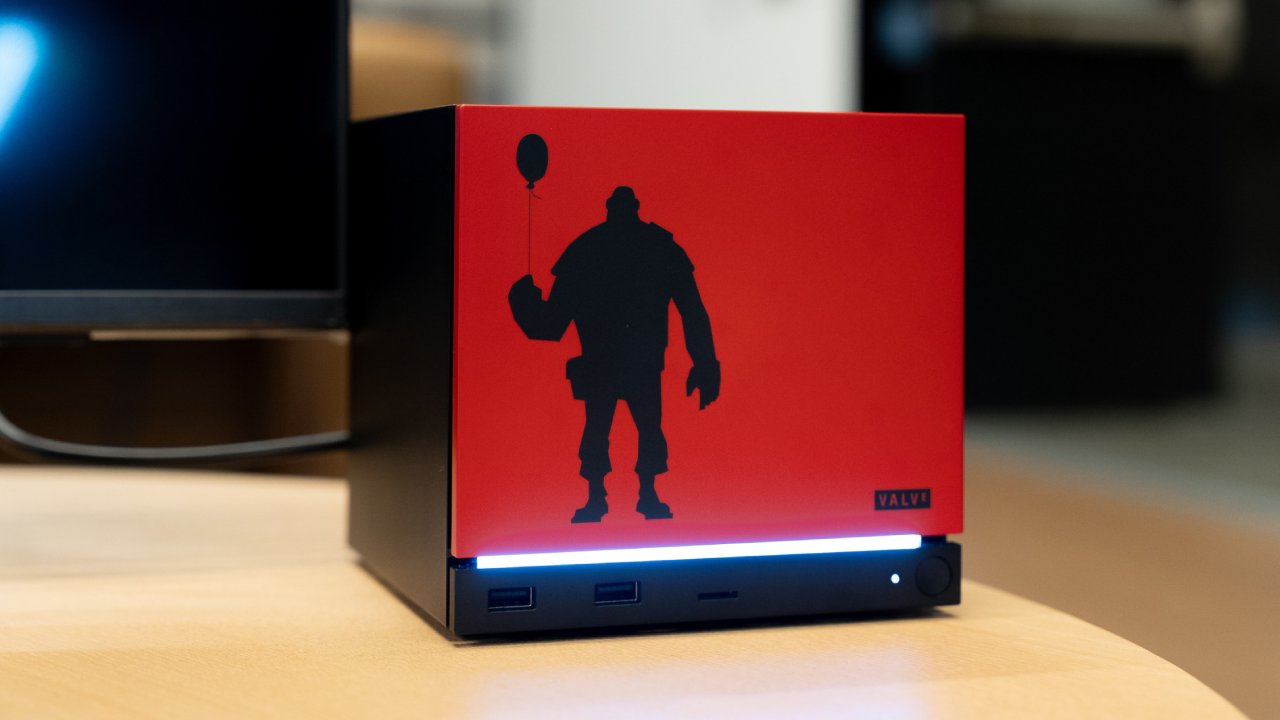
The living room is full of game consoles. The Nintendo Switch 2, Xbox Series, and PlayStation 5 are better than Valve's Steam Machine because they all support official HDMI 2.1. The HDMI Forum has created rules that stop Linux-based computers from using the entire HDMI 2.1 specification.
This is not because of hardware limitations. Valve and AMD have been working together to find a way around these rules, and they have found a mechanism that works to overcome what looked insurmountable.
Understanding HDMI 2.1 and Why It Matters
HDMI 2.1 has a greater bandwidth, which means it can support better resolutions and frame rates. HDMI 2.0, which Valve can use, provides speeds of up to 18Gbits/s. HDMI 2.1, on the other hand, supports speeds of up to 48Gbits/s.
That extra bandwidth enables up to 4K resolution at 120fps with HDR on and full 10-bit color. With HDMI 2.1, all four of these features can be used at once, but HDMI 2.0 cannot handle them simultaneously. If we care most about resolution and choose 4K(3840x2160), we must turn off either 120fps, HDR, or 10-bit color to fit within the bandwidth limits.
We can get 120 fps, but not at 4K with 10-bit color and HDR turned on. One of them needs to be turned off. When I built a Steam Machine myself, we ran across this exact problem. It was unable to get anything higher than 1080p60fps with HDR turned on. Turning off HDR made 4K120 possible, which made the trade-off okay. If the same hardware were running Windows instead of Linux, all four features would work.
Why Linux Can't Use HDMI 2.1
The HDMI Forum controls the HDMI specification and has blocked open-source implementations of HDMI 2.1. A special authentication code unlocks HDMI 2.1 features, functioning similarly to DRM, and it cannot legally be published in open-source software.
Even Valve cannot access full HDMI 2.1 support on Linux under these rules. To get full HDMI 2.1 validated on their upcoming Steam Machine hardware, they had to install Windows.
A Historical Parallel: The Locked NES
There is a historical parallel worth noting. In the 1980s, developers wanted to release more games on the Nintendo Entertainment System, but Nintendo limited the number of games allowed each year through a proprietary lockout chip called the 10NES chip. The NES was locked, and the 10NES chip unlocked it.
Nintendo claimed this prevented shovelware after the video game crash and maintained quality, but it also ensured Nintendo profited from selling cartridges to every publisher. Atari’s subsidiary, Tengen, attempted to reverse engineer the chip but failed. Instead, they managed to obtain the code from the US copyright office by claiming they needed it as legal evidence.
This let them bypass Nintendo’s restrictions, though Nintendo eventually won in court. This mirrors the situation between Valve, AMD, and the HDMI Forum. Valve and AMD attempt to do everything legally, but even if they reverse engineered HDMI 2.1, publishing the unlock code would lead to lawsuits. Like Tengen, they would most likely lose.
How Valve Is Achieving What Seems Impossible
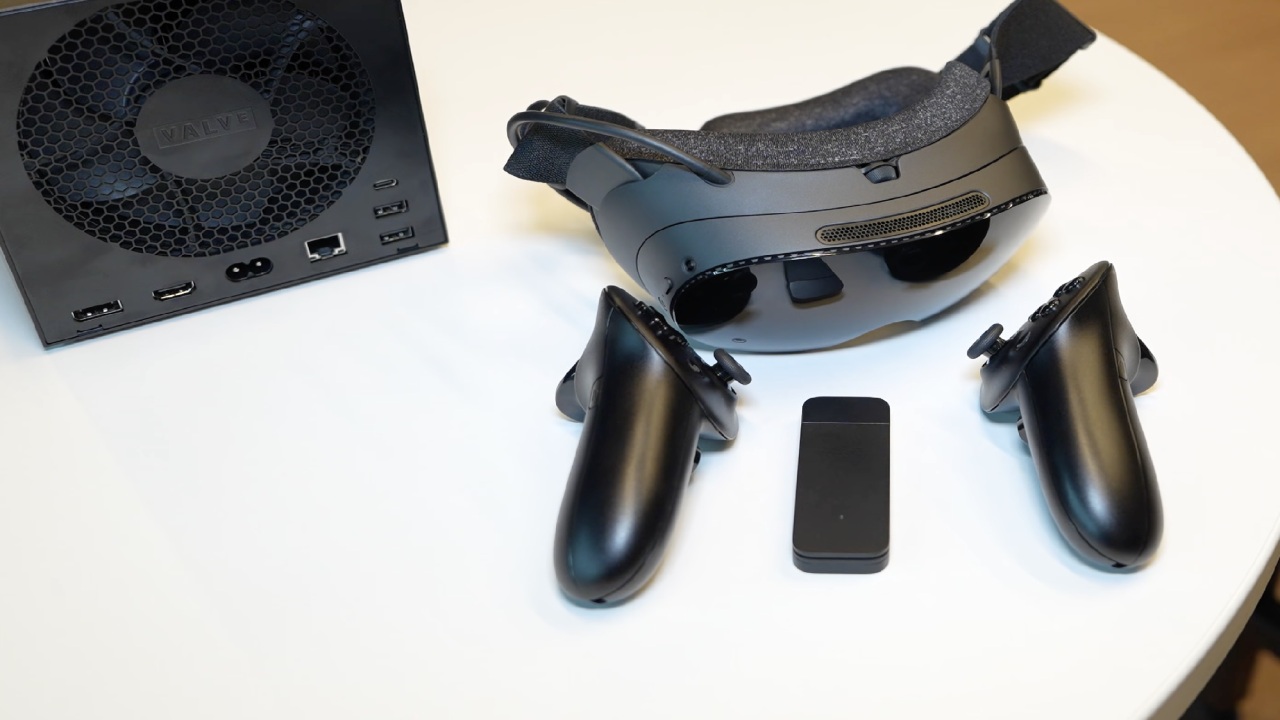
During the Steam Machine announcement, Valve said it would run the entire Steam library at 4K60 with upscaling, and lower-powered games could reach 120hz even without upscaling. This appears to exceed HDMI 2.0 limitations, but Valve is using two approaches to make it work.
Chroma Subsampling
The first technique is chroma subsampling. Video is split into two channels: luminance (luma), which contains brightness information, and chrominance (chroma), which contains color information. Most of the data is stored in the luma channel. By reducing chroma, we can fit more information through HDMI 2.0’s limited 18Gbits/s bandwidth.
This is like recording video in log format, where chroma is lowered to keep the dynamic range and then brought back up afterward. Valve does something similar by decreasing chroma to give luma more room. This can make text in games with a lot of text look a little blurry, but most of the time it's not that noticeable.
Variable Refresh Rate Limitations
HDMI 2.0 does not support Variable Refresh Rate (VRR). VRR allows your display to adjust its refresh rate to match your game’s frame rate, reducing screen tearing and improving smoothness. Valve worked closely with AMD so that FreeSync works on the Steam Machine, but not all TVs support FreeSync.
If your TV supports it, you will be fine, but if it does not, you will want to keep this limitation in mind before buying a Steam Machine or a new display.
DisplayPort as an Alternative
The Steam Machine includes DisplayPort 1.4, which actually has more bandwidth than HDMI 2.1. However, living room TVs rarely include DisplayPort inputs. A dongle can be used, but earlier attempts caused sound issues. Turning off HDR resolved the problem, so further troubleshooting was unnecessary.
This problem goes away when you connect to a computer display because you may use DisplayPort directly. Valve sells the Steam Machine as a living room device, therefore HDMI is still the main way to connect it. Most people won't notice chroma or VRR limits, but for those who care about image quality, these things are important.
Final Thoughts
Valve and AMD are working through strict HDMI policies while trying to deliver high-end performance on Linux hardware. Through chroma subsampling, FreeSync support, and carefully engineered solutions, they are pushing HDMI 2.0 far beyond normal expectations.
For most people, these methods will work flawlessly, but for anyone who focuses heavily on display technology and image quality, understanding these constraints is important.
Also, check our other articles below:
- NVIDIA GeForce RTX 5080 Review (2025): Still A 4K Gaming Powerhouse?
- NVIDIA RTX 5070 Review: Mid-Range Muscle or Marketing Hype?
- RTX 5070 Ti Review: Performance, Thermals & Power Efficiency Tested
- ASUS GeForce RTX 5090 LC Liquid Cooled GPU Review: Unmatched Silence & Speed
- MSI GeForce RTX 5090 32GB SUPRIM SOC Review: Power Efficiency, Cooling, and Gaming Performance
- INNO3D RTX 5060 Ti 16 GB X2 Review: Gaming Benchmarks, Temps, and Power Efficiency
- HP Omen 45L Review: RTX 5090 Performance, Thermals, and Value Analysis
- ASUS TUF Gaming GeForce RTX 5060 Ti Review: DLSS 4, Power Efficiency, and Gaming
- ASUS Prime RTX 5060 Ti OC 16GB Review: DLSS 4, Ray Tracing, & Thermals Tested
- NVIDIA GeForce RTX 5060 Review: Specs, Gaming, and Cost per Frame
- MSI GeForce RTX 5090 GAMING TRIO OC Review: A Monster Power GPU
Senior Editor, NoobFeed
Gaming Hardware Updates
No Data.