

How to Build a Gaming PC Without CPU, GPU, or RAM Bottlenecks
Build a high-performance gaming PC in 2025 with perfectly matched hardware to prevent CPU, GPU, and RAM bottlenecks.
Hardware by Nakiro on Aug 14, 2025
When building a new PC and selecting the right components, avoiding bottlenecks is one of the most critical yet tricky parts of the process. A bottleneck occurs when one or more components in your system are too slow for the rest of the build, ultimately holding back performance.
For example, using just 4GB of RAM when your game recommends 8GB or 16GB will quickly fill the memory, forcing your CPU and GPU to slow down because they are waiting for RAM.
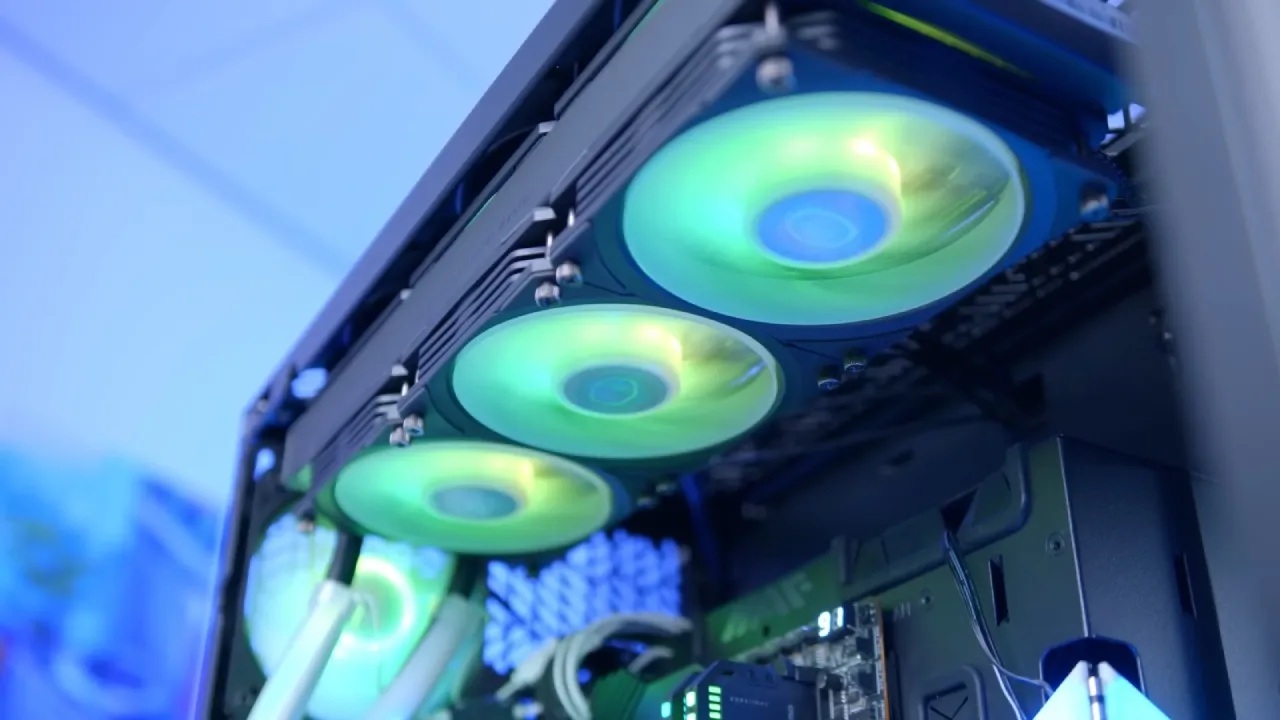
Common Bottlenecks
The most common bottlenecks occur in the CPU or GPU. In any system, there will always be a limiting factor—one component that runs at 100% performance and prevents higher framerates.
Ideally, it should be the GPU running near 100% utilization to achieve the best performance. If your GPU runs at only 70% because your CPU is too slow, performance suffers.
Best GPU & CPU Pairings
We recommend matching components carefully. A Core i3 works well for an RTX 3050. Choose a Core i5 or Ryzen 5 processor between the 3060 and 3070. Core i7 or Ryzen 7 work best with a CPU that is 3070 Ti or higher, while Core i9 or Ryzen 9 work best with a CPU that is 3090, 3090 Ti, or AMD 6900 XT.
To prevent performance degradation, higher-end GPUs need more potent CPUs. A more powerful CPU can help with productivity or video editing.
However, CPU and GPU are not the only bottleneck points. Poor case airflow, an underperforming stock cooler, or overheating can cause thermal throttling, slowing your CPU despite having the correct pairing.
RAM Bottlenecks
RAM can also be a bottleneck. To check for this, open Task Manager, enable "Stay on Top," and monitor memory usage during gameplay. If RAM usage consistently maxes out, performance will be impacted.
When RAM is full, Windows uses storage as virtual memory, which is far slower. This can happen if multiple Chrome tabs or background apps take up RAM during gaming.
The solution is to add more RAM. For most modern gaming builds, at least 16GB is recommended for GPUs up to a 3060 Ti, while a 3070 or higher benefits from 32GB. For extreme setups like a 3090 or 3090 Ti, 64GB can be considered. Install RAM in a way that leaves upgrade space—use 2 sticks in alternating slots if you have 4 slots.

Airflow Bottlenecks
Airflow inside the case is another hidden bottleneck. High temperatures prevent CPUs and GPUs from reaching their boost clock speeds.
A better cooling solution improves performance even if the airflow seems adequate. Case fans, quality CPU coolers, and well-ventilated designs prevent VRMs, SSDs, and GPUs from overheating and slowing down.
Storage Bottlenecks
Storage speed impacts performance, especially with high-end GPUs. For RTX 3070, 3080, or above, Gen4 NVMe SSDs with 5-7GB/s read/write speeds are ideal.
SATA SSDs (500MB/s) are sufficient up to a 3050, while Gen3 NVMe drives (2-3GB/s) suit GPUs from the 3060 to 3070. Always check SSD specifications before purchase.

PSU Bottlenecks
The power supply is either working or failing—there's no middle ground. Insufficient wattage can crash your system, potentially damaging components.
For instance, running a 3060 Ti on a 450W PSU can cause shutdowns. Always ensure your PSU meets or exceeds the recommended wattage for your GPU and CPU.
Checking and Diagnosing Bottlenecks
To identify bottlenecks, install MSI Afterburner with RivaTuner and use CPU/GPU usage overlays. The CPU shouldn't hinder the high utilization of the GPU. Verify the RAM usage, storage speeds, and system temperatures.
Keep CPU and GPU temps below 85-90°C to avoid thermal throttling. Some games are more CPU-demanding than others, so balance your build for the majority of titles you play.

Final Thoughts
Follow key rules for CPU and GPU pairing, select appropriate storage for your GPU tier, and ensure your PSU has enough wattage. 32GB of RAM is ideal for GPUs at the 3070 level and higher, while 16GB is the absolute minimum for current configurations. To optimize speed and reduce bottlenecks for the smoothest experience possible, maintain enough cooling and ventilation.
Also, check our other hardware articles:
- AMD Ryzen 9 9950X3D Review: Setting The Standard For 2025 Gaming CPU
- Amazon Luna 2025 Review: Is Prime Gaming's Cloud Service Your Go-To For Casual Fun?
- AMD RX 9070 XT Review: AMD's RDNA 4 Champion for 1440p Gaming
- GeForce Now Ultimate: Ditching Your Gaming PC For Cloud RTX 4080 Power?
- NVIDIA GeForce RTX 5080 Review (2025): Still A 4K Gaming Powerhouse?
- Intel Core Ultra 9 285K Review And Performance Breakdown (2025)
- AMD Ryzen 7 9800X3D Review: 3D V-Cache Goes God Mode with Stunning Gaming Performance
- Intel Core Ultra 9 285K vs AMD Ryzen 7 9800X3D: In-Depth Gaming Performance and Benchmark Comparison
- NVIDIA GeForce RTX 5080 Super Performance In Cyberpunk 2077: Path Tracing & DLSS 4.0 Tested
- RTX 5090 Performance Testing In GTA 5 – 1080p, 1440p, and 4K Max Settings Benchmark
- AMD Radeon RX 9070 XT In Cyberpunk 2077: Ray Tracing & FSR 4.0 Tested
- Intel Arc B580 Review: The $250 GPU Revolutionizing 1440p Gaming
- Intel Arc B570 Vs. B580: Value, Specs, And Real-World Gaming Performance
- Intel Arc B570 Review: Efficient Xe2 Performance At An Affordable Price
- RTX 5090 Laptop Vs. M4 Max MacBook Pro: Ultimate Raw Performance Vs. Battery Endurance
- Intel Arc b580 Vs. RTX 4060: Game Performance And Value Analysis
- RTX5090 Hell Is Us Demo 4K Ultra Benchmark: DLSS Vs. Native Performance Guide
- NVIDIA RTX 5070 Review: Mid-Range Muscle or Marketing Hype?
- Nintendo Switch 2 Review: Handheld Performance, Features & Value Breakdown
- RTX 5070 Ti Review: Performance, Thermals & Power Efficiency Tested
- Samsung Odyssey OLED G81SF Review 2025: Ultimate 32-Inch QD-OLED Gaming Monitor
- AMD RX 9070 Performance Review: Thermals, Clocks, and Real-World FPS
- AMD Ryzen 5 7600 Review: Best Budget Gaming CPU of 2025?
- AMD Radeon RX 7800 XT Review: RDNA 3 Power For Midrange Gaming
- Asus ROG RTX 5090 Astral OC Vs. Founders Edition: The 4K Gaming Benchmark
- ASUS ROG Astral RTX 5090 OC Edition Review: 32GB GDDR7 & 4K Gaming Benchmark
- Intel Core i5-13400F Gaming Performance: Still Worth It in 2025?
- ASUS GeForce RTX 5090 LC Liquid Cooled GPU Review: Unmatched Silence & Speed
- ASUS ROG Ally X Handheld Review: Double the Battery, Double the Comfort
- Lenovo Legion Go S Review: The Ultimate Steam Deck 2 Alternative
- Sapphire NITRO+ AMD Radeon RX 9070 XT Review: The Ultimate 4K Gaming GPU
- Alienware 16 Area 51 Review: The Ultimate 2025 Gaming Laptop
- Alienware Area-51 Review: Unmatched 4K, Thermal, and Acoustic Performance
- AMD Ryzen 7 7800X3D: Delivers Gaming Performance Far Beyond Expectations
- AMD Ryzen 9 7900X Review: Powering the AM5 Era with DDR5 & PCIe 5.0
- Intel Core i9‑14900K vs. AMD Ryzen 7 7800X3D: Power Profiles & Gaming Benchmarks
- Intel Core i9 14900K: Specs, Benchmarks, and Competitor Comparison
- ASRock Radeon RX 7800 XT Challenger OC Review: Best Price-to-Performance GPU of 2025
Editor, NoobFeed
Latest Articles
No Data.