

RTX 2050 Gaming Test With DLSS 4.5 Upscaling
The RTX 2050 struggles with modern upscaling models due to limited VRAM and reduced processing capability.
Hardware by Godrics01 on Jan 19, 2026
NVIDIA just released DLSS 4.5, and from what I've seen online, technology can perform miracles in image reconstruction. Many comparisons show that very low-quality images can be turned into clear, detailed scenes. This brought up an important question.
Is it possible for DLSS4.5 to make the RTX 2050, the poorest RTX graphics card ever produced, a good choice for high-resolution gaming? The answer was more complicated than we thought.
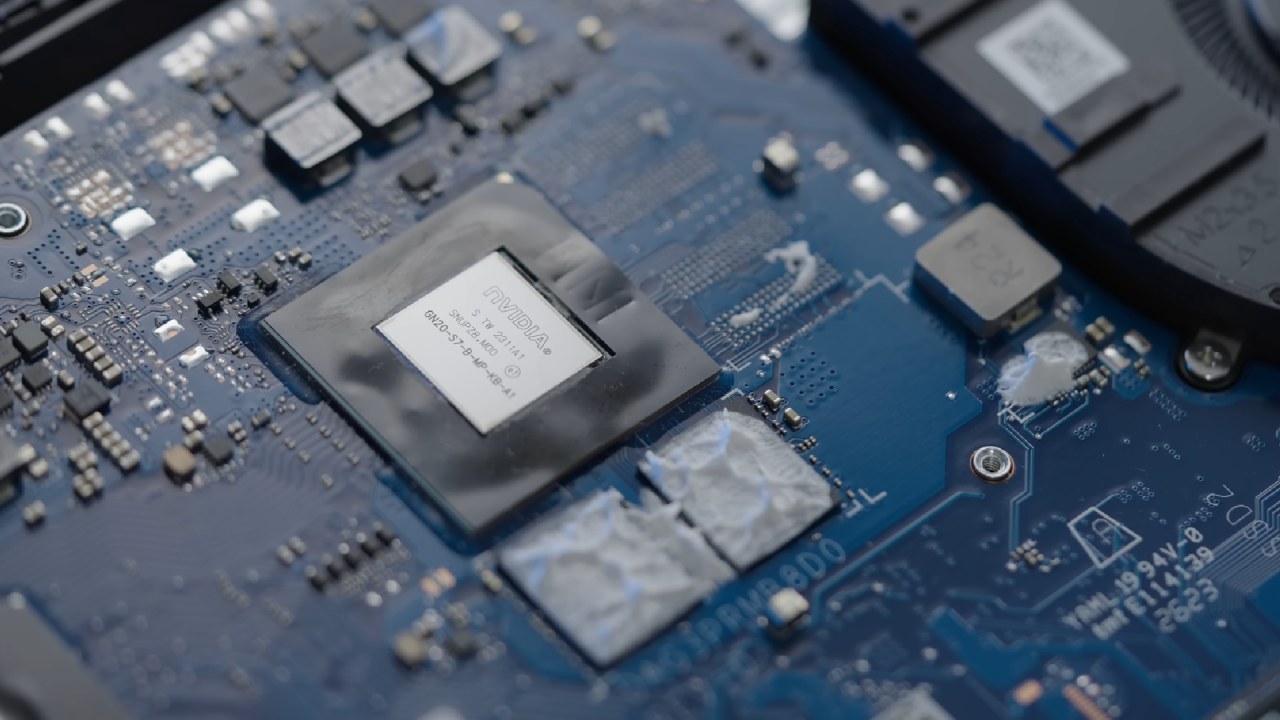
Testing on New Hardware
RTX 2050 is available only in laptops and is the weakest RTX-branded GPU. It certainly requires a lot of upscaling to play contemporary games. NVIDIA has said, meanwhile, that DLSS4.5 slows down older RTX hardware. Testing began with an RTX 5050 to see how the new model performs.
When playing Cyberpunk at 1440p ultra settings, the RTX 5050 got mid-40s fps and used only a little CPU on a Ryzen 57600X. When the original Transformer model was put into performance mode, the frame rate increased significantly while visual quality remained high. The fence details remained distinct, and there was only a little flickering, which also occurs at native resolution.
To switch to the new DLSS presets, you had to make adjustments at the driver level and restart the game. PresetM slowed the game by about 6 fps, and presetL by about 10 fps. PresetM appeared a little sharper and had greater control over light flicker. PresetL improved low-level detail significantly, though it still struggled with fence smearing. Even though the visuals got better, both presets made the performance noticeably worse.
Going to the RTX 2050 laptop
The test then moved to an HP Victus laptop with an RTX 2050 and a Ryzen 57535HS. We wanted to check whether DLSS 4.5 could make 1440p extreme gameplay playable.
When all upscaling was disabled, performance was quite poor, and the 4GB of VRAM quickly reached its limit. Even with balanced DLSS, performance didn't improve because memory utilization remained at its highest level. After forcing DLSS presets through the drivers, preset A at Ultra Performance gave me about 34 fps. The game became playable, but the picture quality was bad.
When I switched to presetJ, the original Transformer model, the graphics improved, and performance was adequate. It didn't appear sharp, but it was a big step up from FSR2 performance mode.
Comparisons of benchmarks
When I ran Cyberpunk at native 1440p with reproducible benchmarks, I got about 10 fps, which was more than I expected from the RTX 2050. Turning on the CNN model at ultra performance increased the frame rate significantly. The original Transformer model had better visuals and a small speed bump.
But when I switched to the new DLSS defaults, my performance dropped a lot. PresetM cut the frame rate by almost half. PresetL worked the same way as presetM, staying about 24 fps. At this moment, presetL at ultra performance was the same as the OG Transformer model running in balanced mode, which had a greater resolution.
RTX 2050 struggled with the latest DLSS models, mostly because it didn't have enough VRAM.
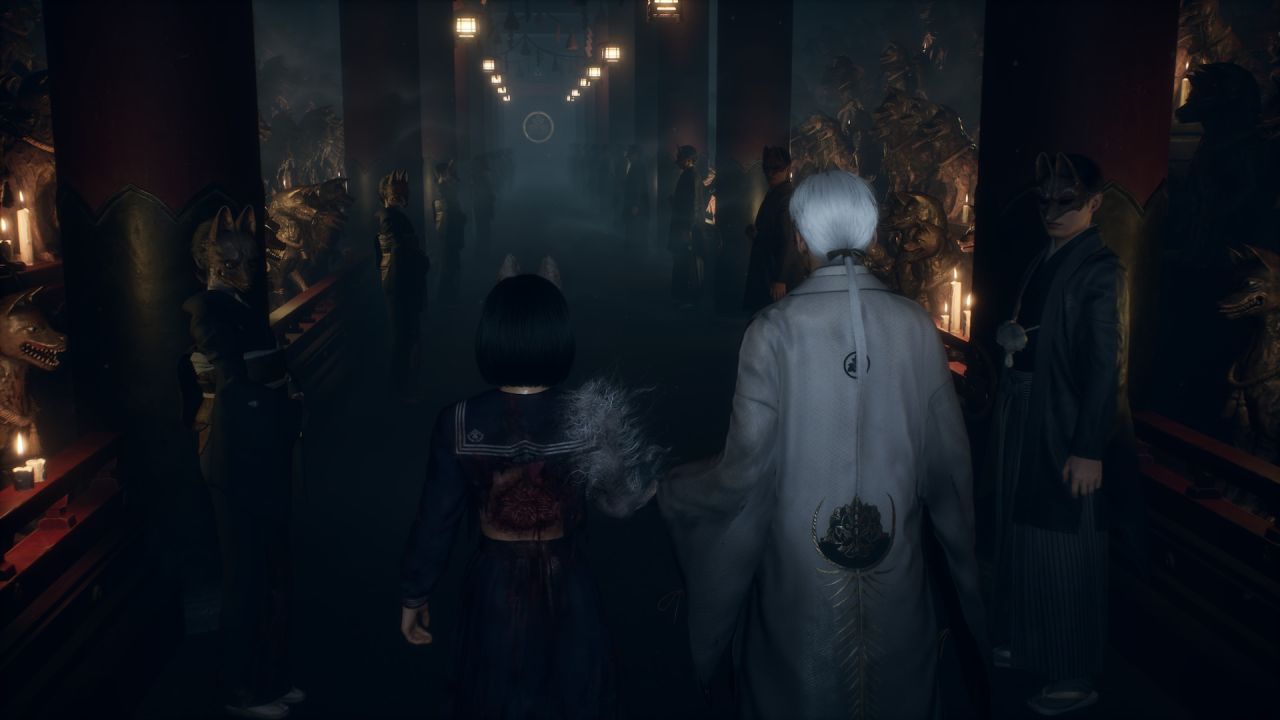
Testing Silent Hill 2
Silent Hill 2 was run at 1440p with all the levels turned up high to test how well Unreal Engine 5 would work. Without upscaling, the game looked fuzzy and muddy. Turning on DLSS made things run faster, but it didn't fix any visible problems. The game felt smoother at the ultra performance level, but the movement quality remained poor.
The FSR1 performance mode made the graphics seem really bad. When we tested near fences, we found that typical in-game DLSS only gave us about 30 fps, and the frame rate dropped significantly due to VRAM constraints. It took several restarts to use presetM. When it was running at about 14 fps, it seemed sharper. Silent Hill 2 was too unstable on the RTX 2050 to run a meaningful DLSS 4.5 test.
Final Thoughts
The updated DLSS model works better with newer RTX hardware. Older GPUs, like the RTX 2050, have significant performance and VRAM issues. DLSS4.5 can make graphics look better, but it slows down the frame rate too much for low-end RTX cards.
NVIDIA's assertion that DLSS 4.5 benefits newer hardware appears to be correct. For anyone with older RTX GPUs, the original Transformer model is still the best choice for both performance and image quality.
Also, check our other NVIDIA articles below:
- NVIDIA GeForce RTX 5080 Review (2025): Still A 4K Gaming Powerhouse?
- NVIDIA RTX 5070 Review: Mid-Range Muscle or Marketing Hype?
- RTX 5070 Ti Review: Performance, Thermals & Power Efficiency Tested
- ASUS GeForce RTX 5090 LC Liquid Cooled GPU Review: Unmatched Silence & Speed
- MSI GeForce RTX 5090 32GB SUPRIM SOC Review: Power Efficiency, Cooling, and Gaming Performance
- INNO3D RTX 5060 Ti 16 GB X2 Review: Gaming Benchmarks, Temps, and Power Efficiency
- HP Omen 45L Review: RTX 5090 Performance, Thermals, and Value Analysis
- ASUS TUF Gaming GeForce RTX 5060 Ti Review: DLSS 4, Power Efficiency, and Gaming
- ASUS Prime RTX 5060 Ti OC 16GB Review: DLSS 4, Ray Tracing, & Thermals Tested
- NVIDIA GeForce RTX 5060 Review: Specs, Gaming, and Cost per Frame
- MSI GeForce RTX 5090 GAMING TRIO OC Review: A Monster Power GPU
Editor, NoobFeed
Latest Articles
No Data.