
UE5 Upscaling Issues: DLSS vs PSSR and Legacy Denoisers
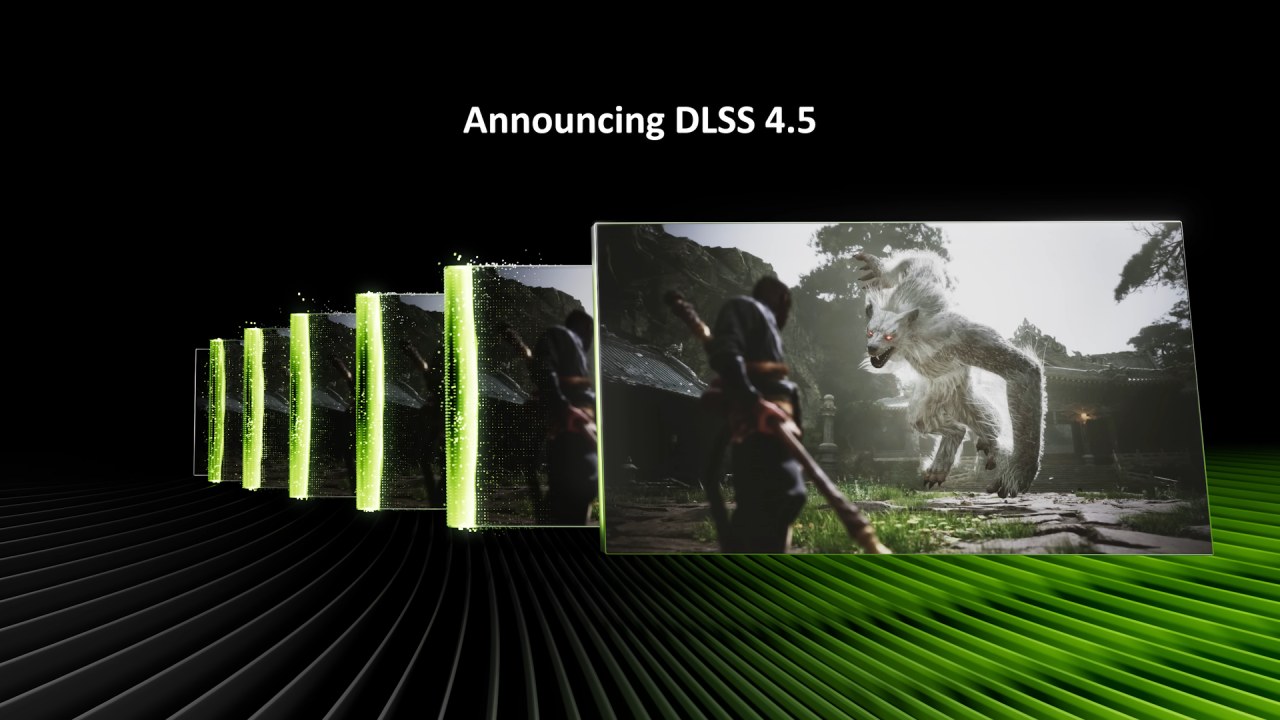
Modern upscalers like DLSS 4.5 can outperform legacy engine denoisers when properly configured in Unreal Engine 5.
Hardware by Tanvir Kabbo on Feb 15, 2026
Recent findings in Unreal Engine 5 (UE5) indicate that the noiser toggle in UE5D can have a substantial impact on upscalers, even beyond DLSS. DLSS 4.5 delivers amazing results when the in-game denoiser is turned off. However, this may also occur with other upscalers, such as TSR, PSSR, and Axis.
It looks like the main problem is how older games handle denoising and how newer upscaling solutions interact with them. When the in-game denoiser is disabled and control is handed over to DLSS, the results are often better than native quality. This suggests that contemporary upscalers can outperform older engine-specific denoisers in some cases.
Legacy Upscaling Challenges
The issue arises from developers creating denoisers with a narrow focus. For instance, when Epic adds reflection denoisers, it usually only considers TSR and doesn't consider how well they work with third-party upscalers like PSSR or XeSS.
Because of this, other upscalers may struggle to keep reflections and other visual effects clear. How efficiently an upscaler handles these engine-specific denoising limits determines how well it works. In real life, DLSS's higher-end models, like the L or Ultra variants, tend to give the most consistent results.
Impact on PSSR and other engines
PSSR has long had problems with reflections and denoising, which can sometimes lead to visual abnormalities, such as flashing. Some of these problems have been fixed in new versions of PSSR, as evidenced in games like Jedi Survivor. However, compatibility is still not 100%.
Even though PSSR has several problems, developers often use it anyhow because it's hard to get the same visual quality with other methods. Because PSSR is so complicated and the engine's default denoising methods are so bad, there are times when turning off the engine's denoiser completely could make a big difference.
DLSS as a Superior Denoiser
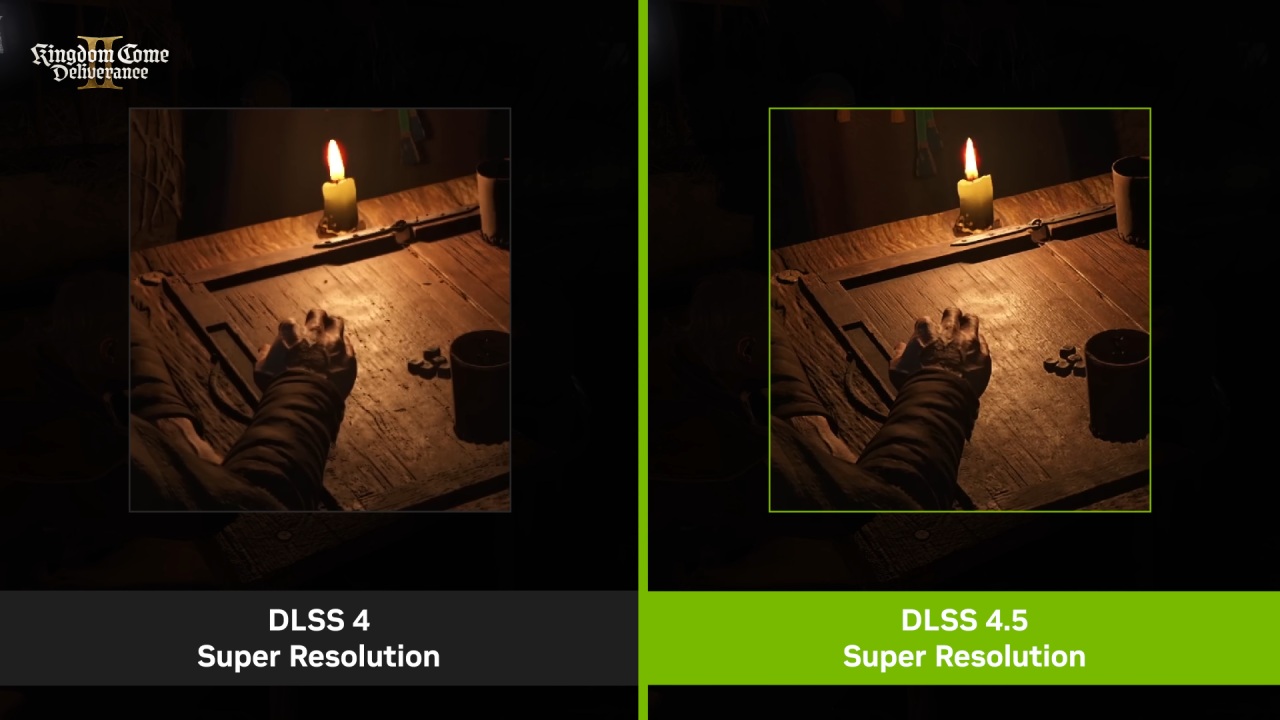
When set up correctly, DLSS can perform better than older denoisers, according to observations. Reflections and other post-processing effects typically look sharper and more coherent when you turn off the in-game denoisers and let DLSS handle denoising.
In real life, this means adding a simple command to an engine. Using an ini file or a similar configuration file can make a big difference. For instance, if you set reflection temporal denoising to 0, DLSS 4.5 can better handle the output, making the images look cleaner.
Configurability and Future Considerations
The most important thing to remember is that it's crucial to be able to change the backend. For users, enabling DLSS and disabling the engine's built-in denoiser is a simple way to improve graphics quality. It will be very important for developers to make sure that upscalers like DLSS, TSR, or future versions of PSSR work well with older content.
Some people say that PSSR 2 might address some of these long-standing problems, making it easier to integrate and improving the overall quality of the visuals.
Final Thoughts
In short, the problems with the UE5D noiser toggle indicate that upscalers have greater compatibility issues. DLSS 4.5 does a great job of handling legacy denoising; other upscalers like TSR and PSSR might require more setup or future updates to achieve the same results.
Users may already be using these insights to change engine settings, and developers are still working to ensure that both old and new games work well with them.
Also, check our other hardware articles:
- AMD Ryzen 9 9950X3D Review: Setting The Standard For 2025 Gaming CPU
- Amazon Luna 2025 Review: Is Prime Gaming's Cloud Service Your Go-To For Casual Fun?
- AMD RX 9070 XT Review: AMD's RDNA 4 Champion for 1440p Gaming
- GeForce Now Ultimate: Ditching Your Gaming PC For Cloud RTX 4080 Power?
- NVIDIA GeForce RTX 5080 Review (2025): Still A 4K Gaming Powerhouse?
- Intel Core Ultra 9 285K Review And Performance Breakdown (2025)
- AMD Ryzen 7 9800X3D Review: 3D V-Cache Goes God Mode with Stunning Gaming Performance
- Intel Core Ultra 9 285K vs AMD Ryzen 7 9800X3D: In-Depth Gaming Performance and Benchmark Comparison
- NVIDIA GeForce RTX 5080 Super Performance In Cyberpunk 2077: Path Tracing & DLSS 4.0 Tested
- AMD Radeon RX 9070 XT In Cyberpunk 2077: Ray Tracing & FSR 4.0 Tested
- Intel Arc B580 Review: The $250 GPU Revolutionizing 1440p Gaming
- Intel Arc B570 Vs. B580: Value, Specs, And Real-World Gaming Performance
- RTX 5090 Laptop Vs. M4 Max MacBook Pro: Ultimate Raw Performance Vs. Battery Endurance
- Intel Arc b580 Vs. RTX 4060: Game Performance And Value Analysis
- RTX5090 Hell Is Us Demo 4K Ultra Benchmark: DLSS Vs. Native Performance Guide
- NVIDIA RTX 5070 Review: Mid-Range Muscle or Marketing Hype?
- Nintendo Switch 2 Review: Handheld Performance, Features & Value Breakdown
- RTX 5070 Ti Review: Performance, Thermals & Power Efficiency Tested
- Samsung Odyssey OLED G81SF Review 2025: Ultimate 32-Inch QD-OLED Gaming Monitor
- AMD RX 9070 Performance Review: Thermals, Clocks, and Real-World FPS
- AMD Ryzen 5 7600 Review: Best Budget Gaming CPU of 2025?
- AMD Radeon RX 7800 XT Review: RDNA 3 Power For Midrange Gaming
- Asus ROG RTX 5090 Astral OC Vs. Founders Edition: The 4K Gaming Benchmark
Senior Editor, NoobFeed
Latest Articles
No Data.