
Affordable High-Performance PC Builds in a Volatile Market
High-end GPUs and DDR5 memory costs continue to disrupt traditional expectations around affordable performance-focused PC builds.
Hardware by Tanvir Kabbo on Nov 12, 2026
You can still build a cheap, mainstream PC, but keep a few important things in mind. To get a high-performance configuration, especially if you want something like a 9800X3D with a 4090, you need to prepare carefully.
High-end parts like the 4090 are huge, run hot, and make it harder to build smaller systems. The idea is often to have a second system that is portable enough to move around, handle capture tasks, and still deliver the best gaming experience possible.
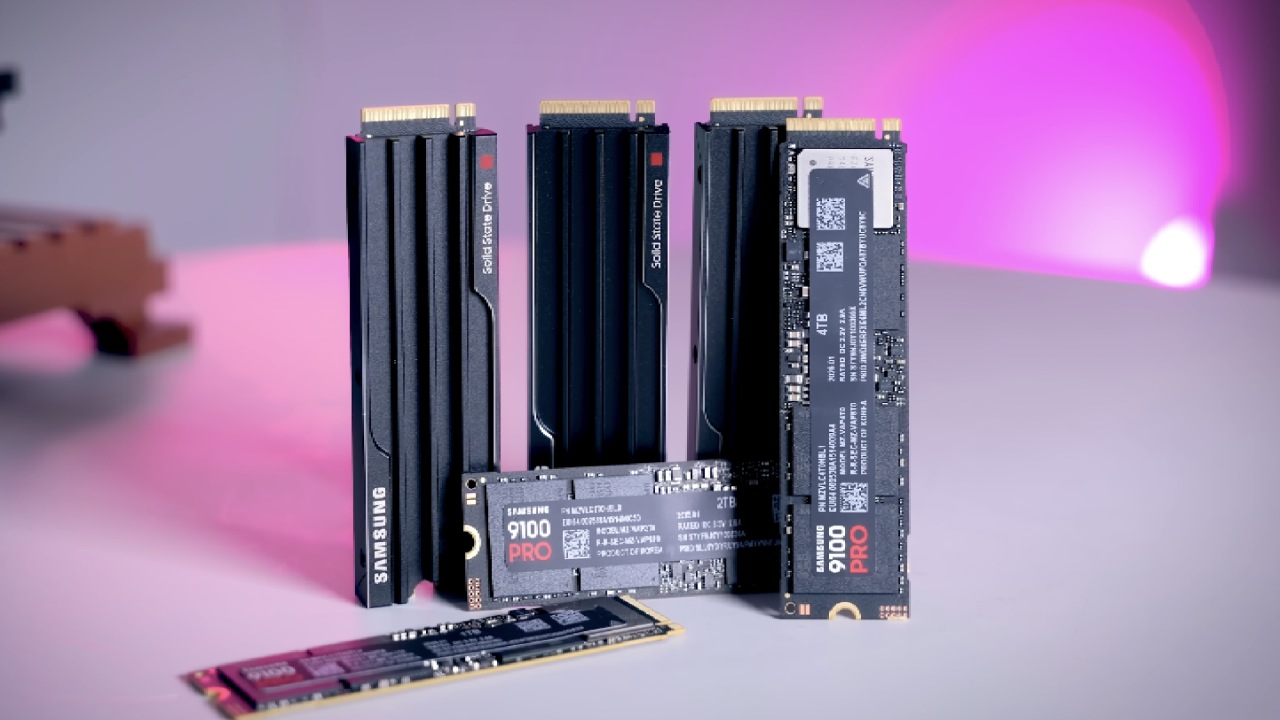
When putting together a high-end system, size and shape matter. The 4090 Founders Edition is huge, and because it runs so hot, it limits how small your PC can be. A tiny tower might work, but you'll need a case that fits your GPU and lets air flow through it. MicroATX might be a better choice than miniITX because the latter might not handle such a powerful GPU.
Another important issue is memory. Some people think that 16GB of DDR5 is enough, while others think that 32GB is better. 16GB is ample for most situations, but it's hard to get, and Ryzen boards are only stable at lower speeds when you use four sticks.
If you play games that employ a lot of VRAM or ray tracing, you usually need more system memory than GPU VRAM. But for 1080p gaming without maxing out all the settings, 16GB might be enough. You can always upgrade later when memory is cheaper.
Things to think about in this case
Finding a case that is both portable and compatible is quite important. For example, Fractal offers small, high-quality cases like the Terra that can fit a 4090 FE. The tight fit doesn't impede airflow, which can make it hard to build a tiny, high-end PC that looks beautiful.
Looking at how others have built in similar situations can help you learn and reduce risk.
Mainstream and Entry-Level Builds
For more common designs, DDR4 memory is still a good way to save money, even though it limits future upgrades. Intel makes entry-level GPUs that are good enough for competitive shooters, MOBAs, and extraction-style games. They work well and cost less.
A budget build costs about $670 and includes an Intel GPU. Entry-level motherboards and CPUs, like the Intel 12400F, support PCIe 4.0, which is important for newer GPUs like the 5060.
DDR5 kits are getting more and more expensive, but DDR4 kits are still affordable at about $100 for 16GB. Pre-built computers can also be a better deal than building your own, especially when vendors are reducing inventory or running fire sales. They come with a warranty and make it easier to find the parts you need.
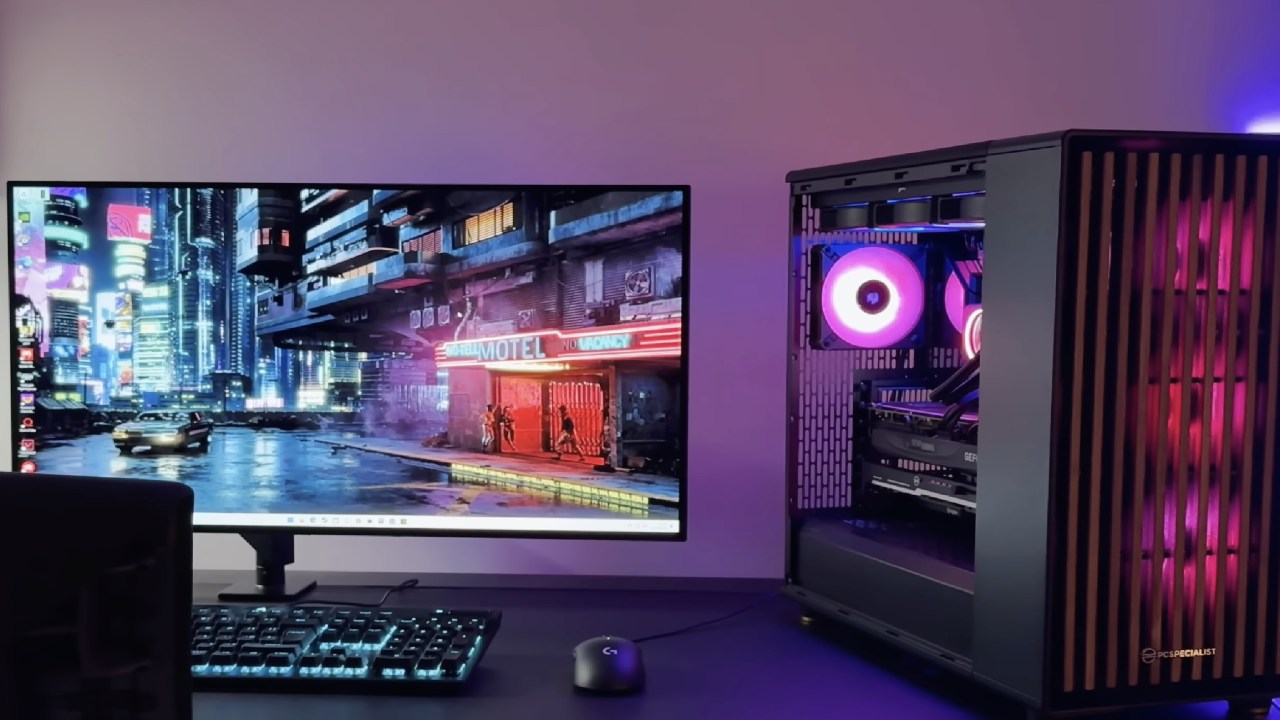
Pre-Built vs. DIY
In unstable markets, pre-built homes are often more cost-effective and reliable. DIY projects provide you more freedom and the joy of making your own system, but they also come with risks like parts not being available, prices being different, and warranties being different.
Keeping an eye on pre-built bargains can be a smart way to get high-end parts for less, especially when DDR5 memory or GPUs are hard to come by.
Trends in the memory and GPU markets
The RAM and GPU market is still hard to navigate. DDR5 prices remain high, with 32GB kits costing roughly $320 and specialist kits costing considerably more. Because they are hard to find, GPU costs, especially for the 4090 and 5090 series, are sometimes more than the manufacturer's suggested retail price (MSRP).
If the system will be used for more than just gaming, you might want to look into pre-built systems or slightly older GPUs. They might provide you a better price-to-performance ratio.
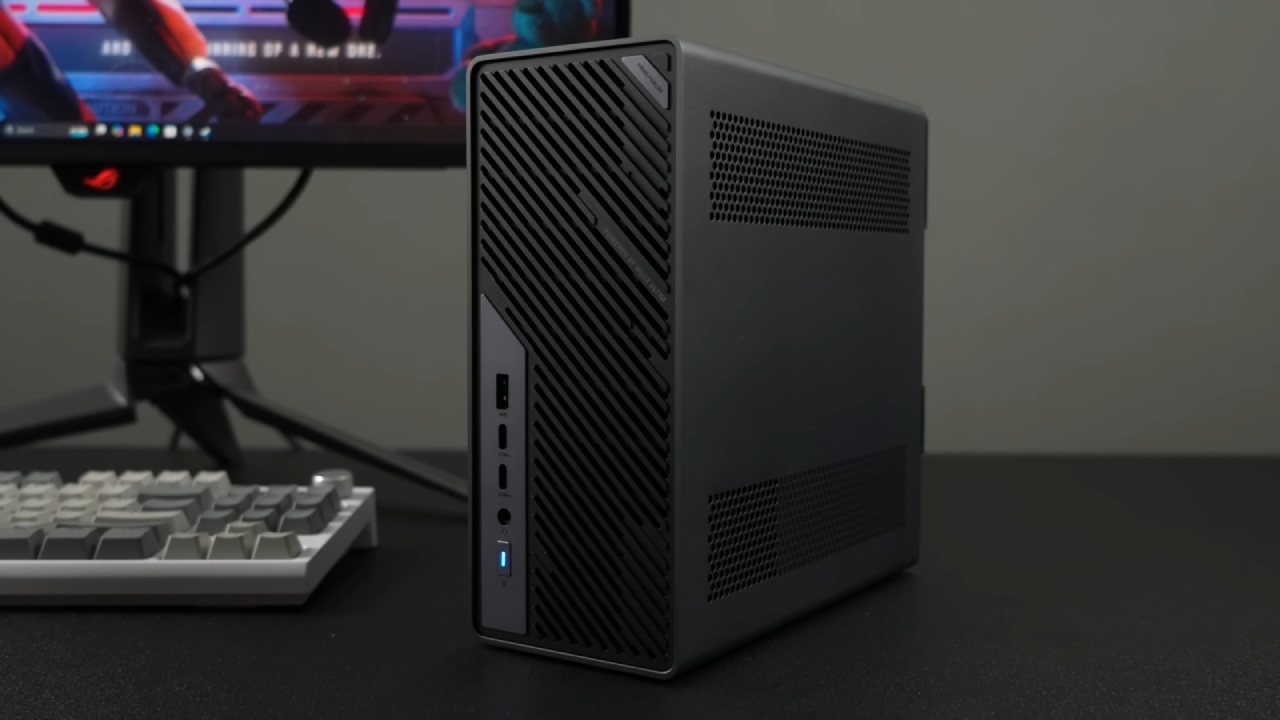
Legacy Options and Worth
Even if driver support may limit their long-term usefulness, older GPUs like the Radeon 7 or R9 Fury X can still be used for video editing or workstation tasks.
Refurbished desktops with an i7-8700 processor and 16GB of DDR4 RAM can also deliver performance close to a Ryzen 3600 at a much lower price. This makes them a good choice for testing or secondary computers.
Final Thoughts
Building or buying a high-performance PC is hard right now because parts are scarce, prices are changing, and RAM is hard to find. To avoid overpaying, carefully consider the form factor, memory, and GPU options, as well as pre-built systems. Finding the right mix of mobility, performance, and cost takes time, research, and sometimes giving up on looks or future upgrade options.
FAQ
Q. Is 16GB of RAM enough for a budget gaming PC?
A. Yes. 16GB of RAM can be sufficient for 1080p gaming with moderate graphics settings. However, 32GB is a better option for demanding modern games, multitasking, and additional headroom.
Q. Why is MicroATX a better choice than Mini-ITX for some high-end builds?
A. MicroATX cases generally offer more room for large graphics cards, improved component clearance, and easier airflow management. This makes them more practical for systems using power-hungry GPUs like the RTX 4090.
Q. Is a pre-built gaming PC worth buying during hardware shortages?
A. Yes. Pre-built systems can offer better value when individual components are expensive or difficult to find. They also include system warranties and eliminate some of the compatibility concerns associated with DIY builds.
Q. Are older graphics cards still useful for secondary PCs?
A. Yes. Older GPUs like the Radeon VII and R9 Fury X can still handle certain workstation and video editing tasks. However, consider driver support, software compatibility, and performance limitations.
Senior Editor, NoobFeed
Gaming Hardware Updates
No Data.