
AMD Radeon RX 9060 XT Red Dead Redemption 2 Performance Optimisation
RX 9060 XT performance in Red Dead Redemption 2 is demonstrated through optimised settings, delivering higher stability and improved frame rates
Hardware by Nahe Yan on Nov 27, 2025
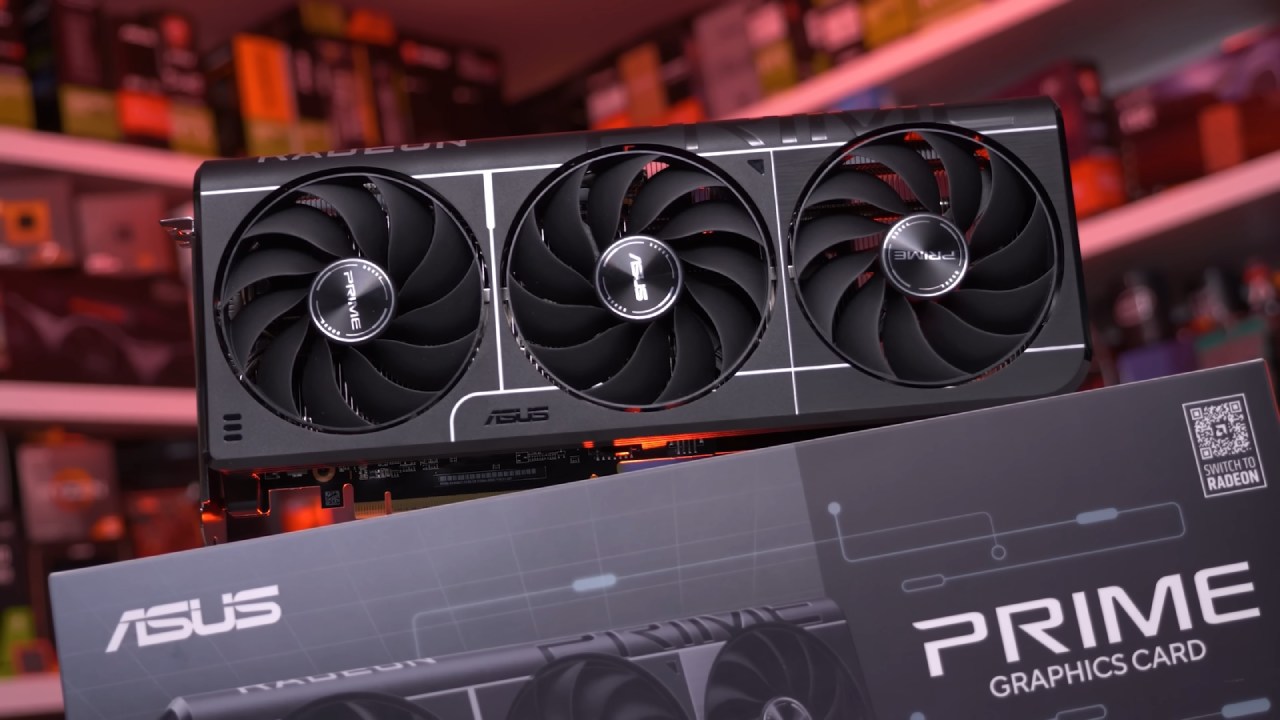
We are going to run it with the latest AMD drivers, and we are not manually overclocking it. We can see all of its specs right here in TechPowerUp's GPU-Z.
On the left, it is paired with a Ryzen 7 9800X3D and 32GB of RAM, but users can achieve the same FPS with much weaker CPUs since Red Dead 2 is not very CPU-intensive.
Maximum Settings Behaviour at 1080p
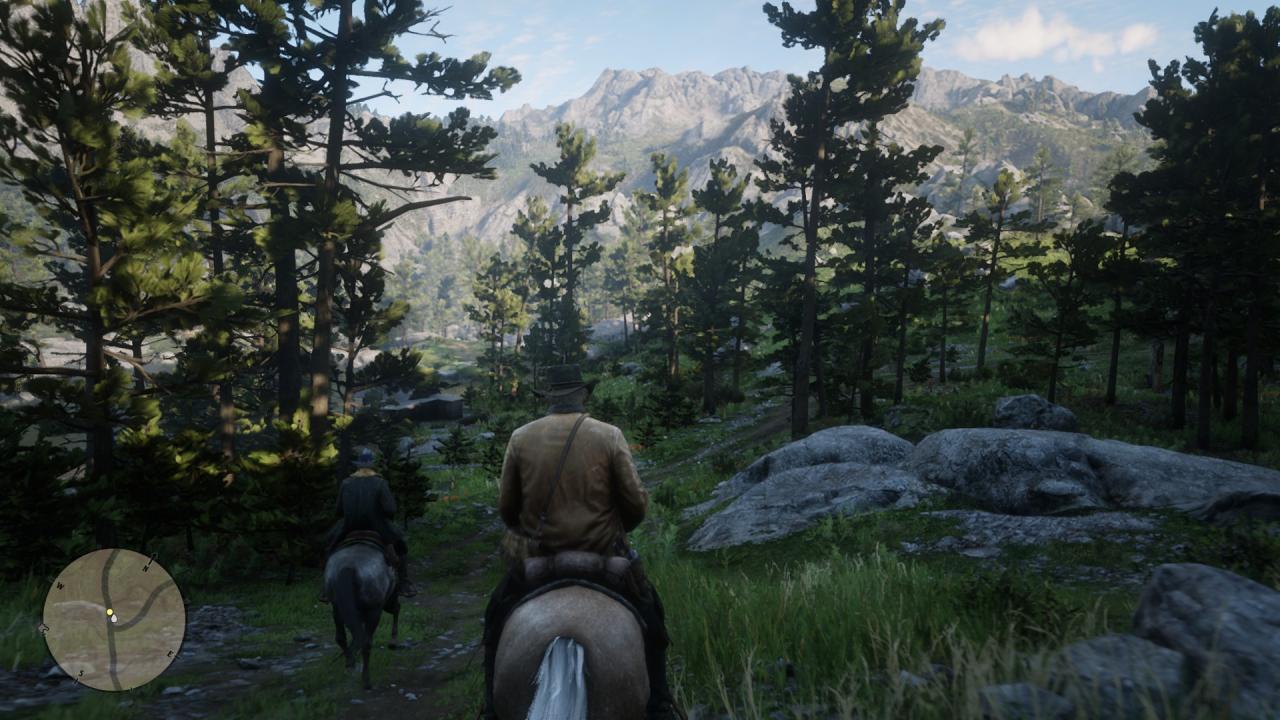
We start by going through the settings. We are playing at 1080p resolution and will also test at 1440p and 4K. We use the maximum settings in the game, aside from MSAA, because that kills performance. Everything else, including tree tessellation, is maxed out.
This shows that users should not max out Red Dead Redemption 2 on a 9060 XT. In fact, even most GPUs aside from something like a 4080 and up will struggle. Otherwise, performance becomes unstable, especially around water, where FPS can drop into the 50s because of water physics. Visuals look good, but performance becomes inconsistent.
Optimised Settings for Stability and Higher FPS
Using Benchmark King's optimised settings changes the experience. These settings adjust some options from ultra to high or medium while keeping visuals close to maximum.
Previously, we dropped to around 53–54 fps at this location, and now we're reaching around 140 fps. The gain is substantial. Visual quality remains around 95% of maximum settings while FPS can triple.
These are the settings we would utilise with a 9060 XT and even with higher-end GPUs. If DLSS4 were available, maybe max settings at 4K with DLSS quality could work, but Red Dead Redemption 2 does not support FSR4; it only supports FSR2. Third-party methods exist, but we do not test those.
In-Game Behaviour and GPU Thermals
While riding around, the game remains stable. The GPU temperature stays below 40°C because this XFX model features a powerful cooler and an aggressive fan curve. Even the default curve keeps temps below 50°C. It is audible, but thermals remain controlled.
Everything runs smoothly around towns like Strawberry, even though they are demanding due to rivers and NPC density. With optimised settings, 1080p delivers around 110 fps at 1% lows with no stutter.
Performance at 1440p
At 1440p resolution, Red Dead Redemption 2 continues to perform well. We remain above 100 fps in many areas with the same optimised settings. The only drawback is that TAA looks soft. Disabling TAA causes pixelation, and MSAA severely lowers FPS.
Native DLAA looks much better on RTX GPUs, but AMD GPUs cannot use that. We hope AMD adds a way to force newer FSR versions into older games. Still, performance and visuals remain solid. Strawberry causes slight dips below 100 fps, but overall, it is a high-refresh-rate experience.
Users with a 9060 XT 16GB should consider upgrading to a 1440p monitor, especially with current deals. The 8GB model, however, is better suited for 1080p.
4K Performance and Visual Stability
At 4K, the game required a quick restart due to a menu bug, but afterwards, visuals remained sharp even with TAA. We see 50–60fps at native 4K. This GPU is not a dedicated 4K card, but Red Dead 2 is older and still demanding, while looking better than many newer titles.
Improving 4K with FSR2
Enabling FSR2 in quality mode boosts performance to around 60–70 fps. It does not increase FPS dramatically, but at 4K, FSR2 artefacts are less noticeable, making it a viable option.
Occasional micro stutters may appear in the frame time graph, but with the graph hidden, users likely would not notice them. This is a usable 4K option for those who value resolution over maximum FPS.

Final Thoughts
Most scenarios run at 50–60 fps at native 4K and 60–70 fps with FSR2 quality. This works for a third-person single-player game. Users who prefer resolution can stay at 4K, while those who want smooth performance should run 1440p. RX960 XT performs well with Red Dead Redemption 2 at optimised settings.
Also, check our other AMD articles below:
- AMD Ryzen 9 9950X3D Review: Setting The Standard For 2025 Gaming CPU
- AMD Ryzen 7 9800X3D Review: 3D V-Cache Goes God Mode with Stunning Gaming Performance
- AMD RX 9070 Performance Review: Thermals, Clocks, and Real-World FPS
- AMD Ryzen 5 7600 Review: Best Budget Gaming CPU of 2025?
- AMD Radeon RX 7800 XT Review: RDNA 3 Power For Midrange Gaming
- Sapphire NITRO+ AMD Radeon RX 9070 XT Review: The Ultimate 4K Gaming GPU
- AMD Ryzen 7 7800X3D: Delivers Gaming Performance Far Beyond Expectations
- AMD Ryzen 9 7900X Review: Powering the AM5 Era with DDR5 & PCIe 5.0
- Intel Core i9‑14900K vs. AMD Ryzen 7 7800X3D: Power Profiles & Gaming Benchmarks
Editor, NoobFeed
Gaming Hardware Updates
No Data.