
AMD Ryzen 7 9850X3D Benchmarks: Is It Worth Upgrading from the 9800X3D?
Cinebench and Blender benchmarks showing how the 9850X3D performs in single-threaded and multi-threaded workloads.
Hardware by Mitsuba Miyu on Feb 10, 2026
After taking a short break from making videos, we start the new year by taking a close look at the Ryzen 7 9850X3D, a brand-new consumer CPU from AMD. As a slightly faster version of the already well-known Ryzen 7 9800X3D, this chip is meant to be the best gaming CPU on the market right now.
The specs look almost the same on paper. The number of cores and threads on both CPUs is the same, as are their TDPs, cache sizes, and base clock speeds. The only real difference is how the boost works. The Ryzen 7 9850X3D can reach up to 5.6GHz, while the Ryzen 7 9800X3D can only reach up to 5.2GHz.
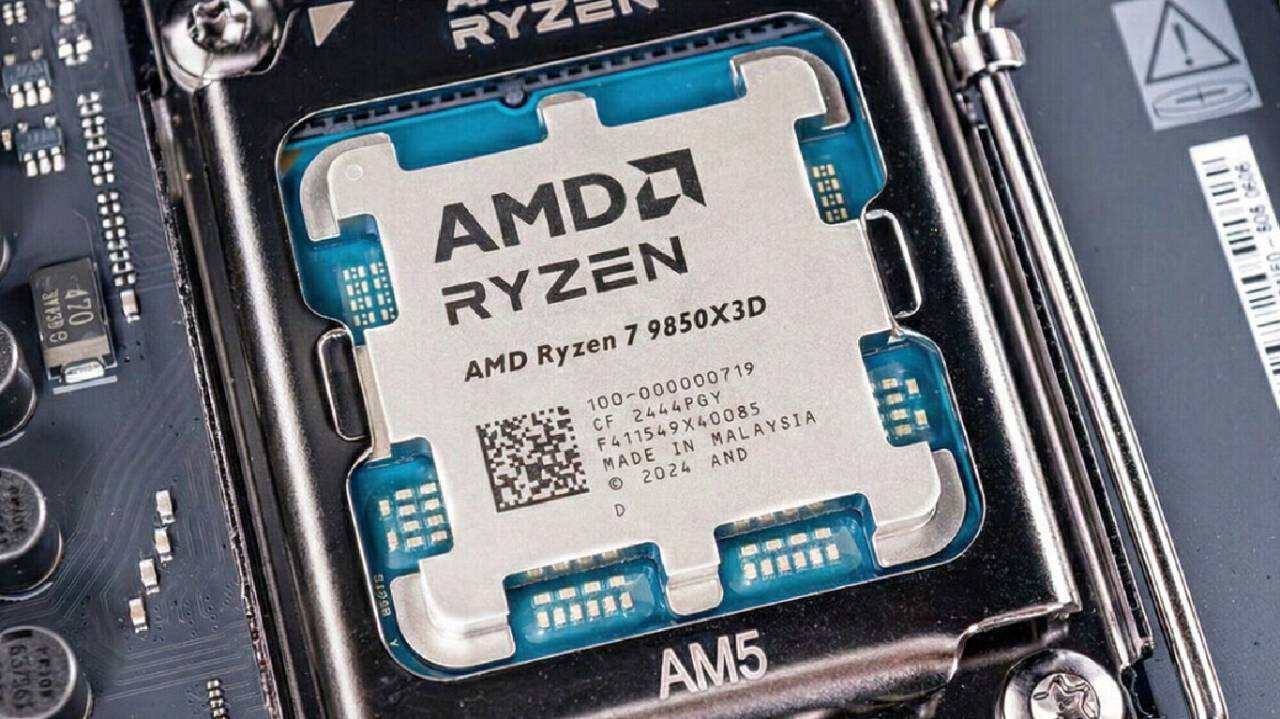
The goal of testing games is to see how much of a difference this higher boost clock really makes in the real world, both in productivity tests and a wide range of current games. They will also compare AMD's newest X3D processor to Intel's fastest gaming processor.
Test Methodology Overview
The standard data used here is all brand new. To ensure accuracy and uniformity, each CPU was tested repeatedly. For people who want to look more closely at the setup, separate files with more detailed system specs and testing settings are available. It's more important to compare how each engine works with the others than to focus on the raw test conditions.
Synthetic and Productivity Benchmarks
The Ryzen 7 9850X3D clearly performs better in Cinebench when running single-threaded tasks, as expected, thanks to its higher boost clock. When jobs with many threads that put heavy stress on the CPU are run, the difference between the two AMD chips stays small. The Cinebench results show a 2% edge, while a short Blender render finishes about 3 seconds faster, which equals a 3% advantage. That gap increases by about 10 seconds as Blender renders for longer.
For these kinds of tasks, processors with more cores, like Intel's Core Ultra 9 285K or the Ryzen 9 9950X3D, make more sense because they are faster overall. The Ryzen 7 9850X3D is clearly designed for people who value gaming speed over heavy workloads.
Performance in Different Games
Now that work is done, the main focus is on how well you play games. Fifty games were tried at both 1080p and 1440p to show situations where the CPU was limited and situations where the GPU was limited.
The Ryzen 7 9850X3D still manages a 3% performance boost at 1080p in Assassin's Creed Shadows, even though the game is highly GPU-limited on ultra settings with ray tracing turned on. Performance at higher resolutions stays the same. Still, it has a few more frames than Intel's Core Ultra 9 285K.
In the same way, Arc Raiders shows a gain of about 3% at 1080p and no change at all at 1440p. Even though the GPU has its limits, Intel's processor is much slower when using the same graphics card.
Some games do look better at 1440p as well. Along with 1080p, the Ryzen 7 9850X3D makes Marvel Rivals run about 4% faster. At 1440p, it runs about 2% faster. There are about 6% more frames in Microsoft Flight Simulator at 1080p and about 2% more at 1440p. The biggest changes can be seen in Hogwarts Legacy, where performance increases by almost 9% at both settings, and in Outriders, where it increases by just over 10% on average. These results show that in some games, the faster clock speed can make a big difference.
On the other hand, many games don't help much or at all. Even though both Ryzen CPUs are far ahead of Intel in this game, Anno 117 doesn't show any real progress. Black Myth and Kingdom Come: Deliverance 2 Wukong also don't show any gains, neither in average frame rates nor in 1% lows.
EVE Online was added to make the test set a fullgam es. Again, the Ryzen 7 9850X3D is slightly faster than the 9800X3D, but what's more interesting is how much faster AMD's CPUs are than Intel's. Both Ryzen CPUs easily beat the Core i9-285K.
Even now and then, Intel still has the upper hand. Borderlands 3 is still one of the few games where Intel is faster. Even though the Ryzen 7 9850X3D is a little better than the 9800X3D, Intel still has the upper hand in this area. But these cases are becoming less common.
Performance Summaries at 1080p and 1440p
It's easier to see the big picture when you look at a summary of results rather than individual game charts. If the GPU can keep up, the Ryzen 7 9850X3D can handle very high frame rates at 1080p. It fully uses the power of current 500Hz gaming monitors in competitive games like Counter-Strike and Rainbow Six Siege.
Limitations in games with lower average frame rates are usually linked to the GPU, as in Assassin's Creed: Shadows, or to the CPU, but they're not too big a deal, as in Microsoft Flight Simulator.
A few games are noticeably different when compared to the Ryzen 7 9800X3D. A lot of names either don't change at all or change so little that it's hard to tell. Most of the time, the Ryzen 7 9850X3D is about 2% faster at 1080p.
There is even less of a difference at 1440 p.m. The Ryzen 7 9850X3D is only 1.5% faster than the Ryzen 7 9800X3D across all games tested. This is because GPUs often have problems at higher resolutions.
Notes on 4K Gaming
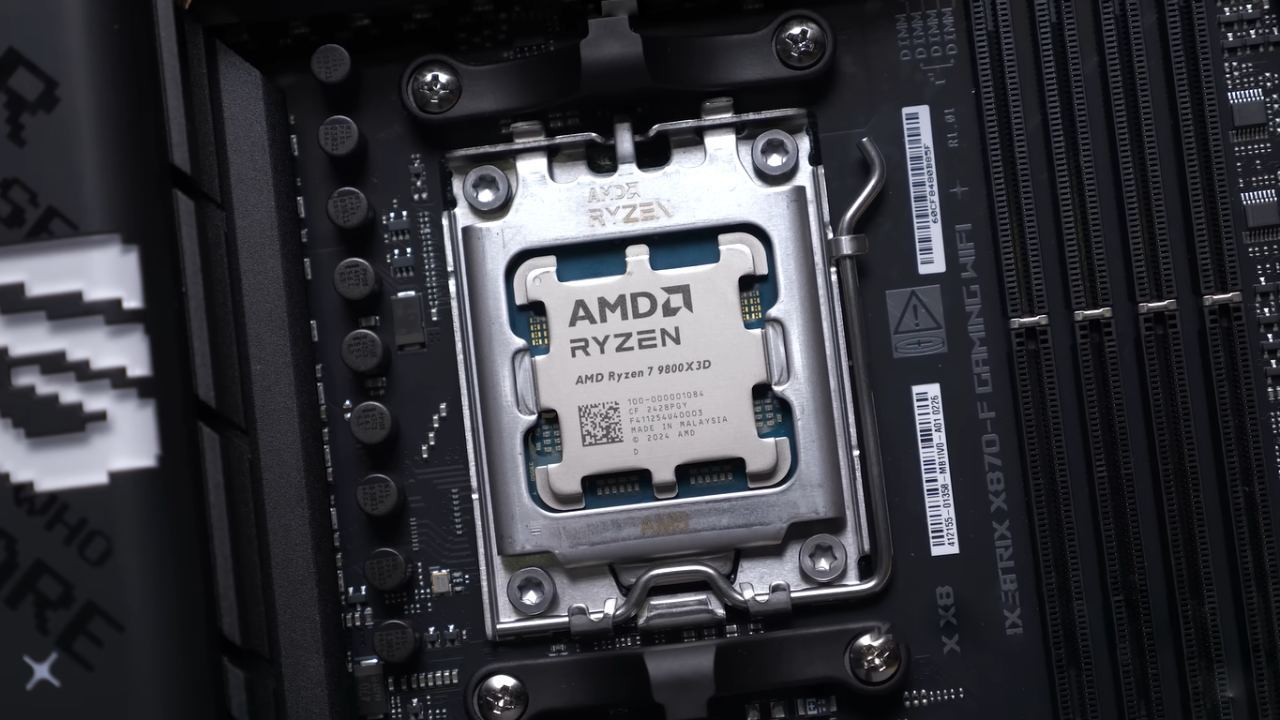
At 4K, most players use upscaling technologies. This means that differences in real-world speed depend heavily on the GPU, the games being played, and each person's settings.
The difference between these two CPUs is likely to be between 0% and 2%, so they can't really be told apart in most 4K gaming situations.
AMD Versus Intel Gaming Comparison
AMD's X3D processors continue to be the best for games when compared to Intel's Core Ultra 9 285K and the Ryzen 7 9850X3D. There are games where the speed difference is big enough that it might not matter much, but there are also games where it is small enough that it is hard to ignore.
These processors are usually a little to a lot faster than Intel's top-of-the-line gaming CPU, even at 1440p, where GPU limits are more common.
Power Consumption and Efficiency
The Ryzen 7 9850X3D is slightly more efficient than its predecessor in Blender, but it consumes slightly more power while gaming. The changes are very small, so it's likely that they are caused by differences in the silicon. Overall, the CPU is still pretty efficient, and a mid-range fan should be enough to keep it cool.
The AM5 technology is still known to be weak in idle and light-load power consumption. When not in use, AM5 systems use about 20W more power than a similarly high-end Intel-based system.
The 9850X3D and 9800X3D don't really vary in any way. This extra power use can lead to more heat and higher long-term energy costs, so consider this if you use your PC for work during the day rather than just playing games.
Final Thoughts
The Ryzen 7 9850X3D does exactly what its specs promise. It's basically a Ryzen 7 9800X3D with a slightly faster clock speed. Performance gains are usually between 0% and 5%, but they can sometimes reach close to 10%. Most of the time, the increase is closer to 2%. It doesn't really change the market, but it does make AMD even stronger in gaming performance.
It doesn't make sense to update if you already have a Ryzen 7 9800X3D. The price matters, whether you are upgrading from an older processor or building a brand-new system. When buying a CPU by itself, paying a small extra for a 2% gain may seem like too much, but when building a whole system, that difference isn't nearly as important.
In the end, both CPUs give you almost similar gaming experiences in real life. You won't be able to tell them apart while you're playing. With newer X3D processors on the way, the best thing to do right now is to check prices and choose based on your income and needs.
Also, check our other hardware articles:
- AMD Ryzen 9 9950X3D Review: Setting The Standard For 2025 Gaming CPU
- Amazon Luna 2025 Review: Is Prime Gaming's Cloud Service Your Go-To For Casual Fun?
- AMD RX 9070 XT Review: AMD's RDNA 4 Champion for 1440p Gaming
- GeForce Now Ultimate: Ditching Your Gaming PC For Cloud RTX 4080 Power?
- NVIDIA GeForce RTX 5080 Review (2025): Still A 4K Gaming Powerhouse?
- Intel Core Ultra 9 285K Review And Performance Breakdown (2025)
- AMD Ryzen 7 9800X3D Review: 3D V-Cache Goes God Mode with Stunning Gaming Performance
- Intel Core Ultra 9 285K vs AMD Ryzen 7 9800X3D: In-Depth Gaming Performance and Benchmark Comparison
- NVIDIA GeForce RTX 5080 Super Performance In Cyberpunk 2077: Path Tracing & DLSS 4.0 Tested
- AMD Radeon RX 9070 XT In Cyberpunk 2077: Ray Tracing & FSR 4.0 Tested
- Intel Arc B580 Review: The $250 GPU Revolutionizing 1440p Gaming
- Intel Arc B570 Vs. B580: Value, Specs, And Real-World Gaming Performance
- RTX 5090 Laptop Vs. M4 Max MacBook Pro: Ultimate Raw Performance Vs. Battery Endurance
- Intel Arc b580 Vs. RTX 4060: Game Performance And Value Analysis
- RTX5090 Hell Is Us Demo 4K Ultra Benchmark: DLSS Vs. Native Performance Guide
- NVIDIA RTX 5070 Review: Mid-Range Muscle or Marketing Hype?
- Nintendo Switch 2 Review: Handheld Performance, Features & Value Breakdown
- RTX 5070 Ti Review: Performance, Thermals & Power Efficiency Tested
- Samsung Odyssey OLED G81SF Review 2025: Ultimate 32-Inch QD-OLED Gaming Monitor
- AMD RX 9070 Performance Review: Thermals, Clocks, and Real-World FPS
- AMD Ryzen 5 7600 Review: Best Budget Gaming CPU of 2025?
- AMD Radeon RX 7800 XT Review: RDNA 3 Power For Midrange Gaming
- Asus ROG RTX 5090 Astral OC Vs. Founders Edition: The 4K Gaming Benchmark
Editor, NoobFeed
Gaming Hardware Updates
No Data.