
Best Intel CPUs for Gaming in 2026: Top Picks from Budget to High-End
Clear guidance on choosing the right Intel gaming CPU in 2026 based on budget and performance goals.
Hardware by Tanvir Kabbo on Feb 23, 2026
People often ask if it's worth purchasing Intel in 2026, especially because there is a lot of competition at all price points. Intel is still remarkably appealing for designs that are focused on gaming, especially in the entry-level and mid-range price ranges.
The LGA1700 platform is still a great value, mostly because it works with a wide range of memory and motherboards.
Why LGA1700 Still Makes Sense
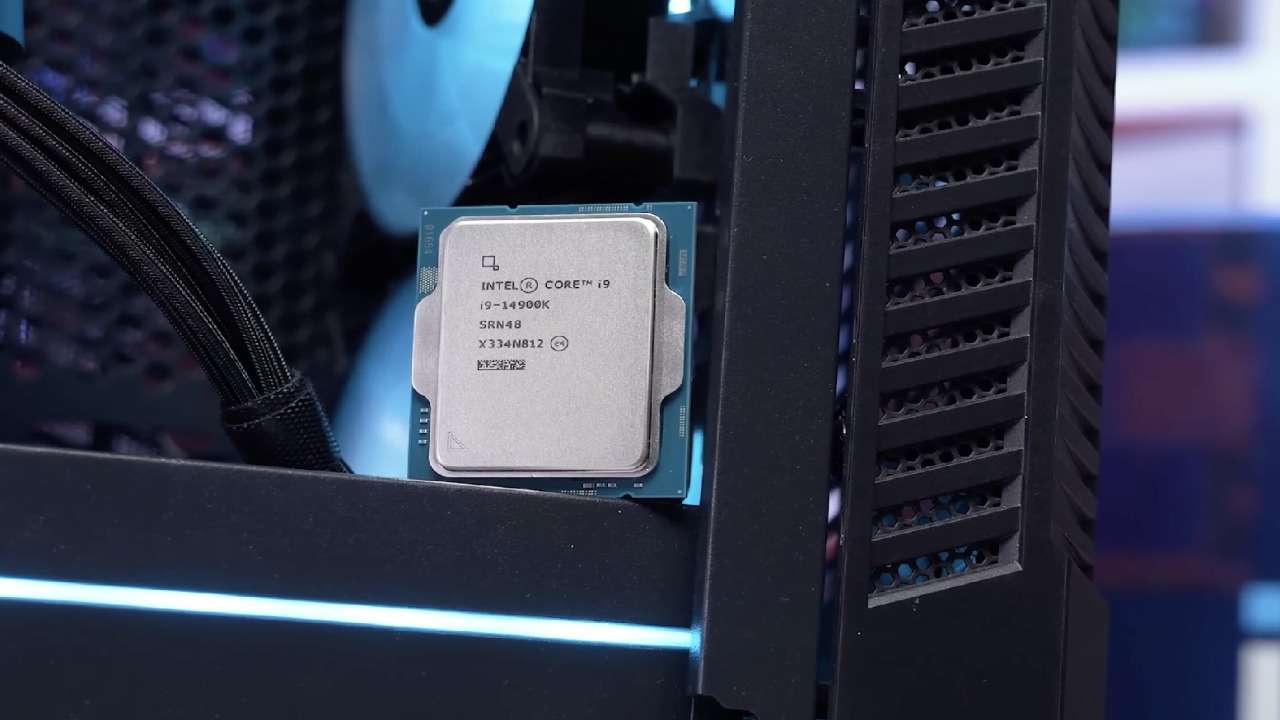
Right now, buying Intel is actually more worth it than buying AMD in the low and mid-range. The main reason is the older LGA1700 socket. Motherboards such as B760, H610, and Z790 still support both DDR4 and DDR5. DDR5 is, of course, faster, but it is not that much faster in gaming. With proper tuning, an i9 1400K can even surpass a stock DDR5 configuration.
The real advantage is DDR4. We are currently in a world shortage of DDR5. DDR4 is also in short supply, but there is much more circulating. You can still buy old kits brand new, find good used kits, or even adapt a laptop DDR4 with a $3 adapter. That flexibility gives you a huge cost advantage.
For entry to mid-range gaming builds, we recommend pairing a B760 motherboard with DDR4 support. A Z790 DDR4 board is also fine. Just make sure it is the DDR4 version.
Best Entry to Mid-Range Intel Gaming CPUs
If you care only about gaming, there are really two main options. On a B760 board, the i5 14400F is still one of the best value CPUs available. It has fewer cores than the 14600, but for gaming, that does not really matter. It is slightly slower in clock speed, but it still benefits from 14th-gen IPC improvements.
We recommend avoiding 13th-gen CPUs because some were affected by early issues, even though Intel later fixed them. You never know the history of a used chip. 12th gen is simply too slow in IPC unless you overclock it, and that requires a Z series motherboard and more expensive cooling. It makes more sense to buy a locked 14th-gen CPU.
Sometimes you may find a 14600K or 14700K very cheap on the used market. Those are also excellent choices. We would still aim around $150 even for an i7, since it is an older generation. For the i5 14400F, targeting around $100 is ideal. Some new units are still available, making it a very strong value option.
Myster Laptop-Adapted CPUs
There is another interesting option on LGA1700: adapted laptop CPUs, often called Myster CPUs. An example is the i7 13700HX. These chips can deliver excellent performance but require more effort to mount and configure. If you are comfortable working with unconventional hardware, they can be very powerful gaming solutions.
If you are able to get an unlocked CPU and a Z790 DDR4 motherboard, we suggest going for it. With overclocking and a slightly better cooler, you can achieve insane gaming performance, easily beating AM4 in many scenarios. We focus on AM4 here because it also uses DDR4, which is the sweet spot for budget gaming in 2026.
Moving to DDR5: Core Ultra 5 225F
If we move forward to DDR5, one CPU really stands out: the Core Ultra 5 225F. It is often available for under $150, which makes it extremely attractive. It outperforms the 14400F and features the new Core Ultra architecture. It is very efficient and can be cooled even with a basic cooler.
With about 10 minutes of tuning, even on a budget PSU and B860 motherboard, you can unlock impressive performance. In a normal market situation, pairing it with a Z890 or even certain unlocked B860 boards from AliExpress would allow more aggressive tuning. With the right configuration, it can even beat some AM4 X3D CPUs in gaming.
It does not beat AM5 X3D CPUs. A 7800X3D or 1700X3D will outperform it by a clear margin. However, you still get better power efficiency and a modern Intel platform, which some of you may prefer.
Where AMD Takes Over
Once you move into the mid to high range, AMD becomes very hard to beat. The 7800X3D is incredibly strong for gaming. The 1900X3D is basically unbeatable in most scenarios. The newly released 9850X3D pushes things even further.
Even with aggressive overclocking and undervolting on Core Ultra, matching that level of gaming performance is extremely difficult.
Intel’s High-End Gaming Option
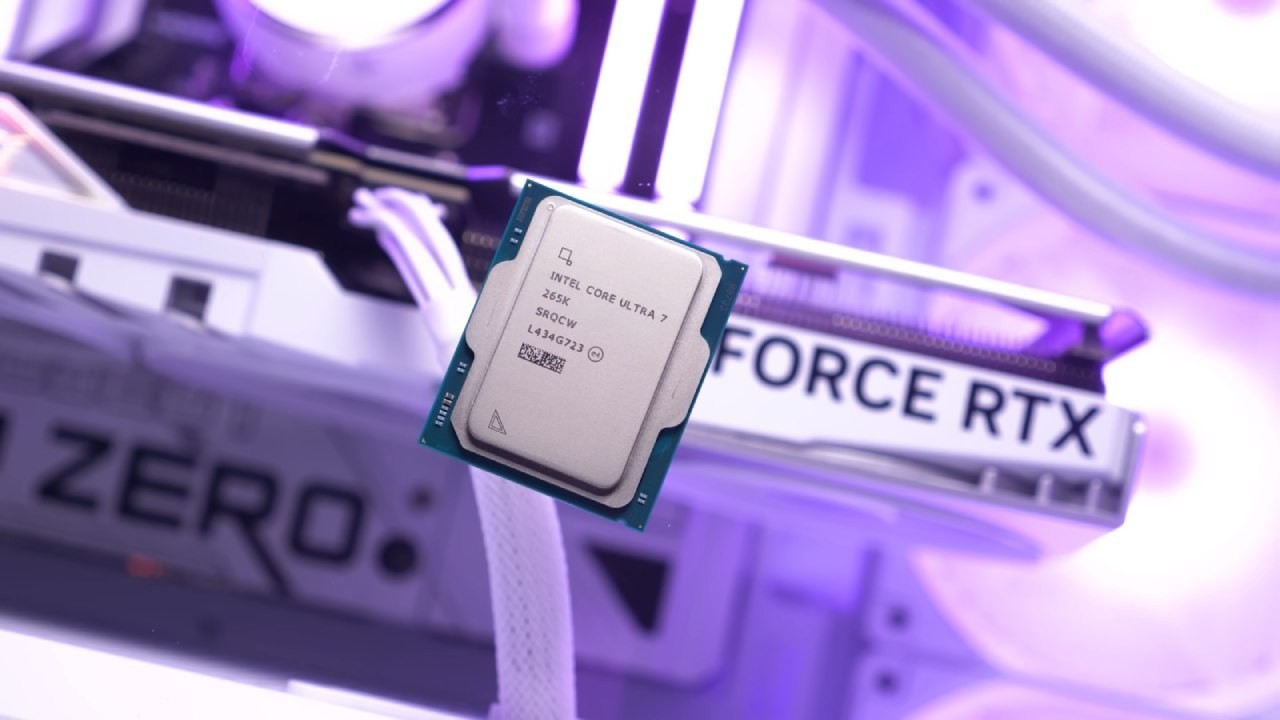
If you want Intel for productivity or mixed workloads and still want top-tier gaming performance, the Core Ultra 9 285KF is the CPU to consider. The KF version, without integrated graphics, can offer a slight edge. The K version is also perfectly fine.
To unlock its full potential, you need 8000mhz RAM. High-speed memory is critical because the Core Ultra architecture is heavily bottlenecked by RAM speed. It routes much of its internal communication through memory channels, so increasing frequency can result in performance gains up to 30%with proper tuning.
When 32GB 8000mhz kits were available for around $100, pairing them with a Core Ultra 9 made incredible sense. With undervolting, overclocking, or even using Intel’s 200S boost mode, you could achieve performance comparable to a 1900X3D in gaming while clearly outperforming it in productivity.
The Core Ultra 7 265K is also a solid alternative. It is cheaper than the Ultra 9 and still benefits from high-speed RAM scaling. But at that price, AMD is usually the better choice for gaming unless you really want Intel.
Final Thoughts
Intel is still a great choice for gaming in 2026, especially for entry-level and mid-range systems, because LGA1700 and DDR4 are so flexible. If you are building on a tight budget, a 14400F with a B760 DDR4 motherboard is still one of the smartest decisions you can make.
If you are going high-end and willing to invest in 8000mhz RAM and tuning, Core Ultra 9 can compete closely with top AMD gaming chips while offering stronger productivity performance.
Ultimately, the best choice depends on your budget, workload, and whether you are willing to tune and optimize your system for maximum performance.
Also, check our other hardware articles:
- AMD Ryzen 9 9950X3D Review: Setting The Standard For 2025 Gaming CPU
- Amazon Luna 2025 Review: Is Prime Gaming's Cloud Service Your Go-To For Casual Fun?
- AMD RX 9070 XT Review: AMD's RDNA 4 Champion for 1440p Gaming
- GeForce Now Ultimate: Ditching Your Gaming PC For Cloud RTX 4080 Power?
- NVIDIA GeForce RTX 5080 Review (2025): Still A 4K Gaming Powerhouse?
- Intel Core Ultra 9 285K Review And Performance Breakdown (2025)
- Intel Core Ultra 9 285K vs AMD Ryzen 7 9800X3D: In-Depth Gaming Performance and Benchmark Comparison
- NVIDIA GeForce RTX 5080 Super Performance In Cyberpunk 2077: Path Tracing & DLSS 4.0 Tested
- AMD Radeon RX 9070 XT In Cyberpunk 2077: Ray Tracing & FSR 4.0 Tested
- Intel Arc B580 Review: The $250 GPU Revolutionizing 1440p Gaming
- Intel Arc B570 Vs. B580: Value, Specs, And Real-World Gaming Performance
- RTX 5090 Laptop Vs. M4 Max MacBook Pro: Ultimate Raw Performance Vs. Battery Endurance
- Intel Arc b580 Vs. RTX 4060: Game Performance And Value Analysis
- RTX5090 Hell Is Us Demo 4K Ultra Benchmark: DLSS Vs. Native Performance Guide
- NVIDIA RTX 5070 Review: Mid-Range Muscle or Marketing Hype?
- Nintendo Switch 2 Review: Handheld Performance, Features & Value Breakdown
- RTX 5070 Ti Review: Performance, Thermals & Power Efficiency Tested
- Samsung Odyssey OLED G81SF Review 2025: Ultimate 32-Inch QD-OLED Gaming Monitor
- AMD RX 9070 Performance Review: Thermals, Clocks, and Real-World FPS
- AMD Ryzen 5 7600 Review: Best Budget Gaming CPU of 2025?
- AMD Radeon RX 7800 XT Review: RDNA 3 Power For Midrange Gaming
- Asus ROG RTX 5090 Astral OC Vs. Founders Edition: The 4K Gaming Benchmark
Senior Editor, NoobFeed
Gaming Hardware Updates
No Data.