
Best RAM Configuration for Gaming PCs: Budget vs Performance Guide
Rising DDR5 prices are forcing gamers to reconsider whether dual-channel 32GB kits are truly necessary for smooth gaming.
Hardware by Tanisha Aria on Feb 27, 2026
RAM prices have been getting a lot of attention lately, and for good reason. The price of memory can significantly affect the total cost of building a game PC. In the past, it was suggested to use two DDR5 sticks in dual-channel mode, ideally at 6000MHz CL30.
However, in today's market, that setup can be pricey and hard to explain. The real question is whether there are smarter, cheaper ways to set up memory that don't significantly hurt performance.
.jpg)
There are a few good options. One option is to run one stick instead of two, which will cut capacity and initial costs in half and leave the door open for future upgrades. You could also buy a dual-channel kit with less memory, like 2x8GB instead of 2x16GB.
This way, you can keep the speed the same while lowering the total memory. The goal is simple: find the configuration that offers the best value for money and the best game experience.
Test System and Configuration Approach
To test, a machine in the upper middle range was used, with a Ryzen 7 9700X and a GeForce RTX 5070. To keep things fair for everyone, all memory settings were set to 5200MHz. Even though faster speeds like 6000MHz would be ideal, most people looking for cheap options are probably going with cheaper kits.
In Windows, RAM usage was already pretty high at the start. Even though 16GB was loaded, about 7GB was used up before any games could be started. That doesn't leave much room for error, especially when recording games or using apps in the background.
Four sets of conditions were tested:
- 1x16GB (single track)
- 2x8GB (a total of 16GB for both channels)
- One 32GB single-channel
- 2x16GB (a total of 32GB on both channels)
- The cheap way to get 16GB is with a single stick.
Running a single 16GB stick reduces bandwidth right away because it only uses one channel. Memory bandwidth is like two rivers that are running at the same time. If you take away one, half of the data flow stops.
Performance remained surprisingly playable in games like Fortnite that were lighter or better-tuned. Average frame rates at 1080p high settings were around 157 fps, with 1% lows of 74 fps. Even though it's usable, those lower 1% lows show that it's not consistent.
The average FPS was high in competitive games like Counter-Strike 2, but the 1% lows were lower than expected. This variation can sometimes show up as stuttering during stressful times.
Games that were harder told a better story. Stuttering became more obvious in Hogwarts Legacy, which uses a lot of CPU power and is known for being hard to play in places like Hogsmeade. The average FPS was fine, but at 1%, it dropped to 54 fps, which is less than half the average in some cases.
Cyberpunk 2077 behaved in the same way. Even though the total RAM usage rarely exceeded 12GB, the single-channel architecture made it hard to achieve consistent performance.
Despite this, the experience wasn't terrible. In most situations, the method could still be played. The biggest problem was that the GPU wasn't being used as much; it was sometimes stuck at 50–60%, which indicated a performance issue.
2x8GB: Affordable Dual-Channel Performance
Stability was greatly increased when it is changed to 2x8GB and 5200MHz. Dual-channel operation was tested and it was found that full memory bandwidth was restored.
In Counter-Strike 2, 1% lows went from below 100 frames per second to almost 200 frames per second repeatedly. The average FPS didn't change much, but the steadiness improved significantly.
Cyberpunk 2077 was a big improvement. Single-channel 16GB struggled to reach lows of around 54fps, but dual-channel 16GB pushed those numbers much higher, making the experience much better.
In most of the games we tested, like Fortnite, Hogwarts Legacy, and ARC Raiders, dual-channel 16GB configurations either matched or were very close to the average FPS of 32GB configurations.
It was easy to understand: in many game situations, bandwidth is more important than raw capacity.
1x32GB: More Capacity, Same Bandwidth Limitation
It looks like a single 32GB stick would be nice. It makes sense that more capacity would lead to better results. Not all the time.
Even though capacity was doubled, the single-channel speed remained limited. It worked better than 1x16GB in most games, but not as well as 2x8GB.
Averages improved slightly over 1x16GB in Fortnite, but they were still behind dual-channel setups. Returnal had mixed results, and sometimes it didn't perform as well as 1x16GB.
The lack of dual-channel bandwidth can't be made up for by adding more capacity. This configuration isn't a good deal for gaming unless you need more than 16GB right away for a special task.
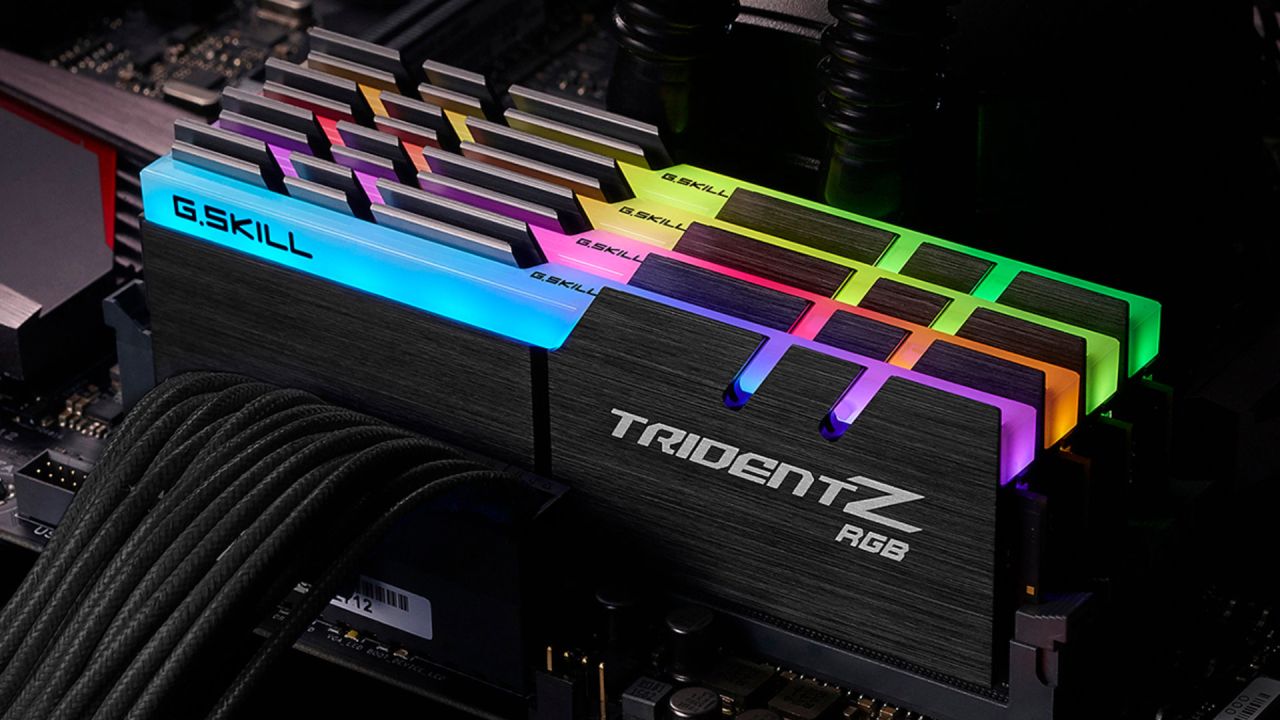
2x16GB: The Ideal but Expensive Setup
The most consistent and best-performing configuration was the 2x16 GB. In tests, Counter-Strike 2 hit average frame rates of around 560 fps, with better 1% lows. Cyberpunk 2077 also got better, especially when the settings were turned up.
But in 1080p games, the difference between 2x8GB and 2x16GB was often not very noticeable. In most of the games tested, the differences in average FPS were not too great.
The main benefit of 32GB was that it would work better in the future and with high-resolution games, heavy multitasking, and AAA games that use a lot of memory at ultra settings.
Dual-Channel vs Capacity: What Matters More?
One thing that always happened in tests was that dual-channel configurations worked better than single-channel ones, even when the total capacity was smaller.
When playing games at 1080p, 16GB in dual-channel worked almost as well as 32GB in dual-channel. On the other hand, single-channel configurations always had lower 1% lows and sometimes stuttering.
If you want to get the most out of your money, bandwidth is better than capability.
Upgrade Strategy and Platform Considerations
We also need to think about ways to improve. Adding a second similar stick after the fact can be hard. Over time, memory kits can go through different versions, which makes it hard to match modules exactly.
Running four DIMMs can also make things less stable, especially on some Intel systems where XMP stability across four sticks may require lowering the speed from 6000MHz to 5200MHz. Most of the time, AMD systems can handle four DIMMs better, but stability tuning may still be needed.
So, it might be better to buy two 8GB sticks at once instead of one 16GB stick and hope to match it later.
.jpg)
Final Thoughts
It's no surprise that dual-channel, with its higher capacity and speed, works best. But in dual-channel 1080p games, the real-world difference between 16GB and 32GB isn't as big as you might think.
A single stick is always the weakest arrangement, but not in a disastrous way. If getting 1x16GB saves a lot of money, especially in the US market, it might be worth it for now. Still, 2x8GB DDR5 at 5200MHz CL40 turned out to be the best option, delivering almost the same game performance as 32GB kits that cost much more.
Dual-channel 16GB is still the best and most affordable choice for most gamers making a mid-range PC today. If you need higher resolutions, ultra settings, or to do a lot of different things at once, 32GB in dual-channel becomes a better option. If not, bandwidth is more important than space when it comes to memory.
Also, check our other hardware articles:
- AMD Ryzen 9 9950X3D Review: Setting The Standard For 2025 Gaming CPU
- Amazon Luna 2025 Review: Is Prime Gaming's Cloud Service Your Go-To For Casual Fun?
- AMD RX 9070 XT Review: AMD's RDNA 4 Champion for 1440p Gaming
- GeForce Now Ultimate: Ditching Your Gaming PC For Cloud RTX 4080 Power?
- NVIDIA GeForce RTX 5080 Review (2025): Still A 4K Gaming Powerhouse?
- Intel Core Ultra 9 285K Review And Performance Breakdown (2025)
- AMD Ryzen 7 9800X3D Review: 3D V-Cache Goes God Mode with Stunning Gaming Performance
- Intel Core Ultra 9 285K vs AMD Ryzen 7 9800X3D: In-Depth Gaming Performance and Benchmark Comparison
- NVIDIA GeForce RTX 5080 Super Performance In Cyberpunk 2077: Path Tracing & DLSS 4.0 Tested
- AMD Radeon RX 9070 XT In Cyberpunk 2077: Ray Tracing & FSR 4.0 Tested
- Intel Arc B580 Review: The $250 GPU Revolutionizing 1440p Gaming
- Intel Arc B570 Vs. B580: Value, Specs, And Real-World Gaming Performance
- RTX 5090 Laptop Vs. M4 Max MacBook Pro: Ultimate Raw Performance Vs. Battery Endurance
- Intel Arc b580 Vs. RTX 4060: Game Performance And Value Analysis
- RTX5090 Hell Is Us Demo 4K Ultra Benchmark: DLSS Vs. Native Performance Guide
- NVIDIA RTX 5070 Review: Mid-Range Muscle or Marketing Hype?
- Nintendo Switch 2 Review: Handheld Performance, Features & Value Breakdown
- RTX 5070 Ti Review: Performance, Thermals & Power Efficiency Tested
- Samsung Odyssey OLED G81SF Review 2025: Ultimate 32-Inch QD-OLED Gaming Monitor
- AMD RX 9070 Performance Review: Thermals, Clocks, and Real-World FPS
- AMD Ryzen 5 7600 Review: Best Budget Gaming CPU of 2025?
- AMD Radeon RX 7800 XT Review: RDNA 3 Power For Midrange Gaming
- Asus ROG RTX 5090 Astral OC Vs. Founders Edition: The 4K Gaming Benchmark
Contributor, NoobFeed
Gaming Hardware Updates
No Data.