
DDR5 Memory Overheating Risks and How Poor Cooling Causes System Instability
DDR5 memory instability often originates from overheating caused by inadequate airflow and inconsistent thermal throttling behavior on modern platforms.
Hardware by Shinji Okazaki on Jan 09, 2026
Many people don't know that DDR5 memory instability is becoming more widespread. Recent discussions about Thread Ripper builds and DDR5 throttling raised issues that go beyond a single platform. A lot of people have problems with their computers crashing, getting odd errors, and running slowly.
These problems are generally caused by how the memory heats up. As RAM prices rise and complaints of instability increase, it is important to understand how DDR5 is made, how it protects itself from heat, and how it slows down.
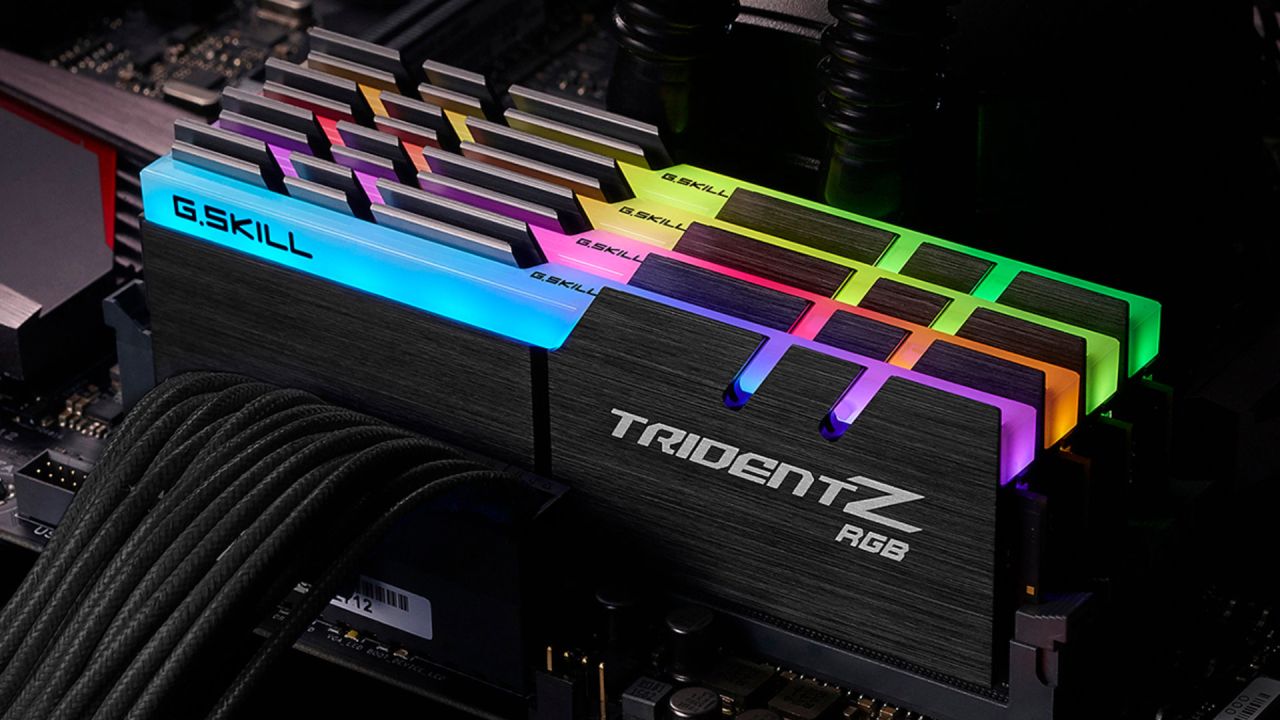
Why DDR5 Can Make Your System Unstable
Unexplained system behavior on both PCs and workstations could be caused by DDR5 memory. People commonly say that their computers crash at unexpected times, show strange errors, or don't work as well as they should. In many cases, these problems can be fixed by simply allowing more airflow over the memory modules. But there is a big problem: some systems don't throttle DDR5 effectively, which can cause temperatures to exceed safe levels. This can cause instability, data loss, and even irreparable hardware damage.
The memory thermal protection features in the SPD data are not always followed on some platforms, especially some workstation motherboards. DDR5 modules might keep working at dangerous temperatures without slowing down or shutting down.
What Makes DDR5 Different
The main purpose of DDR5 was to be used in servers. The JEDEC DDR5 standard is all about high density, dependability, scaling bandwidth, managing platforms, and better error handling. Some of this architecture is used in desktop DDR5, though it lacks many of the protections found in server-class memory.
DDR5 DIMMs have an SPD hub, support faster sideband management over I3C, and offer more telemetry and monitoring features than previous generations. These new features make data centers easier to monitor and more reliable. At the same time, desktop versions sometimes omit or simplify features to save money.
DDR5 still has a 64-bit interface to the CPU, but it is split into two 32-bit subchannels. This makes things more efficient, speeds things up, and boosts the amount of work running on the memory chips. When activity is higher, there is more heat and greater power loss, up to 15W per DIMM.
Power Management and Heat Generation
DDR5 uses a power management IC to move voltage regulation to the DIMM itself. This chip keeps VDD, VDDQ, and VDDP in the appropriate place, which makes the power more responsive and the signal stronger. But it also makes a lot of heat near the memory chips.
Designers often place the PMIC toward the top of the module because they think it will benefit from better airflow there. Some heat spreaders don't cover this area, allowing additional heat to build up. If airflow is poor or there is excessive strain on the DIMM, it can harm neighboring components and worsen thermal issues.
DDR5 introduced on-die ECC, which fixes some memory faults that occur within DRAM chips. DDR5 also has error protection. This improves yields and allows higher-density chips, but it doesn't fix all errors at the system level.
ECC DIMMs have additional data bits that enable the memory controller to find and correct faults throughout the data path. This full ECC architecture is still used in DDR5 RDIMMs for workstations and servers. Desktop DDR5 usually just uses on-die ECC, which doesn't protect against signal-integrity issues, temperature instability, or firmware defects.
Problems with airflow and cooling
DDR5 works in server systems when there is powerful, focused airflow. The temperature of memory typically ranges from 50°C to 60°C. This kind of cooling is generally not seen in workstations and DIY builds.
Some workstation platforms use ducted airflow and somewhat lower clock speeds to maintain stable thermal behavior.
DIY systems, on the other hand, rely heavily on how the case is ventilated, where the fans are placed, and how the motherboard is built. Airflow over the top DIMMs can be blocked by some system designs. This makes it more likely that they will get too hot.
Better airflow is now possible thanks to 3D-printed shrouds and unique fan brackets. Putting in the right place, a small 40mm fan can do a lot to cool down the memory.
Heat Spreaders and What They Can't Do
If you have a DIY system with limited ventilation, heat spreaders could aid when the workload is normal. In ducted or workstation-style cooling solutions, bare DIMMs with direct airflow tend to perform better.
DDR5 modules usually have multiple temperature zones. There are sensors at each end of the module and near the SPD hub or PMIC. The platform can slow down memory usage based on these readings to prevent thermal runaway.
What Happens When Throttling Fails and What It Means
DDR5 has built-in temperature throttling to prevent overheating. Memory clocks should automatically slow down when the temperature exceeds safe levels. DIMMs can reach 140°C without throttling, which can cause permanent failure.
Some motherboards don't honor the heat restrictions stored in the DIMM's SPD data. Sometimes, throttling will only work if you reset the BIOS to its default settings, and it may stop working again after a reboot. This discrepancy allows memory to operate at unsafe temperatures.
Other motherboard makers handle DDR5 throttling correctly, which shows the problem isn't universal.
Signs in the Real World That Memory Is Overheating
If DDR5 gets too hot, users may notice their systems become unstable, crash, or log errors. These can appear as WHEA events in Windows. When you look at the RAS Daemon logs on Linux, you can often find problems with RAM. When these issues occur, people often blame the CPU, GPU, or power supply rather than the memory.
Some people turn off error reporting, which masks the symptoms but doesn't fix the problem.
It can also hurt how well games run. When memory performance changes, thermal throttling can cause stalls, especially at the 1% and 0.1% lows.
Thermal Sensitivity of Desktop DDR5
People have said that desktop DDR5 can be unstable at temperatures as low as 55°C. This doesn't indicate that the RAM is rated for such low limits; it just means that the system is already close to its stability limit. The heat makes things worse.
Desktop memory frequently runs at higher voltages, sometimes as high as 1.4V, while server memory usually runs at 1.1V. Higher voltage makes things hotter and more sensitive to temperature changes.
Temperature can also influence the integrity of a signal. Sometimes, cold starts take longer since the memory needs to be retrained. This behavior works better on server platforms than on desktop computers.
Keeping an eye on memory temperatures
It is very important to monitor DDR5 temperatures. HWiNFO64 gives accurate sensor readings on Windows. Lm-sensors and RAS Daemon give you thorough monitoring on Linux. You should look at the temperatures of both the memory chips and the PMIC. Touching the DIMMs helps you get a rough idea of how hot they are. Adding airflow is frequently enough to bring things back to normal when temperatures are high.
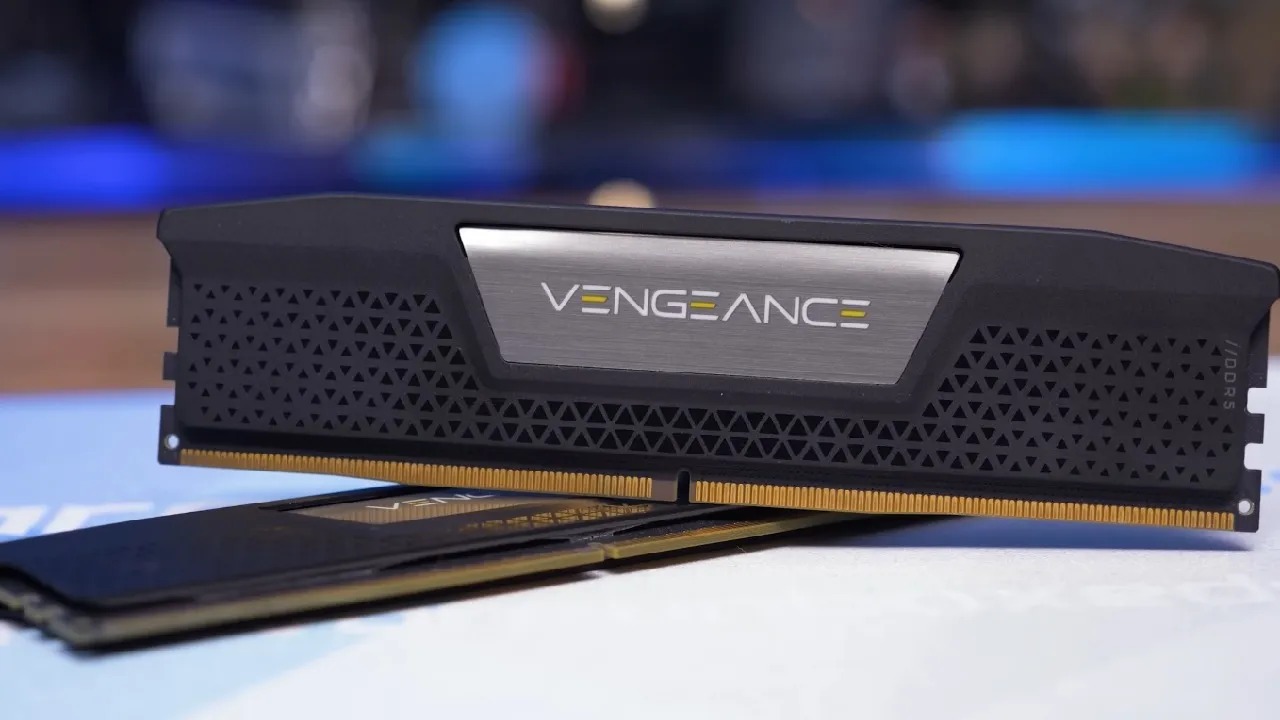
Useful Ways to Keep Cool
It could make a big difference if you upgrade your cooling system. An airflow duct, small fans, and special shrouds all work together to move air over the DIMMs. Systems that used to crash all the time can become more stable by making small changes to airflow.
People who have used computers say that adding memory cooling has made them much steadier, even when the temperatures were safe.
Final Thoughts
DDR5 is pretty fast, but it needs to be carefully managed when it gets hot. It is more affected by motherboard configuration and ventilation because it was designed with servers in mind, has a higher power density, and has built-in voltage control.
DDR5 can get too hot without proper cooling and reliable throttling, which can make it unstable, corrupt data, and damage hardware. To keep memory modules safe and the system stable, monitor temperatures, improve ventilation, and keep the firmware up to date.
You have to keep DDR5 cool. To avoid having to buy new, expensive hardware and to ensure performance stays the same under load, it is important to do this.
Also, check our other hardware articles below:
- AMD Ryzen 9 9950X3D Review: Setting The Standard For 2025 Gaming CPU
- Amazon Luna 2025 Review: Is Prime Gaming's Cloud Service Your Go-To For Casual Fun?
- AMD RX 9070 XT Review: AMD's RDNA 4 Champion for 1440p Gaming
- GeForce Now Ultimate: Ditching Your Gaming PC For Cloud RTX 4080 Power?
- NVIDIA GeForce RTX 5080 Review (2025): Still A 4K Gaming Powerhouse?
- Intel Core Ultra 9 285K Review And Performance Breakdown (2025)
- AMD Ryzen 7 9800X3D Review: 3D V-Cache Goes God Mode with Stunning Gaming Performance
- Intel Core Ultra 9 285K vs AMD Ryzen 7 9800X3D: In-Depth Gaming Performance and Benchmark Comparison
- NVIDIA GeForce RTX 5080 Super Performance In Cyberpunk 2077: Path Tracing & DLSS 4.0 Tested
- AMD Radeon RX 9070 XT In Cyberpunk 2077: Ray Tracing & FSR 4.0 Tested
- Intel Arc B580 Review: The $250 GPU Revolutionizing 1440p Gaming
- Intel Arc B570 Vs. B580: Value, Specs, And Real-World Gaming Performance
- RTX 5090 Laptop Vs. M4 Max MacBook Pro: Ultimate Raw Performance Vs. Battery Endurance
- Intel Arc b580 Vs. RTX 4060: Game Performance And Value Analysis
- RTX5090 Hell Is Us Demo 4K Ultra Benchmark: DLSS Vs. Native Performance Guide
- NVIDIA RTX 5070 Review: Mid-Range Muscle or Marketing Hype?
- Nintendo Switch 2 Review: Handheld Performance, Features & Value Breakdown
- RTX 5070 Ti Review: Performance, Thermals & Power Efficiency Tested
- Samsung Odyssey OLED G81SF Review 2025: Ultimate 32-Inch QD-OLED Gaming Monitor
- AMD RX 9070 Performance Review: Thermals, Clocks, and Real-World FPS
- AMD Ryzen 5 7600 Review: Best Budget Gaming CPU of 2025?
- AMD Radeon RX 7800 XT Review: RDNA 3 Power For Midrange Gaming
- Asus ROG RTX 5090 Astral OC Vs. Founders Edition: The 4K Gaming Benchmark
- Intel Core i5-13400F Gaming Performance: Still Worth It in 2025?
- ASUS GeForce RTX 5090 LC Liquid Cooled GPU Review: Unmatched Silence & Speed
- ASUS ROG Ally X Handheld Review: Double the Battery, Double the Comfort
- Lenovo Legion Go S Review: The Ultimate Steam Deck 2 Alternative
- Sapphire NITRO+ AMD Radeon RX 9070 XT Review: The Ultimate 4K Gaming GPU
- Alienware 16 Area 51 Review: The Ultimate 2025 Gaming Laptop
- Alienware Area-51 Review: Unmatched 4K, Thermal, and Acoustic Performance
- AMD Ryzen 7 7800X3D: Delivers Gaming Performance Far Beyond Expectations
- AMD Ryzen 9 7900X Review: Powering the AM5 Era with DDR5 & PCIe 5.0
- Intel Core i9‑14900K vs. AMD Ryzen 7 7800X3D: Power Profiles & Gaming Benchmarks
- Intel Core i9 14900K: Specs, Benchmarks, and Competitor Comparison
- ASRock Radeon RX 7800 XT Challenger OC Review: Best Price-to-Performance GPU of 2025
Editor, NoobFeed
Gaming Hardware Updates
No Data.