
DDR5 RAM Speed Comparison: 6000MHz vs. 6400MHz vs. 8000MHz Gaming Performance Results
Memory synchronization with fabric and controller clocks impacts latency and influences real-world gaming performance outcomes.
Hardware by Nahe Yan on Apr 19, 2026
It is common for faster RAM to make games run better, but the exact improvements rely on how the system is set up, the CPU architecture, and how the memory is tuned. Multifrequency testing shows how scaling works in real life and whether going up to higher MHz makes a difference in FPS.
We have tested three CPUs with a consistent configuration. For the 9950X3D and 9700X3D, we have applied PBO with a a boosting frequency of ,200 MHz and ECO turned off. We also used SL at 2000 for both 6000 MHz and 8000 MHz. For 6400MHz, we used 2133 to keep it synced. The memory kit was 2×16GB Hynix A-die. The motherboard was XC70E Apex.
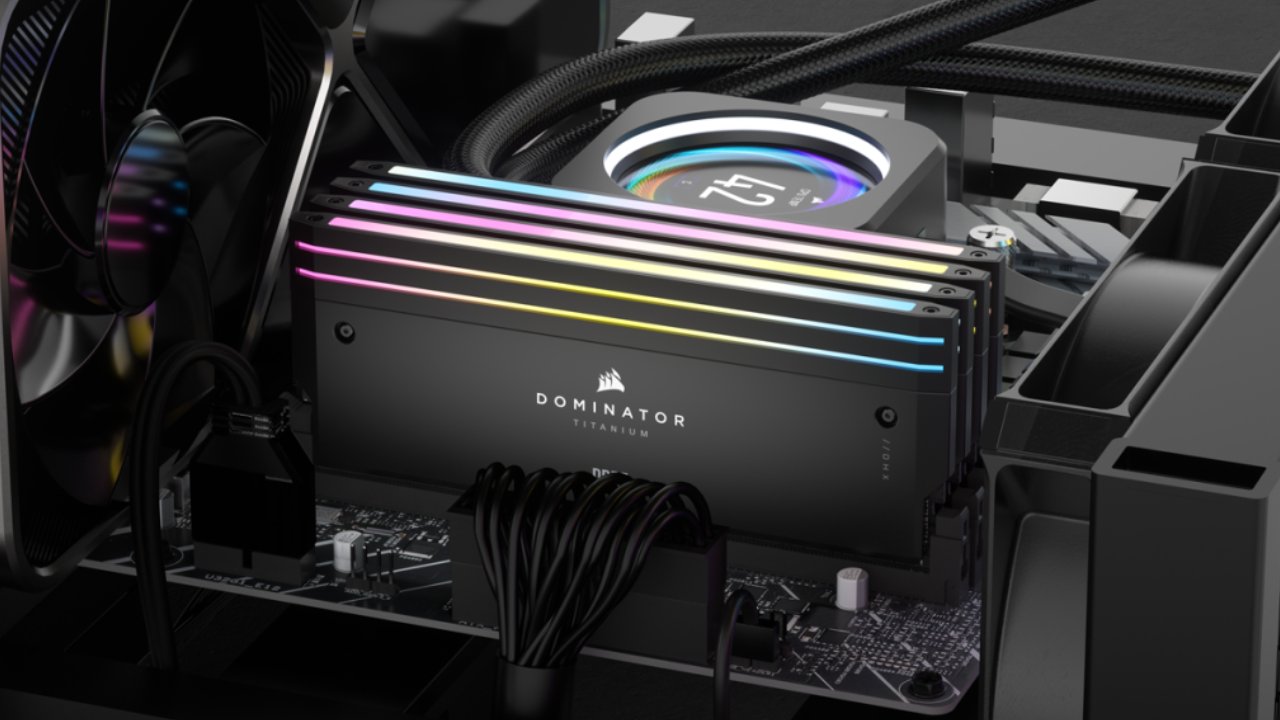
In the Intel case, we have used a 13900K with the ring running at 5GHz and the eight P-cores at 6GHz. The memory was 2×24GB Hynix M-die on an ASRock Z790I Lightning motherboard, which is suited for memory overclocking.
We avoided bottlenecks by using an RTX 4090 Founders Edition with +190 cores and +700 memory, enabled in MSI Afterburner.
RAM Timings Used
We used 8000MHz CL34. The VSOC voltage was kept low because of the 2T1 mode. For 6400MHz, we used CL28, and for 6000MHz, CL28 as well. These are strict timings and can not be consistent across systems.
For Intel, we used similar settings: 8000MHz CL34, 7200MHz, and 6000MHz CL28. This setting was a maxed-out TRFI.
Call of Duty Black Ops 7 Results
The 8000MHz and 6400MHz gave the same results on the 9950X3D. The 6000MHz system was slightly worse, with approximately 1.2% lower CPU FPS.
On the 9700X, 8000MHz achieved 487fps. 6400MHz had decreased slightly to 483fps. The 6000MHz score was approximately 3.5 points less.
Scaling was more noticeable on the 13900K. At 8000MHz, we got 506fps. At 7200MHz, the performance was reduced by approximately 3%. At 6000MHz, it dropped by 5.5% to 478fps.
Counter-Strike Results
On the 9950X3D, 8000MHz delivered the best P1 at 456fps and an average of 1298fps. The 6400MHz configuration had an average slightly higher, but a lower P1 of 449 fps. The 6000 MHz system reduced P1 by almost 6%.
On the 9700X, 8000MHz achieved 1208fps average and 347fps P1. The 6400MHz system had close averages, with P1 being 8 lower. The 6000 MHz system exhibited a 11% reduction in P1.
On the 13900K, 8000MHz reached an average of 1178 fps and a P1 of nearly 370 fps. The drop was slight at 7200MHz. On average, at 6000 MHz, P1 decreased by approximately 2.5%.
Cyberpunk Results
In the 9950X3D, 6400MHz was a little better than 8000MHz. The mean speed was 358 fps with 6400 MHz and 353 fps with 8000 MHz. The lowest was 6000 MHz at 352 fps.
On the 9700X, results were best at 8000 MHz. The 6400MHz was a bit lower, and the 6000MHz was nearly 10% lower in P1 and approximately 3% lower in average FPS.
On the 13900K, 8000MHz was once more the best. The performance of the 7200MHz system was approximately 2 percent lower, while that of the 6000MHz system was almost 5 percent lower.
Scaling of Memory
We found that 8000MHz tends to be faster than 6000MHz and that 6400MHz tends to be similar to 8000MHz. This is due to how memory clocks interact with the Infinity Fabric.
In 1:1 mode, the controller speed equals the memory speed. The memory controller operates at half the memory speed in 1:2 mode.
The effective memory clock at 6000MHz is 3000MHz because the DDR is used. The memory controller also operates at 3000MHz, while the FCLK runs at 2000MHz, leading to desynchronization.
The memory clock is 4000MHz at 8000MHz, the memory controller is 2000MHz, and FCLK is also 2000MHz. This synchronizes the controller and the fabric, improving latency and performance.
Pros and Cons of 8000MHz
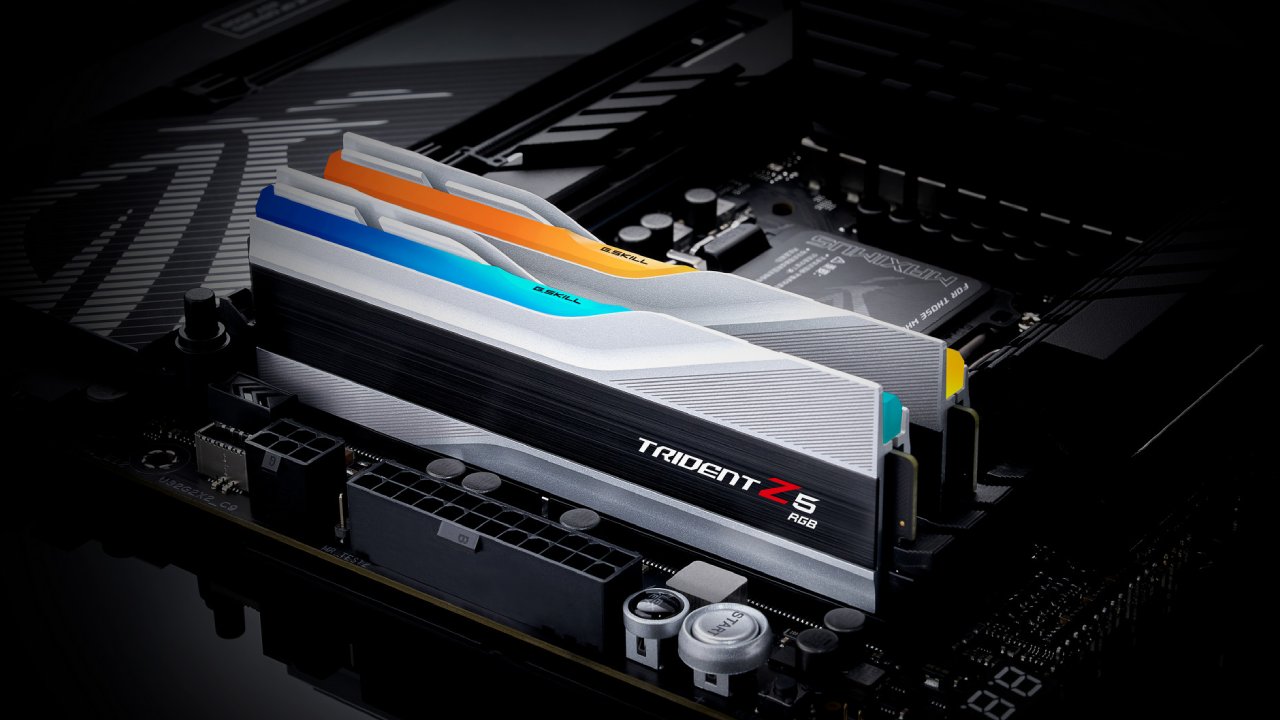
We discover that 8000MHz works better than 6000MHz, and is an option when 6400MHz 1:1 is unstable on some CPUs. It also enables a lower SOC voltage, as the memory controller will be operating at a lower frequency.
But to get 8000MHz, one needs a good motherboard of the new series. It can also require further adjusting and is not necessarily plug-and-play.
Final Thoughts
These results show steady increases in frequency from 6000 MHz onward, particularly with Intel systems and non-3D-cache CPUs. Although 6400MHz tends to be identical to 8000MHz, the latter offers benefits in particular designs because it can synchronize with the fabric clock.
Also, check our other hardware articles:
- AMD Ryzen 9 9950X3D Review: Setting The Standard For 2025 Gaming CPU
- Amazon Luna 2025 Review: Is Prime Gaming's Cloud Service Your Go-To For Casual Fun?
- AMD RX 9070 XT Review: AMD's RDNA 4 Champion for 1440p Gaming
- GeForce Now Ultimate: Ditching Your Gaming PC For Cloud RTX 4080 Power?
- NVIDIA GeForce RTX 5080 Review (2025): Still A 4K Gaming Powerhouse?
- Intel Core Ultra 9 285K Review And Performance Breakdown (2025)
- AMD Ryzen 7 9800X3D Review: 3D V-Cache Goes God Mode with Stunning Gaming Performance
- Intel Core Ultra 9 285K vs AMD Ryzen 7 9800X3D: In-Depth Gaming Performance and Benchmark Comparison
- NVIDIA GeForce RTX 5080 Super Performance In Cyberpunk 2077: Path Tracing & DLSS 4.0 Tested
- AMD Radeon RX 9070 XT In Cyberpunk 2077: Ray Tracing & FSR 4.0 Tested
- Intel Arc B580 Review: The $250 GPU Revolutionizing 1440p Gaming
- Intel Arc B570 Vs. B580: Value, Specs, And Real-World Gaming Performance
- RTX 5090 Laptop Vs. M4 Max MacBook Pro: Ultimate Raw Performance Vs. Battery Endurance
- Intel Arc b580 Vs. RTX 4060: Game Performance And Value Analysis
- RTX5090 Hell Is Us Demo 4K Ultra Benchmark: DLSS Vs. Native Performance Guide
- NVIDIA RTX 5070 Review: Mid-Range Muscle or Marketing Hype?
- Nintendo Switch 2 Review: Handheld Performance, Features & Value Breakdown
- RTX 5070 Ti Review: Performance, Thermals & Power Efficiency Tested
- Samsung Odyssey OLED G81SF Review 2025: Ultimate 32-Inch QD-OLED Gaming Monitor
- AMD RX 9070 Performance Review: Thermals, Clocks, and Real-World FPS
- AMD Ryzen 5 7600 Review: Best Budget Gaming CPU of 2025?
- AMD Radeon RX 7800 XT Review: RDNA 3 Power For Midrange Gaming
- Asus ROG RTX 5090 Astral OC Vs. Founders Edition: The 4K Gaming Benchmark
Editor, NoobFeed
Gaming Hardware Updates
No Data.