
DLSS 4.5 Dynamic Multiframe Generation vs.Traditional Frame Gen Performance
NVIDIA DLSS 4.5 introduces dynamic multiframe generation aiming to automate frame rate stability while balancing latency and image quality.
Hardware by Tanvir Kabbo on Apr 10, 2026
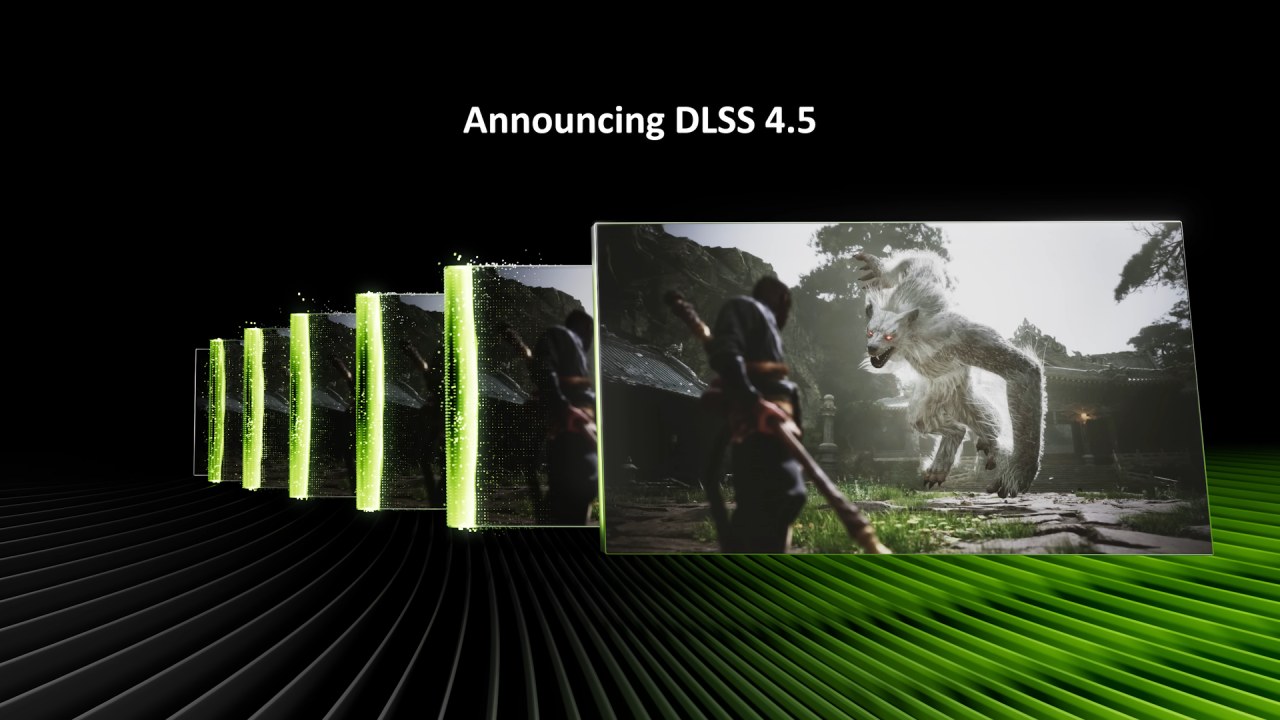
NVIDIA has included DLSS 4.5 dynamic multiframe generation, which is a feature that aims to make graphics more automated in the future by having the GPU automatically balance frame rate, latency, and image quality.
The premise is simple: instead of manually changing settings, the system automatically adjusts frame generation and resolution scaling to match the display's refresh rate while keeping latency low and image quality high. This release is an early version of that concept, although it seems more like an advanced beta than a final product.
Initial Testing and Setup Challenges
The first test was Cyberpunk, which used a Ryzen 7 9850X3D machine with an RTX 5090. At 240 fps, there was a problem right away with how the feature interacted with G-Sync and VSync. Usually, VSync is enforced at the driver level to prevent frame rates from exceeding the monitor's refresh rate.
This ensures the output is tear-free and the frame pacing is correct. But VSync isn't supported here. When you enable it at the driver level, latency goes through the roof, and frame creation is limited to 6x, which ruins the experience.
Disabling VSync fixes the latency problem, but also causes a new one. The frame rate is still too high, even with the manual setting set to 240 fps to match a 4K QD-OLED display. This causes frame timings to drop below the refresh interval, resulting in the screen ripping. Even at 5x generation, latency is still acceptable at roughly 50ms. However, the inability to follow frame caps makes the experience fundamentally flawed.
Frame Rate Cap Behavior and Workarounds
Lowering the maximum to 220 fps helps keep performance within the display's range and prevents overshooting. This method reduces tearing, but it doesn't eliminate it completely, as there are still occasional surges above 240 fps.
In terms of frame time, the difference between 220fps and 240fps is little, thus the workaround works, but it doesn't make sense. A cap that isn't followed goes against how the system is supposed to work and shouldn't be in a shipping feature.
Frame time consistency is pretty constant, with only a few spikes that stay within a range of about 5ms. It's hard to see these when playing, but the fact that tearing keeps happening is still a problem.
Dynamic Behavior and Responsiveness
Dynamic multiframe generation changes its multiplier based on load, but it doesn't respond quickly. The system has a hard time adapting properly under stress, such as when the GPU workload changes quickly from low to high. Frame-time graphs indicate significant changes, which cause stuttering.
FrameView analysis shows that the fastest transitions between generation multipliers happen in roughly 156 milliseconds, while others take up to 248 milliseconds. There are several extreme outliers, but these are probably just artifacts.
The main point is that changes don't happen right away. Because multiframe generation works the way it does, changes can't occur in the middle of a sequence. This makes it less responsive and causes it to overshoot during quick scene transitions.
Improvements in UI Handling
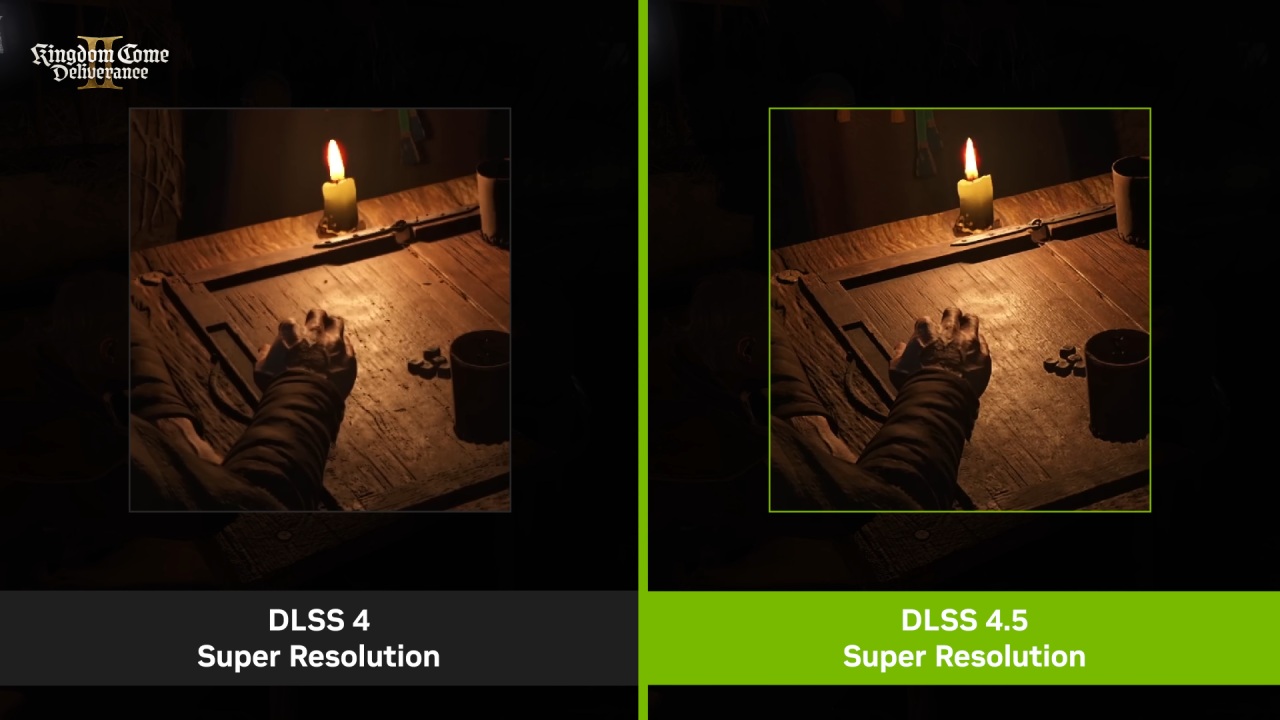
DLSS preset B is a big improvement in this release. This new machine learning approach improves frame generation with UI elements. The system can handle these parts better by letting games have their own UI layer. This makes overlays clearer and more stable. This is a big step forward in image quality.
Performance on Lower-End GPUs
For most individuals, upgrading to an RTX 5070 at 1440p improves the overall realism. The experience remains workable at 220 fps, while latency increases significantly to around 60 milliseconds. It still works, but it feels less responsive than the 5090 setup.
Lowering the maximum to 144fps works well with most 144Hz and 165Hz monitors. This lowers the average frame-generation multiplier, making the experience more even. The system scales well, thus it works well with varied setups.
Limitations in Real World Use
Dynamic multiframe creation has potential, but it doesn't quite reach its goal of being "fire-and-forget." You still need to make manual changes, especially to frame rate caps. If you don't set them up correctly, you could run into serious problems, like excessive latency or poor frame pacing.
A big problem is that you can't utilize VSync and G-Sync at the same time. If the frame rate is higher than the display's refresh rate, tearing will occur if the frames aren't properly synced. The system also lacks protections against incorrect setups, which can give a bad first impression.
The Bigger Picture: Future Potential
The notion behind dynamic multiframe generation is interesting. It should ideally cut down on the requirement for predefined frame generation levels, letting the system figure out the appropriate multiplier based on the amount of work it has to do. This would make the system more responsive by lowering latency when high multipliers aren't needed.
Dynamic frame creation and dynamic resolution scaling could be combined in a more advanced version. In this kind of system, frame generation may come first. Then the resolution could be changed if performance slips below a specific level. Giving users control over this balance, maybe with sliders, may make things even more flexible.
Final Thoughts
DLSS 4.5 dynamic multiframe generation is a cool start toward automatically improving performance, but it's not a full answer yet. It has good latency and scalability, but problems with frame cap enforcement, synchronization, and responsiveness make it less useful.
The technique has significant potential, and future versions could address these problems. To have the smooth experience you want, frame pacing needs to be improved, G-Sync and VSync need to work better together, and responsiveness needs to improve.
Also, check our other hardware articles:
- AMD Ryzen 9 9950X3D Review: Setting The Standard For 2025 Gaming CPU
- Amazon Luna 2025 Review: Is Prime Gaming's Cloud Service Your Go-To For Casual Fun?
- AMD RX 9070 XT Review: AMD's RDNA 4 Champion for 1440p Gaming
- GeForce Now Ultimate: Ditching Your Gaming PC For Cloud RTX 4080 Power?
- NVIDIA GeForce RTX 5080 Review (2025): Still A 4K Gaming Powerhouse?
- Intel Core Ultra 9 285K Review And Performance Breakdown (2025)
- AMD Ryzen 7 9800X3D Review: 3D V-Cache Goes God Mode with Stunning Gaming Performance
- Intel Core Ultra 9 285K vs AMD Ryzen 7 9800X3D: In-Depth Gaming Performance and Benchmark Comparison
- NVIDIA GeForce RTX 5080 Super Performance In Cyberpunk 2077: Path Tracing & DLSS 4.0 Tested
- AMD Radeon RX 9070 XT In Cyberpunk 2077: Ray Tracing & FSR 4.0 Tested
- Intel Arc B580 Review: The $250 GPU Revolutionizing 1440p Gaming
- Intel Arc B570 Vs. B580: Value, Specs, And Real-World Gaming Performance
- RTX 5090 Laptop Vs. M4 Max MacBook Pro: Ultimate Raw Performance Vs. Battery Endurance
- Intel Arc b580 Vs. RTX 4060: Game Performance And Value Analysis
- RTX5090 Hell Is Us Demo 4K Ultra Benchmark: DLSS Vs. Native Performance Guide
- NVIDIA RTX 5070 Review: Mid-Range Muscle or Marketing Hype?
- Nintendo Switch 2 Review: Handheld Performance, Features & Value Breakdown
- RTX 5070 Ti Review: Performance, Thermals & Power Efficiency Tested
- Samsung Odyssey OLED G81SF Review 2025: Ultimate 32-Inch QD-OLED Gaming Monitor
- AMD RX 9070 Performance Review: Thermals, Clocks, and Real-World FPS
- AMD Ryzen 5 7600 Review: Best Budget Gaming CPU of 2025?
- AMD Radeon RX 7800 XT Review: RDNA 3 Power For Midrange Gaming
- Asus ROG RTX 5090 Astral OC Vs. Founders Edition: The 4K Gaming Benchmark
Senior Editor, NoobFeed
Gaming Hardware Updates
No Data.