
DLSS vs. Native at 1080p: Blur, Ghosting, and Upscaling Artifacts Analyzed
DLSS at 1080p struggles with ghosting, blurriness, and reduced detail compared to higher resolution upscaling methods.
Hardware by Tanvir Kabbo on Oct 01, 2025
People generally talk about DLSS upscaling technology in relation to higher resolutions like 1440p and 4K. However, 1080p is still the most common resolution for PC gamers in 2024. Many gamers still use 1080p panels because they are cheaper and don't need as much hardware as higher resolutions.
However, upscaling at 1080p presents unique challenges because the render resolution is significantly lower, giving the algorithm less data to work with. This can make conclusions from 4K testing less relevant for gamers on mainstream hardware.
Why 1080p Testing Matters
When we test upscaling technologies at 4K, the results often don't translate to 1080p. Rendering at just 720p internally for DLSS quality mode means fewer samples are available, which can lead to blurrier images, ghosting, or other artifacts.
While you may read that DLSS looks great at 4K, your experience at 1080p on a card like the RTX 4060 or RTX 3060 can be very different. That's why we decided to conduct a dedicated 10-game comparison, focusing specifically on DLSS at 1080p.
Cyberpunk 2077
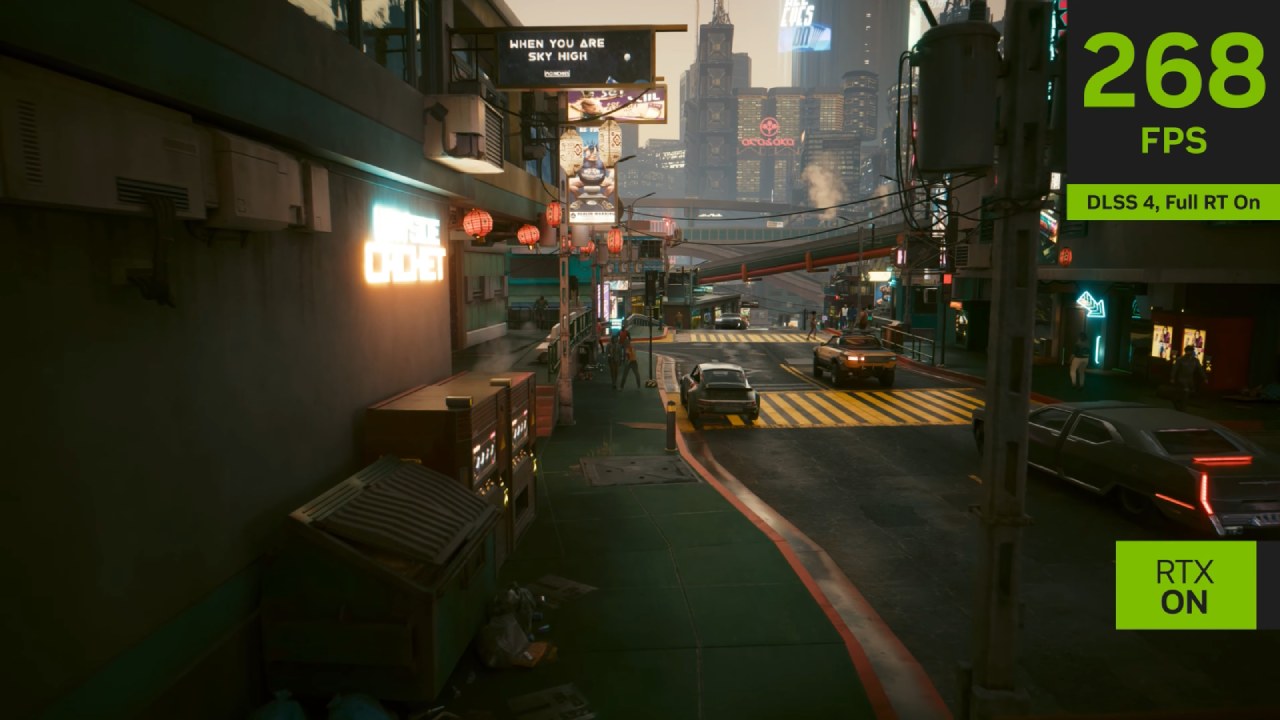
In Cyberpunk 2077 running DLSS 3.5.1, we noticed ghosting issues while driving, particularly around taillights. At 1080p, the DLSS quality image was blurrier compared to native TAA, especially on road textures and vehicle details in motion.
Foreground elements were sharper with native rendering, though DLSS occasionally provided more stability in some areas. At higher resolutions, such as 4K, DLSS virtually eliminates ghosting, demonstrating the significant impact of resolution on the results.
Ratchet & Clank: Rift Apart
Using DLSS 3.5.0, Ratchet & Clank showed different trade-offs. Native preserved more fur detail on Ratchet, while DLSS introduced moiré patterns on carpets and reduced stability in grass. However, DLSS reconstructed transparent elements, such as the podium glass, better.
Overall, artifacting traded blows between the two, but DLSS didn't suffer from the blurriness seen in Cyberpunk. We'd say DLSS quality here was close to equivalent to native 1080p, making it a great option for most players.
Dead Space
Dead Space (DLSS 2.5.0) highlighted ghosting around character models in darker environments. Native 1080p was sharper and less prone to artifacts, while DLSS often appeared softer and blurrier.
Despite this, DLSS excelled at reconstructing holographic text, making it more readable from greater distances. Still, in most real-time gameplay, native was preferable due to the noticeable softness of DLSS.
Spider-Man: Miles Morales
In Miles Morales, DLSS quality mode wasn't as soft as in Dead Space or Cyberpunk. Image detail was generally on par with native rendering, though motion introduced more artifacts, particularly with hair, fur, and foliage.
Trees without leaves shimmered more with DLSS, while native offered better stability. That said, DLSS still provided a playable image, but if you value consistency, native rendering looked cleaner overall.
Call of Duty: Modern Warfare 3
Modern Warfare 3 demonstrated how DLSS at 1080p can make the game feel like it's running at a slightly lower resolution. Native TAA looked sharper, while DLSS introduced sizzling edges, ghosting, and flicker around wires and foliage.
However, during fast-paced gameplay, these artifacts weren't as distracting as in Cyberpunk. Guns and main HUD elements still looked decent. While native was better, DLSS didn't break the experience if you needed the performance boost.
Star Wars Jedi: Survivor
Jedi Survivor was one of the weakest cases for both native and DLSS at 1080p. Native TAA was blurry with ghosting, while DLSS slightly sharpened the presentation but added more shimmering and disocclusion artifacts.
The result was still poor overall compared to higher resolutions. We found little reason to recommend either at 1080p, but DLSS had a slight edge in terms of stability.
Hogwarts Legacy
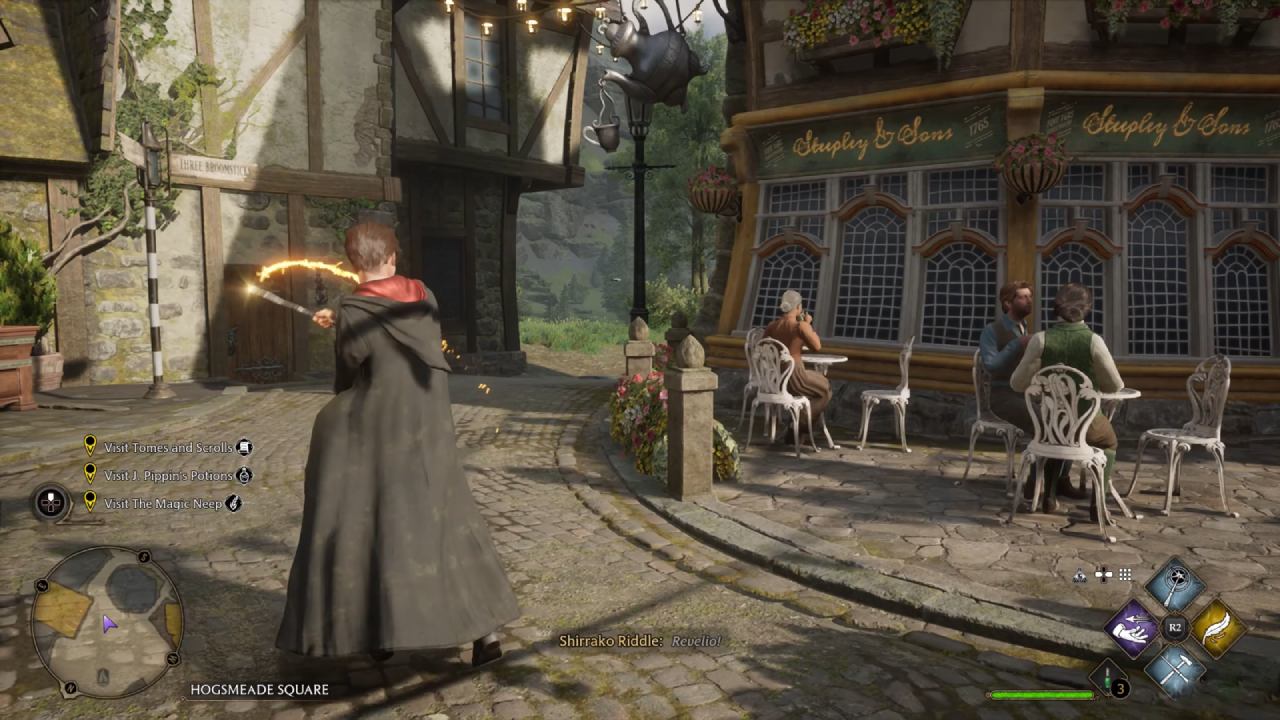
At 1080p, Hogwarts Legacy showed little difference between DLSS and native. Both were soft and lacked fine detail, suggesting the game was tuned more for higher resolutions. DLSS provided slightly better stability in areas like foliage, giving it a slight edge.
Overall, the two modes were nearly equivalent, and the choice came down to whether you prefer stability or native sharpness.
Starfield
Starfield highlighted how DLSS quality mode reconstructs more detail in stationary elements, such as signs, but struggles with motion, where flickering becomes distracting. Native TAA looked sharper on meshes and reflections, while DLSS felt inconsistent.
The performance uplift with DLSS was helpful, but visually, we leaned toward native at 1080p for sharper detail.
The Talos Principle 2
This game was particularly revealing because of its high detail and DLSS 3.5.1 support. DLSS introduced shimmering on foliage and palm trees, and generally appeared to have lower resolution compared to native TAA.
However, DLSS was more stable for some distant elements, showing again how results vary depending on what part of the scene you focus on. Overall, we felt native had the upper hand at 1080p due to foliage instability with DLSS.
Assassin's Creed Mirage
Using DLSS 2.3.1, Mirage presented similar sharpness to native when stationary, but in motion, DLSS became softer and less detailed. Native maintained higher resolution clarity, although DLSS occasionally outperformed it in terms of stability during synchronization sequences.
Still, across general gameplay, native looked cleaner and sharper, making it the preferable choice.
Performance Testing at 1080p
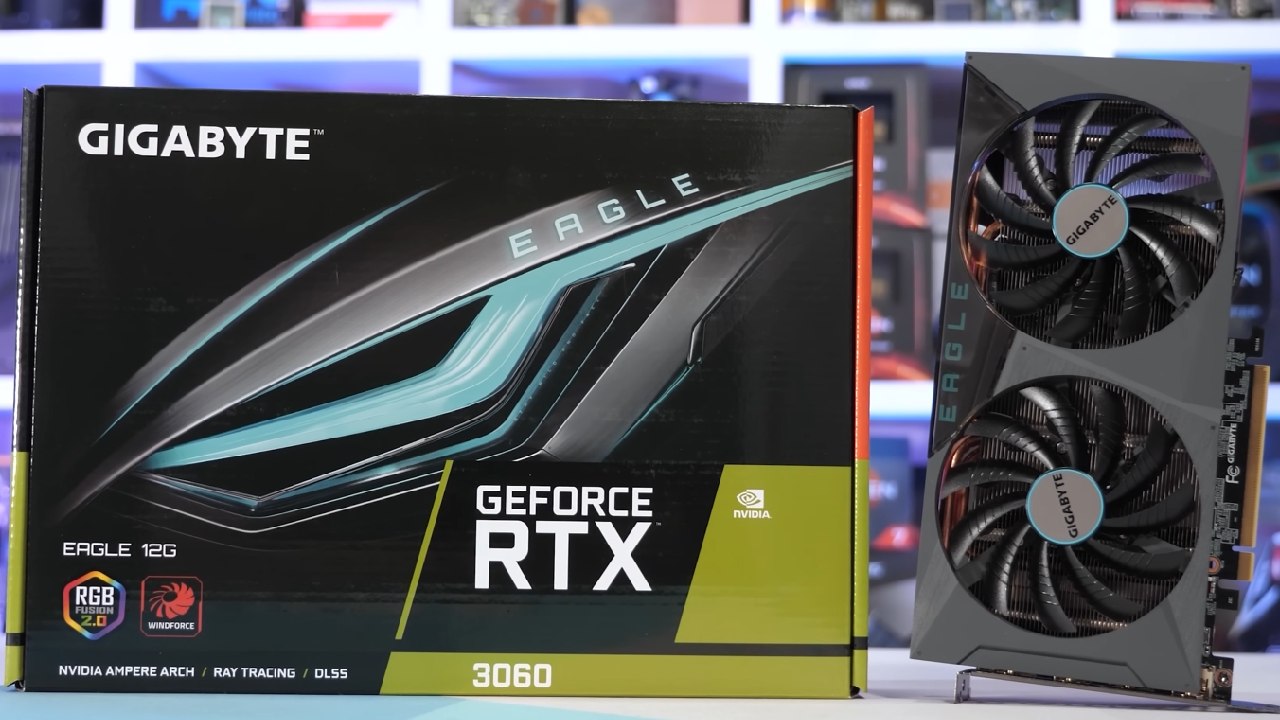
We tested performance with an RTX 3060 12GB paired with a Ryzen 7 7800X3D and 32GB DDR5-6000 memory. Across 10 games at ultra settings, native rendering yielded 50-70fps in most cases, with Starfield on the lower end and Modern Warfare 3 on the higher end.
With DLSS quality mode, performance improved significantly. Cyberpunk jumped from 54fps to 69fps, Ratchet & Clank went from 72fps to 96fps, and Dead Space saw a huge 59% uplift. On average, DLSS delivered a 36% higher frame rate and a 32% improvement in low frame rates at 1%.
That means a 60fps native experience could climb to 82fps with DLSS, and a 40fps baseline could jump to 54fps.
Final Thoughts
We had mixed feelings after trying DLSS at 1080p on 10 different games. There's no denying that the performance has improved, with an average increase of 36%. This makes it useful for RTX 3060-level hardware. But the trade-offs in image quality are far worse than at 1440p or 4K. DLSS often appears blurrier, introduces ghosting, sizzling, and instability, and sometimes feels like a downgrade from native resolution.
That said, in certain games like Hogwarts Legacy or Ratchet & Clank, DLSS quality mode was close enough to native that we'd recommend it for smoother performance. In others, such as Cyberpunk, Dead Space, or Mirage, the softness and artifacts made the native image clearly superior.
Check Our Other Articles:
- GeForce RTX 5090 Unleashed: Is NVIDIA's New Flagship the Ultimate 4K Gaming GPU?
- NVIDIA GeForce RTX 5080 Review (2025): Still A 4K Gaming Powerhouse?
- RTX 5090 Performance Testing In GTA 5 – 1080p, 1440p, and 4K Max Settings Benchmark
- NVIDIA RTX 5070 Review: Mid-Range Muscle or Marketing Hype?
- RTX 5070 Ti Review: Performance, Thermals & Power Efficiency Tested
- ASUS ROG Astral RTX 5090 OC Edition Review: 32GB GDDR7 & 4K Gaming Benchmark
- ASUS GeForce RTX 5090 LC Liquid Cooled GPU Review: Unmatched Silence & Speed
- MSI GeForce RTX 5090 32GB SUPRIM SOC Review: Power Efficiency, Cooling, and Gaming Performance
- INNO3D RTX 5060 Ti 16 GB X2 Review: Gaming Benchmarks, Temps, and Power Efficiency
- HP Omen 45L Review: RTX 5090 Performance, Thermals, and Value Analysis
- ASUS TUF Gaming GeForce RTX 5060 Ti Review: DLSS 4, Power Efficiency, and Gaming
- ASUS Prime RTX 5060 Ti OC 16GB Review: DLSS 4, Ray Tracing, & Thermals Tested
- NVIDIA GeForce RTX 5060 Review: Specs, Gaming, and Cost per Frame
- MSI GeForce RTX 5090 GAMING TRIO OC Review: A Monster Power GPU
Senior Editor, NoobFeed
Gaming Hardware Updates
No Data.