
DLSS Preset L and M Reveal Unexpected Ray Tracing Denoising Behavior
DLSS preset L and M exhibit increased ray tracing noise when paired with standard in-game denoisers.
Hardware by Tanvir Kabbo on Feb 11, 2026
Ray tracing resolves behavior changes a lot between different DLSS presets, especially when you compare newer presets to older, state-of-the-art ones. Testing on different titles shows how noise treatment and denoising can have a big impact on the final image quality, sometimes in ways that are hard to predict.
Noise Characteristics in Preset M and L
Preset M commonly increases the amount of noise in ray-traced reflections and, in some cases, ray-traced lighting when compared to the earlier preset K. Preset L, when tested at the same internal and output resolutions, shows the exact same behavior in the titles previously examined.
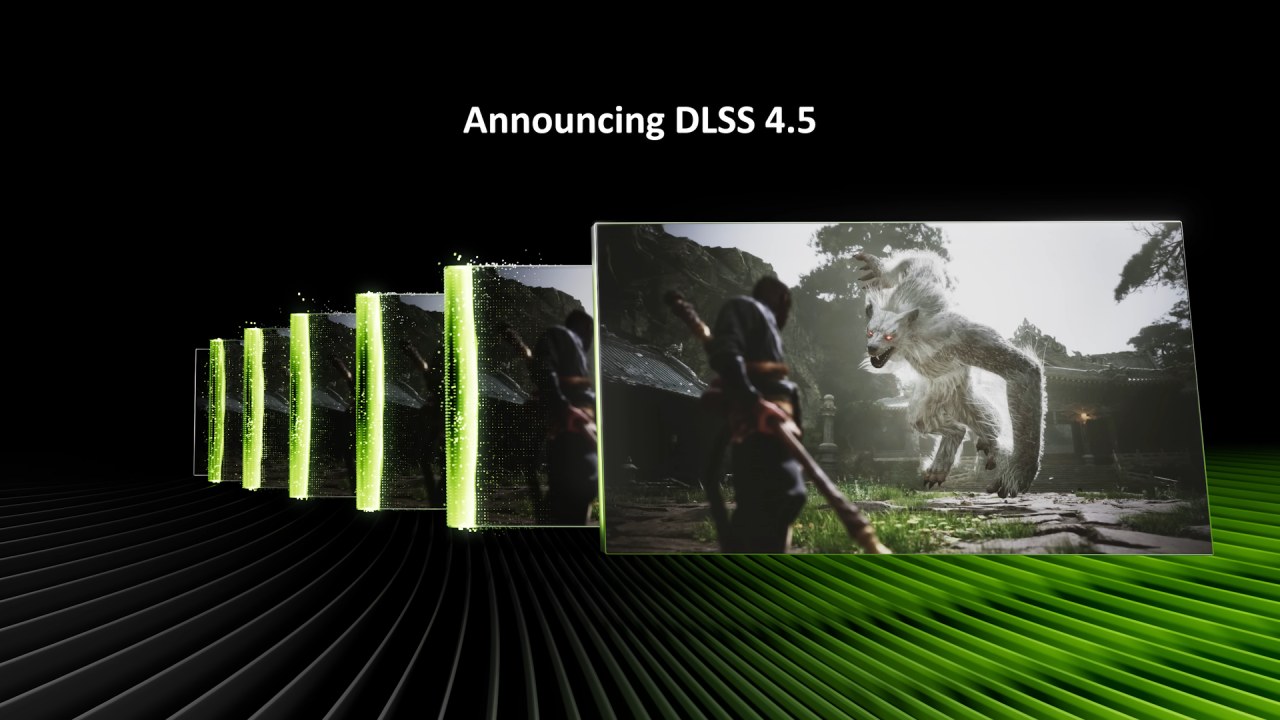
From what can be observed, preset M does not meaningfully improve this issue, and preset L largely mirrors preset M in this regard.
Discovery Through Disabling In-Game Denoisers
While investigating this behavior more broadly, an interesting discovery emerged. When an in-game denoiser is turned off, both preset M and preset L can actually produce better-looking visuals. For example, in Crysis 3, disabling the in-game denoiser via console commands results in less ray tracing noise in reflections.
On the comparison view, there is visibly less active boiling in the ray-traced reflection on the floor surface once the denoiser is disabled. With the denoiser off, we are effectively getting better denoising results than with the game’s own denoiser enabled.
Clearer Results in Silent Hill 2
The same behavior was tested in Silent Hill 2, where the effect is even more pronounced. Previously, preset M showed increased ray tracing noise in reflections compared to preset K. After turning off the denoiser using Unreal Unlocker and console commands, preset M and preset L, as well, deliver a much better ray tracing resolution.
Reflections appear clearer and more mirror-like, while rough road surfaces resolve their surface normals properly. All of this is achieved with less noise than preset K or preset M with the in-game denoiser enabled, even though the denoiser itself is completely turned off.
Interplay Between DLSS and Low-Resolution Denoising
Behind-the-scenes discussion with a third-party developer using DLSS suggests that presets L, R, and M can have poor interplay with the ray tracing effect denoising that is performed at a lower resolution before DLSS upscales the image.
As demonstrated in Silent Hill 2, turning off the game’s denoising and leaving a raw image without patterning can lead to superior ray tracing visuals. The improvement is clear enough to be immediately noticeable in direct comparisons.
Implications for Image Reconstruction
On one hand, this suggests that DLSS itself can act as a better denoiser than some standard in-game denoisers, which is somewhat ironic. On the other hand, it highlights that DLSS presets M and L can run into issues when layered on top of stock denoising solutions.
This is problematic because image reconstruction should ideally be as plug-and-play as possible, with strong legacy support across existing titles.
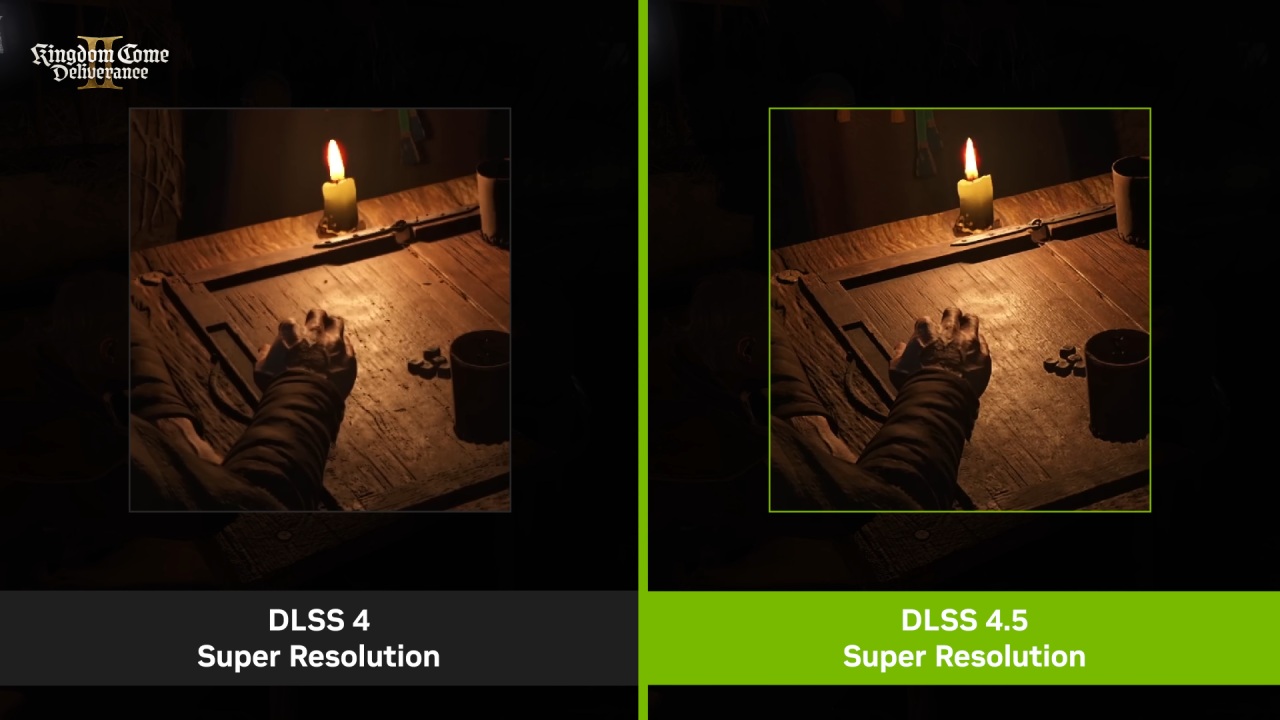
Expectations From Developers and DLSS Presets
While features like DLSS Ray Reconstruction are desirable, they should not be an expectation. Developers also should not be required to rework games post-release to better accommodate presets M and L.
Instead, presets M and L should function correctly with existing noise and denoising pipelines, without producing worse results than earlier models. Ideally, there should be no special-case scenarios required to achieve optimal image quality.
Overall Assessment of Preset L
Overall, preset L behaves very similarly to preset M. However, it does handle noise and aliasing better on vegetation.
All tests for these observations were done at ISO settings, 4K, and in performance mode to find out which preset shows clearly better traits in tough situations.
Also, check our other NVIDIA articles below:
- NVIDIA GeForce RTX 5080 Review (2025): Still A 4K Gaming Powerhouse?
- NVIDIA RTX 5070 Review: Mid-Range Muscle or Marketing Hype?
- RTX 5070 Ti Review: Performance, Thermals & Power Efficiency Tested
- ASUS GeForce RTX 5090 LC Liquid Cooled GPU Review: Unmatched Silence & Speed
- MSI GeForce RTX 5090 32GB SUPRIM SOC Review: Power Efficiency, Cooling, and Gaming Performance
- INNO3D RTX 5060 Ti 16 GB X2 Review: Gaming Benchmarks, Temps, and Power Efficiency
- HP Omen 45L Review: RTX 5090 Performance, Thermals, and Value Analysis
- ASUS TUF Gaming GeForce RTX 5060 Ti Review: DLSS 4, Power Efficiency, and Gaming
- ASUS Prime RTX 5060 Ti OC 16GB Review: DLSS 4, Ray Tracing, & Thermals Tested
- NVIDIA GeForce RTX 5060 Review: Specs, Gaming, and Cost per Frame
- MSI GeForce RTX 5090 GAMING TRIO OC Review: A Monster Power GPU
Senior Editor, NoobFeed
Gaming Hardware Updates
No Data.