
FSR vs. XeSS vs. DLSS: Best Upscaling Technology for Gaming in 2025
Comprehensive comparison of FSR, XeSS, and DLSS performance and visual quality across multiple modern games and GPUs
Hardware by Tanvir Kabbo on Aug 11, 2025
Upscalers have become highly competitive in recent years, leading to a lot of confusion among gamers about which one to choose. Many wonder which upscaler delivers the best visual quality, which offers the best performance, and ultimately, which provides the best overall experience.
Unfortunately, much of the information available is anecdotal, making it difficult to get clear, reliable answers. By testing multiple upscalers across a variety of popular games and different GPU brands, it becomes easier to understand their strengths and weaknesses.
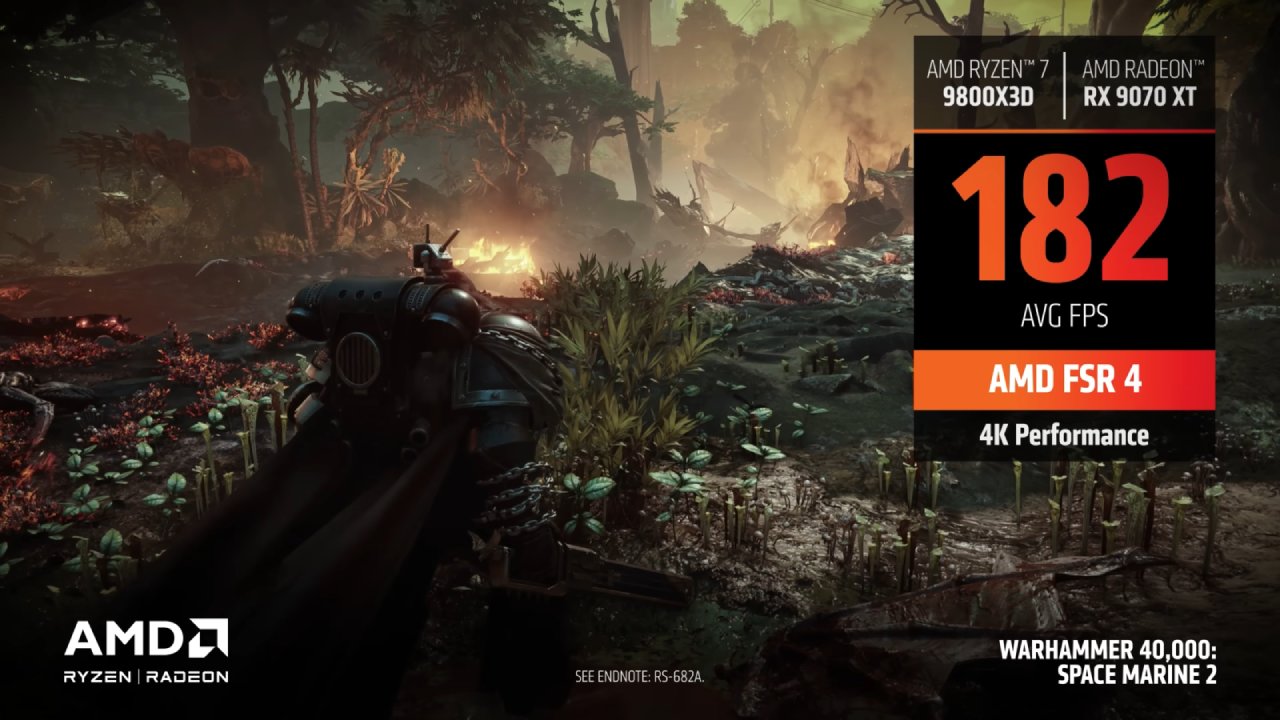
We compared these technologies to help clarify which upscalers perform best in real-world scenarios and how they differ visually and technically.
Test Setup and Methodology
We tested seven games supporting a variety of upscalers—AMD’s FSR 2, Nvidia’s DLSS, and Intel’s XeSS—using the performance setting on all of them. This setting forces upscaling from the lowest base resolution, pushing each to its limits and revealing which performs better under stress.
After evaluating visuals, we compared FPS performance across Intel, Nvidia, and AMD GPUs.
Visual Comparison in Cyberpunk 2077
In Cyberpunk 2077, supporting XeSS, FSR, and DLSS, all upscalers perform well, but subtle differences appear. For example, the grate on top of a fridge looks wavy and odd on FSR but not on DLSS or XeSS, which use deep learning for more intelligent upscaling.
All upscalers, however, show some shimmering in puddle reflections, with XeSS showing the worst performance there. Fine details, such as fences, are difficult to reproduce at low resolutions like 720p, so any good detail recreation is impressive.
Visual Quality in Witcher 3 and Other Titles
In Witcher 3, DLSS stands out as much sharper while FSR and XeSS look blurrier. FSR exhibits more shimmering on wooden planks, and XeSS reduces some but lacks sharpness compared to DLSS.
In Forespoken, DLSS again looks more stable and sometimes better than native, whereas FSR and XeSS look unstable and weird. In The Last of Us, only FSR and DLSS are available. While differences when walking around are subtle, DLSS better recreates fine fence details.
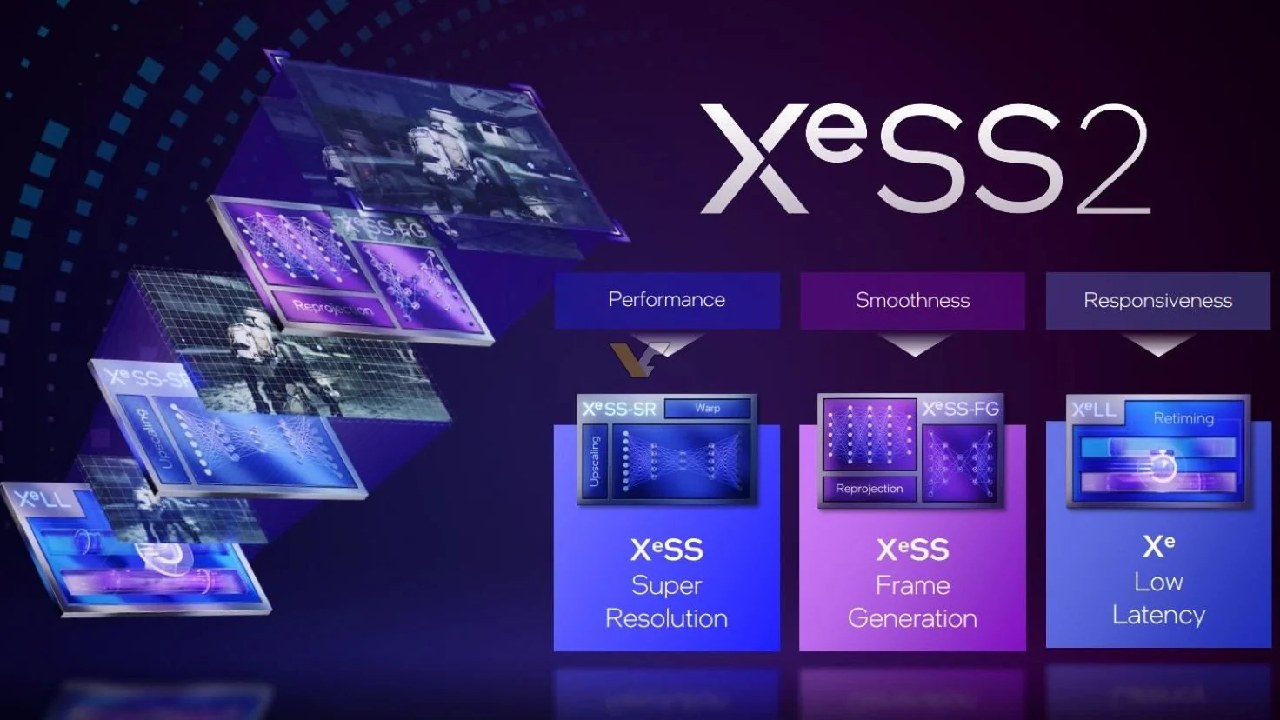
FSR vs XeSS When DLSS Is Not Available
If DLSS is not an option due to a lack of Nvidia GPU support, the choice comes down to FSR versus XeSS. In Cyberpunk, XeSS looks more stable and closer to native, especially on textures and palm tree leaves, while FSR looks softer and shimmier.
XeSS also better recreates fine details like barbed wire. While FSR is impressive as an open-source option working across nearly every GPU, XeSS tends to offer better visual stability.
In Witcher 3, XeSS fixes shimmering on wooden planks better than FSR, but neither is as sharp as native. In Forespoken, XeSS leans toward sharpness in foliage while FSR is softer. Buildings in the distance appear more stable on XeSS.
Overall, FSR struggles more with shimmering than XeSS and generally looks softer.
Performance Comparison on Nvidia GPUs
Performance on Nvidia RTX 3080 at quality settings shows DLSS and FSR with nearly identical uplifts (~27–28%), while XeSS lags at 17% (tested on three games).
The lower XeSS uplift results from the lack of hardware acceleration on non-Intel GPUs, forcing a slower fallback method. At performance settings, FSR and DLSS boost FPS by ~50%, while XeSS offers ~35%.
Performance on AMD GPUs
On AMD’s RX 6700, FSR outperforms XeSS substantially. At quality settings, FSR yields a 47% uplift, nearly double XeSS’s 25%. At performance settings, FSR’s uplift is 80%, XeSS's 52%. In Witcher 3, XeSS gets closer to FSR, sometimes worth using for better visuals.
The large uplift gap in Cyberpunk might relate to the 6700’s limited memory bandwidth, benefiting from less VRAM use during upscaling.
Performance on Intel GPUs
On Intel Arc A770, where XeSS uses hardware acceleration, uplifts at quality settings are close: FSR 27%, XeSS 25%. At performance settings, both reach ~50%.
Excluding older poor XeSS implementations, XeSS and FSR perform neck and neck on Intel hardware. If available and well implemented, XeSS is preferable on Intel GPUs.
Unreal Engine 5 Temporal Super Resolution (TSR)
Unreal Engine 5’s built-in Temporal Super Resolution (TSR), seen in Fortnite alongside DLSS, performs well, offering about 69% uplift on RTX 3080, slightly above DLSS’s 67%.
TSR breaks down more in motion with blurry fine details, but it is an effective built-in upscaler.
Final Thoughts
If your Nvidia GPU supports DLSS, it’s the best option, combining superior visuals and performance comparable to FSR. AMD users generally benefit more from FSR’s higher performance uplift, though XeSS may offer better visuals in some games.
Intel users should prefer XeSS when available, thanks to hardware acceleration and better visual fidelity. Ultimately, the best upscaler depends on your GPU, game implementation, and preference for performance or image quality. Using your GPU vendor’s native upscaler tends to yield the best experience.
Nvidia locks DLSS to their GPUs, while Intel and AMD offer more open but sometimes less efficient solutions.
Check Our Other Articles:
- GeForce RTX 5090 Unleashed: Is NVIDIA's New Flagship the Ultimate 4K Gaming GPU?
- NVIDIA GeForce RTX 5080 Review (2025): Still A 4K Gaming Powerhouse?
- RTX 5090 Performance Testing In GTA 5 – 1080p, 1440p, and 4K Max Settings Benchmark
- NVIDIA RTX 5070 Review: Mid-Range Muscle or Marketing Hype?
- RTX 5070 Ti Review: Performance, Thermals & Power Efficiency Tested
- ASUS ROG Astral RTX 5090 OC Edition Review: 32GB GDDR7 & 4K Gaming Benchmark
- ASUS GeForce RTX 5090 LC Liquid Cooled GPU Review: Unmatched Silence & Speed
- MSI GeForce RTX 5090 32GB SUPRIM SOC Review: Power Efficiency, Cooling, and Gaming Performance
- INNO3D RTX 5060 Ti 16 GB X2 Review: Gaming Benchmarks, Temps, and Power Efficiency
- HP Omen 45L Review: RTX 5090 Performance, Thermals, and Value Analysis
- ASUS TUF Gaming GeForce RTX 5060 Ti Review: DLSS 4, Power Efficiency, and Gaming
- ASUS Prime RTX 5060 Ti OC 16GB Review: DLSS 4, Ray Tracing, & Thermals Tested
- NVIDIA GeForce RTX 5060 Review: Specs, Gaming, and Cost per Frame
- MSI GeForce RTX 5090 GAMING TRIO OC Review: A Monster Power GPU
Senior Editor, NoobFeed
Gaming Hardware Updates
No Data.