
Real Difference Between $250, $500, and $1,000 GPUs: Is the Extra Cost Worth It?
Selecting representative GPUs across multiple price tiers provides a balanced performance comparison between budget, midrange, and flagship models.
Hardware by Tanvir Kabbo on Nov 01, 2025
The difference in price between entry-level and high-end GPUs has only grown over the last few years. Nvidia's RTX 5090, for example, is a staggering $1,750 more expensive than their cheapest RTX 50. The previous generation’s RTX 4090 had about a $1,300 gap compared to its most affordable counterpart, the RTX 4060. Looking further back at the RTX 20 series, the difference between the highest and lowest-end cards was only $650. Clearly, the number of price points has expanded, and the top-end cards have only become more expensive over time.
But the key question is—does spending more really deliver a proportional visual or performance benefit? Is a $1,000 GPU really four times more powerful than a $250 one? Let’s explore this in depth.
Selecting the GPUs for Testing
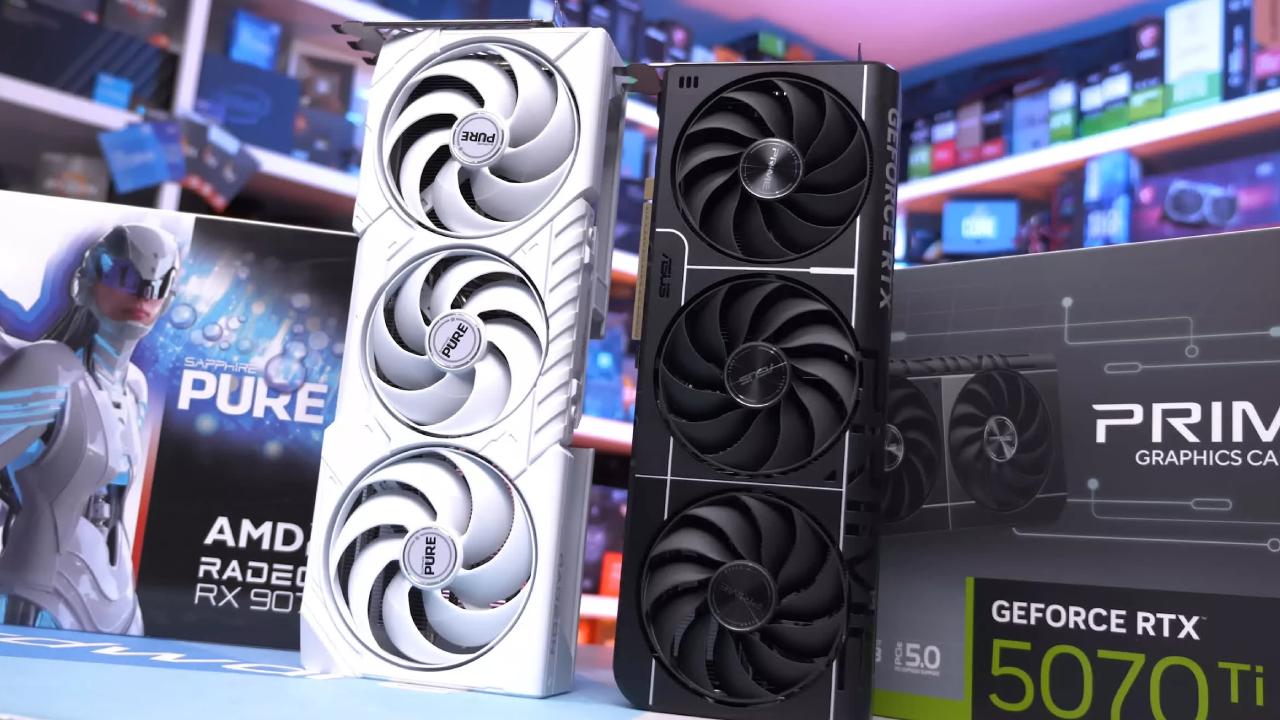
To keep the comparisons fair and balanced, we chose four GPUs to represent three different price points. The RTX 5050 was selected for the $250 mark since it’s the only GPU at that MSRP currently available. While AMD’s RX 9060 XT 8GB sits close at $270–$280, it technically breaks the budget.
At the mid-range $500 tier, we opted for the RTX 5070 and RX 9070, both priced at $549, providing a fair AMD vs Nvidia comparison. Finally, for the $1,000 tier, the RTX 5080 was the natural choice given its MSRP and the absence of a direct AMD alternative at that level.
All tests were conducted using 32GB of RAM and a 9800X3D processor to ensure a balanced setup. The benchmarks were run at 1440p and 4K, testing rasterization, ray tracing, DLSS, FSR, and other technologies.
1440p and 4K Rasterization Performance
Starting with Marvel’s Rivals at 1440p high rasterization, the RTX 5050 managed a surprisingly solid 54fps. For a $250 GPU, this is quite impressive, especially considering that not long ago, 60fps was the gold standard for gaming builds on a budget.
Moving up to the $500 tier, both the RTX 5070 and RX 9070 delivered strong results—126fps and 132fps respectively. That’s more than double the RTX 5050’s performance, showing that price and performance scale well in this bracket.
At the top, the RTX 5080 averaged 150fps, which, while faster, represented a much smaller uplift relative to its steep price increase. At 4K, the RTX 5050 struggled at 33fps, while the RX 9070 and RTX 5070 delivered 66fps and 61fps respectively. The RTX 5080, however, reached an impressive 99fps, making it significantly more capable at higher resolutions.
Upscaling Technologies: DLSS, FSR, and XSS
Upscaling uses AI and machine learning to render games at a lower resolution and then upscale them to your target resolution, offering higher frame rates with minimal image quality loss. Nvidia’s DLSS, AMD’s FSR, and Intel’s XSS all use this technique.
With DLSS and FSR set to the “Quality” preset at 4K, the RTX 5050 achieved 50fps, while the RX 9070 and RTX 5070 hovered around 95fps each. The RTX 5080 reached 127fps, demonstrating its raw power, though not proportionate to its price jump.
Once frame generation was enabled, results changed dramatically. The RTX 5080 pushed close to 200fps, while the RX 9070 outperformed the 5070 slightly. Even the RTX 5050 reached 69fps, though its 1% and 0.1% lows were poor due to limited frame data.
Because cheaper GPUs render fewer real frames, frame generation can result in stuttering and instability. That’s why average FPS doesn’t always tell the whole story—smoothness and consistency matter too.
Artifacting and Frame Generation Quality
Frame generation isn’t perfect. Slowing down captured footage revealed that both the RX 9070 and RTX 5070 exhibited minor distortion, especially around fast-moving te XT or progress bars. The 5070 generally controlled it better, but both cards struggled in high-motion scenes.
While these artifacts are rarely noticeable during gameplay, they demonstrate that generated frames, while useful, aren’t “real.” AMD currently supports generating one artificial frame between each pair of real ones, while Nvidia can insert up to three, providing smoother results overall.
Rasterization and Ray Tracing Benchmarks
In F1 2025 using ultra-high rasterization at 1440p, the RTX 5050 managed 81fps, which is quite good for a budget card. The RTX 5070 and RX 9070 delivered 217fps and 170fps, while the RTX 5080 topped the chart at 221fps.
At 4K, the RTX 5050 struggled, while the RTX 5080 dominated with 149fps. The RX 9070 followed at 129fps, and the RTX 5070 delivered 97fps. With ray tracing enabled, the RTX 5080 achieved 142fps, RX 9070 reached 118fps, and RTX 5070 came close behind at 98fps.
Turning on frame generation widened the gap further, with the RTX 5080 surpassing 200fps. The RTX 5070 outpaced the RX 9070, and the RX 9060 XT delivered a respectable 73fps at 1440p. However, both the RTX 5050 and RX 9060 XT became unplayable at 4K with heavy artifacting and inconsistent frame pacing.
Visual Quality and Latency Differences
In Indiana Jones, visual quality improved notably with DLSS, ray tracing, and frame generation enabled. The RTX 5070, with DLSS set to Quality and frame generation at 2x, produced sharper trees and clearer brick te XTures compared to native rendering.
Ray reconstruction in DLSS4 further enhanced realism, adding depth and precision to lighting. However, these benefits come with increased latency—rising from 20ms to 40ms—which is acceptable in RPGs but can be problematic in competitive shooters.
Comparing AMD’s RX 9070 to the RTX 5070 showed that AMD is catching up visually, but Nvidia still leads in frame generation and consistency.
Motion Clarity and Frame Smoothness
In Battlefield, frame generation once again showed mixed results. AMD’s RX 9070 exhibited motion blur artifacts near the bottom of the image, while Nvidia’s RTX 5070 showed similar effects but less severe. Slowing gameplay to 10% speed at 120fps recording demonstrated these differences clearly, highlighting how both technologies still have room for improvement.
Cost Per Frame Analysis
When examining value, AMD’s RX 9060 XT 8GB offered the best cost-per-frame ratio, followed closely by the RX 9070 and RTX 5070. Interestingly, at 1440p in Cyberpunk using high rasterization, the RX 9070 offered better value than the RTX 5050 despite being twice the price.
At 4K, both the RTX 5070 and RX 9070 maintained superior value compared to the RTX 5050, showing that spending more at the mid-range often pays off better than opting for entry-level cards.
In Marvel’s Rivals, the RX 9060 XT and RX 9070 again proved to be strong performers in value metrics, while the RTX 5080’s high price premium was at least justified by its unmatched performance.
Finding the Sweet Spot
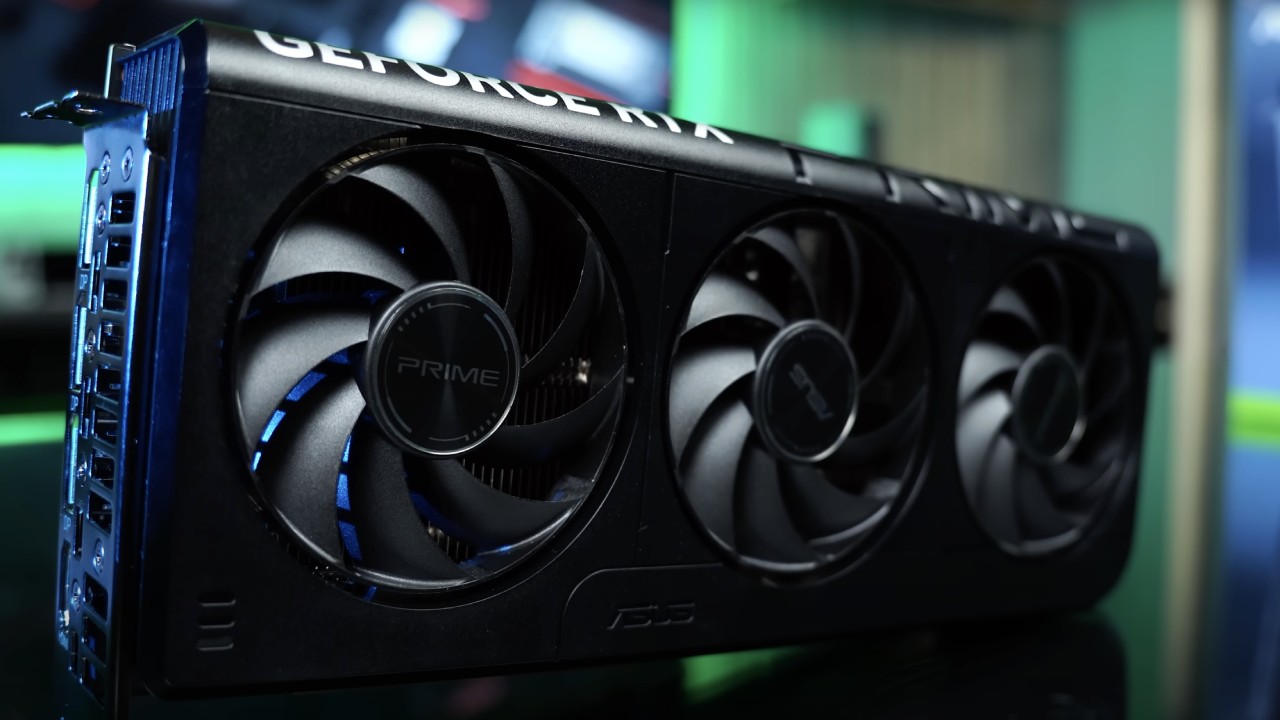
After a lot of testing, the $500 tier is clearly the best choice. The RTX 5070 and RX 9070 GPUs are great because they balance price, performance, and features. They can play games at 1440p with high frame rates, 4K with good results, and DLSS and FSR.
The RTX 5080 is powerful and surprisingly efficient for its price range, but it's hard to justify the expense unless you play games at 4K with all settings turned up. The RTX 5050, on the other hand, works well for entry-level configurations but has trouble at higher resolutions and settings.
Until AMD applies more pressure to Nvidia at the high end, the price gap between budget and flagship GPUs in the US market will likely remain wide. But for most gamers, investing around $500 still provides the best overall gaming experience without overpaying for diminishing returns.
Also, check our other NVIDIA articles:
- NVIDIA GeForce RTX 5080 Review (2025): Still A 4K Gaming Powerhouse?
- RTX 5090 Performance Testing In GTA 5 – 1080p, 1440p, and 4K Max Settings Benchmark
- NVIDIA RTX 5070 Review: Mid-Range Muscle or Marketing Hype?
- RTX 5070 Ti Review: Performance, Thermals & Power Efficiency Tested
- ASUS ROG Astral RTX 5090 OC Edition Review: 32GB GDDR7 & 4K Gaming Benchmark
- ASUS GeForce RTX 5090 LC Liquid Cooled GPU Review: Unmatched Silence & Speed
- MSI GeForce RTX 5090 32GB SUPRIM SOC Review: Power Efficiency, Cooling, and Gaming Performance
- INNO3D RTX 5060 Ti 16 GB X2 Review: Gaming Benchmarks, Temps, and Power Efficiency
- HP Omen 45L Review: RTX 5090 Performance, Thermals, and Value Analysis
- ASUS TUF Gaming GeForce RTX 5060 Ti Review: DLSS 4, Power Efficiency, and Gaming
- ASUS Prime RTX 5060 Ti OC 16GB Review: DLSS 4, Ray Tracing, & Thermals Tested
- NVIDIA GeForce RTX 5060 Review: Specs, Gaming, and Cost per Frame
- MSI GeForce RTX 5090 GAMING TRIO OC Review: A Monster Power GPU
Senior Editor, NoobFeed
Gaming Hardware Updates
No Data.