
Intel 13th & 14th Gen CPUs Stability Issues
Intel’s Raptor Lake CPUs face long-term reliability challenges linked to voltage management flaws and thermal degradation under load.
Hardware by Tanvir Kabbo on Sep 05, 2025
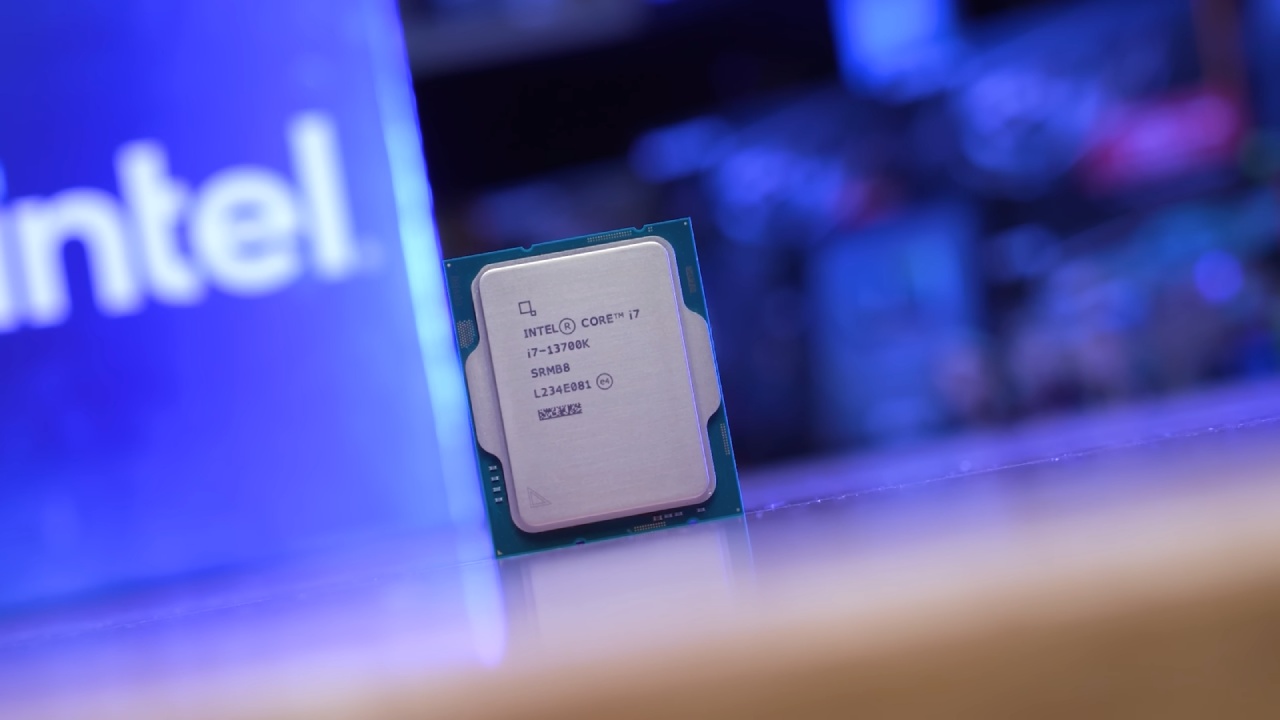
Intel's 13th and 14th-generation desktop CPUs, known as Raptor Lake, are experiencing ongoing stability issues. Users pushed these processors to their limits, resulting in reports of crashes, application problems, and unexpected throttling.
What appeared to be isolated difficulties has become a well-documented flaw involving voltage and heat control.
These difficulties have been related to voltage and heat management vulnerabilities, triggering what has now become a well-documented case of Intel CPU instability.
The Emerging Crisis
When gamers witnessed crashes in demanding DirectX 12 games, the first indications of Raptor Lake instability were seen in high-performance PC gaming. The CPU was the true cause of errors, which were frequently attributed to GPU memory.
Further analysis revealed the root cause: a defect known as "Vmin Shift Instability". Under elevated voltage and thermal conditions, a vulnerable clock circuit inside the IA core degraded over time, resulting in Raptor Lake crashes and system instability.
This issue doesn't just affect gamers. If you're running productivity workloads or leaving your system on for days at a time, you may also encounter freezes or application crashes.
That's why Intel's 13th-gen and 14th-gen CPU stability problems have become a serious concern for builders everywhere.
Intel's Mitigation Journey
Intel responded with a series of BIOS microcode updates aimed at curbing instability. Every patch gradually reduced dangerous boost and voltage behaviors:
To steer clear of extreme turbo frequencies, 0x125 (June 2024): Enhanced Thermal Velocity Boost (eTVB) was tuned.
To lessen instability, 0x129 (August 2024) restricted voltage demands.
By integrating previous improvements, 0x12B (September 2024) addressed idle-state voltage spikes.
Better dependability for systems operating in low-activity, long-duration states (0x12F, May 2025).
Intel claimed that patch 0x12B was the "final mitigation," but the later release of 0x12F proves the company is still refining solutions.
The good news is that these BIOS microcode fixes did not hurt gaming performance, so you'll still get full-speed results without sacrificing stability.
Extended Warranty & Support
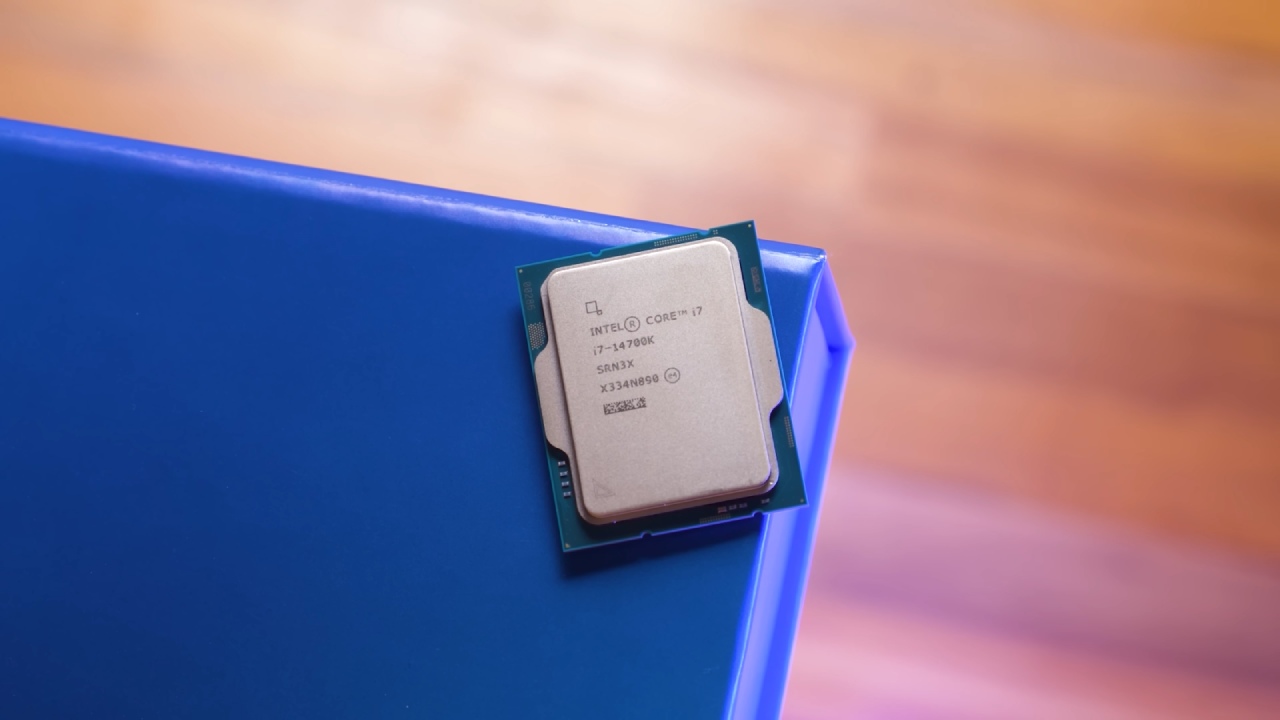
The warranty for the 13th and 14th-generation CPUs from Intel has been extended by two years. Along with these improvements, this will give full protection for up to five years.
We can also use the replacement or refund alternatives if the chips start to exhibit indications of wear and tear.
Intel provided a safety net for builders who depend on these CPUs by acknowledging the long-term risk of instability.
Heat and Real-World Crashes
Heat is still a significant contributor to Intel CPU instability, even with microcode changes. Heatwaves caused more failures, according to developers monitoring crash data, especially for programs like browsers that need consistent timing.
If you're running a system with Raptor Lake processors, strong cooling is essential. Even then, higher ambient temperatures can exacerbate instability risks, underscoring the significant role thermal management plays in CPU reliability.
What This Means for Builders
If you intend to build a new system using Intel's 13th or 14th generation CPUs, you must make sure the motherboard BIOS has the most recent microcode (0x125 through 0x12F) installed.
It is essential for those of us who are now utilizing these processors to be vigilant for crashes and take advantage of Intel's extended warranty.
That said, if your top priority is rock-solid stability, you might want to consider AMD Ryzen 7000 or 9000 series CPUs. These platforms are unaffected by the Raptor Lake instability and deliver consistent performance across gaming and productivity tasks.
Another safer option is to opt for older Intel platforms that don't suffer from these same BIOS microcode fix dependencies.

Final Thoughts
Intel's Raptor Lake CPU problems show what may happen when you push hardware too far. As a user, we need to remain on top of things by updating the BIOS, employing robust cooling, and thinking about whether AMD or older Intel systems will be more stable.
Building systems that function reliably for years can save us the trouble of instability if we put reliability over gaming performance goals.
Check Our Other Intel Chips Articles:
- Intel Core Ultra 9 285K Review And Performance Breakdown (2025)
- Intel Core Ultra 9 285K vs AMD Ryzen 7 9800X3D: In-Depth Gaming Performance and Benchmark Comparison
- Intel Core i5-13400F Gaming Performance: Still Worth It in 2025?
- Intel Core i9‑14900K vs. AMD Ryzen 7 7800X3D: Power Profiles & Gaming Benchmarks
- Intel Core i9 14900K: Specs, Benchmarks, and Competitor Comparison
- Intel Core Ultra 5 245K Review: Gaming, Productivity & Power Efficiency Tested
- Intel Core Ultra 9 285 K's iGPU Gaming: In-Depth Benchmarks & Analysis
- Intel vs. AMD Gaming Laptop: Performance, Thermals & Battery Life Compared
- AMD Ryzen 7 9800X3D vs.7800X3D vs. Intel Core Ultra 7 265K: Gaming, Thermals & Price Analysis
Senior Editor, NoobFeed
Gaming Hardware Updates
No Data.