
Mini PC Build for Gaming & AI with Ryzen AI Max Plus 395
Compact Ryzen AI Max Plus 395 build delivers powerful gaming and AI performance with efficient cooling in a small form factor.
Hardware by Tanvir Kabbo on Aug 11, 2025
A new motherboard from Framework's desktop lineup offers a compact and versatile MiniITX solution, designed to deliver strong performance in a small form factor. The motherboard can be powered by any ATX power supply, including SFX units, and comes with a pre-installed cooler using a phase change thermal interface.
It supports a 120mm fan mount, features a 24-pin and an 8-pin power connector, one x4 PCIe slot, two M.2280 slots for storage expansion, and a slot for Wi-Fi modules.
At the heart of the system is the AMD Ryzen AI Max Plus 395 processor, paired with 128GB of RAM. Up to 96GB of RAM can be dedicated to the integrated GPU for large language models (LLMs), making it a strong contender for AI workloads in addition to gaming.
Build Setup
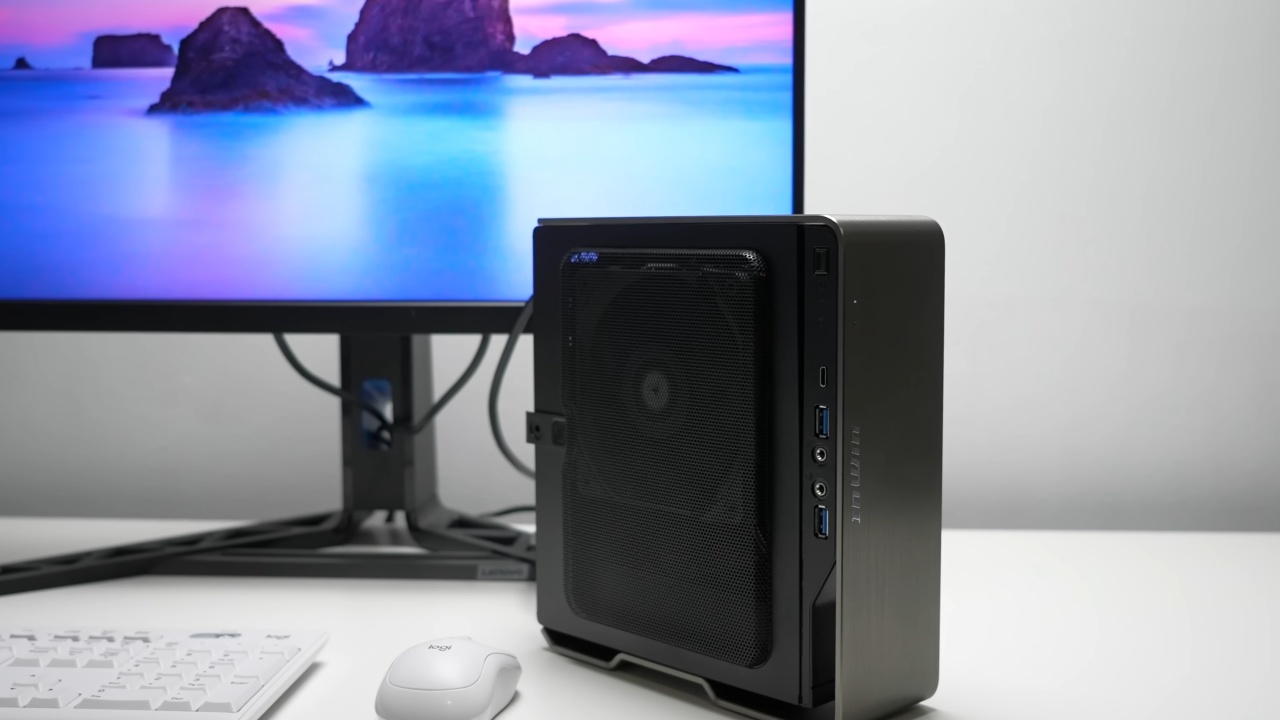
To complete the build, a small form factor case was chosen—the upgraded N1 Showan with a 230W power supply. Testing revealed the system's peak power draw to be around 157W, so the 230W supply offers sufficient headroom.
It took some fan tweaks to fit the board and cooler inside the case. Even though the board can accommodate a 120mm fan, the top panel of the case could not close when one was installed in the conventional mount.
The low-profile 120mm fan was pushed forward on the heatsink, and new mounting points were made. This modification preserved adequate airflow and enabled the case to close correctly.
The case also supports alternative orientations, such as laying it on its side, which can improve cooling options.
Once assembled, the system runs Windows 11 Pro and can be positioned vertically or horizontally depending on your setup preferences. The processor's integrated GPU was configured with 64GB of dedicated RAM, a balanced choice for light AI work and gaming performance.
The system also features AMD's XDNA Neural Processing Unit (NPU), which can be used for image upscaling and generation, although some tasks are faster on the GPU.
Performance and Temperatures
The system's maximum thermal design power (TDP) is 120W, and during gaming workloads it hovered around 100W. No thermal throttling was noticed, and temperatures were kept under control despite the tiny chassis and narrower fan.
The motherboard's included cooler worked incredibly well, keeping the CPU at a safe temperature even when it was loaded.
The configuration makes use of the Amuse application, which is tailored for AMD hardware, for AI picture synthesis and video upscaling. With the NPU disabled, the GPU handles image generation efficiently, completing tasks in around 37 seconds.
When enabling the AMD XDNA2 stable diffusion option to run fully on the NPU, image generation took longer—approximately 77 seconds—but still produced high-quality upscaled images. Video generation of up to 6 seconds was possible locally on the iGPU, taking about 165 seconds.
While not as fast or detailed as some specialized tools, this capability for local video creation is noteworthy.
Local AI language model inference was tested using LM Studio with a 14GB model, running completely offline. The system achieved about 14.45 tokens per second using the GPU. The NPU currently lacks integration with this tool, but any suggestions for utilizing it with language models are welcome.
.jpg)
Gaming on Ryzen AI Max Plus 395
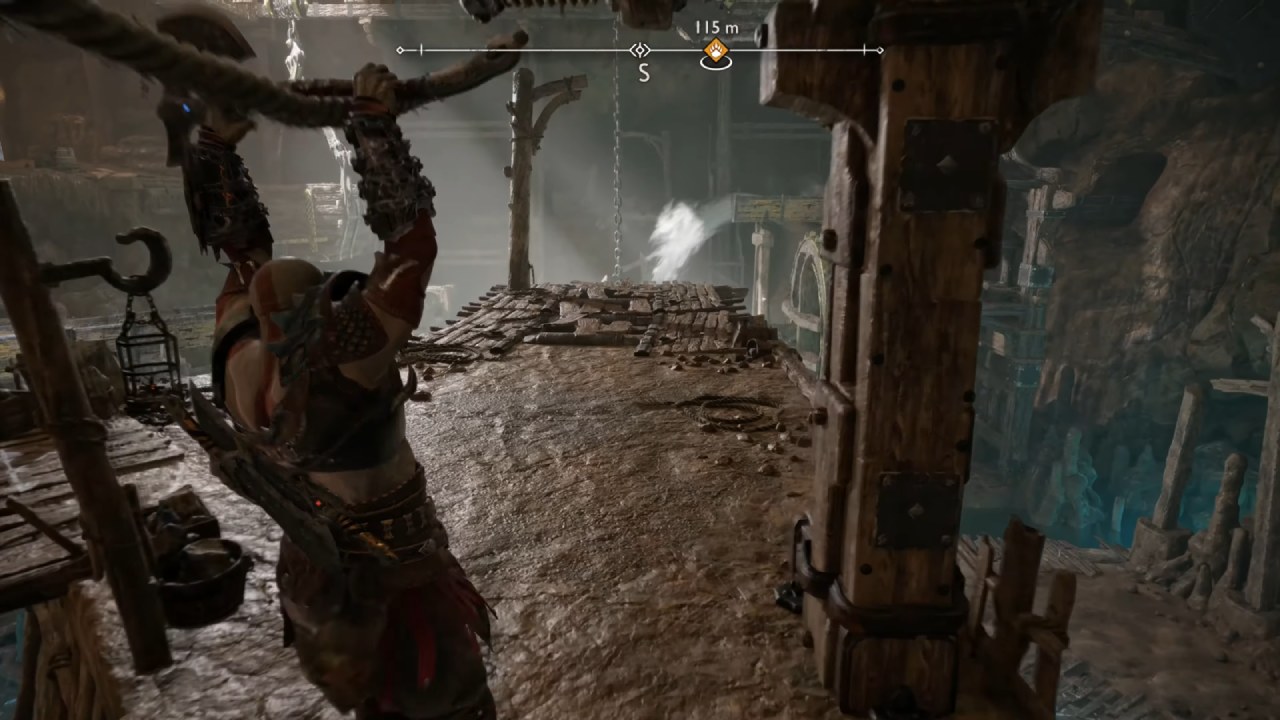
Gaming performance on Max Plus 395 was impressive across several recent titles at 1440p resolution. God of War Ragnarok ran on high settings without FSR at a playable frame rate while drawing 94-95W CPU power.
Hogwarts Legacy required FSR set to balanced for consistent 60+ fps, with slightly higher CPU temperatures but still well managed by the cooling system.
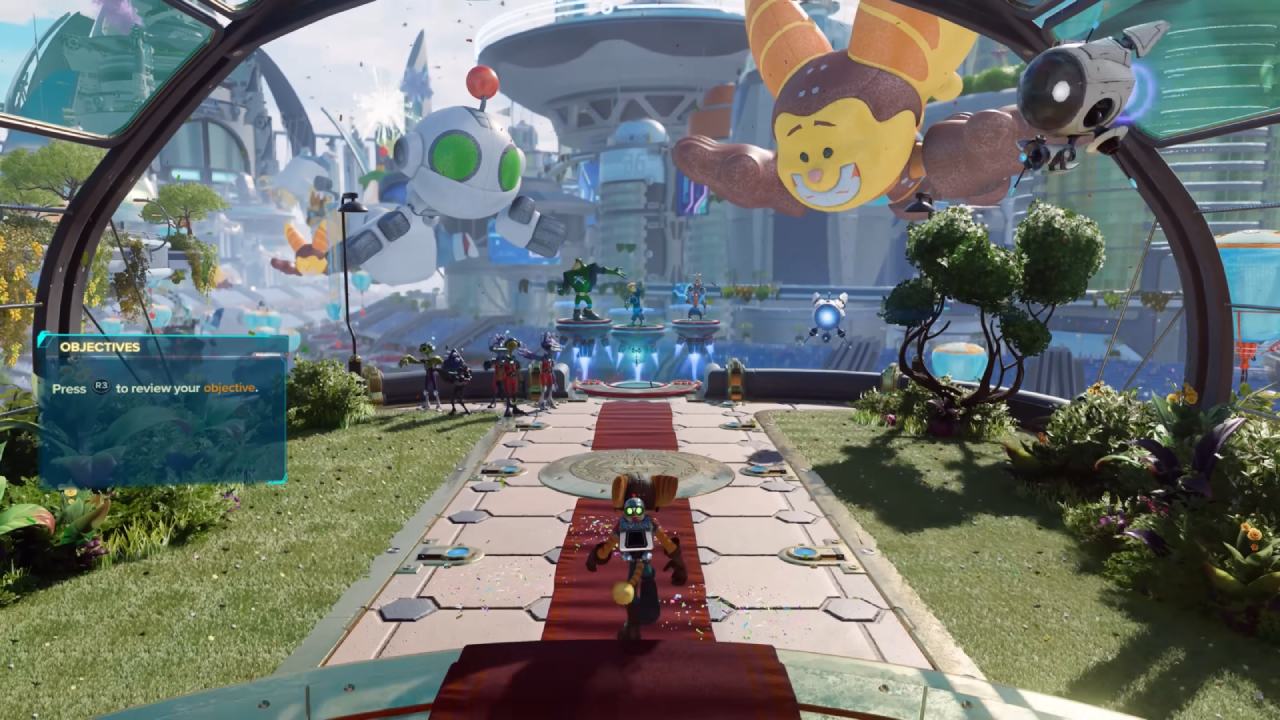
Ratchet and Clank Rift Apart ran at very high settings with no FSR, averaging around 84 fps. Most modern games support FSR frame generation, which can nearly double frame rates if enabled.
Cyberpunk 2077 at 1440p with high settings and FSR quality provided a smooth experience. Enabling ray tracing at ultra settings was possible but required frame generation to maintain playability, running over 60 fps on the integrated GPU.
Although ray tracing felt somewhat uneven, it was remarkable to achieve this level of detail on an iGPU.
Thermal and System Stability
Cinebench R24 testing scored 1,831 points, an excellent result for a mobile AMD chip. Peak CPU temperatures measured 74.6°C during all tests, comfortably below thermal throttling thresholds. The custom fan setup was slightly louder than the stock Framework desktop fan, but remained quiet overall.
This minimal system offers an excellent balance of power, portability, and thermal control, making it ideal for desktop AI tasks or gaming in the living room. Because of its small size, it may be used in a variety of environments without sacrificing functionality.
Final Thoughts
For those interested in exploring the Framework desktop mainboard or seeing more Windows gaming performance and AI benchmarks, additional resources are available.
This build represents one of the smallest and most capable configurations possible without resorting to ultra-compact HTPC cases and pico power supplies.
Check Our Other Articles:
- GeForce RTX 5090 Unleashed: Is NVIDIA's New Flagship the Ultimate 4K Gaming GPU?
- NVIDIA GeForce RTX 5080 Review (2025): Still A 4K Gaming Powerhouse?
- RTX 5090 Performance Testing In GTA 5 – 1080p, 1440p, and 4K Max Settings Benchmark
- NVIDIA RTX 5070 Review: Mid-Range Muscle or Marketing Hype?
- RTX 5070 Ti Review: Performance, Thermals & Power Efficiency Tested
- ASUS ROG Astral RTX 5090 OC Edition Review: 32GB GDDR7 & 4K Gaming Benchmark
- ASUS GeForce RTX 5090 LC Liquid Cooled GPU Review: Unmatched Silence & Speed
- MSI GeForce RTX 5090 32GB SUPRIM SOC Review: Power Efficiency, Cooling, and Gaming Performance
- INNO3D RTX 5060 Ti 16 GB X2 Review: Gaming Benchmarks, Temps, and Power Efficiency
- HP Omen 45L Review: RTX 5090 Performance, Thermals, and Value Analysis
- ASUS TUF Gaming GeForce RTX 5060 Ti Review: DLSS 4, Power Efficiency, and Gaming
- ASUS Prime RTX 5060 Ti OC 16GB Review: DLSS 4, Ray Tracing, & Thermals Tested
- NVIDIA GeForce RTX 5060 Review: Specs, Gaming, and Cost per Frame
- MSI GeForce RTX 5090 GAMING TRIO OC Review: A Monster Power GPU
Senior Editor, NoobFeed
Gaming Hardware Updates
No Data.