
NVIDIA GeForce RTX 5080 Performance Review: Witcher 3 Highlighting DLSS4, DLA, and Ray Tracing Results
RTX 5080 showcases demanding next-gen Witcher 3 performance across resolutions while comparing DLSS, DLA, ray tracing, and anti-aliasing methods.
Hardware by Nahe Yan on Nov 21, 2025
Witcher 3 tests the RTX5090 Founders Edition across a range of configurations, resolutions, and upscaling options, using several in-game scenarios to assess frame stability, power consumption, and Performance.
We use a Ryzen 7 CPU with the latest Nvidia drivers and a GeForce RTX 5090 Founders Edition. Clock behavior is monitored using GPU-Z. Overclocking is not done by hand. Frame generation, ray tracing, DLSS, and DLAA are evaluated in both 1080p and 1440p.
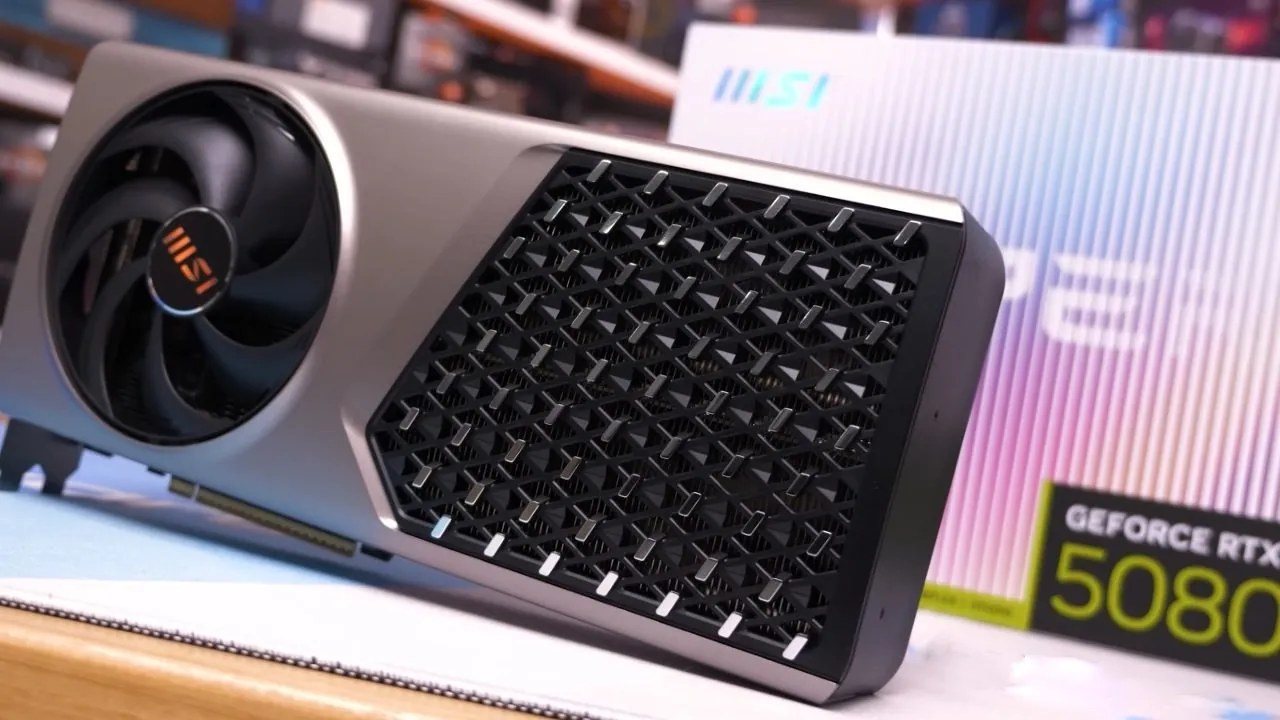
Performance in Native 1080p
When everything is set to its highest native 1080p setting, the GPU's usage ranges from 80% to 90% in lighter areas and can drop to 60% to 70% in village zones due to CPU stress. In open areas, frame rates range from 130 to 150 fps, whereas in dense areas they drop to roughly 110 fps.
By switching to DLSS, frame rates rise in tandem with GPU utilization, which frequently approaches full utilization and often surpasses 90%.
Performance of DLSS1080p
GPU utilization stabilizes near maximum when DLSS Quality is set to 1080p, and frame rates remain above 140 in most zones. The image resolves cleanly when utilizing DLAA at 1080p because upscaling is not required, as the resolution starts at 1920x1080. When CPU demand remains constant, frame rates stay constant.
Performance of Ray Tracing in 1080p
Frame rates range from about 90 to 100 fps when ray tracing is enabled at 1080p, and GPU usage increases. By adding extra frame output, frame creation enables readings of about 150 fps. When moving and fighting, frame pace remains constant.
Native Performance in 1440p
GPU use is close to 100% utilization at 1440p native without ray tracing. When moving through towns and countryside, frame rates range from 70 to 80 fps. The intricacy of the image is reflected in the fluctuations caused by heavier geometry parts.
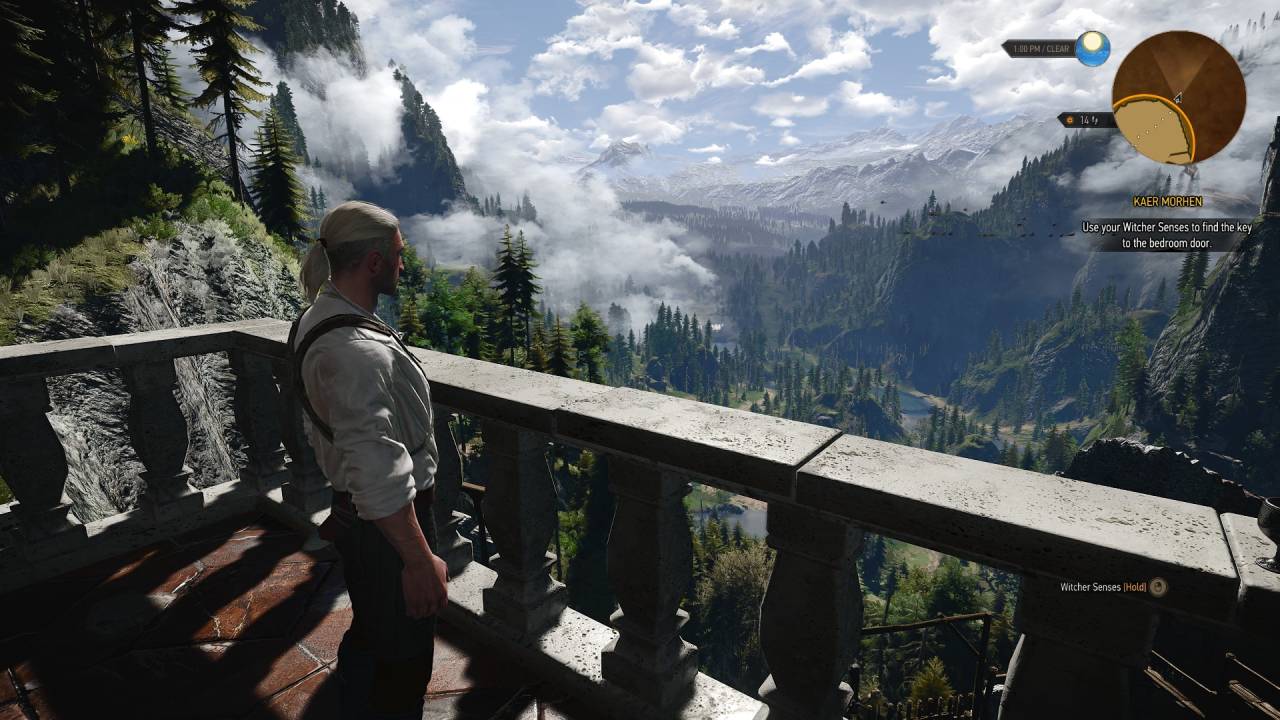
DLSS Performance at 1440p
Depending on the area, frame rates can reach 100 fps or more with DLSS Quality at 1440p. GPU clocks reach around 2.8 GHz during these scenarios. Consistent frame times across inhabited locations are enabled by reduced-resolution loading.
DLAA Performance at 1440 p.m.
In most places, frame rates stay above 60 fps at 1440p with DLAA. Because the anti-aliasing technique starts at a higher resolution before applying the DLAA filter, visual clarity improves, but GPU usage remains high.
Ray Tracing Performance in 1440p
In heavy scenes, frame rates drop to 40–50 fps when ray tracing is enabled at 1440p. Results increase to about 80 fps when frame creation is enabled. During movement and combat, GPU use remains close to full load. When greater frame rates are required, DLSS can be used to offset the cost of ray tracing.
Behavior of Heat and Power
In most places, GPU temperature values are stable at 62°C and 64°C. Resolution and ray tracing load affect power consumption. 2.8 GHz clock speeds are common. Scaling restrictions rather than thermal constraints are indicated by use decreases in CPU-heavy zones.
Final Thoughts
In many settings, 1440p will yield better results than 1080p since the GPU remains fully occupied at 1440p, but 1080p may start to drift toward CPU constraints. Performance at both resolutions increases with DLSS, and the GPU can sustain higher frame rates with consistent stability when ray tracing and frame generation are combined.
Also, check our other NVIDIA articles:
- NVIDIA GeForce RTX 5080 Review (2025): Still A 4K Gaming Powerhouse?
- NVIDIA RTX 5070 Review: Mid-Range Muscle or Marketing Hype?
- RTX 5070 Ti Review: Performance, Thermals & Power Efficiency Tested
- ASUS GeForce RTX 5090 LC Liquid Cooled GPU Review: Unmatched Silence & Speed
- MSI GeForce RTX 5090 32GB SUPRIM SOC Review: Power Efficiency, Cooling, and Gaming Performance
- INNO3D RTX 5060 Ti 16 GB X2 Review: Gaming Benchmarks, Temps, and Power Efficiency
- HP Omen 45L Review: RTX 5090 Performance, Thermals, and Value Analysis
- ASUS TUF Gaming GeForce RTX 5060 Ti Review: DLSS 4, Power Efficiency, and Gaming
- ASUS Prime RTX 5060 Ti OC 16GB Review: DLSS 4, Ray Tracing, & Thermals Tested
- NVIDIA GeForce RTX 5060 Review: Specs, Gaming, and Cost per Frame
- MSI GeForce RTX 5090 GAMING TRIO OC Review: A Monster Power GPU
Editor, NoobFeed
Gaming Hardware Updates
No Data.