
Ryzen 7000 Memory Guide: Dual Rank vs. Single Rank DDR5 Explained
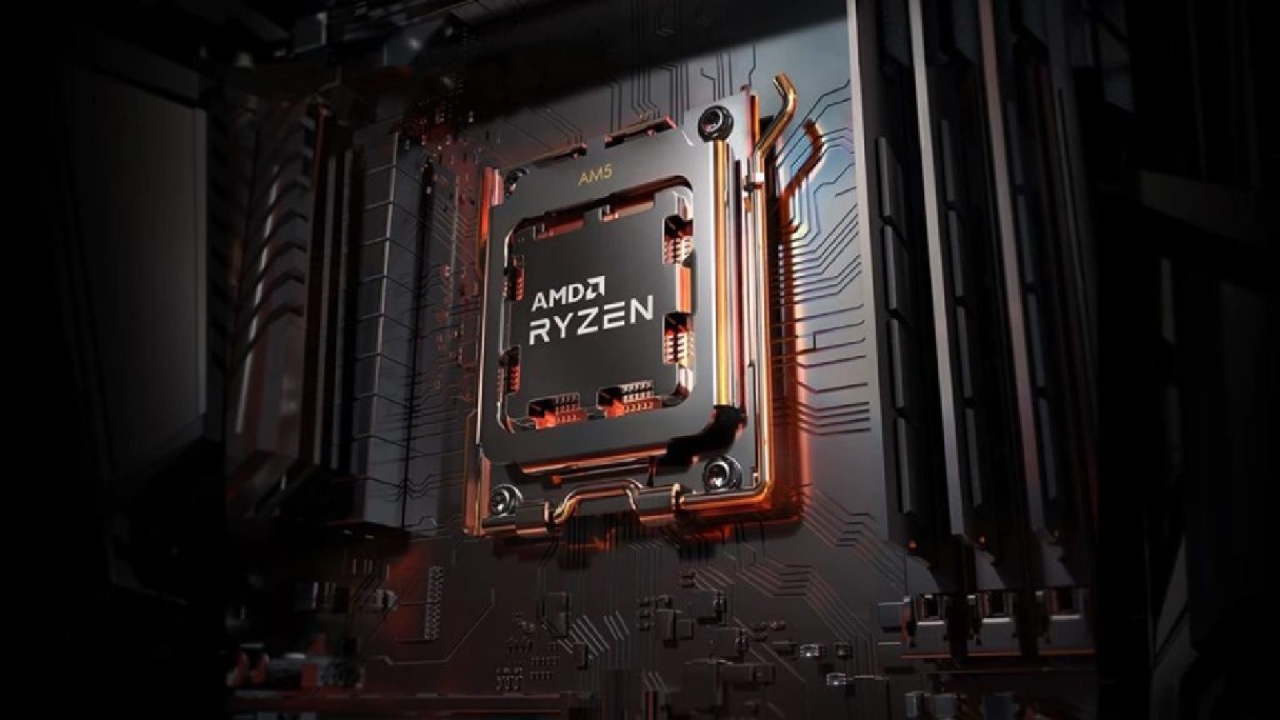
Ryzen 7000 CPUs handle DDR5 memory effectively, with single rank kits achieving performance levels nearly identical to dual rank.
Hardware by Tanvir Kabbo on Oct 04, 2025
When building a PC, one common debate is whether running four sticks of RAM provides any performance benefit over two. This question becomes even more intriguing with AMD's latest Zen4 processors, which utilize DDR5 memory.
In earlier generations, such as Zen 2 and Zen 3, using dual-rank memory sometimes resulted in noticeable gaming performance improvements over single-rank setups. However, the landscape has shifted significantly with DDR5, leading to different outcomes.
Background: Dual Rank Memory and Performance Uplift
In the DDR4 era, adding more ranks can provide a significant performance boost in certain workloads, particularly in gaming applications. Dual-rank memory often helped increase bandwidth efficiency by interleaving across more banks, which improved data availability and reduced latency under heavy loads.
We observed this in benchmarks with Zen 2 and Zen 3 CPUs, where dual-rank modules sometimes delivered a substantial uplift compared to single-rank kits.
This led many to wonder if the same would hold for Zen 4 and DDR5. More ranks should mean more banks and potentially better parallelism, right?
Why DDR5 Changes the Equation
DDR5 memory changes the game's rules. Unlike DDR4, which typically has 16 banks in total (4 bank groups) in a single rank configuration, DDR5 doubles this number right from the start.
For example, a single-rank DDR5 module with a capacity of 16GB or larger contains 32 banks across eight bank groups. That is already equivalent to dual rank DDR4 in terms of bank group availability.
So when you go from single rank DDR5 to dual rank DDR5, you're effectively moving from 8 bank groups to 16 bank groups. While this does technically increase resources, the DDR5 architecture already keeps the data bus heavily utilized with just 8 bank groups.
As a result, the gains from adding more ranks are much smaller and often negligible compared to DDR4-era improvements.
Our Testing and Observations
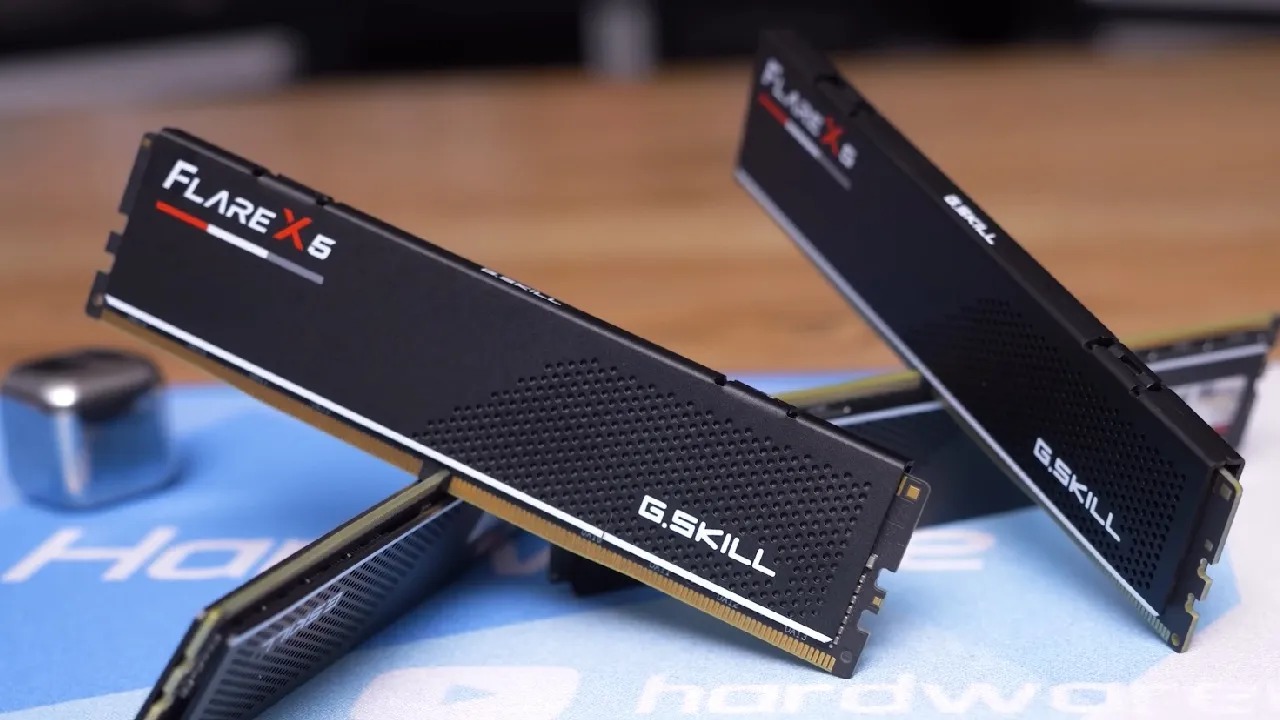
We tested this ourselves using G.Skill DDR5-6000 CL28 kits, with both 32GB (single-rank) and 64GB (dual-rank) configurations. Running the same frequency and timings, we compared performance across gaming benchmarks and productivity workloads.
For the most part, we found no significant performance difference between single-rank and dual-rank DDR5 on Zen 4 CPUs. There were isolated cases where dual rank memory improved performance slightly. Still, these gains were modest and nowhere near the scale we previously saw with DDR4 memory.
For gamers, this means running four sticks (dual rank) instead of two sticks (single rank) doesn't provide a noticeable uplift in frame rates. For instance, a system that delivers 120fps with single rank may only improve to around 122fps with dual rank in best-case scenarios—a change you're unlikely to notice in actual gameplay.
Bandwidth and Latency Considerations
To understand why, it is helpful to examine bandwidth and latency more closely. DDR4's 16-bank single-rank design often left unused cycles on the bus, which dual-rank helped fill more effectively. DDR5's 32-bank single rank configuration already saturates the bus to a large extent, leaving little room for dual rank to make an impact.
This doesn't mean dual rank DDR5 is pointless. In extremely memory-heavy workloads such as scientific computing, virtualization, or massive databases, the additional banks may help improve responsiveness under sustained parallel operations. However, for gaming and typical desktop productivity, the effect is minimal.
Practical Takeaway for Ryzen 7000 Builders
Suppose you're building a Zen 4 system in the US or elsewhere. In that case, the choice between two sticks and four sticks of DDR5 should primarily be about capacity, not performance. If you need 32GB for gaming and light productivity, two sticks are more than enough.
If your work demands 64GB or more, then four sticks may make sense—but don't expect extra performance just from having more ranks.
Another key point is the stability of the memory controller. Running four sticks can sometimes stress the CPU's memory controller, making it harder to maintain high frequencies and tight timings. In many cases, two sticks of high-quality DDR5 at 6000MT/s with good timings will perform better than four sticks at a lower frequency due to stability constraints.
Final Thoughts
While DDR4 systems benefited noticeably from dual rank configurations, the same does not apply in a meaningful way to DDR5 on Ryzen 7000 CPUs. DDR5 already doubles the rank-like resources available compared to DDR4, which means diminishing returns once you move beyond single rank.
For gamers and most desktop users, two sticks of fast, well-tuned DDR5 are all you need for optimal performance. Four sticks may still be useful for higher capacity, but not for raw speed or frame rate improvements.
Check Our Other AMD articles:
- AMD Ryzen 9 9950X3D Review: Setting The Standard For 2025 Gaming CPU
- AMD Ryzen 7 9800X3D Review: 3D V-Cache Goes God Mode with Stunning Gaming Performance
- AMD RX 9070 Performance Review: Thermals, Clocks, and Real-World FPS
- AMD Ryzen 5 7600 Review: Best Budget Gaming CPU of 2025?
- AMD Radeon RX 7800 XT Review: RDNA 3 Power For Midrange Gaming
- Sapphire NITRO+ AMD Radeon RX 9070 XT Review: The Ultimate 4K Gaming GPU
- AMD Ryzen 7 7800X3D: Delivers Gaming Performance Far Beyond Expectations
- AMD Ryzen 9 7900X Review: Powering the AM5 Era with DDR5 & PCIe 5.0
- ASRock Radeon RX 7800 XT Challenger OC Review: Best Price-to-Performance GPU of 2025
- Intel Core i9‑14900K vs. AMD Ryzen 7 7800X3D: Power Profiles & Gaming Benchmarks
Senior Editor, NoobFeed
Gaming Hardware Updates
No Data.