
Steam Deck vs. Steam Machine: Why Valve is Redefining Game Verification
Valve introduces a streamlined verification approach designed to support consistent performance across diverse living-room gaming hardware configurations.
Hardware by Tanvir Kabbo on Jan 20, 2026
Valve is officially bringing the PC gaming experience back into the living room. The new endeavor is meant to make it easier than ever for developers to produce games that work with Valve's hardware.
This change has big effects on both gamers and developers, especially with the new Steam Machine verified system, which has less restrictions than the Steam Deck verified system.
Learning about the differences between these two systems, why Valve is making changes, and how verification could help gives you an idea of where PC gaming on dedicated hardware is going.
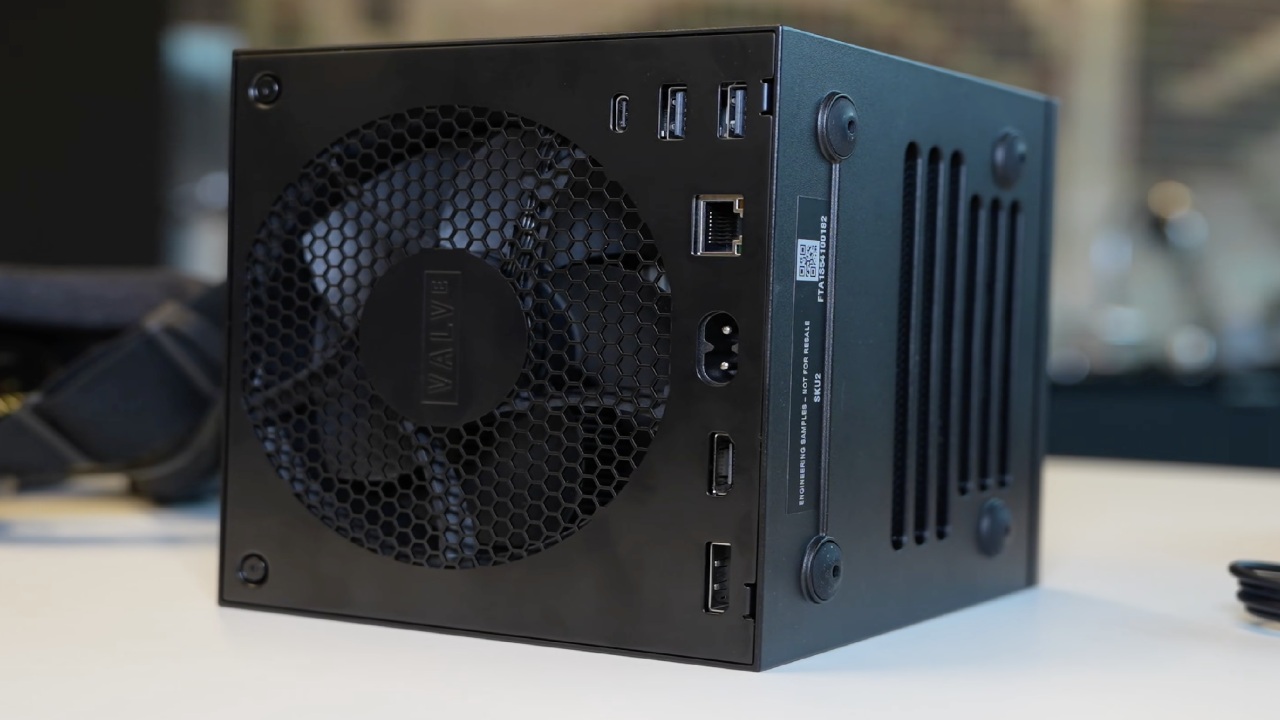
Understanding the Steam Deck Verified System
Steam Deck Verified came out at the same time as the first Steam Deck from Valve four years ago. The goal was simple: Steam Deck runs SteamOS, which is based on Linux, while most PC games are made for Windows.
Valve couldn't promise that all devices would work with all games, so they needed a verification software to help players figure out how well a game will run on their device.
Proton is a translation layer that lets Windows games run on Linux. Steam Deck depends on it a lot. Proton takes Windows API calls, finds Linux equivalents, and sends them back to the game so it acts like it's running on Windows.
Steam Machines didn't work out in the past in part because Proton didn't exist, which meant that developers had to make native ports, which most of them didn't want to do. Valve conducts most of the work with Proton.
But even if Proton works quite well, some games still don't work because of problems with launchers, DRM, or anti-cheat that need kernel-level access. These restrictions affect the Steam Deck certified categories:
The green check mark means that it has been checked. The game works, but with minor differences.
Playable: The game works, but the user may need to make some changes.
Valve hasn't tested it yet, although many untested games operate properly.
Unsupported—Valve tried out the game, and it didn't function.
These categories help people stay away from things that might not work on their device, which cuts down on returns and confusion.
What You Need to Know About Steam Deck Verification
Four main tests must be passed by a game:
Input Test
The title must support complete controller input, use the right icons for controllers, and show the on-screen keyboard when needed. To avoid confusion, make sure that prompts match the physical controller. For instance, don't show a "Press F" prompt when there is no F button.
Seamlessness
The game shouldn't show compatibility warnings, and it should let players use controllers to go through launchers. Some launchers, like the one for Cyberpunk 2077, let you skip with just one button, which is what this needs. Some people fail this test because they don't have a smooth experience.
Display
Steam Deck's native resolution is 1280x800 or 1280x720, and the game must support it. These are the same as the device's 16:10 and 16:9 aspect ratios. Players would have problems with scaling or displays that didn't work without help.
System Support
Windows games that run through Proton need middleware that works with them, such as anti-cheat. You can't check a game if its anti-cheat doesn't work with Linux.
Valve's internal documents say that the game must come with a default setting that gives players a "playable frame rate." This is something that players don't know about. The issue is that the phrase "playable" isn't clear. The phrase becomes confusing if Valve thinks 30fps is playable while a gamer thinks 60fps is. This is one of the worst things about the current system.
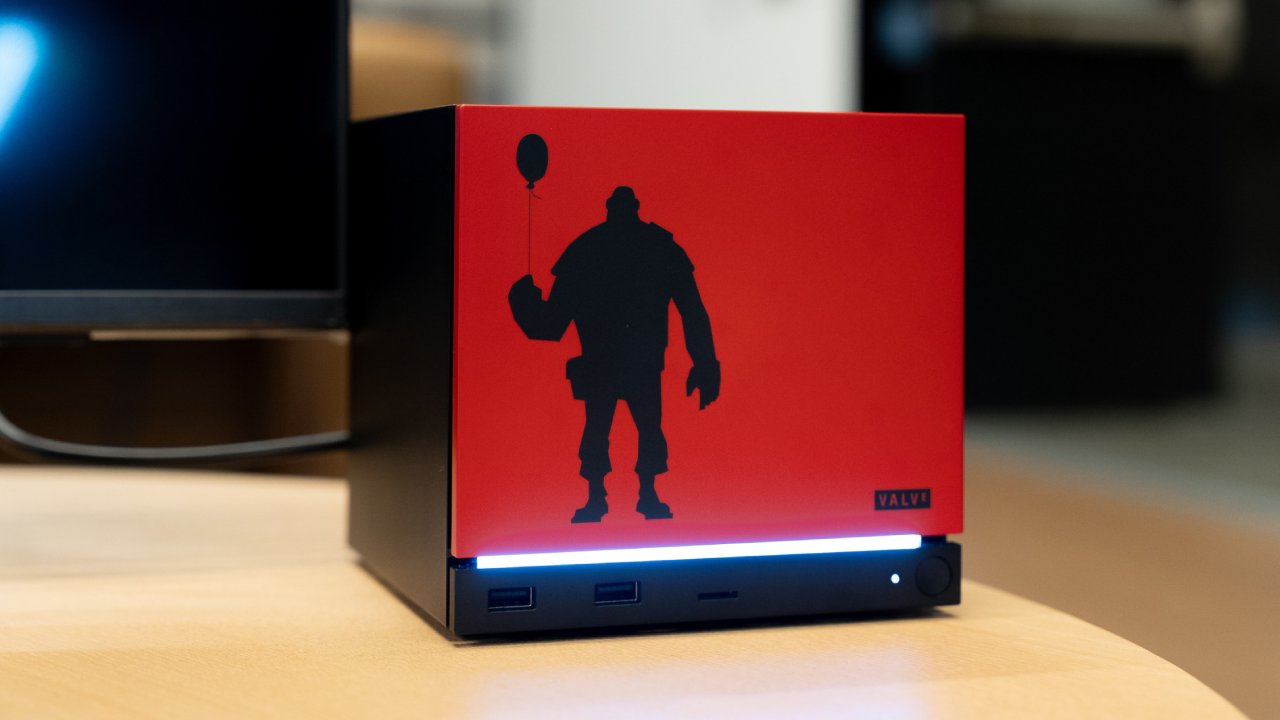
How Steam Machine Verification Will Differ
Valve designer Lawrence Yang said in a recent interview that Steam Machine authentication will be like the Steam Deck system, but with less restrictions. If a game has already been validated on Steam Deck, it will also be verified on Steam Machine.
What Stays the Same
The requirements for input stay the same. Steam Machine is meant to be used in the living room, where most players will use controllers.
Seamlessness is still vital since users still need navigation that works well with controllers.
Proton also keeps system support going because compatibility is still a big problem.
What Changes
The need for a showcase is gone. Steam Machine users can connect a lot of different TVs and monitors, including 1080p, 4K, ultrawide, and even 8K in some situations. This is different from the Steam Deck. Valve can't make everyone utilize the same resolution because every home has different hardware.
Even if customers never see the sentence, the default setting that makes the frame rate playable will probably stay the same. And once more, the lack of a precise definition for playable is worrying.
Why the Display Requirement Should Stay in Place
It makes logical to get rid of fixed-resolution constraints, however the internal direction on playable performance is still unclear. A better option would be to make system requirement disclosures longer. When you scroll down to the bottom of a store page, you usually notice the minimum and recommended specs. We want Valve to add:
- Expected frame rate for the Steam Deck
- Expected frame rate on a Steam Machine
This would make it plain what players may expect from technology that isn't very powerful. Steam Deck isn't as powerful as desktop PCs, but it runs most of the library very well.
Steam Machine also employs old technology, and Valve says it can run games at 4K60, although that depends a lot on upscaling and frame creation. We believe that if upscaling or frame generation can't be seen during play, then it doesn't matter if they're there or not.
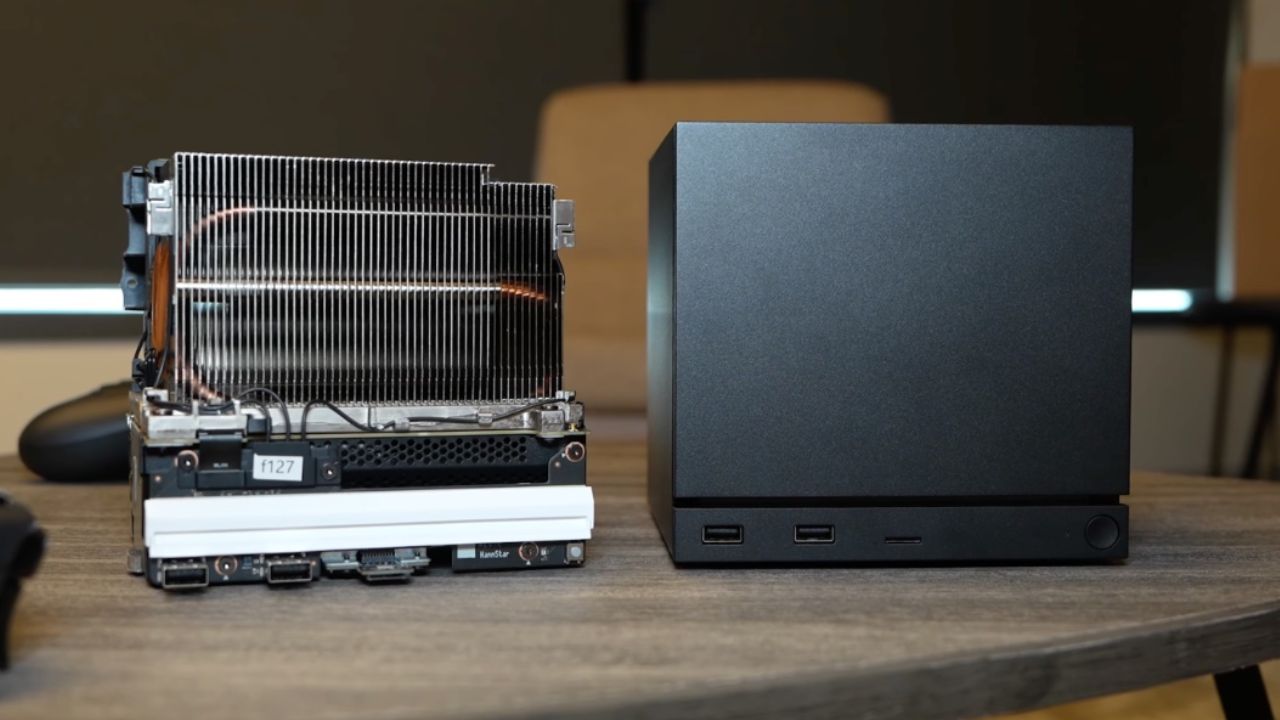
Why Verification Still Matters to Developers and Players
Developers desire certification because it puts their games in a special group, like "Great on Deck" or whatever the next Steam Machine will be called. Sales go up when people can see your game, and satisfying the verification requirements makes creators more likely to make their games work better on older technology.
This is good for everyone, not just people who possess a Steam Deck or Steam Machine. greater optimization for Valve's devices usually means greater performance on a lot of different PCs. Overall, the PC ecosystem gets stronger when efficiency goes up in many areas.
Also, check our other AMD articles below:
- AMD Ryzen 9 9950X3D Review: Setting The Standard For 2025 Gaming CPU
- AMD Ryzen 7 9800X3D Review: 3D V-Cache Goes God Mode with Stunning Gaming Performance
- AMD RX 9070 Performance Review: Thermals, Clocks, and Real-World FPS
- AMD Ryzen 5 7600 Review: Best Budget Gaming CPU of 2025?
- AMD Radeon RX 7800 XT Review: RDNA 3 Power For Midrange Gaming
- Sapphire NITRO+ AMD Radeon RX 9070 XT Review: The Ultimate 4K Gaming GPU
- AMD Ryzen 7 7800X3D: Delivers Gaming Performance Far Beyond Expectations
- AMD Ryzen 9 7900X Review: Powering the AM5 Era with DDR5 & PCIe 5.0
- Intel Core i9‑14900K vs. AMD Ryzen 7 7800X3D: Power Profiles & Gaming Benchmarks
Senior Editor, NoobFeed
Gaming Hardware Updates
No Data.