
Switch 2 vs. Steam Deck Red Dead Redemption Performance Comparison
Performance and image quality analysis of Red Dead Redemption across Switch 2 and Steam Deck hardware
Hardware by Shinji Okazaki on Dec 27, 2025
Nintendo Switch 2 has a new version of Red Dead Redemption, which makes it easier to compare it to the Steam Deck version. The game was previously available on the original Switch.
Customers who already own it may be able to get the new version for free. Now you can play the game on your phone, which illustrates how much hardware has changed since it initially came out on consoles.
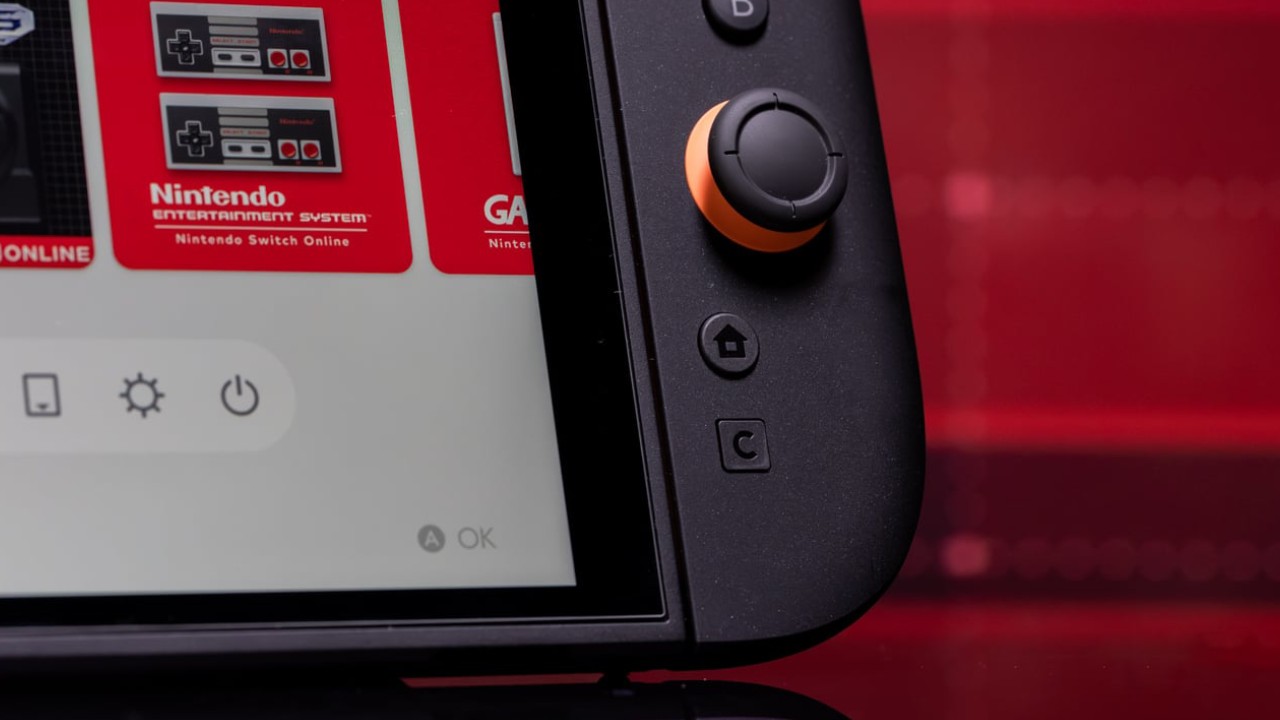
Switch2 Mode Docked Quality of image and performance
When docked, the game runs at 720p on Switch 2, but DLSS makes it look like it's at 1440p. The upscaling approach makes the picture clear and steady on larger screens. Switch offers two separate DLSS versions for various games. In this scenario, the implementation remains the same even when the camera moves or the game is in motion. The game wants to run at 60 fps, and it runs twice as well as it did on the first Switch. Frame delivery remains stable in most gameplay circumstances.
There were little drops in several cases, like when you ride quickly through Blackwater or when the camera is close to see-through plants. In certain cases, the performance decreased to about 50 fps for a short time. When the same issue happens on the Steam Deck, it points to the CPU as the problem. In most cases, the performance stays close to 60 fps.
Handheld Mode on Switch2
When you play Switch2 in portable mode, the game is displayed at 540p and then upscaled with DLSS. The image looks more like 720p because the upscaling process makes the internal resolution look worse. There is less aliasing compared with regular upscalers, and the picture stays clear even when you move. The performance targets are the same in both portable and docked modes, and the frame rate remains the same for most of the game.
A look at how well the Steam Deck handheld works
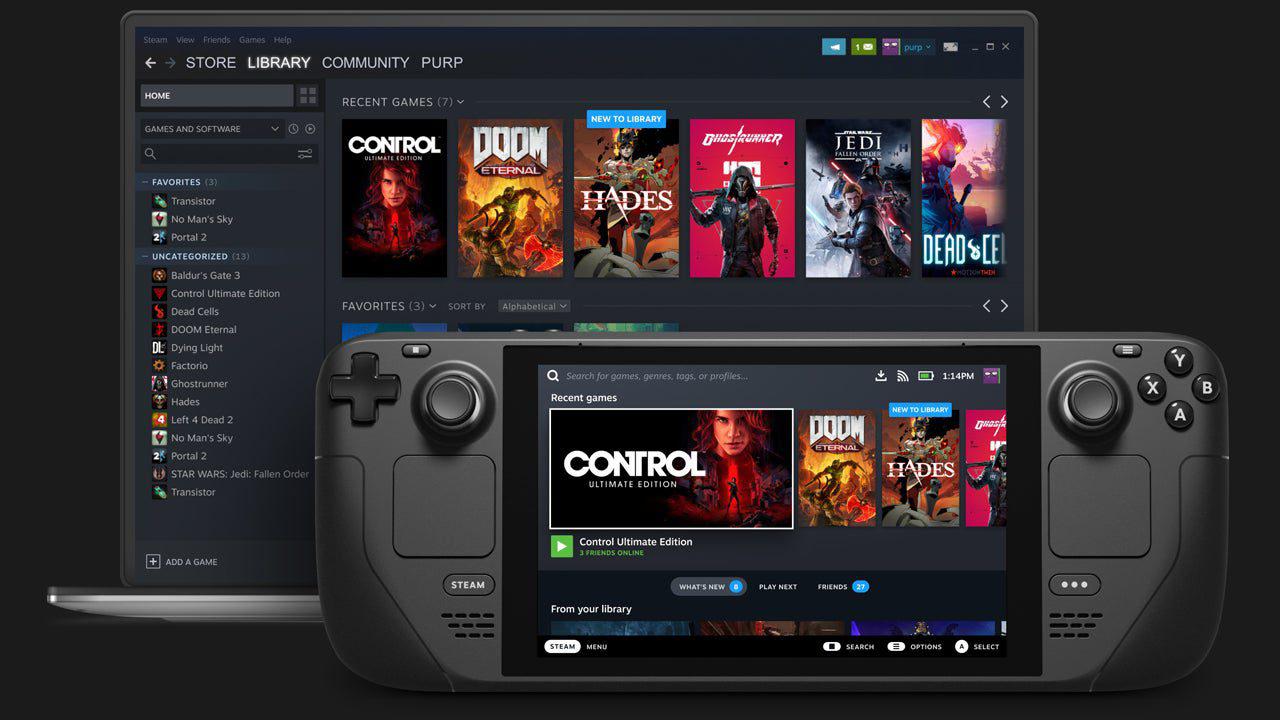
With FXAA enabled, the game runs at its native 800p resolution on the Steam Deck. There are alternative upscalers, such as FSR3, but when you turn them on at native resolution, the frame rate drops below 60 fps. When you use FSR3 with upscaling, the picture becomes grainy, making it less clear. FXAA keeps everything sharp, but it also makes aliasing and pixel crawl easier to see, especially on distant objects like power lines and fences.
Steam Deck reveals aliasing artifacts more vividly than the Switch 2 when you move. Even if the internal resolution is better, the edges are less stable as you move. This is the case since there is no time reconstruction. Pictures that don't move look crisper, but you can see where the edges aren't handled effectively.
Direct Comparison by Hand
Both systems aim to run at 60 fps when you hold them. Switch2 uses DLSS to upscale from 540p to 1080p. Steam Deck, on the other hand, has a natural resolution of 800p. Switch2 produces a picture that is more stable when things are moving, even though the Steam Deck has a higher internal resolution. DLSS helps reduce shimmering and edge instability, especially when the camera moves, or you're riding a horse.
Steam Deck includes an OLED panel that displays colors differently from the Switch 2's LCD screen. These differences influence how sharp and high-contrast items look. Both platforms support HDR, though it was turned off during testing to ensure the captures were identical.

Different things in the Environment and Shadows that you Can See
Switch2 has much higher tree quality and draw distance by default. You can alter these settings by hand on the Steam Deck, though. The shadows are softer on some platforms than on others. The edges of the shadows on the Steam Deck are softer when you hold it in your hand, but the edges of the shadows on the Switch2 are sharper, which is probably to make it work better. The shadows on the Switch 2 look more like the ones on the Steam Deck when it's docked.
The Steam Deck may attract grass from farther away if you put it up appropriately. When you use Switch2 in handheld mode, you can't see as much grass. After rendering grass, the distance at which foliage is drawn on Switch2 stays the same.
Undead Nightmare and Tough Times
In Undead Nightmare, Switch2 has more ghosting and softness than in the base game. If this is true, the dynamic resolution changes as the load increases. Blackwater is still the hardest spot to play on both systems. While you move swiftly, the frames drop for a short time, and the image is softer on Switch 2 while it's in handheld mode.
DLSS works best in gloomy or sunny conditions. You might see reconstruction artifacts in photographs with high contrast, especially when zooming in. When you play normally with a handheld device, these problems aren't as clear.
Analysis of Static Images
It's easy to spot the differences between the two versions in static screenshots. The edges of images on the Steam Deck are sharper, but the lines are also more jagged, and the images are too sharp. There is less aliasing on Switch2, so pictures look smoother. Steam Deck is better for grass distance, while the Switch2 is better for leaf quality and overall steadiness. The picture is framed differently because the aspect ratios differ between 16:10 and 16:9.
Switch2 produces a more stable image than Steam Deck's native 800p output at regular settings, even though it renders at 540p internally. DLSS is critical for maintaining stable graphics.
Choices for Input and Control
Switch2 lets you aim with mice that look like Joy-Con controllers, which function as they should, though their size can make them feel limited. There is no aiming with a gyro. With Steam Input, you may use the Steam Deck's trackpad and gyro to make modest modifications to your aim. These options provide players who appreciate shooting with motion more options.
Performance and Behavior Stability During Docking
When you dock Switch2, it increases the CPU and GPU clocks, improving performance and making the graphics look better. The performance of a Steam Deck doesn't change when you connect it to an external display. When you move through villages on Steam Deck, frame time spikes appear more commonly until you set the GPU clocks by hand. Switch2 features similar spikes, though they occur less frequently and require no human involvement.
Final Thoughts
With the default settings and no manual changes, Switch2 makes Red Dead Redemption look and run better. DLSS makes pictures look more consistent, especially while they're moving. Steam Deck lets you customize it further, add mods, sync saves, and use different input methods. However, it needs to be manually adjusted to match the stability of the other option.
Switch 2 version boasts better graphics than the original Switch version, plays at a stable 60 fps, and is free for anyone who already owns the game. Both platforms run the game well, but each has its own strengths depending on what the user likes and how willing they are to adjust settings.
Also, check our other Handheld articles below:
- ASUS ROG Ally X Handheld Review: Double the Battery, Double the Comfort
- Nintendo Switch 2 Vs. Original Switch 1: A Full Comparison
- How To Connect A Camera And Join Voice Chat With Nintendo Switch 2
- Nintendo Switch 2 Review: Handheld Performance, Features & Value Breakdown
- Lenovo Legion Go S Review: The Ultimate Steam Deck 2 Alternative
- ROG Xbox Ally X Vs. ROG Ally X: Display, Battery & Controls
- MSI Claw 8 AI+ Review: Display, Controls & Gaming
- ASUS ROG Ally X vs. Steam Deck OLED: Display, Battery & Gaming Benchmarks
Editor, NoobFeed
Gaming Hardware Updates
No Data.