
Valve Sets 1080p 30fps Baseline for Steam Machine Verified Games
Steam Machine verification builds on the Steam Deck pipeline ensuring broad compatibility for 1080p 30fps games on future hardware.
Hardware by Tanvir Kabbo on Mar 12, 2026
Valve gave a developer talk about Steam hardware and SteamOS at the Game Developers Conference. The presentation was mostly for developers, but it did give us some vital information regarding how future Steam devices will manage compatibility.
The Steam Machine Verified program and the Steam Frame Verified program were two big news stories that stood out throughout the lecture.
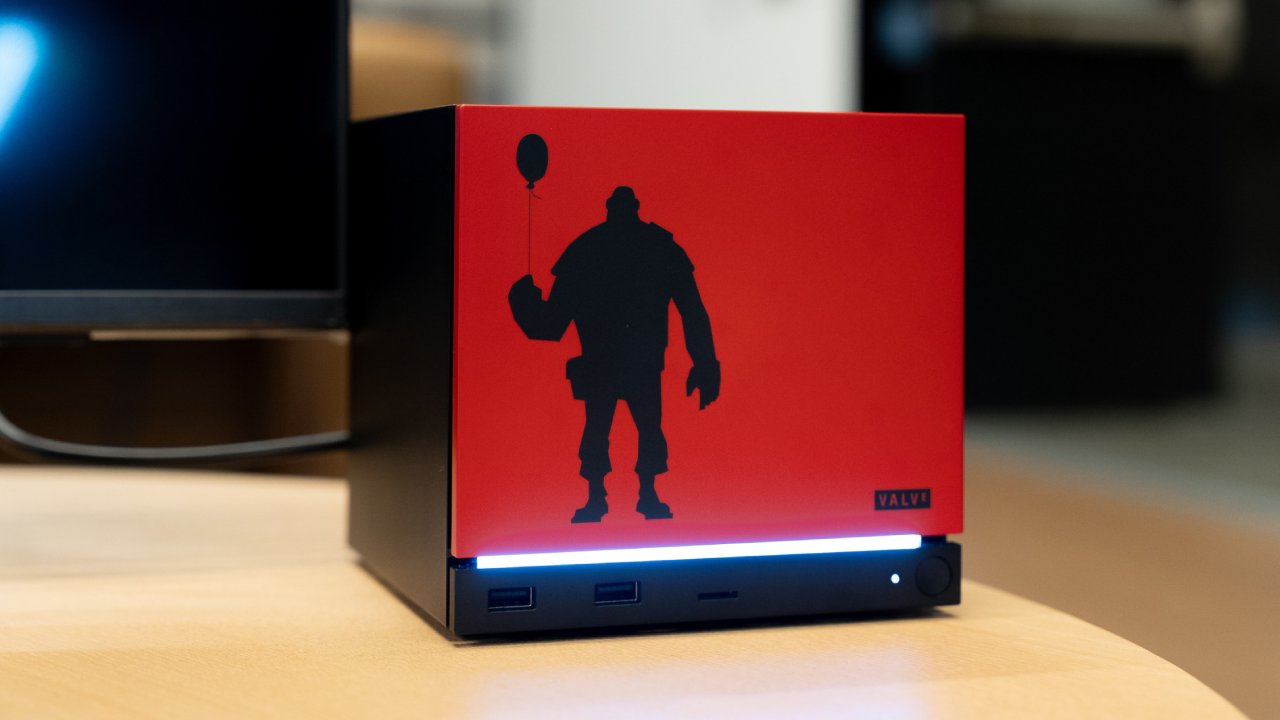
Steam Machine Verification System
The Steam Machine verification system is closely tied to the existing Steam Deck verification program. Valve explained that the Steam Deck testing process will serve as the starting point for Steam Machine compatibility.
If a game is Deck Verified, it automatically becomes Machine Verified. If a game is Deck Playable because of problems with the UI scaling or default resolution, it can still become Machine Verified because those problems normally go away on bigger screens.
If a game is Deck Playable because of problems with its input, it will stay in the Machine Playable category instead of progressing to the validated category.
Games that are unsupported on Steam Deck due to SteamOS compatibility issues will also remain unsupported on Steam Machine. The only category that receives a second opportunity involves games that were unsupported on Steam Deck because of performance limitations. Those titles can be retested for Steam Machine hardware.
The entire system is essentially built on top of the Steam Deck testing pipeline, which makes sense because Valve already has a massive catalog of games tested through that program.
Steam Machine Performance Baseline
One of the most discussed aspects of the presentation is the performance requirement Valve outlined for Steam Machine verification. For a game to receive Steam Machine Verified status, the target performance is 1080p at 30fps.
This specification has sparked debate. Valve mentioned that future Steam Machine systems could potentially be around six times more powerful than the Steam Deck. Naturally, that raises the question of why the verification target remains only 30fps.
In practice, verification programs are not meant to represent the best possible performance. Instead, they define the minimum experience that Valve feels comfortable recommending. For many years, and even up to the last two console generations, a large number of games were designed around 30fps performance targets.
By setting the baseline at 30fps, Valve can immediately ensure that a huge portion of the Steam library works on Steam Machines right out of the gate. However, some concerns still remain.
Most modern televisions operate at either 60hz or 120hz, and the current console generation heavily marketed 60fps gameplay as a key feature. Seeing 30fps as the official baseline for a new living room device in 2026 may feel unusual to many users. It could also turn some people away, especially since Steam Machines are not necessarily designed to compete with traditional consoles on price.
In reality, many games will likely run at 60fps or higher on Steam Machine hardware. The 30fps requirement simply represents the minimum guarantee for compatibility rather than the expected performance for most titles.
Introducing the Steam Frame
The second major announcement from the presentation involved a new device category called the Steam Frame.
Valve described two different operating modes for the Steam Frame. The first is streaming mode. In this mode, a PC runs the game while the headset simply streams the video feed. Because the processing happens on the PC, Valve says no special verification program is required. If the game runs well on the PC, it should work properly on the Steam Frame in streaming mode.
The second mode is standalone operation, where the device runs games locally without relying on a PC. For this scenario, Valve introduced the Steam Frame Standalone Verified program.
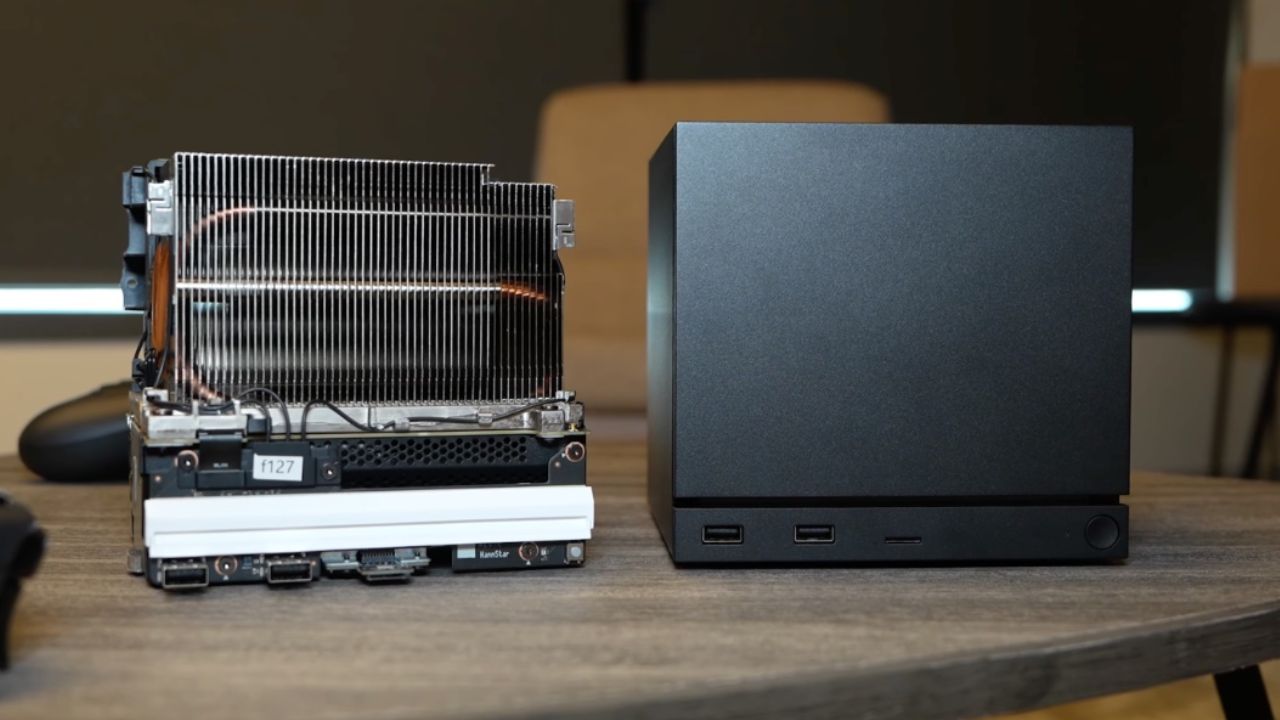
Performance Requirements for Steam Frame
The performance targets for Steam Frame vary depending on the type of game being played.
Standalone VR games must run at 90fps, which aligns with standard VR performance requirements. For traditional 2D games running on the device, the minimum target is 720p at 30fps.
Again, these specifications represent baseline guarantees rather than the ideal gameplay experience.
SteamOS and ARM Performance Expectations
These requirements provide an important insight into what can be expected from SteamOS on ARM-based devices.
After testing more than 150PC games on an AY Odin device running a Snapdragon 8Elite ARM processor, performance results suggest that 720p at 30fps is where most games currently land. Some indie titles can reach 60fps, but overall hardware limitations still exist.
SteamOS running on ARM hardware is not expected to suddenly change that situation. As a result, an ARM-based Steam Deck does not appear likely in the near future. Such a device would probably be less powerful than the current Steam Deck, which would not make much sense for Valve’s lineup.
ARM technology remains extremely power efficient and may eventually become the future of handheld gaming devices, but that future does not appear to be immediate.
Expanding Proton and Compatibility Options
The technical part of the discussion also showed some changes to the building's design. Valve is adding support for ARM processors to Proton. Also, Android APK support is being added as another way for VR games to work with other systems. This means that Android VR games will also be able to operate on Steam Frame devices.
SteamOS Expands Beyond Steam Deck
Another key theme of the presentation involved the broader future of SteamOS. Valve emphasized that SteamOS is no longer focused solely on the Steam Deck.
The company specifically referenced SteamOS-compatible hardware devices such as the Lenovo Legion Go S and the Lenovo Legion Go 2 as part of a growing ecosystem. Valve also pointed out that the Linux desktop gaming audience continues to grow, with more users playing Steam games outside of Windows.
These developments suggest that Valve is preparing for a wider range of SteamOS hardware across multiple device categories.
Developer Recommendations for Cross-Device Compatibility
Valve also shared several recommendations for developers who want their games to work well across the expanding SteamOS ecosystem.
Developers are encouraged to support multiple display aspect ratios, allow offline play even during the first launch, and avoid storing graphics settings in the cloud. Cloud-saved graphics settings can cause issues when switching between different devices with different hardware capabilities.
Better controller support was also highlighted as a priority. Valve recommends supporting multiple controllers, even in single-player games, and fully integrating with Steam Input for features like controller glyphs and gyro controls.
Platform detection APIs are also being expanded. Games will be able to automatically detect environments such as Big Picture mode, Proton compatibility layers, and different hardware platforms.
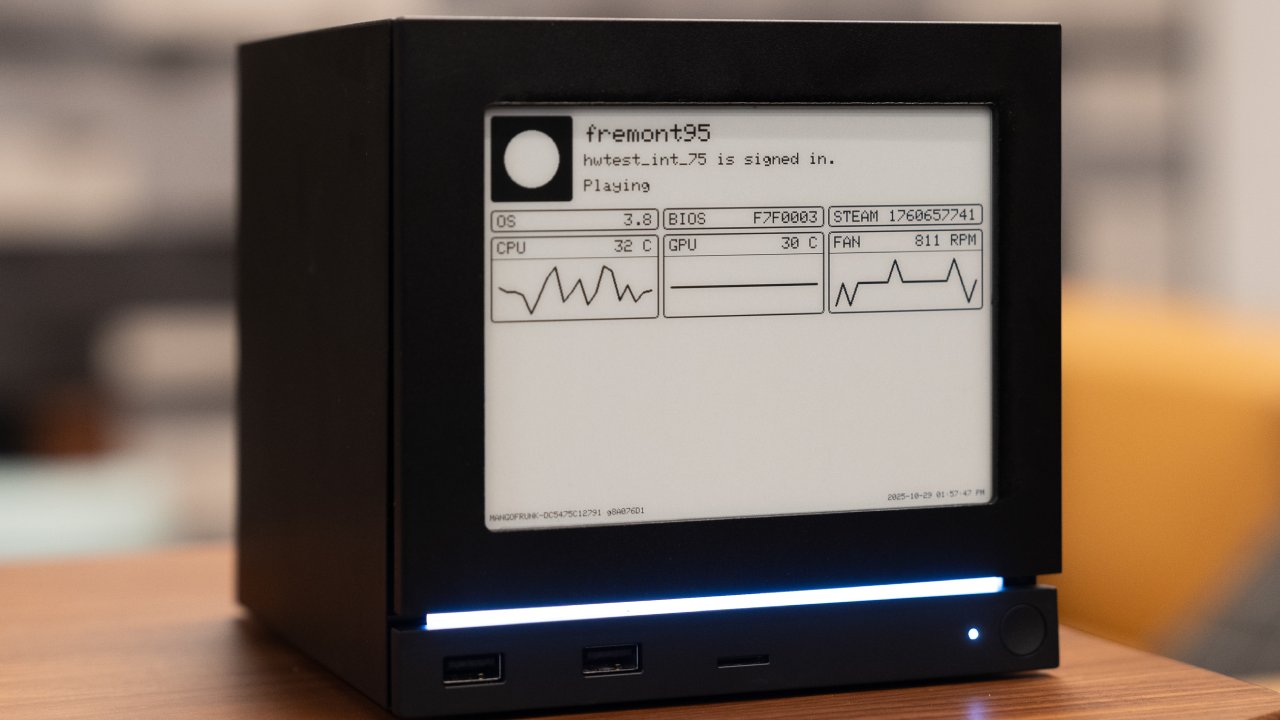
Continued Proton Improvements
Valve also discussed ongoing improvements to Proton compatibility. Developers were encouraged to avoid invasive DRM and anti-tamper technologies that often cause compatibility problems.
The company also recommends modern video codecs such as VP9 and AV1 for improved efficiency and compatibility. Developers debugging Proton issues can now use Visual Studio remote debugging tools, making it easier to diagnose and resolve problems.
Valve also mentioned updates regarding anti-cheat support. Built-in compatibility now exists for several major anti-cheat solutions, although custom implementations can still present challenges.
Building a Long-Term SteamOS Ecosystem
The biggest takeaway from the presentation is that Valve is building a long-term ecosystem around SteamOS.
The platform now spans multiple hardware categories, including handheld gaming through the Steam Deck, living room gaming through Steam Machine Verified devices, VR hardware through Steam Frame, and third-party devices that can offer different levels of performance at various price points.
All of these systems are connected through SteamOS compatibility and Proton.
The Steam Deck testing process has become the standard compatibility test for this whole system. Valve is still working on making SteamOS available on more hardware platforms, and it seems that the business is focusing on making sure that the huge Steam library can be played on a lot of different devices.
Also, check our other hardware articles:
- AMD Ryzen 9 9950X3D Review: Setting The Standard For 2025 Gaming CPU
- Amazon Luna 2025 Review: Is Prime Gaming's Cloud Service Your Go-To For Casual Fun?
- AMD RX 9070 XT Review: AMD's RDNA 4 Champion for 1440p Gaming
- GeForce Now Ultimate: Ditching Your Gaming PC For Cloud RTX 4080 Power?
- NVIDIA GeForce RTX 5080 Review (2025): Still A 4K Gaming Powerhouse?
- Intel Core Ultra 9 285K Review And Performance Breakdown (2025)
- AMD Ryzen 7 9800X3D Review: 3D V-Cache Goes God Mode with Stunning Gaming Performance
- Intel Core Ultra 9 285K vs AMD Ryzen 7 9800X3D: In-Depth Gaming Performance and Benchmark Comparison
- NVIDIA GeForce RTX 5080 Super Performance In Cyberpunk 2077: Path Tracing & DLSS 4.0 Tested
- AMD Radeon RX 9070 XT In Cyberpunk 2077: Ray Tracing & FSR 4.0 Tested
- Intel Arc B580 Review: The $250 GPU Revolutionizing 1440p Gaming
- Intel Arc B570 Vs. B580: Value, Specs, And Real-World Gaming Performance
- RTX 5090 Laptop Vs. M4 Max MacBook Pro: Ultimate Raw Performance Vs. Battery Endurance
- Intel Arc b580 Vs. RTX 4060: Game Performance And Value Analysis
- RTX5090 Hell Is Us Demo 4K Ultra Benchmark: DLSS Vs. Native Performance Guide
- NVIDIA RTX 5070 Review: Mid-Range Muscle or Marketing Hype?
- Nintendo Switch 2 Review: Handheld Performance, Features & Value Breakdown
- RTX 5070 Ti Review: Performance, Thermals & Power Efficiency Tested
- Samsung Odyssey OLED G81SF Review 2025: Ultimate 32-Inch QD-OLED Gaming Monitor
- AMD RX 9070 Performance Review: Thermals, Clocks, and Real-World FPS
- AMD Ryzen 5 7600 Review: Best Budget Gaming CPU of 2025?
- AMD Radeon RX 7800 XT Review: RDNA 3 Power For Midrange Gaming
- Asus ROG RTX 5090 Astral OC Vs. Founders Edition: The 4K Gaming Benchmark
Senior Editor, NoobFeed
Gaming Hardware Updates
No Data.