
Why X3D Gaming CPUs aren't Always the Best Value—Smarter CPU vs. GPU Balance
A practical breakdown of when high-end X3D CPUs make sense and when a stronger GPU delivers better gaming performance
Hardware by Tasnim Yoshi on Jan 28, 2026
For a long time, many people believed that the most expensive gaming CPU always delivered the best gaming experience. X3D processors, in particular, have been known as the best choice for gamers.
That reputation is not unwarranted, but the truth is more complicated. When building a gaming PC, especially if you have a limited budget, picking the most costly CPU isn't necessarily the best choice.
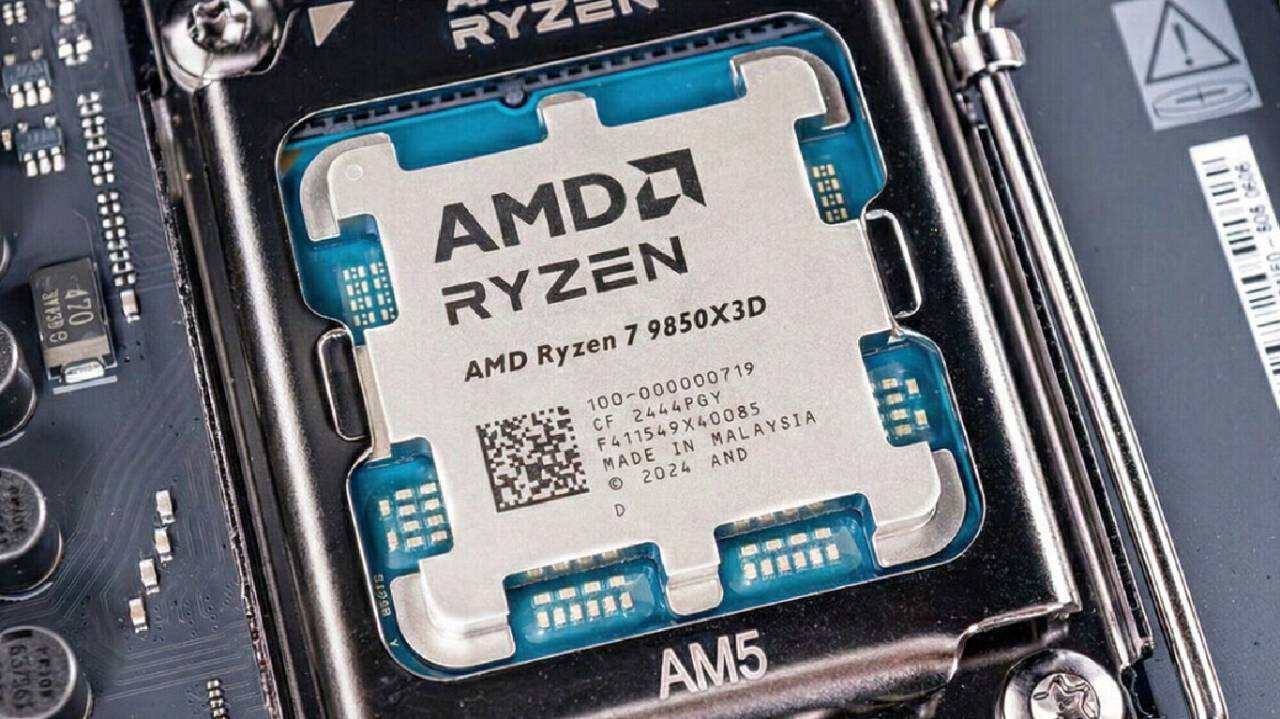
Why X3D CPUs Spark So Much Debate
A few months ago, the idea of telling consumers to stop buying X3D CPUs angered and confused many people. Many gamers think chips like the 9800X3D are the best gaming CPUs.
That's mostly true when it comes to raw game performance. The issue isn't whether X3D CPUs are powerful; it's whether they make sense for most gaming PCs given how much they cost.
When you put together a gaming PC, you usually have to decide how to split a set amount of money between the CPU and the graphics card. We wanted to know whether you should spend a lot of money on a high-end X3D CPU or achieve better overall performance by spending less on the CPU and more on the GPU.
Budget Balance: CPU vs GPU
The CPU and graphics card are the two main parts that determine the frame rate in most gaming systems. It doesn't make sense to mix an inexpensive CPU with a high-end GPU, and the same goes for the other way around. When you spend a lot of money on a CPU and couple it with a midrange graphics card, you typically waste potential.
We looked at two setups that cost about the same amount total. One arrangement employed a high-end 9800X3D and a 5060Ti together. The other option included a less powerful 9600X CPU but a better 9070XT graphics card. The first system looks better on paper because of the CPU. The results, however, tell a different narrative.
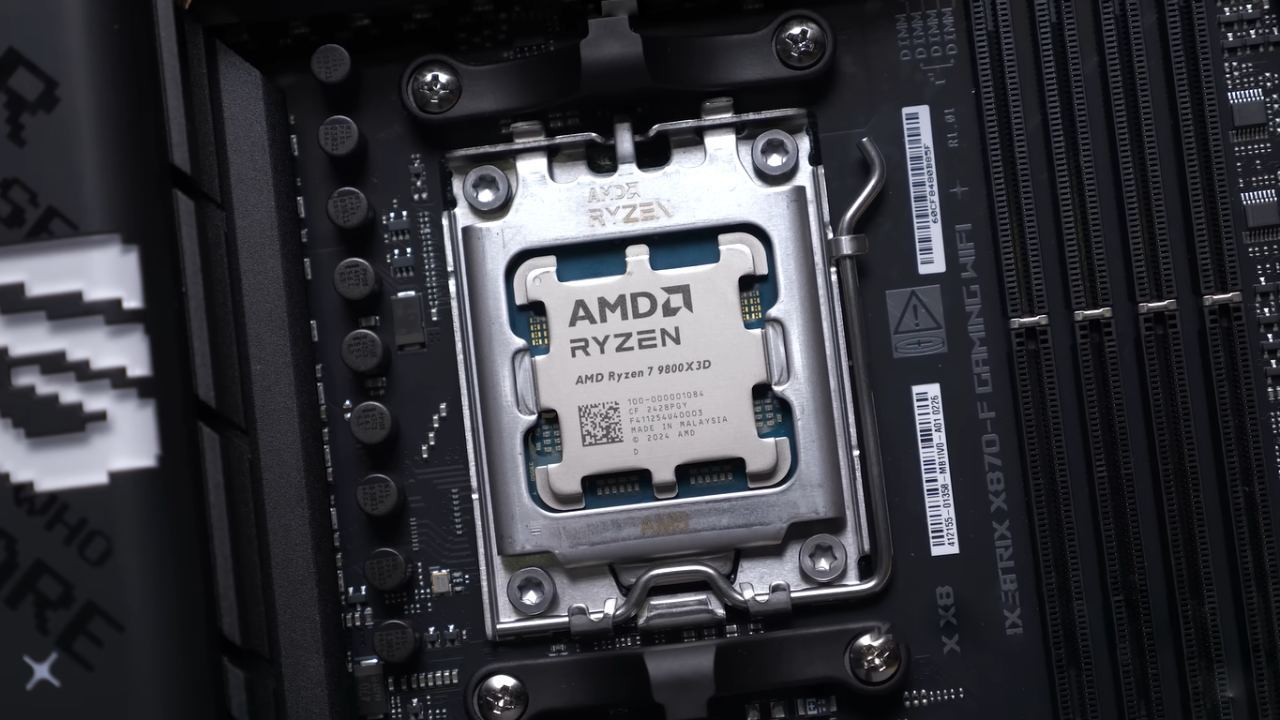
GPU Bottlenecks in Modern Games
The GPU is often the bottleneck in modern AAA games. The CPU has little effect on performance while the graphics card is at 99% capacity. In some circumstances, even upgrading the CPU to something much more powerful will only improve frame rates by a small amount for a short time.
When playing several really demanding games with the 9800X3D and 5060Ti, the system was almost always GPU-bound. This means that even if you put in a much faster CPU in the future, you would only experience improvements in a narrow number of situations. On the other hand, upgrading the GPU would nearly always increase frame rates.
High Frame Rates and Competitive Gaming
X3D CPUs are best for competitive games or esports. Strong CPU performance is quite important for games like Counter-Strike, especially when you want very high frame rates. In many cases, 1% lows are just as important as average fps. A high-end gaming CPU can deliver smoother, more stable performance.
With the X3D processor, frame rates in competitive games often reach 400-500 frames per second. The cheaper CPU with a better GPU could still get very high averages, but the 1% lows were substantially worse. If you just play competitive games and care a lot about stability at very high refresh rates, it can make sense to buy the greatest gaming CPU.
CPU-Heavy Simulation Games
Simulation-heavy games put a lot of stress on the CPU. The graphics card isn't necessarily the main problem in these games. We observed that a stronger processor helped keep performance smoother in CPU-intensive situations, especially in hard-to-render scenes. But even here, the difference wasn't usually big enough to justify the price difference between CPUs.
Both systems had about the same average frame rates in multiple situations, but the cheaper CPU had lower 1% lows. This means that the experience could not feel as smooth, even if the headline fps rates were good.
AAA Games Favor the GPU
The findings were much clearer when we went on to AAA games that needed a lot of graphics. The frame rates went up a lot because the graphics card was better and the CPU was cheaper. The difference was more than 50 frames per second in certain games with the identical settings. The GPU usage stayed close to 100%, indicating that graphics performance was the main factor limiting these games, not CPU power.

If you like single-player games with lots of graphics, ray tracing, and high-quality settings, paying more for the GPU gives you many more benefits than spending a lot on an X3D CPU.
So, Which Setup Is Better?
It could seem like the combination of a cheaper CPU and a powerful GPU is definitely the best choice at first. That setup yielded higher average frame rates in the majority of the games tested. But that doesn't mean that the stronger CPU was a terrible decision. In competitive, CPU-intensive games, the X3D processor nevertheless delivered better consistency and stronger 1% lows.
The essential point is that settings that are very extreme on either end don't make much sense. A very powerful GPU paired with a very weak CPU is just as unbalanced as a very expensive CPU paired with a very weak GPU.
Why a Balanced System is Important
Balance is what makes the best game experience. It's usually advisable to find a middle ground between paying too much for a high-end X3D CPU and being too inexpensive. In many games, a competent gaming CPU and a strong, but not too expensive, graphics card work well together.
We think you should think carefully about the types of games you play. If you want the fastest fps and the best 1% lows for esports, a high-end gaming CPU can be worth it. If you typically play new AAA games, you will almost always get more out of spending money on a better graphics card.
Last Thoughts
X3D CPUs are wonderful for gaming, and they are undoubtedly useful. But they're not always the greatest choice for every gaming PC. When you spend money wisely, you don't overspend on a single thing. You make a system that works well as a whole instead.
When you balance your CPU and GPU correctly, your computer runs better, you don't have to make as many concessions, and all the games you play seem perfect.
Also, check our other AMD articles below:
- AMD Ryzen 9 9950X3D Review: Setting The Standard For 2025 Gaming CPU
- AMD Ryzen 7 9800X3D Review: 3D V-Cache Goes God Mode with Stunning Gaming Performance
- AMD RX 9070 Performance Review: Thermals, Clocks, and Real-World FPS
- AMD Ryzen 5 7600 Review: Best Budget Gaming CPU of 2025?
- AMD Radeon RX 7800 XT Review: RDNA 3 Power For Midrange Gaming
- Sapphire NITRO+ AMD Radeon RX 9070 XT Review: The Ultimate 4K Gaming GPU
- AMD Ryzen 7 7800X3D: Delivers Gaming Performance Far Beyond Expectations
- AMD Ryzen 9 7900X Review: Powering the AM5 Era with DDR5 & PCIe 5.0
- Intel Core i9‑14900K vs. AMD Ryzen 7 7800X3D: Power Profiles & Gaming Benchmarks
Subscriber, NoobFeed
Gaming Hardware Updates
No Data.