
Xbox Big Picture Mode: Unified Game Library and Console-Like Immersion
Updated Xbox Big Picture Mode combines faster navigation, controller setup, and unified libraries for an immersive console-like environment.
Hardware by Tanvir Kabbo on Sep 01, 2025
The new Xbox Big Picture Mode introduces major improvements to the gaming experience. Although there are still some concessions and it is not flawless, it represents a significant improvement over the prior arrangement in terms of quality of life. Smoother navigation, a uniform approach to managing games across platforms, and console-like immersion are all benefits of the design.
Unified Game Library Experience
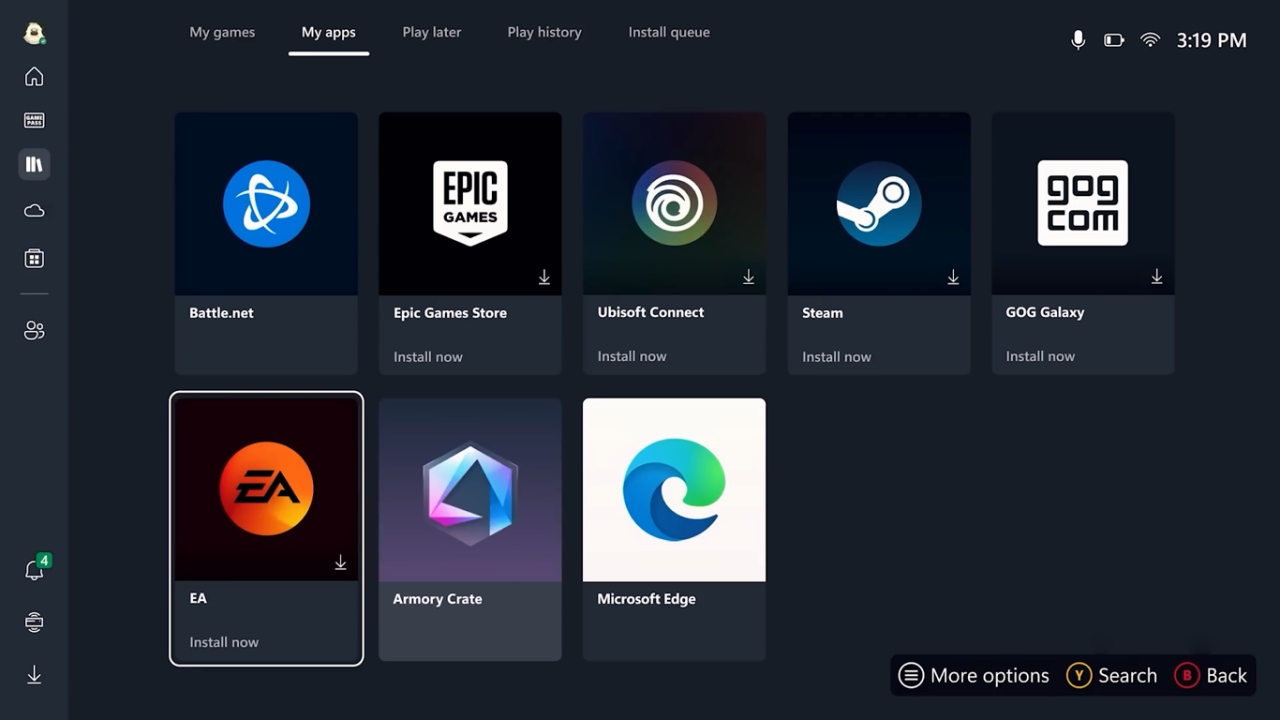
One of the biggest upgrades is the unified game library. All your games—whether from Steam, Epic, or Xbox—now appear together in one place. Recently played titles are also listed across libraries, similar to the Xbox dashboard, but extended to every platform. This feature feels familiar yet far more powerful.
Launching games from non-Xbox platforms no longer breaks immersion. In the past, running a game caused the system to minimize to the Windows desktop, which was annoying. In Big Picture Mode, games now launch immediately in full screen, just like on a console.
Navigation and Button Layout
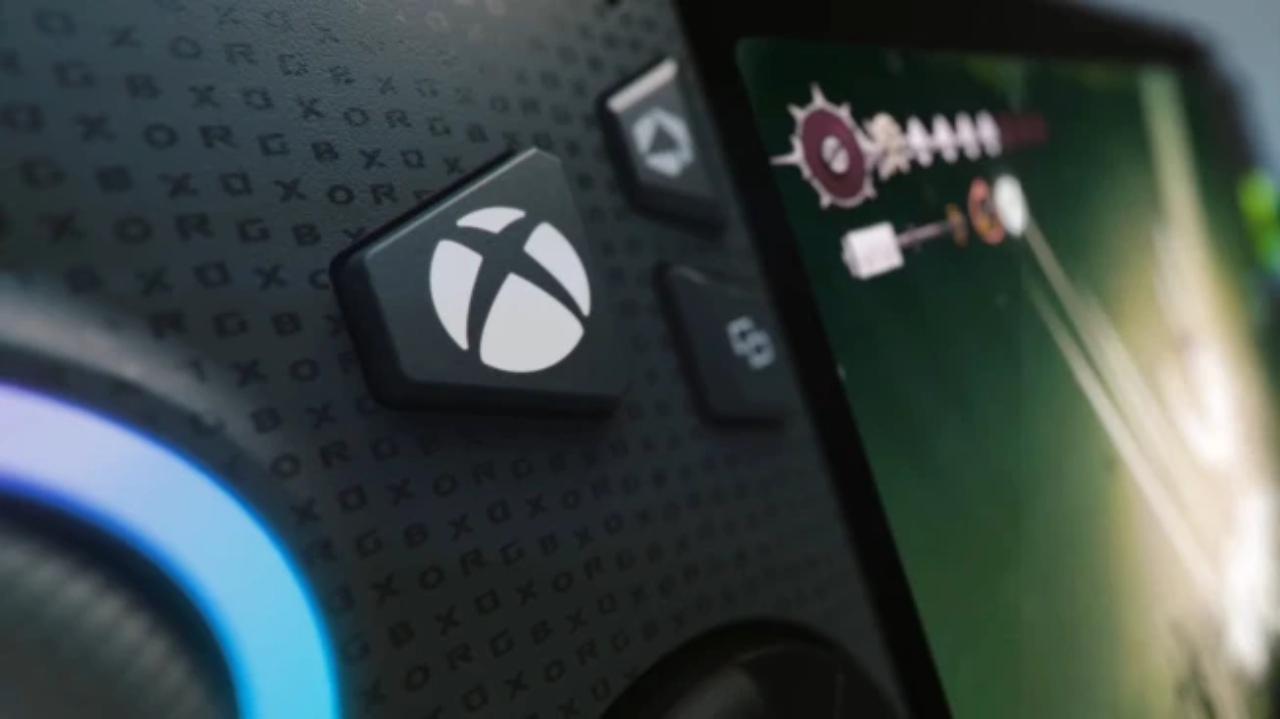
There are buttons specifically designated for accessing the game library in the updated setup. It can take some getting accustomed to, though, because the button orientation has changed. Start and Select are now at the bottom, while the top section hosts the Armory Crate and library buttons, along with the Xbox button on the far left.
We tested responsiveness by repeatedly pressing these buttons, and the results were impressive. The system was snappy and instantaneous, unlike older Armory Crate delays where actions sometimes took a few seconds to register.
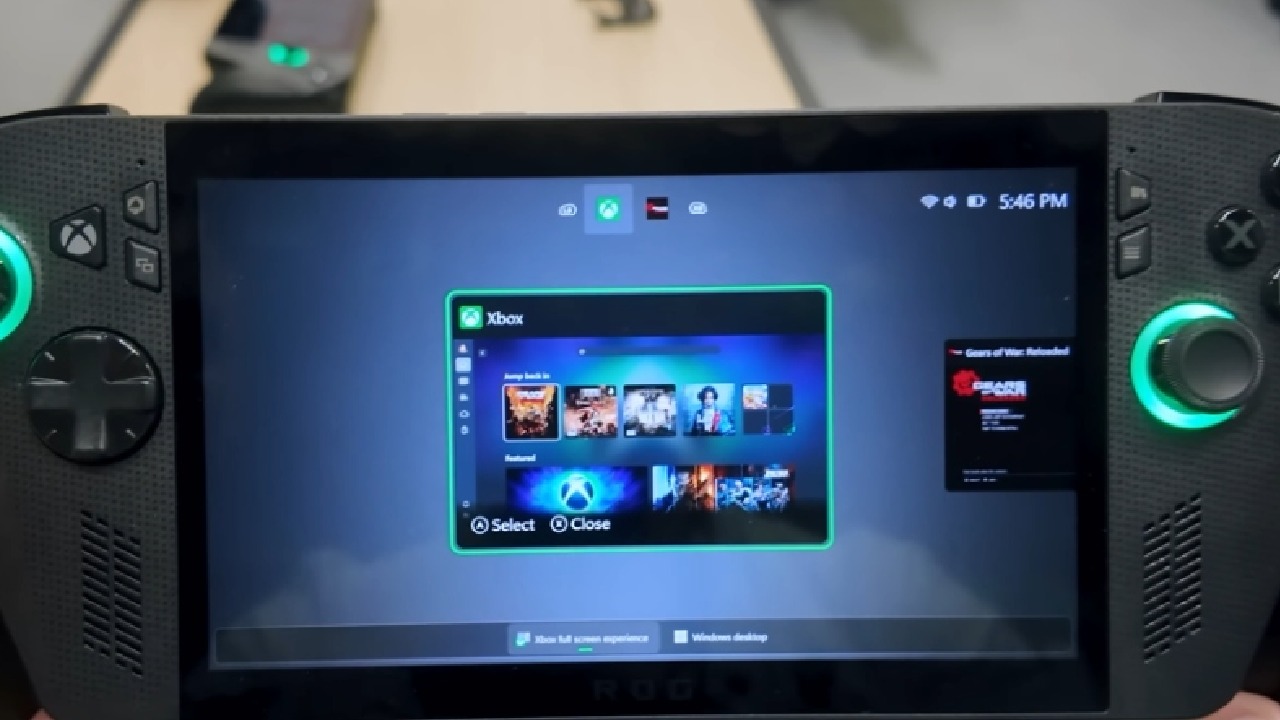
The Xbox button introduces useful shortcuts. A single press brings you into the Xbox section of the game bar, while a long press brings up an alt-tab style menu to quickly switch between open applications. This is smooth, intuitive, and fast, freeing up 2GB of data by minimizing background Windows processes.
Shader Compilation and Performance
Another major improvement is advanced shader delivery. Shaders now preload and compile during game installation, drastically reducing wait times when starting a new game. This saves huge amounts of time, especially for modern titles that depend heavily on shader compilation.
The only concern is how this system behaves after GPU driver updates are applied. Typically, shaders require recompilation after such updates, and it remains unclear whether this will happen automatically across your library or still needs manual in-game triggers.
Armory Crate Integration
Armory Crate has been seamlessly integrated into the Xbox Big Picture environment through the Game Bar. Without switching between tabs, you can quickly access quick options like TDP controls by tapping the unique Armory Crate button. It has the feel of a shortcut that has been tailored especially for in-game modifications.
Gamepad Control Everywhere
Gamepad control is now available from the moment of installation. You can manage system setup, input PINs, and enter passwords using the controller—mimicking a console-like experience. Simple functions, such as the left trigger for caps, are also supported, eliminating the need for a physical keyboard or touchscreen.
Missing Features and Limitations
Despite the progress, there are disappointments. The most notable omission is Quick Resume. The team could not confirm its arrival, acknowledging that it's something they want but haven't yet achieved. For players used to instantly resuming games on Xbox, Switch, or SteamOS, this is a big drawback.
Being built on Windows also means some familiar issues remain. About 50% of driver and firmware chores can now be completed within the interface. In contrast, others still require updates outside of Big Picture Mode. Furthermore, Windows 11 is still used for the initial setup; however, it is simplified with fewer prompts and complete controller functionality.
Final Thoughts
Although the name might not evoke much enthusiasm, the real benefits are significant. Xbox Big Picture Mode delivers faster performance, better immersion, and a more cohesive gaming experience. Although it lacks Quick Resume and still carries some Windows quirks, the overall result is something special, and we were impressed by how much better it already feels.
Check our Other Handheld Articles :
- ASUS ROG Ally X Handheld Review: Double the Battery, Double the Comfort
- Nintendo Switch 2 Vs. Original Switch 1: A Full Comparison
- How To Connect A Camera And Join Voice Chat With Nintendo Switch 2
- Nintendo Switch 2 Review: Handheld Performance, Features & Value Breakdown
- ASUS ROG Ally X vs. Steam Deck OLED: Display, Battery & Gaming Benchmarks
- MSI Claw 8 AI+ Review: Display, Controls & Gaming
- Nintendo Switch 2 vs. Steam Deck OLED: Gaming, Performance, Battery, Display and Value
- PlayStation Portal Review: Remote Play, Cloud Streaming & Travel Gaming
- Cyberpunk 2077 Patch 2.3 FPS Test on MSI Claw 8 AI+
- Zotac Zone Handheld Review: Balancing Battery Life and High‑Performance Gaming
Senior Editor, NoobFeed
Gaming Hardware Updates
No Data.