

AORUS GeForce RTX 5080 MASTER ICE 16G Review: Best Overclocking Performance
Exceptional overclocking capabilities deliver significant performance gains beyond stock settings on RTX 5080 MASTER ICE 16G.
Hardware by Katmin on Aug 11, 2025
The launch of the RTX 5000 series GPUs has been less than ideal. The RTX 5090, the most powerful GPU available, comes with a high price tag and is nearly impossible to find in stock. Even with a strong CPU like the 9800X3D, performance gains have been limited.
Following that, the RTX 5080 release brought mixed feelings—while it's a solid upgrade over anything before the 40 series, the generational performance improvement hovers around only 10-12%. Its availability issues have further spoiled excitement, leaving many disappointed.
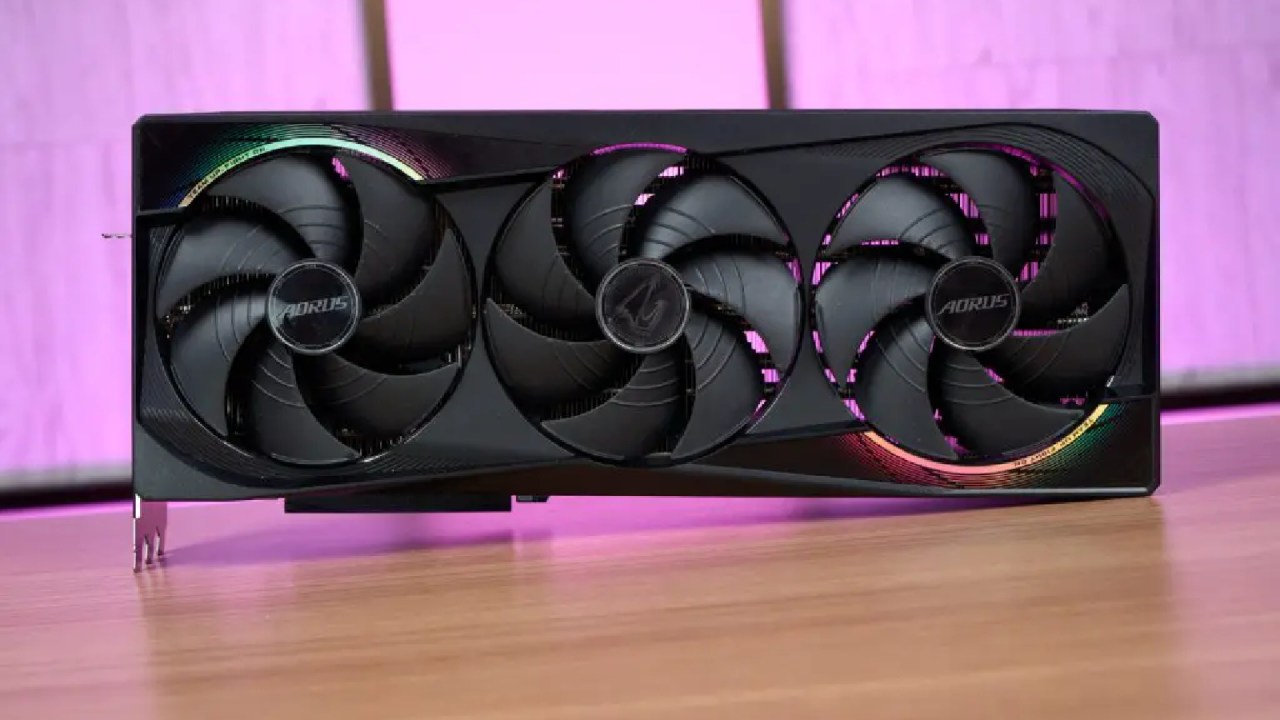
Surprising Overclocking Potential of RTX 5080
One bright spot, despite the difficult beginning, is that RTX 5080 is a superb overclocker. When overclocked, reports indicate that it can perform up to 25% better than a vanilla RTX 4080.
To explore this, we received the new RTX 5080 Master version, allowing us to test thermals, acoustics, and gameplay benchmarks at both stock and overclocked settings. The results might turn the tide for this GPU.
First Impressions
The master version of RTX 5080 comes with some extras that are worth noting. You get an additional case fan in the box and a power connection adapter, though the new safer connector design is exclusive to the Founders Edition and is not included here.
A heavy GPU support bracket is also included. The card itself is massive, similar in size to the 4080 and 4090 Master versions. If you're upgrading from a 3080 or older, be prepared for the card to be larger than expected.
The design has improved compared to the previous generation, especially on top, though the overall appearance still resembles the last generation's models. The metal backplate is mostly pass-through for airflow, and the card requires a large chassis to fit physically and to manage the heat it produces.
Cooling the CPU properly is essential because the RTX 5080 can draw between 500 and 550 watts, which will increase internal case temperatures.
Display and Connectivity Features
RTX 5080 features three DisplayPort 2.1b ports and one HDMI 2.1b port. This setup supports 4K resolution at 240hz without Display Stream Compression (DSC) via DisplayPort, and up to 4K at 480hz with DSC. This makes the card well-equipped for high-refresh-rate gaming on modern displays.
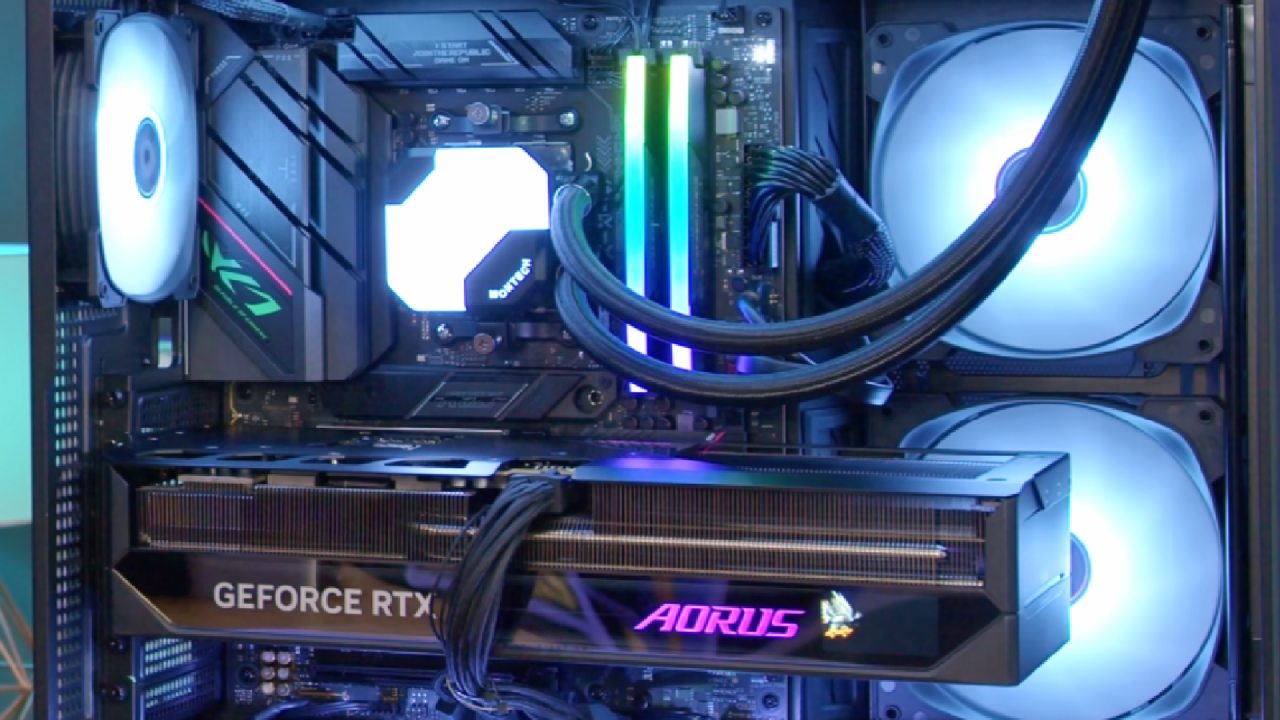
Clock Speeds and Power Usage
This particular Master edition comes pre-overclocked with nearly 200MHz added to the base clock. Despite its size, it fits into a larger but still manageable chassis. The GPU also has a small customizable screen that displays speeds, temperatures, and other data, which is a nice visual addition but not a necessity.
Gaming Performance at Stock Settings
Testing began with the game Returnal, where RTX 5080 consistently delivered around 90 to 110 fps, depending on the scene. Clock speeds varied during gameplay, rarely hitting the maximum advertised boost clocks.
Temperatures hovered around 54-55°C with the side panel off, and around 60°C once the panel was installed. Noise levels remained impressively low even under load.
Overclocking RTX 5080
RTX 5080 is easy to overclock; the main steps are raising the power limit and modifying the boost clock. Although other well-known programs like MSI Afterburner or Nvidia's software can be utilized to achieve comparable outcomes, we chose the Gigabyte Control Center. Although there is an option for automatic tuning, manual adjustment gives you greater control.
The first step is to max out the power limit, which requires clicking repeatedly, as it doesn't allow direct input. Next, increasing the boost clock gradually will enable you to find the highest stable setting without crashes. We found performance gains without significant temperature increases, generally staying below 60°C.
Finding the Stable Overclock Limit
Starting from the pre-overclocked boost of around 2775MHz, we incrementally increased the clock speed in 50MHz steps. Unlike other recent versions, RTX 5080 maintained stability up to around 3,000MHz.
At these higher clocks, there was no instability or artifacting, and temperatures remained constant. Dialing back to about 3160MHz provided a decent combination of performance and stability because eventually pushing above 3200MHz resulted in crashes.
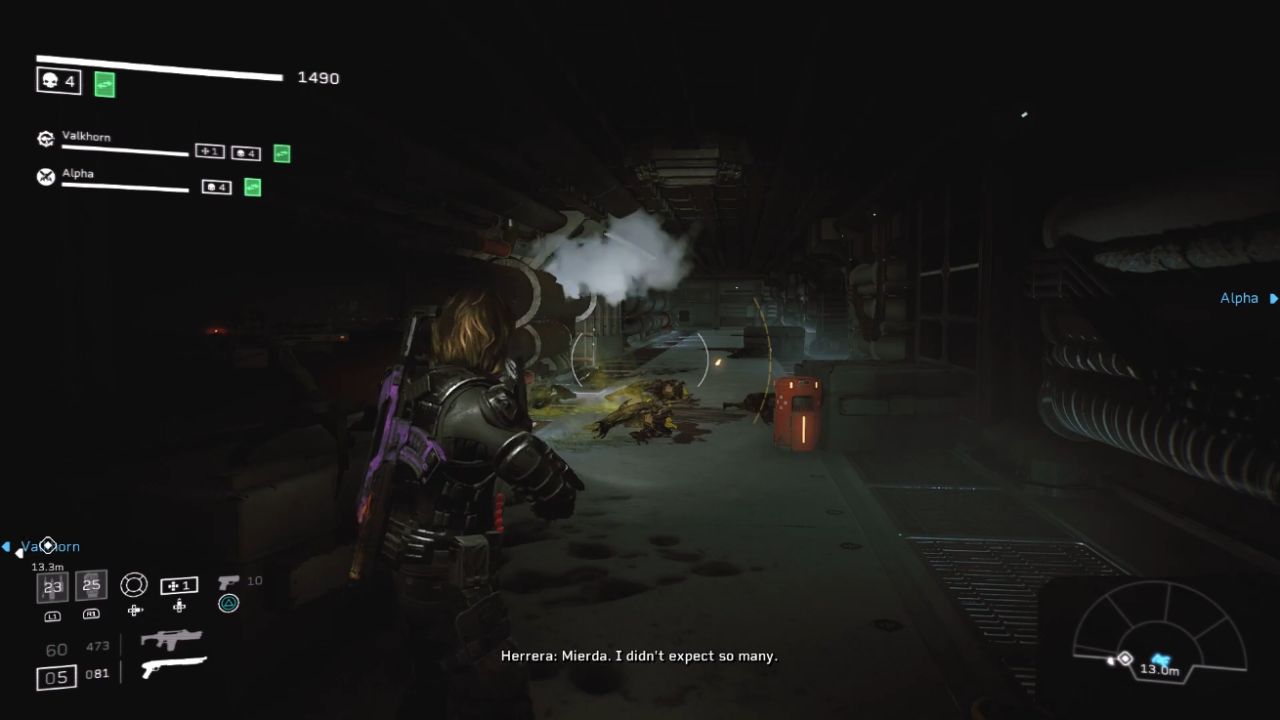
Benchmarking Overclocked vs. Stock Performance
Real-world benchmarks showed an increase in frame rates after overclocking, though not always a straight 10% boost. For example, in Returnal, fps improved from around 110 to about 118 fps at 4K, roughly a 7-8% increase.
In Cyberpunk 2077, the difference was even more pronounced, moving from 88 fps at stock to 97 fps overclocked. Other titles like Indiana Jones also saw noticeable improvements, with frame rates rising from 76 to 80 fps.
Is Overclocking Worth It?
Given the ease of overclocking and the noticeable performance improvements, overclocking RTX 5080 is highly recommended if you want to maximize value. At 3120MHz, the trade-off is definitely worth it because the power demand increase is really slight—roughly 311 watts for the GPU and 465 watts for the overall system.
Final Thoughts
If you're considering buying an RTX 5080, be prepared to overclock it to unleash its full potential. The card comes with substantial untapped headroom, and even minor tweaks can yield significant performance gains.
Whether you're a casual gamer or a performance enthusiast, this GPU offers exciting possibilities once overclocked.
Check Our Other Articles:
- GeForce RTX 5090 Unleashed: Is NVIDIA's New Flagship the Ultimate 4K Gaming GPU?
- NVIDIA GeForce RTX 5080 Review (2025): Still A 4K Gaming Powerhouse?
- RTX 5090 Performance Testing In GTA 5 – 1080p, 1440p, and 4K Max Settings Benchmark
- NVIDIA RTX 5070 Review: Mid-Range Muscle or Marketing Hype?
- RTX 5070 Ti Review: Performance, Thermals & Power Efficiency Tested
- ASUS ROG Astral RTX 5090 OC Edition Review: 32GB GDDR7 & 4K Gaming Benchmark
- ASUS GeForce RTX 5090 LC Liquid Cooled GPU Review: Unmatched Silence & Speed
- MSI GeForce RTX 5090 32GB SUPRIM SOC Review: Power Efficiency, Cooling, and Gaming Performance
- INNO3D RTX 5060 Ti 16 GB X2 Review: Gaming Benchmarks, Temps, and Power Efficiency
- HP Omen 45L Review: RTX 5090 Performance, Thermals, and Value Analysis
- ASUS TUF Gaming GeForce RTX 5060 Ti Review: DLSS 4, Power Efficiency, and Gaming
- ASUS Prime RTX 5060 Ti OC 16GB Review: DLSS 4, Ray Tracing, & Thermals Tested
- NVIDIA GeForce RTX 5060 Review: Specs, Gaming, and Cost per Frame
- MSI GeForce RTX 5090 GAMING TRIO OC Review: A Monster Power GPU
Senior Editor, NoobFeed
Latest Articles
No Data.