

DLSS 4.5 Preset L vs. Preset M Comparison and Best Settings Guide
Ultra performance mode at 4K becomes more usable with DLSS4.5 preset L improvements.
Hardware by Godrics01 on Feb 20, 2026
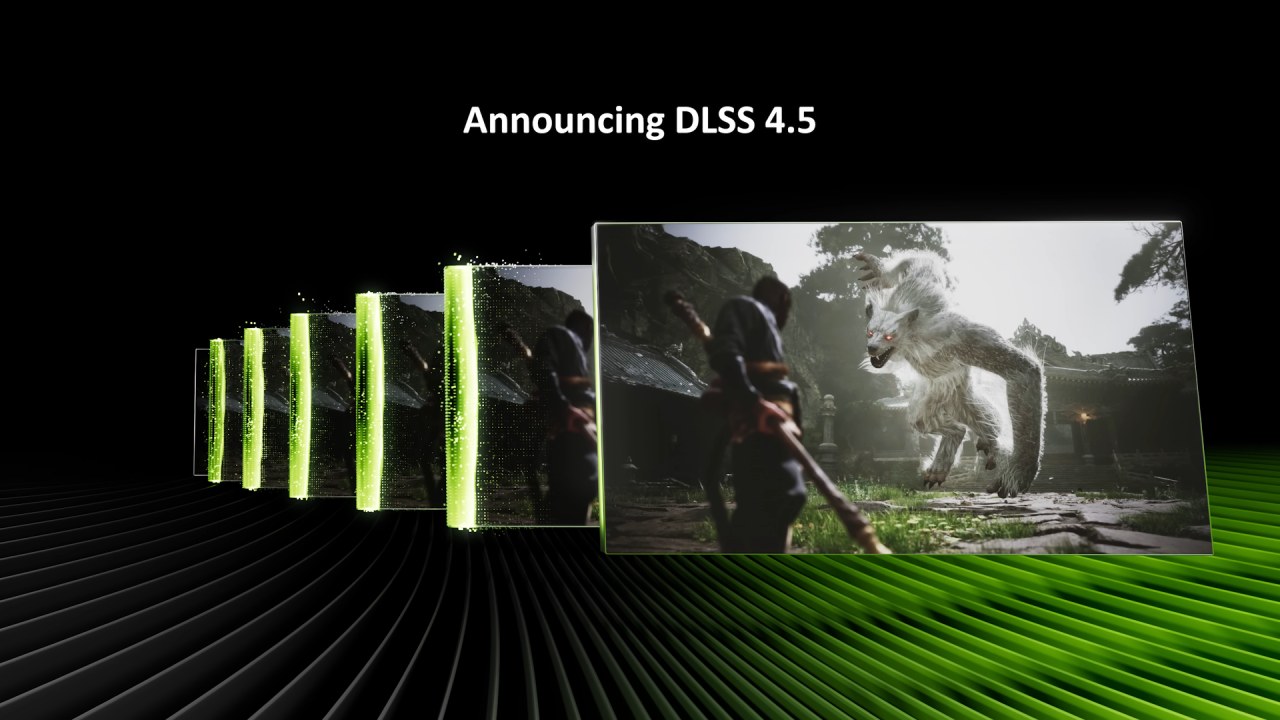
DLSS 4.5 adds two main models: preset M and preset L. NVIDIA says that preset M is suitable for performance mode, and preset L is better for hyper performance. But many people say that setting L is better overall.
We looked at it, as well as comparisons in extreme performance mode, which has historically shown a clear drop in quality compared to performance mode. The topic was whether the preset L changes when compared to DLSS 4 preset K and FSR4 in super performance mode.
Quality, Balanced, and Performance
We began by comparing the DLSS4.5 preset L against the preset M and the previous DLSS4 preset K across the three normal upscaling modes: quality, balanced, and performance. Preset L is meant to give you the best performance, but it is also said to make images seem better in normal modes.
When we compared preset K to preset M, we noticed that the output image was too crisp in several cases across all modes. This extra sharpness can help some scenes, but it can occasionally make things look weird, like in Horizon Zero Dawn, where the grass looked too sharp. Preset L softens this harshness, making it more even. Preset K is the sharpest, while preset L is somewhere between preset M and preset K in sharpness in Ratchet & Clank and The Last of Us Part One. It is a little crisper than preset K but not as sharp as preset M.
There is no TAA blur because the clarity between frames in motion remains the same in both settings, settings L and preset M. However, both L and M exhibit pattern artifacts comparable to those in Cyberpunk 2077. These artifacts are built into the new models, although the default K stays mostly the same. If these kinds of problems occur frequently in a title, it's best to go back to the DLSS4 preset K.
Artifacts and Fine Detail Stability
The stability of fine details is essentially the same across preset L and preset M. When using the same upscaling mode, the variations are small. Preset L doesn't perform a better job at rebuilding tiny details than preset M. But the way people behave when they rebuild things is a little different. In the fine rope test for Mafia
The Old Country, preset M is better than preset L in both quality and performance modes. Preset M shows flickering and less stability than preset K. Preset L, on the other hand, sometimes shows wavering when the positions of details change between frames. This makes things a little blurry, but not to the point of ghosting.
There are only a few of these cases. In most cases, stability between L and M is nearly identical. Both presets exhibited the same ghosting issue, and it improved with DLSS4. In earlier versions of DLSS, presets were made to trade off between ghosting and stability. In DLSS 4.5, both presets are tuned the same way.
Disocclusion artifacts are almost identical between preset L and preset M, and both are much better than preset K, especially in lower modes like performance.
With default L, the hair looks a little better. Preset L also includes lighting improvements from DLSS4.5 preset M, such as brighter, more accurate highlights. But the flicker that comes with these lighting variations remains the same in both modes.
Improvements to Particle Rendering and Foliage
During the snow particle test in Horizon Zero Dawn, Preset M had trouble since the background was pixelated and grainy. This is much better with Preset L, especially in performance mode. Other particle behaviors are still the same.
Changes to the foliage are easier to see. Preset M already improved tree canopy rebuilding and stability over preset K. Preset L maintains this consistency while making the grass less grainy and pixelated. Setting M made sizzling less of a problem than setting K, but it also sometimes added grain and made things too sharp. Preset L lowers sharpness and grain, which makes it the best DLSS model so far for rebuilding grass. Sometimes the default L looks softer than the preset M, but the lower pixelation makes the picture look more genuine.
In Spider-Man 2 and Cyberpunk 2077's overlapping fence tests, preset L keeps background details a little better than preset M. Still, you have to look at each frame to see the difference.
In general, preset L gives better picture quality than preset M in quality, balanced, and performance modes. The differences are usually small, but preset L is better in most cases because it has less oversharpening and grain.
Ultra Performance Mode at 4K
Preset L is for ultra performance mode, which employs 3x upscaling from 720p to 4K. Performance mode only uses 2x upscaling from 1080p to 4K. In the past, ultra-performance was not encouraged because it led to significant quality loss.
DLSS4 preset L is a big step up from DLSS4 presets K and F, and FSR4 at 4K. The difference between preset K and preset L in ultra performance mode is bigger than what we saw with DLSS4.5. Compared to the other two options, Preset L is crisper, steadier, and has less ghosting, blur, and smearing. The fact that a 720p render resolution is being used to make a 4K output is technically interesting.
At this resolution, the DLSS4 preset K looks hazy, with fine details smeared and grass and wires that aren't stable. FSR4 performs poorly, exhibiting greater blur and lower stability. The difference between DLSS4.5 and FSR4 is clearest in Ultra Performance mode.
Ultra performance at 4K is now possible, but it still comes at a tradeoff compared to higher levels.
Ultra Performance at 1440p
At 1440p, extreme performance ramps up from 480p DLSS4.5 preset L still has the best image quality among the tested configurations. Still, artifacts start to become noticeable. There is grit and pixelation in Horizon Zero Dawn. There are stability issues with Spider-Man 2. Cyberpunk 2077 has blurry, inconsistent motion.
This setup works, but it's not good for playing games on a desktop at 1440p. Usability may change on a small-screen device, but the presence of artifacts is still important.
Differences in Quality Between Modes
The difference between quality and performance modes is smaller than the difference between performance and ultra-performance settings. Even with DLSS4.5 enhancements, ultra performance still shows noticeable grain, blur, smearing, instability, and disocclusion problems while things are moving.
In Horizon Zero Dawn, the grass becomes increasingly grainy as the render resolution decreases. There is more wobbling and instability in Cyberpunk 2077. When you go from 720p to 4K in Mafia: The Old Country, the rope detail gets really blurry. Pixelation is more noticeable along hair borders, and disocclusion artifacts are more noticeable when moving in third person.
Performance mode strikes a better balance between image quality and frame rate. Quality mode preserves details, especially when fine detail is important.
Effect on Performance
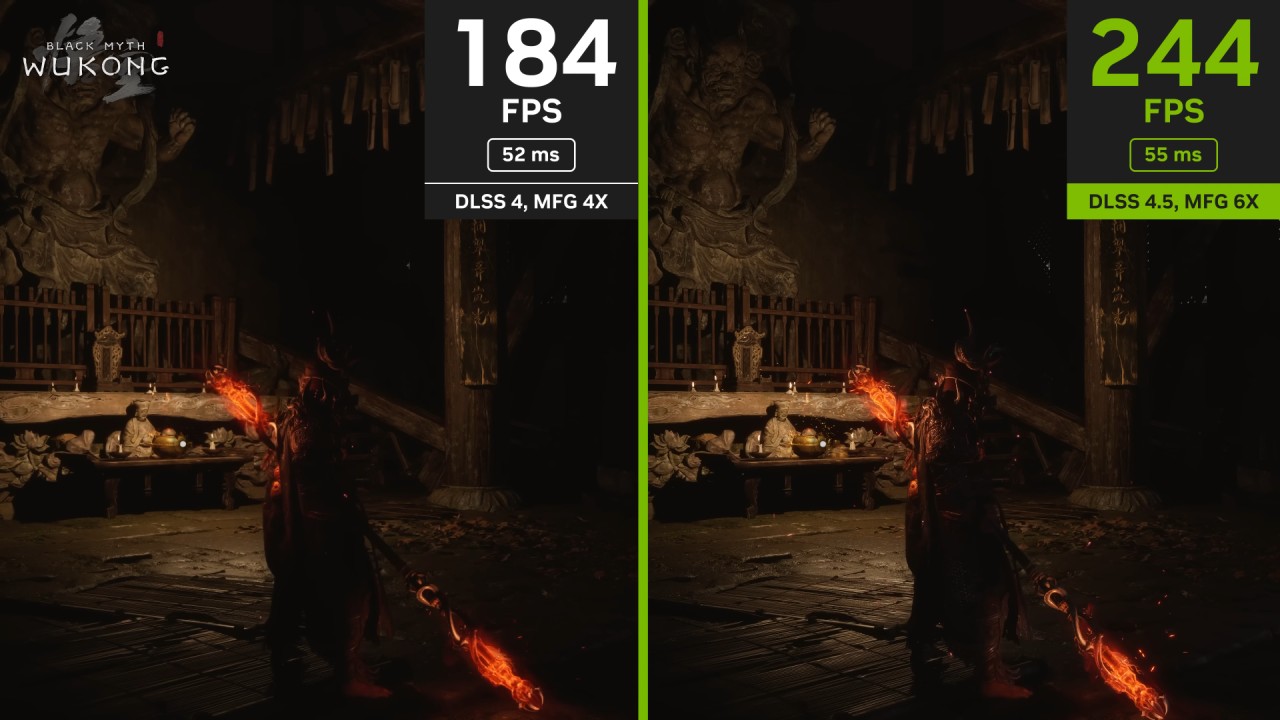
Preset L costs a little more in terms of performance than preset M. When playing Cyberpunk 2077 at 4K on an RTX 5070 Ti, preset L was 1–2 fps slower in quality and balanced modes, but performance mode was about the same. At 1440p, setting L was about 5% slower.
In Mafia: The Old Country in 4K, preset L was 4% slower in quality mode and 5% slower in performance mode. The disparity stayed roughly 5% at 1440p. Switching from quality mode to performance mode boosted performance by roughly 25%, and switching from performance mode to ultra performance mode boosted it by about 23%.
At lower render resolutions, the performance difference between preset L and preset K becomes smaller. In quality mode, preset L was 13% slower than preset K, whereas in high-performance mode, it was only 3% slower.
At 4K in Horizon Zero Dawn Remastered, preset L was up to 6% slower than preset M, which is about 6fps. The difference was roughly 5% at 1440p.
When tested on the RTX 3090, preset L and preset M were about the same at 4 K in some cases; at 1440p, preset L lost 3–4%. In Mafia at 4K, default L lost up to 6%. In some circumstances, preset M was up to 17% slower than preset K, which means that the extra cost of preset L over preset M isn't too high.
Final Thoughts
Most of the time, the DLSS4.5 preset L setting gives the best overall picture quality. There is less oversharpening, less grain, and better foliage reconstruction. While not every feature is better than DLSS4 preset K, preset L usually makes a more consistent image.
Ultra performance mode shows off technical skill, especially in 4K. However, it is still a tradeoff compared to performance and quality modes. In most gaming situations, performance mode is the lowest suggested setting.
Even though preset L costs 3–6% more in terms of performance than preset M, we usually use it for better visual output. If you want the best image quality in DLSS4.5, preset L is the best choice.
Also, check our other hardware articles:
- AMD Ryzen 9 9950X3D Review: Setting The Standard For 2025 Gaming CPU
- Amazon Luna 2025 Review: Is Prime Gaming's Cloud Service Your Go-To For Casual Fun?
- AMD RX 9070 XT Review: AMD's RDNA 4 Champion for 1440p Gaming
- GeForce Now Ultimate: Ditching Your Gaming PC For Cloud RTX 4080 Power?
- NVIDIA GeForce RTX 5080 Review (2025): Still A 4K Gaming Powerhouse?
- Intel Core Ultra 9 285K Review And Performance Breakdown (2025)
- Intel Core Ultra 9 285K vs AMD Ryzen 7 9800X3D: In-Depth Gaming Performance and Benchmark Comparison
- NVIDIA GeForce RTX 5080 Super Performance In Cyberpunk 2077: Path Tracing & DLSS 4.0 Tested
- AMD Radeon RX 9070 XT In Cyberpunk 2077: Ray Tracing & FSR 4.0 Tested
- Intel Arc B580 Review: The $250 GPU Revolutionizing 1440p Gaming
- Intel Arc B570 Vs. B580: Value, Specs, And Real-World Gaming Performance
- RTX 5090 Laptop Vs. M4 Max MacBook Pro: Ultimate Raw Performance Vs. Battery Endurance
- Intel Arc b580 Vs. RTX 4060: Game Performance And Value Analysis
- RTX5090 Hell Is Us Demo 4K Ultra Benchmark: DLSS Vs. Native Performance Guide
- NVIDIA RTX 5070 Review: Mid-Range Muscle or Marketing Hype?
- Nintendo Switch 2 Review: Handheld Performance, Features & Value Breakdown
- RTX 5070 Ti Review: Performance, Thermals & Power Efficiency Tested
- Samsung Odyssey OLED G81SF Review 2025: Ultimate 32-Inch QD-OLED Gaming Monitor
- AMD RX 9070 Performance Review: Thermals, Clocks, and Real-World FPS
- AMD Ryzen 5 7600 Review: Best Budget Gaming CPU of 2025?
- AMD Radeon RX 7800 XT Review: RDNA 3 Power For Midrange Gaming
- Asus ROG RTX 5090 Astral OC Vs. Founders Edition: The 4K Gaming Benchmark
Editor, NoobFeed
Latest Articles
No Data.