
DLSS 4.5 Preset L vs Preset M: Which Model Delivers Better Image Quality?
DLSS 4.5 preset L delivers improved image stability, reduced grain, and more natural sharpness across most upscaling modes.
Hardware by Tanvir Kabbo on Feb 20, 2026
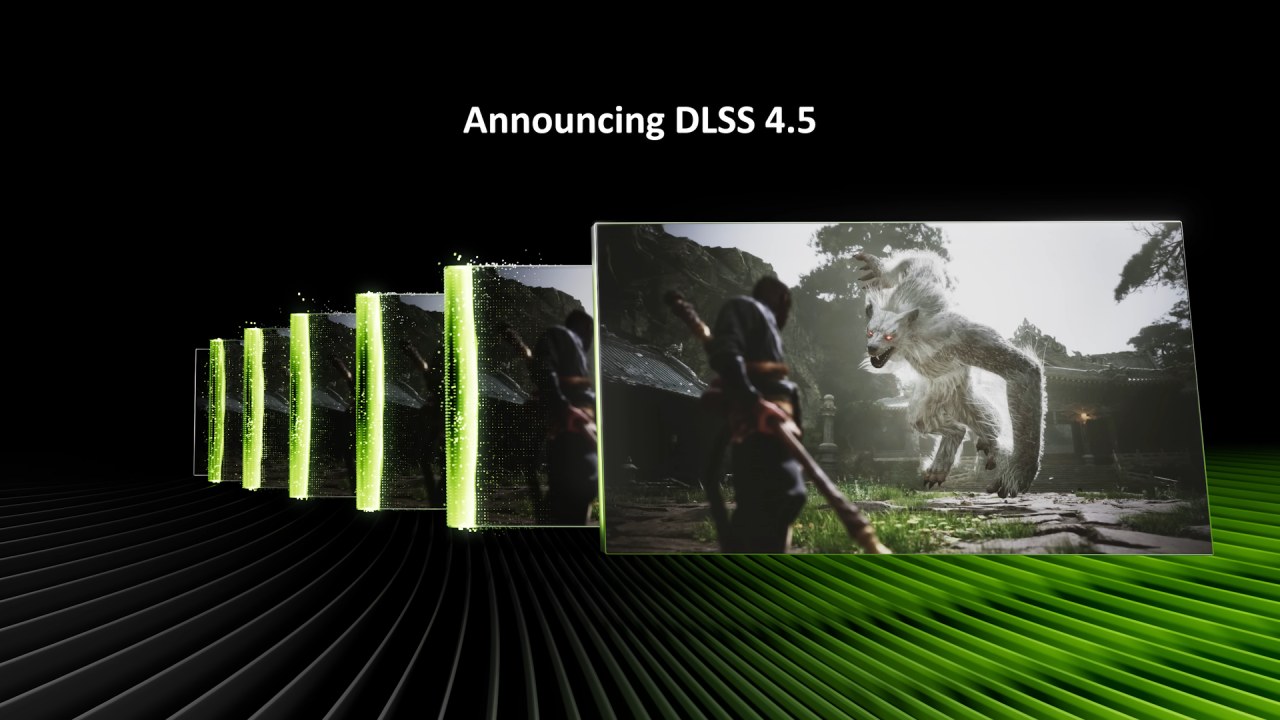
DLSS 4.5 introduces two main models, preset M and preset L. Nvidia claims preset M is the best for the performance mode. In contrast, preset L is optimized for ultra performance. However, there has been ongoing discussion about whether preset L is actually better overall. Alongside that, the ultra-performance mode has never really been considered technically impressive.
With previous upscalers, the quality loss between ultra performance and performance mode has been very noticeable. The key question is whether that changes when viewing the preset L versus the DLSS 4 preset K, and even FSR 4 in the ultra performance mode.
Regular Upscaling Modes: Quality, Balanced, and Performance
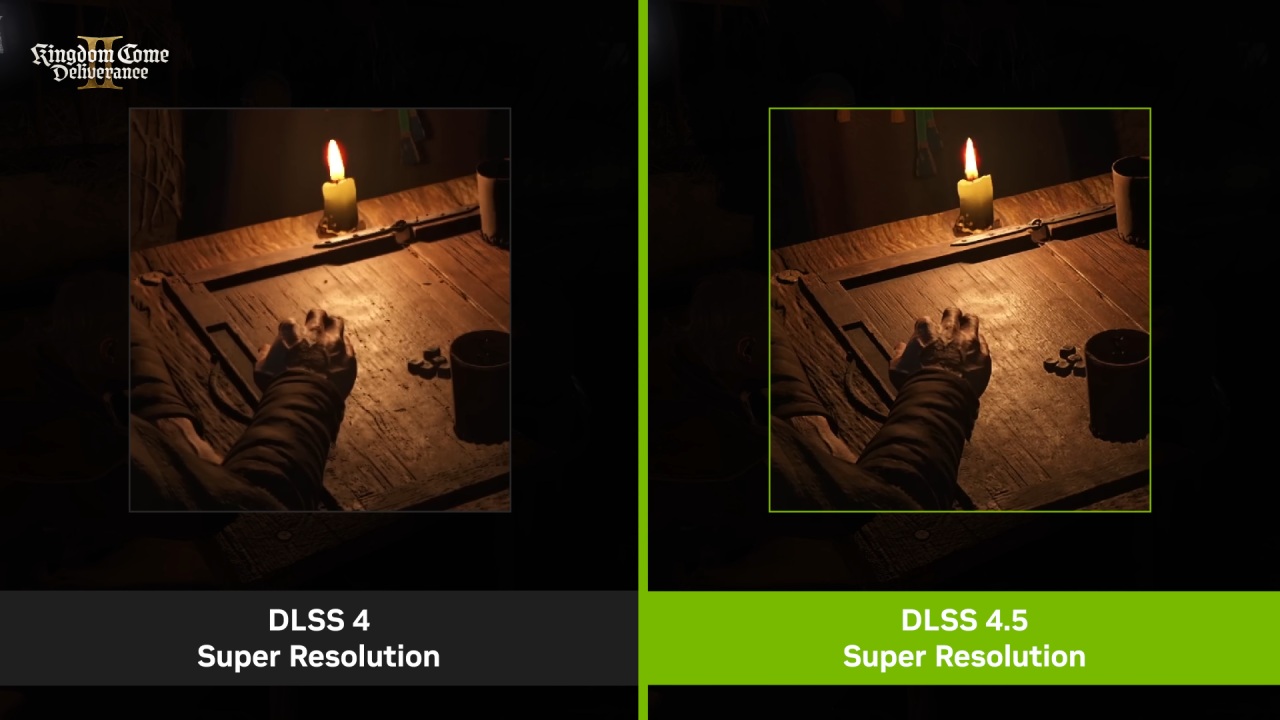
We start by comparing DLSS 4.5 preset L to preset M and the older DLSS 4 preset K in the regular upscaling modes: quality, balanced, and performance. Even though preset L is designed for ultra performance, it reportedly delivers better image quality in regular modes as well.
With preset M, we found the output image to be a little oversharp and crunchy in some situations across all modes when compared to preset K. This additional sharpness can provide benefits in certain scenes and may look subjectively better, but in other cases, such as in Horizon Zero Dawn, the oversharp presentation and grass upscaling were not particularly appealing.
Preset L tones down this oversharp appearance to a more appropriate level, making grass look more natural and closer to what preset K delivered.
In other titles like Ratchet and Clank and The Last of Us Part One, preset L sits between preset M and K in terms of sharpness. It is slightly sharper than DLSS 4 preset K while maintaining a similar level of detail, and it avoids going as far as preset M. All examples retain consistent clarity between frames in motion, eliminating TAA blur.
However, both preset L and preset M suffer from similar pattern artifacts, as seen in Cyberpunk 2077. These artifacts appear inherent to the new models, whereas preset K is largely immune to them. In games where such issues appear frequently, reverting to DLSS 4 preset K can still be advisable.
Detailed stability is broadly similar between preset L and preset M. When using the same mode, such as performance mode, the difference is minimal. Crucially, preset L does not reconstruct fine detail or maintain fine detail stability better than preset M. Therefore, this is not a strong reason to prefer L over M. However, the fine detail upscaling approach differs slightly, so occasional edge cases may favor one model over the other.
In the fine rope test in Mafia: The Old Country, preset M is more stable than preset L in regular modes. Preset M still flickers and isn't as stable as preset K. However, preset L sometimes wavers, as if the upscaler can't figure out where the wires should go between frames. This makes everything less stable and a little blurry, but not as bad as typical ghosting. These are edge instances, but in general, stability between L and M is the same.
Ghosting performance is nearly identical with both models. Both benefit from improvements compared to DLSS 4. Unlike earlier DLSS releases, where separate presets targeted either stability or ghosting, DLSS4.5 presets L and M are both optimized to reduce ghosting artifacts. Disocclusion performance is also virtually unchanged between L and M. Both are a significant improvement over preset K, particularly at lower modes like performance.
Hair quality is slightly better with preset L. One improvement introduced with preset M was enhanced lighting quality, driven by changes to the upscaling pipeline, resulting in brighter, more accurate highlights at the expense of increased flicker in some scenarios. Preset L carries the same lighting improvements and the same level of artifacting, so switching does not reduce flicker.
Preset M had trouble with background pixelation and grit in Horizon Zero Dawn's snow test, while particles poured across the scene. Even in performance mode, preset L significantly improves this problem. Most other particle-quality features remain the same with preset M, though in games where pixelation occurs, switching to preset L or reverting to preset K is helpful.
One of the setting L's most obvious benefits is that it has good foliage. Preset M keeps motion more stable than preset K, especially when tree canopies and branches cross each other. Preset L keeps things the same but making grass reconstruction better by lowering grain and sharpness.
In some settings, preset L may look slightly softer than preset M, but the lower pixelation makes the picture look more realistic overall. Preset L usually gives the best look for foliage in quality, balanced, and performance modes.
In Spider-Man 2 and Cyberpunk 2077's overlapping fence tests, setting L does a somewhat better job of keeping background detail, but the variations are small and often need to be looked at frame by frame.
In general, preset L might make things look a little better than preset M when you adhere to the normal upscaling modes. The image seems better because it has less sharpness and grain, with only a few downsides. Most of the time, the differences aren't big enough to switch to a lower rendering level, but when you use the same mode, preset L usually gives you superior image quality.
Ultra Performance Mode: Is It Finally Usable?
Ultra performance mode uses 3x upscaling, taking a 720p render resolution and outputting 4K, compared to performance mode’s 1080p to 4K. Historically, ultra performance has not been recommended due to substantial quality loss. With preset L, the situation changes significantly at 4K.
When you look at DLSS 4.5 preset L, DLSS 4 preset K, and FSR 4 in ultra performance mode at 4K, preset L is clearly the best. This is a bigger improvement over preset K than in earlier comparisons of DLSS 4.5 and DLSS 4. Preset L gives you a clearer, more stable picture with less ghosting, blurring, smearing, and artifacts in general.
Given that the 4K image originates from 720p, the result is technically impressive. The ultra-performance mode at 4K is now somewhat usable, whereas previously it was best avoided.
FSR 4 trails further behind, appearing blurrier and less stable. The gap between DLSS 4.5 and FSR 4 is largest in ultra performance mode.
At 1440p., ultra performance mode becomes far less impressive. When you upscale from 480p to 1440p, you get a lot of grain, blur, and instability. Preset L is still the best choice, but the artifacts are too obtrusive for us to suggest it for 1440p desktop gaming. It might work on small, low-power mobile devices, but it's not the best choice for regular PC configurations.
Ultra performance is still a sacrifice, even at 4K. The gap between performance and quality modes is relatively small, but the jump down to ultra performance is noticeably larger. Grain in grass, smearing in snow, instability in fine ropes, and pixelation in hair rendering are all more pronounced.
Disocclusion artifacts also increase in third-person games. Some players might not see these artifacts, but for those who want a clear 4K image, super performance still isn't enough.
Performance Impact of Preset L
Preset L is a little harder than preset M. On contemporary GPUs at 4K, preset L is usually 1–2 fps slower in quality and balanced modes, and performance mode is often the same. Preset L can be up to 5% slower at 1440p. In some titles, quality mode runs 4%-6% slower with preset L, translating to a small fps difference.
In ultra performance mode, the performance uplift from performance to ultra performance is similar to the uplift from quality to performance. For example, performance mode may run 25% faster than quality, while ultra performance runs 23% faster than performance.
On older GPUs like the RTX 3090, preset L is not dramatically slower than preset M, typically showing a 3%-6% decrease. Once the significant performance cost of enabling DLSS 4.5 over DLSS 4 is accepted, the additional overhead of preset L compared to M is relatively minor.
Final Thoughts
Preset L generally provides the best visual quality in DLSS 4.5. It fixes certain problems with artifacts that are present in setting M, decreases oversharpening, and makes grass reconstruction better. In some cases, preset K can still do better than DLSS 4.5, but in general, preset L gives the best picture.
Ultra performance mode with setting L is a big technical feat, especially at 4K, but it still isn't perfect. Artifact issues in motion and reduced clarity compared to higher modes prevent it from being broadly recommended. For most players, performance mode remains the minimum advisable setting.
If you want the best balance of image quality and performance in DLSS4.5, preset L in quality or performance mode is the preferred choice.
Also, check our other hardware articles:
- AMD Ryzen 9 9950X3D Review: Setting The Standard For 2025 Gaming CPU
- Amazon Luna 2025 Review: Is Prime Gaming's Cloud Service Your Go-To For Casual Fun?
- AMD RX 9070 XT Review: AMD's RDNA 4 Champion for 1440p Gaming
- GeForce Now Ultimate: Ditching Your Gaming PC For Cloud RTX 4080 Power?
- NVIDIA GeForce RTX 5080 Review (2025): Still A 4K Gaming Powerhouse?
- Intel Core Ultra 9 285K Review And Performance Breakdown (2025)
- Intel Core Ultra 9 285K vs AMD Ryzen 7 9800X3D: In-Depth Gaming Performance and Benchmark Comparison
- NVIDIA GeForce RTX 5080 Super Performance In Cyberpunk 2077: Path Tracing & DLSS 4.0 Tested
- AMD Radeon RX 9070 XT In Cyberpunk 2077: Ray Tracing & FSR 4.0 Tested
- Intel Arc B580 Review: The $250 GPU Revolutionizing 1440p Gaming
- Intel Arc B570 Vs. B580: Value, Specs, And Real-World Gaming Performance
- RTX 5090 Laptop Vs. M4 Max MacBook Pro: Ultimate Raw Performance Vs. Battery Endurance
- Intel Arc b580 Vs. RTX 4060: Game Performance And Value Analysis
- RTX5090 Hell Is Us Demo 4K Ultra Benchmark: DLSS Vs. Native Performance Guide
- NVIDIA RTX 5070 Review: Mid-Range Muscle or Marketing Hype?
- Nintendo Switch 2 Review: Handheld Performance, Features & Value Breakdown
- RTX 5070 Ti Review: Performance, Thermals & Power Efficiency Tested
- Samsung Odyssey OLED G81SF Review 2025: Ultimate 32-Inch QD-OLED Gaming Monitor
- AMD RX 9070 Performance Review: Thermals, Clocks, and Real-World FPS
- AMD Ryzen 5 7600 Review: Best Budget Gaming CPU of 2025?
- AMD Radeon RX 7800 XT Review: RDNA 3 Power For Midrange Gaming
- Asus ROG RTX 5090 Astral OC Vs. Founders Edition: The 4K Gaming Benchmark
Senior Editor, NoobFeed
Latest Articles
No Data.