
GeForce RTX 4060 DLSS 4.5 vs. DLSS 4.0 Performance Comparison Across Three Games
DLSS 4.0 presetK maintains higher framerates while delivering stable image reconstruction with minor ghosting artifacts in select scenes.
Hardware by Shinji Okazaki on Jan 21, 2026
We tested the GeForce RTX 4060 across three games using DLSS 4.5, DLSS 4.0, and native rendering to see how well it performed, how good the images looked, and how easy it was to use.
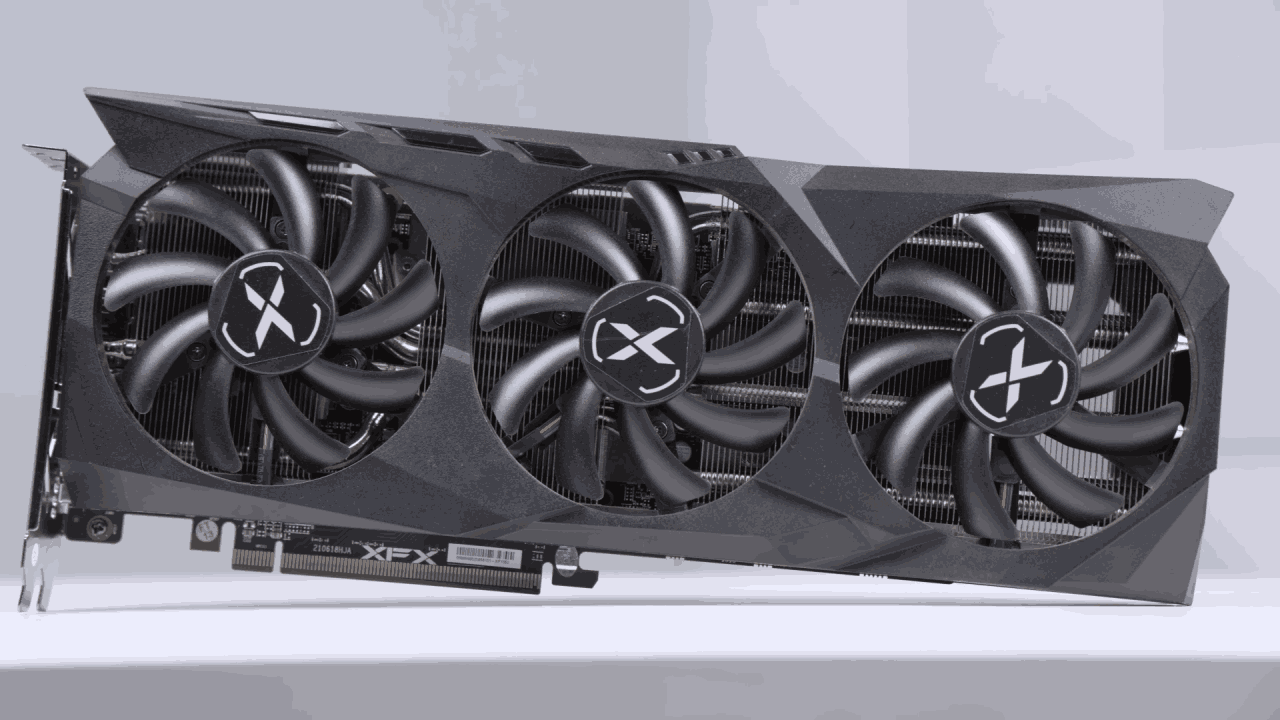
MSI Ventus2X GPU was used with a Ryzen 9 7980X3D and 32GB of RAM. There was no manual overclocking during any of the tests, and all were run at 1080p resolution. The main point was how different DLSS versions affect the look, including ghosting, sharpness, and frame rate consistency.
How well ARC Raiders Works and Looks
Arc Raiders had serious visual problems at native 1080p without anti-aliasing, notably with plants due to how Unreal Engine 5 renders them. TAA made the image look more like 720p than 1080p, introducing significant blur and ghosting. Even though the framerates were about 95fps to 100fps, motion made trails that were easy to see and made things less clear.
When you switched to the DLSS Quality setting, the game ran at 720p inside and was upscaled to 1080p. Framerates reached roughly 125 fps, though motion clarity was worse than with DLAA. Even though DLAA improved performance, it was still the best way to keep the RTX 4060's visuals stable.
DLSS 4.5 with presetM got rid of ghosting almost completely; however, it made things too sharp and slowed down to about 73 fps. Some moments had framerates that dipped to around 60 fps, making the game less fluid because it wasn't always the same. DLSS 4.5 was less useful on this GPU because it cost more in performance, even though ghosting was fixed.
DLSS could effectively upscale images to lower resolutions, such as 720p and 360p, but the results weren't good enough for frequent gameplay.
Results for GTA5 Enhanced Edition
We tried the Enhanced Edition of GTA5 with ray tracing on at 1080p using the DLAA and DLSS presets. DLSS 4.0 made the graphics look sharp, but it also made ghosting behind moving cars quite evident, with several lines trailing behind them. There were no problems with grass or other natural factors.
The ghosting disappeared completely when I switched to the DLSS 4.5 preset M, but the picture looked too sharp by default. Lowering the game's sharpness improves the graphics. The frame rate decreased to about 70 fps and often dropped to 60 fps in crowded sections, making everything feel less smooth.
DLSS 4.5 made the visuals more stable, but it also made the performance worse. DLSS 4.0 was still the best choice for anyone who wanted to play at a steady 60 fps, unless they were willing to slightly overclock their graphics card to keep frame rates up.
Using DLSS Quality with presetM made the image much less detailed than DLAA, but it maintained ghosting to a minimum. Reflections were less sharp, and even though performance improved, the overall image quality wasn't as good as with DLAA and presetK.
There were still some little shadows that looked like they were on the mirror reflections, but they were less evident while you were playing normally.
Stability of the Ghost of Tsushima Image
Ghost of Tsushima ran smoothly at 1080p with maximum settings and the DLSS 4.0 preset. There was no ghosting, shimmer, or motion blur in the picture. Even in places with a lot of ambient effects, like the Golden Temple, particle effects like falling leaves looked clean and constant.
The average performance was about 83 fps, with 71 fps in the lowest 1% of frames, keeping the game running smoothly. The picture stayed clear without getting too crisp.
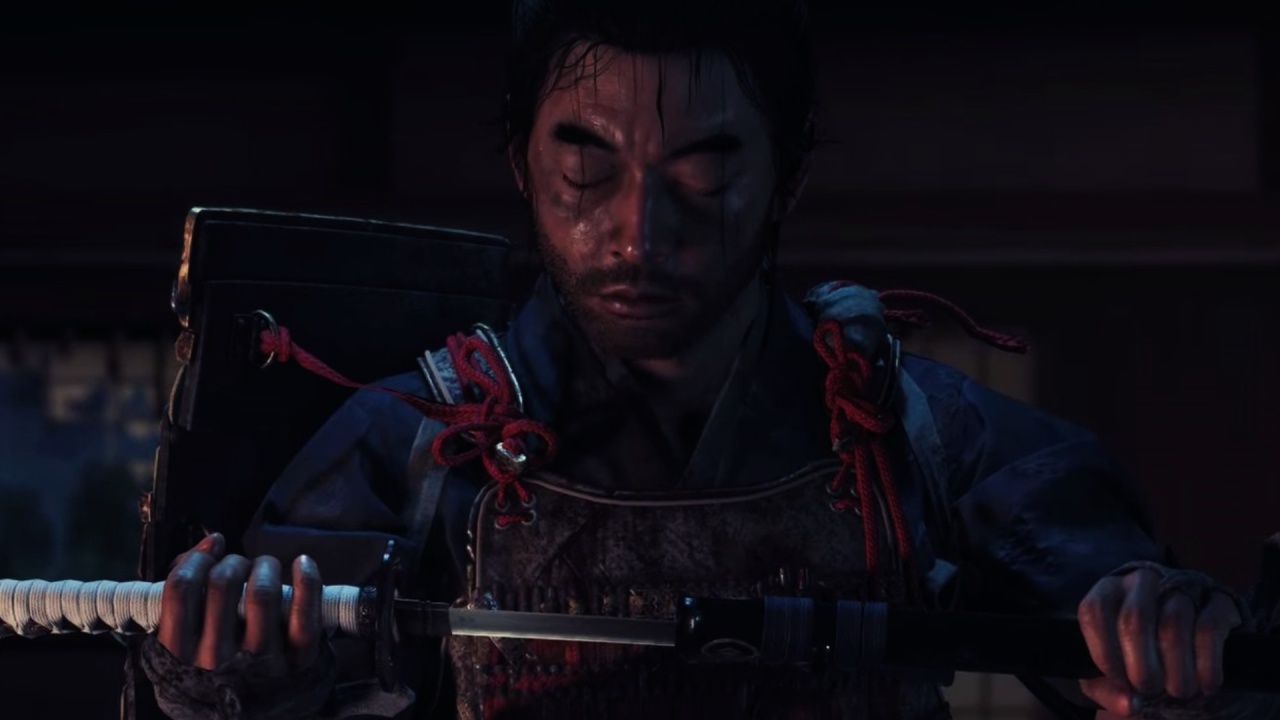
When I switched to the DLSS 4.5 presetM, my frame rate dropped to about 69 fps and then to 60 fps. The picture got clearer, though the change in particle clarity was small. Some distant effects looked better, but the overall visual gain wasn't enough to offset the drop in performance.
When I used DLSS Quality with presetM, the particle density remained the same, but the shadows became slightly shinier. The image didn't look better than DLSS 4.0 with DLAA, so presetK was the best choice for this title.
Final Thoughts
Most of the time, DLSS 4.0 presetK gives you consistent performance and good enough picture quality. There is still ghosting in some games, but it doesn't really change how you play.
It's still best for Arc Raiders to use DLSS 4.0 with DLAA. DLSS 4.5 makes GTA5's movements more clear, but it also makes the game less stable. Ghost of Tsushima already has clear graphics thanks to DLSS 4.0, and it doesn't slow down the game.
We could get a better idea of how well DLSS 4.5 works by testing it on more games, since upscaling and rebuilding work in different ways for each game.
Also, check our other NVIDIA articles below:
- NVIDIA GeForce RTX 5080 Review (2025): Still A 4K Gaming Powerhouse?
- NVIDIA RTX 5070 Review: Mid-Range Muscle or Marketing Hype?
- RTX 5070 Ti Review: Performance, Thermals & Power Efficiency Tested
- ASUS GeForce RTX 5090 LC Liquid Cooled GPU Review: Unmatched Silence & Speed
- MSI GeForce RTX 5090 32GB SUPRIM SOC Review: Power Efficiency, Cooling, and Gaming Performance
- INNO3D RTX 5060 Ti 16 GB X2 Review: Gaming Benchmarks, Temps, and Power Efficiency
- HP Omen 45L Review: RTX 5090 Performance, Thermals, and Value Analysis
- ASUS TUF Gaming GeForce RTX 5060 Ti Review: DLSS 4, Power Efficiency, and Gaming
- ASUS Prime RTX 5060 Ti OC 16GB Review: DLSS 4, Ray Tracing, & Thermals Tested
- NVIDIA GeForce RTX 5060 Review: Specs, Gaming, and Cost per Frame
- MSI GeForce RTX 5090 GAMING TRIO OC Review: A Monster Power GPU
Editor, NoobFeed
Gaming Hardware Updates
No Data.