
AORUS GeForce RTX 5090 MASTER ICE Review: GIGABYTE's Premium Cooling & Aesthetic Showcase
Discover how Gigabyte's triple-slot cooler, frosted white design, and factory OC push 4K performance and thermals to the limit
Hardware by Tanvir Kabbo on Aug 02, 2025
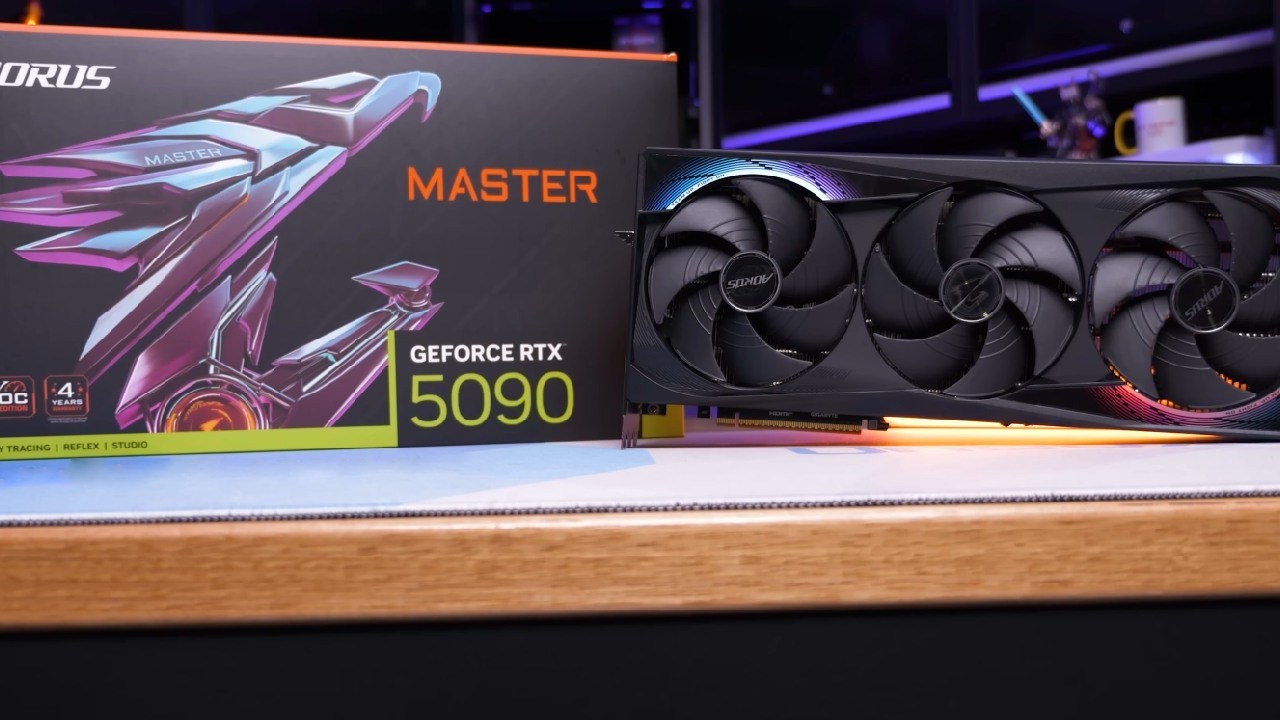
With RTX 5090 now available, custom AIB models have become a hot topic, as brands introduce new cooling innovations and design tweaks to push performance further. One of the most intriguing options comes from Gigabyte with the Aorus RTX 5090 Master Ice—a card that not only brings a unique frosted white aesthetic but also packs serious cooling innovation.
Given that NVIDIA's Founders Edition has gone the route of a compact dual-slot design, we wanted to see if Gigabyte's larger triple-slot cooler and custom engineering could offer tangible benefits over the FE model.
Overview
We've already tested what the RTX 5090 GPU can do thanks to NVIDIA's Founders Edition, so we won't rehash raw performance numbers here. Instead, we focused on how Gigabyte's overclocked Master Ice compares in real-world gaming and sustained load scenarios, and whether its enhancements justify the premium over the FE model.
Test System
For all performance and thermal evaluations, we used a purpose-built GPU test bench featuring an AMD Ryzen 7 9800X3D CPU, 32 GB of Corsair Vengeance RGB 6000MHz CL30 memory, and a GIGABYTE B650 E Aorus Master motherboard.
We did all the testing on the latest Windows 11 build with the current NVIDIA drivers, and our primary focus was on 4K gaming performance to align with the card's target audience.
Cooling Solution
The standout feature of Aorus Master Ice is its upgraded WindForce cooling system with Hawk fans. Gigabyte claims up to a 53.6% increase in air pressure and a 12.5% increase in air volume compared to conventional fan designs—all while maintaining noise levels on par with quieter setups. The triple-fan array sits atop enlarged heatsinks and an upgraded vapor chamber that makes direct contact with the GPU die.
We found that, under a one-hour F124 stress loop, Master Ice (with its optional reverse fan installed) maintained an average GPU temperature of 70°C—1°C cooler than the Founders Edition. Memory junction temperatures averaged 70–71°C versus 72°C on the FE model, indicating slightly better thermal efficiency, even if the margin is small.
Factory Overclock and Performance
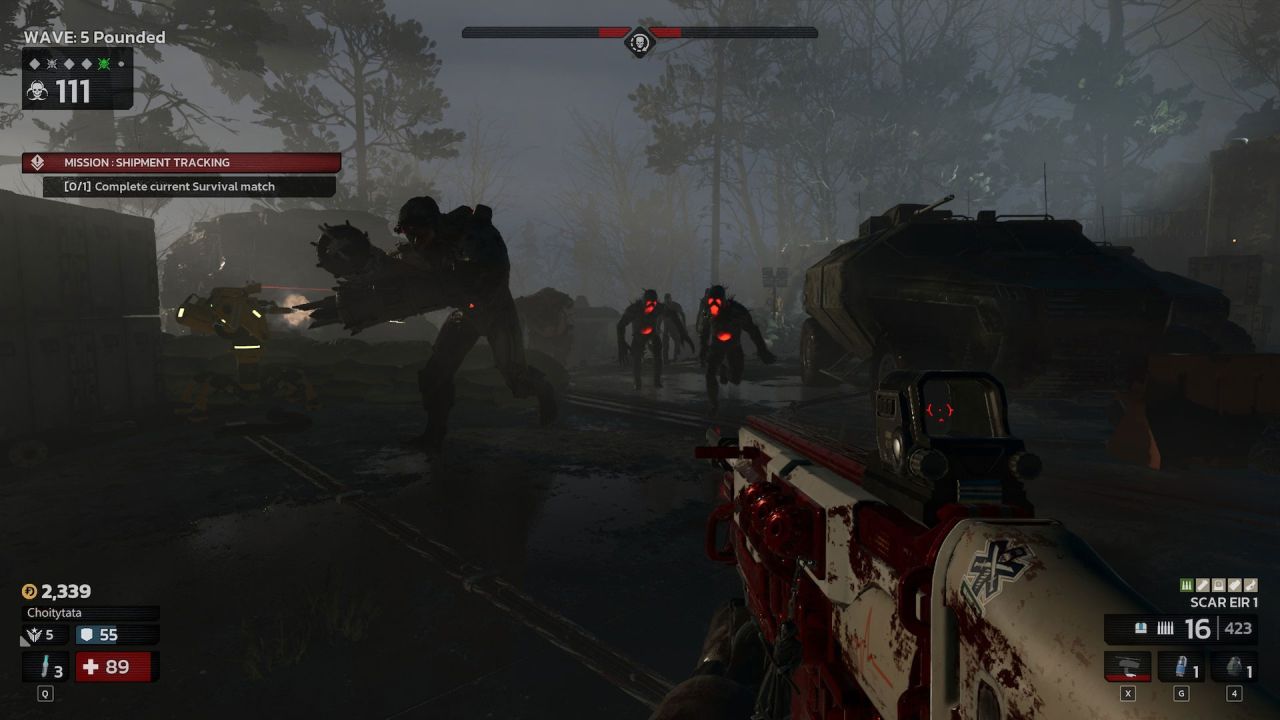
Out of the box, Master Ice comes with a boost clock of 2,655MHz—a 248MHz (10.3%) uplift over the Founders Edition's 2,407MHz. Across a range of modern titles at 4K, we saw consistent average frame-rate gains of around 7–9% compared to the FE model, depending on the game.
However, differences versus other high-end AIB cards (including ROG Strix 5090 variants) often fell within the margin of error, with 1% lows remaining largely consistent. Adding the optional 120mm reverse fan yielded negligible FPS improvements, frequently dropping performance by 1% due to the added airflow altering fan curve dynamics.
Design and Aesthetics
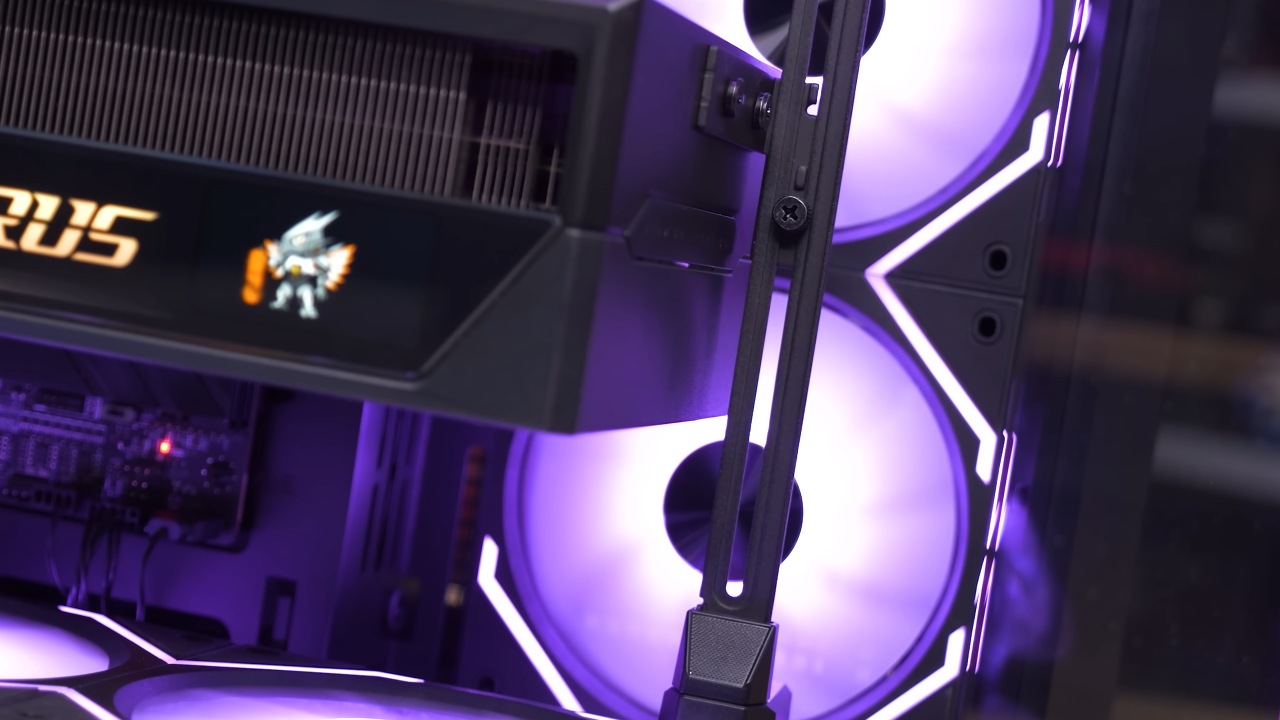
Gigabyte has gone all-in on the frosted white theme, using a metal backplate with an integrated RGB logo, a secondary RGB-lit Aorus emblem on the side, and a subtle RGB strip along the card's length. An LCD Edge View display lets you monitor real-time GPU stats or upload custom animations and text, adding a personalized flair to your build.
At 360 mm long, 150 mm tall, and 75 mm thick, the card occupies almost four slots and weighs just over 3.1 kg (3.2 kg with the reverse fan). A reinforced metal support bracket in the box helps manage that heft, though you'll need to plan installation carefully, especially in more compact cases.
Power Consumption and Clock Behavior
Power draw is where Master Ice reveals its trade-off: averaging 590 W and peaking at 606 W during sustained load, it's notably less efficient than the FE model, which hovered around 540 W with peaks at 550 W.
In return, we saw higher sustained clock speeds—averaging 2,820MHz, peaking at 2,850MHz, and barely dipping below 2,760MHz under load—ensuring that the card remains at the top of the stack for prolonged sessions.
Installation Notes
The inclusion of the reverse fan is a neat touch, but it lacks an onboard fan header, forcing you to route its cable to the motherboard. Clearance must be checked before purchase, as the extra 120mm fan adds bulk.
The dual-BIOS switch lets you toggle between OC mode for maximum performance and Silent mode for quieter operation, giving you flexibility based on your priorities.
Price and Positioning
At an MSRP of $2,499, Aorus Master Ice sits roughly 20% above the Founders Edition. If you value cutting-edge cooling innovation, a nice white design, and the ability to sustain peak boost clocks for extended periods, the premium can be justified. However, for most gamers, NVIDIA's Founders Edition still offers a more balanced combination of performance, efficiency, and cost.
Final Thoughts
We believe that Aorus 5090 Master Ice is a beautifully engineered card that delivers on its promise of premium features and performance. While its improvements over the FE model are relatively minor for everyday gaming, enthusiasts who prioritize aesthetics, cooling headroom, and overclocking potential will find it hard to resist.
If you're building a white-themed system or need every last bit of thermal performance under load, you'll appreciate what Master Ice brings to the table—but be prepared for the space, weight, and power requirements that come with it.
Check Our Other NVIDIA Articles:
- GeForce RTX 5090 Unleashed: Is NVIDIA's New Flagship the Ultimate 4K Gaming GPU?
- NVIDIA GeForce RTX 5080 Review (2025): Still A 4K Gaming Powerhouse?
- RTX 5090 Performance Testing In GTA 5 – 1080p, 1440p, and 4K Max Settings Benchmark
- NVIDIA RTX 5070 Review: Mid-Range Muscle or Marketing Hype?
- RTX 5070 Ti Review: Performance, Thermals & Power Efficiency Tested
- ASUS ROG Astral RTX 5090 OC Edition Review: 32GB GDDR7 & 4K Gaming Benchmark
- ASUS GeForce RTX 5090 LC Liquid Cooled GPU Review: Unmatched Silence & Speed
- MSI GeForce RTX 5090 32GB SUPRIM SOC Review: Power Efficiency, Cooling, and Gaming Performance
- INNO3D RTX 5060 Ti 16 GB X2 Review: Gaming Benchmarks, Temps, and Power Efficiency
- HP Omen 45L Review: RTX 5090 Performance, Thermals, and Value Analysis
- ASUS TUF Gaming GeForce RTX 5060 Ti Review: DLSS 4, Power Efficiency, and Gaming
- ASUS Prime RTX 5060 Ti OC 16GB Review: DLSS 4, Ray Tracing, & Thermals Tested
- NVIDIA GeForce RTX 5060 Review: Specs, Gaming, and Cost per Frame
- MSI GeForce RTX 5090 GAMING TRIO OC Review: A Monster Power GPU
Senior Editor, NoobFeed
Gaming Hardware Updates
No Data.