
Apple MacBook Pro with PROLED Display: Features, Upgrades, and Hidden Compromises
Apple's new MacBook Pro introduces tandem OLED technology, touchscreen functionality, and professional upgrades alongside several important hardware compromises.
Hardware by Tanvir Kabbo on Nov 02, 2026
Apple's latest MacBook Pro is a major makeover, including a new PROLED XDR display with tandem OLED technology, a touchscreen, Dynamic Island, and a slimmer, lighter frame. But beneath these headline advancements are several key changes that affect professional workflows, display longevity, thermal performance, and hardware combinations.
Some new features will be particularly valuable to creative pros, and others come with trade-offs that potential customers should weigh before upgrading.
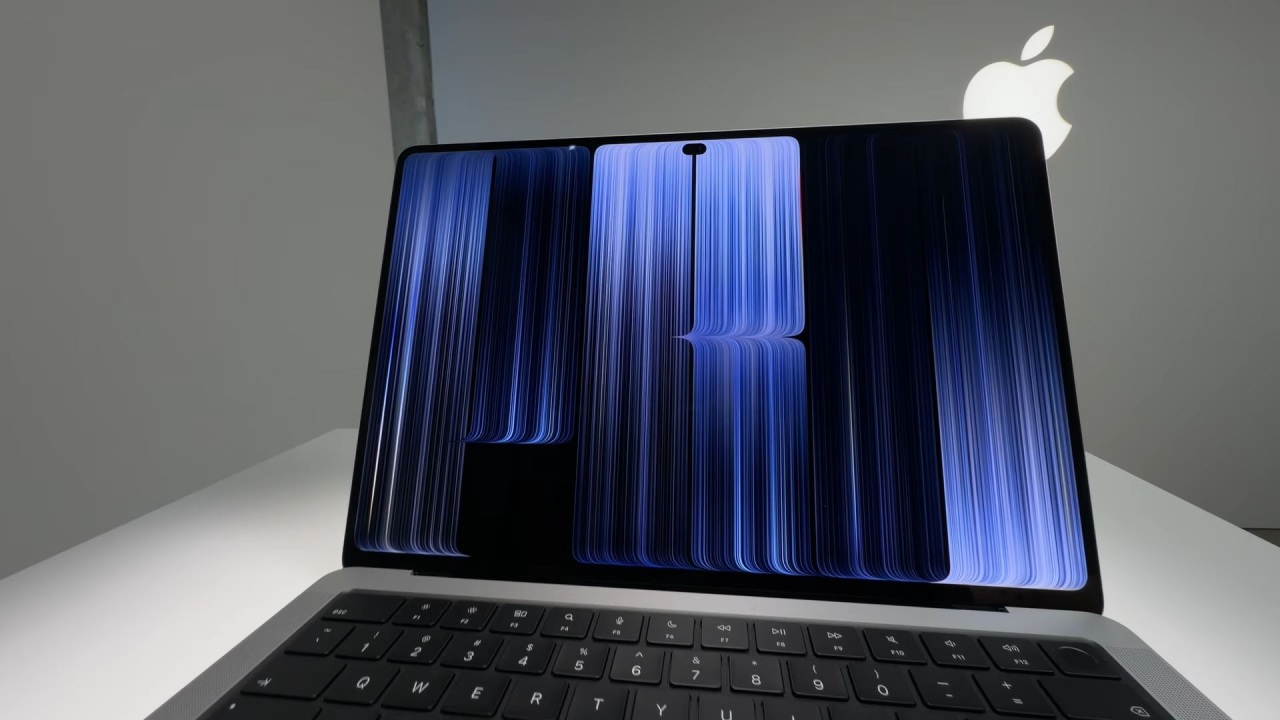
Thunderbolt 5 Genlock Support Adds Professional Features
One thing left out is Thunderbolt 5 genlock support, which wasn't available in the prior generation. This is for a relatively small audience, but it's useful in professional filmmaking for synchronizing audio and video signals between equipment.
The screen also delivers impressive brightness gains. Apple says it has a peak brightness of 2,000 nits for HDR and SDR content, but that is for some parts of the screen under harsh outdoor conditions. Sustained full-screen brightness is 1,000 nits, while the minimum brightness is only 1 nit; therefore, using it at night is more comfortable than on prior mini-LED models.
Tandem OLED Addresses Display Longevity Concerns
OLED technology raises questions about uneven pixel wear, color consistency, image preservation, and eventual burn-in. Apple's tandem OLED design with two self-emissive layers addresses these limits.
Instead of relying on factory calibration, its display engine uses real-time compensation to maintain brightness and color uniformity. The aim is to minimize long-term display degradation while maintaining the benefits of OLED technology.
The 10Hz to 120Hz variable refresh rate also adds flexibility. Apple provides fixed alternatives like 47.95 Hz, 48 Hz, 50 Hz, 59.94 Hz, and 60 Hz. These options enable video editors to match display refresh rates to footage shot at 24, 30, or 60 fps.
Touchscreen Changes How Users Interact With macOS
The touchscreen is another major shift, while macOS remains built primarily for mouse and keyboard use. Apple addresses this by translating touch input into mouse-style clicks for many existing applications. Larger touch targets also make window-management controls easier to operate. Users can initially select the red, yellow, and green buttons to reveal larger interaction areas before completing their selections.
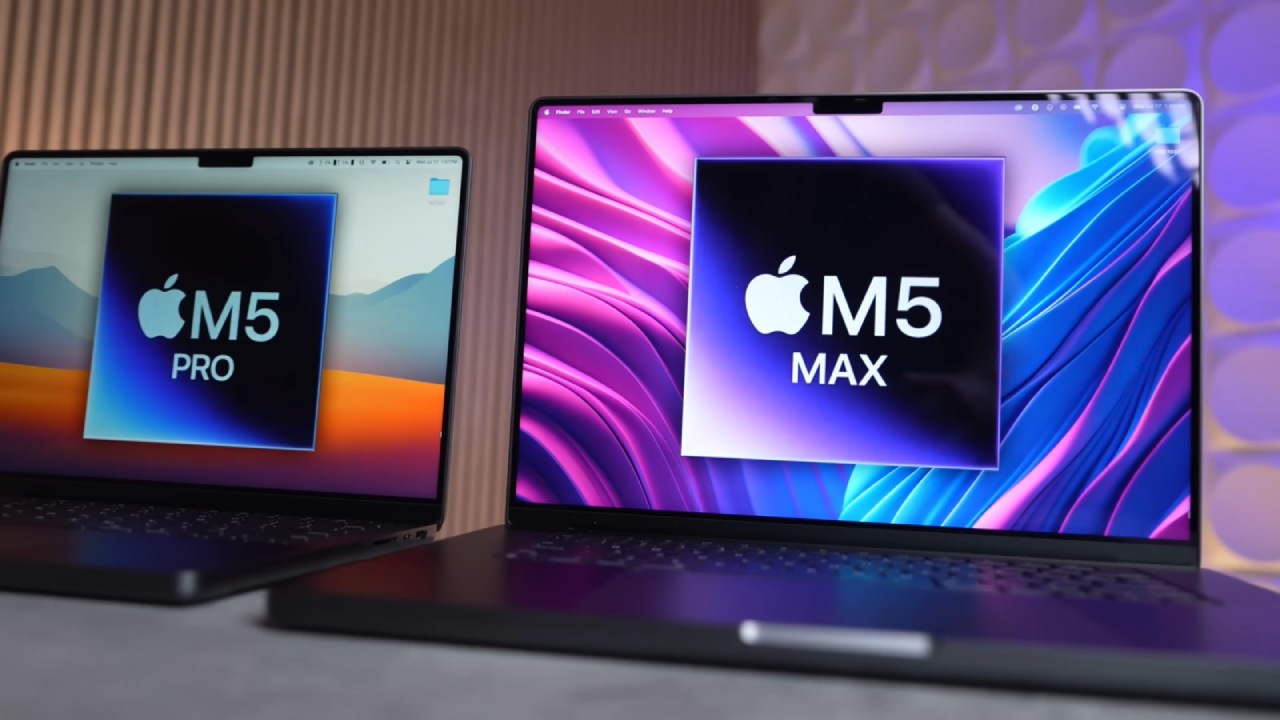
M5 Pro and M5 Max Memory Upgrades Remain Expensive
Apple's memory configurations create some difficult purchasing decisions. The basic M5 Pro has a 15-core CPU, 16-core GPU, 24GB of unified memory, and 1TB of storage beginning at around $2,900.
Upgrading to 48GB costs around $600, and 36GB requires the M5 Max configuration, which costs nearly $2,000 more. The M5 Max has more processing cores and memory bandwidth, but its limited configurations can make customization unreasonably expensive.
Improved Thermals, Connectivity, and Audio
Apple has re-engineered thermal management to transfer heat away from the OLED display, helping maintain consistent color accuracy and performance under prolonged workloads.
The M5 Max can also power four external 6K displays at 60hz over a single Thunderbolt 5 connection and compatible dock. Alternatively, users can connect two 8K displays at 60hz. The M5 Pro supports three 6K displays alongside one 8K display.
Other improvements include stabilization for the existing 12-megapixel Center Stage camera, reducing movement caused by touchscreen interactions and typing. Apple also increased the speaker base by 50%, redesigned the acoustics, and improved audio performance in clamshell mode.
Is the New MacBook Pro Worth the $400 Premium?
The previous MacBook Pro can still be configured with an M5 Max and up to 128GB of unified memory, making the internal hardware differences relatively limited for comparable configurations. However, the older design supports up to 8TB of storage, compared with 16TB on the new model.
For otherwise comparable configurations, the new MacBook Pro costs approximately $400 more. That premium essentially pays for the touchscreen, OLED display, Dynamic Island, and redesigned chassis. Ultimately, it comes down to individual priorities. The new display, professional networking, and better design are all nice, but for some users, the extra $400 spent on RAM or storage upgrades may be more useful.
Senior Editor, NoobFeed
Gaming Hardware Updates
No Data.