
Apple Mac Studio M5 Ultra vs. RTX 5090 PC: Which Workstation has better value?
Apple's M5 Ultra challenges NVIDIA's RTX 5090 with impressive CPU performance, advanced AI capabilities, and exceptional unified memory capacity.
Hardware by Tanvir Kabbo on Nov 02, 2026
Apple's Mac Studio with M5 Ultra offers serious computational capacity for professional tasks such as 3D rendering, video creation, and local AI development. Its 36-core CPU, powerful GPU, and unified memory architecture make it a top choice for professionals who demand workstation-level performance.
But it faces stiff competition from high-end PC builds using AMD's Ryzen 9 9950X3D and NVIDIA's GeForce RTX 5090. As graphics card prices head into the stratosphere, the comparison raises major questions about performance, efficiency, and value.
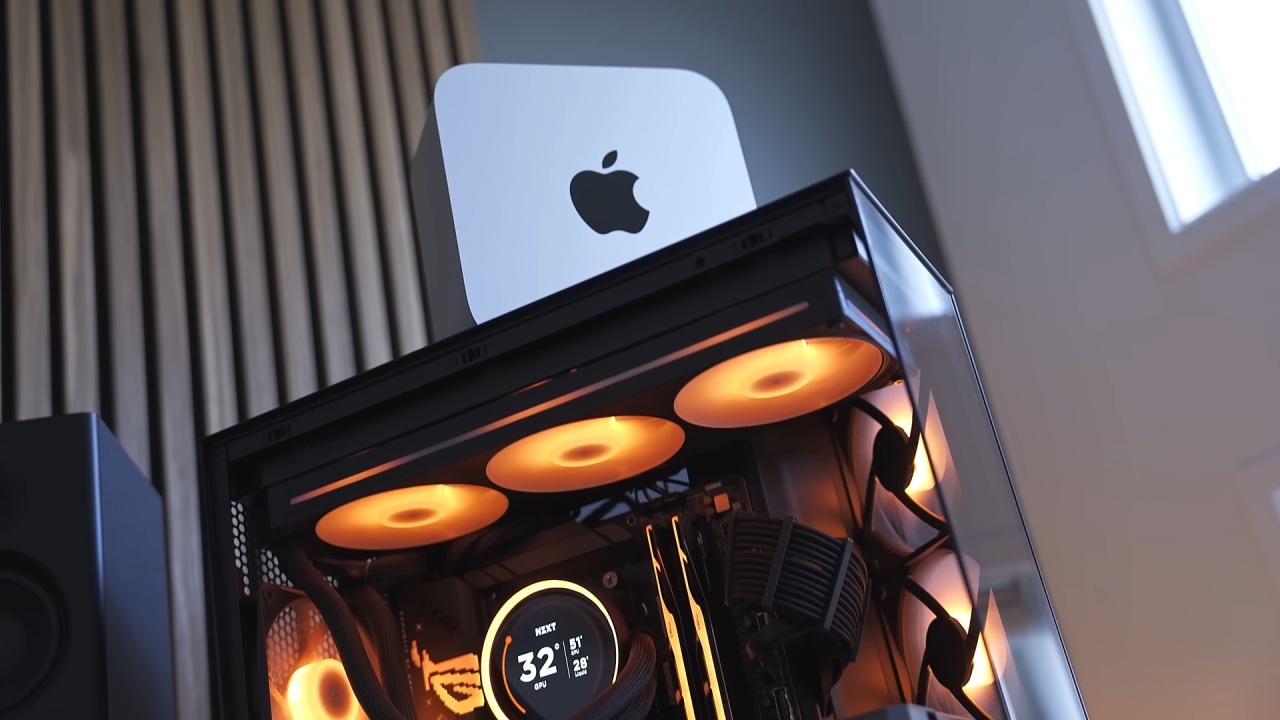
Apple Mac Studio M5 Ultra Targets Professional Workloads
The Mac Studio isn't necessarily meant for producers working on traditional video editing projects. Even Apple's M5 Max MacBook Pro and M5 MacBook Air can handle lighter timelines without heavy visual effects or complex plugins.
Rather, the Mac Studio is geared toward demanding applications such as high-end 3D rendering, massive VFX projects, and running large language models locally. These workloads require considerably more processing power and memory than typical creative projects.
On the PC side, comparable performance would generally involve a Threadripper workstation or a Ryzen 9 9950X3D paired with an RTX 5090. However, the graphics card alone has become extraordinarily expensive, with some listings approaching $9,000.
Meanwhile, an M5 Ultra Mac Studio with a 36-core CPU, 80-core GPU, and 96GB of unified memory costs less than $7,000. Building a complete PC workstation requires additional spending on memory, cooling, storage, a power supply, and other components. The tested Mac Studio also features 256GB of unified memory, a $4,000 upgrade.
M5 Ultra Delivers Impressive CPU Performance
The comparison pitted an M5 Ultra Mac Studio against a PC with a Ryzen 9 9950X3D, 96GB of DDR5 memory, and an RTX 5090. Single-core performance was really close, but the M5 Ultra still came out on top. Multi-core testing indicated a far bigger gap, with Apple's 36-core chip performing almost twice as well as the 32-thread Ryzen setup.
Cinebench 2026 showed similar findings on a 10-minute sustained workload. The M5 Ultra ran quietly, with no thermal issues. Another feature was the power usage. Apple's processor consumed approximately 150W under full-core workloads, compared with roughly 200W for the Ryzen 9 9950X3D.
In Blender, the M5 Ultra was more than 70% faster than the Ryzen system and over twice as fast as the M5 Max MacBook Pro. Houdini also showed an approximately 60% advantage, while HandBrake CPU encoding produced another comfortable win.
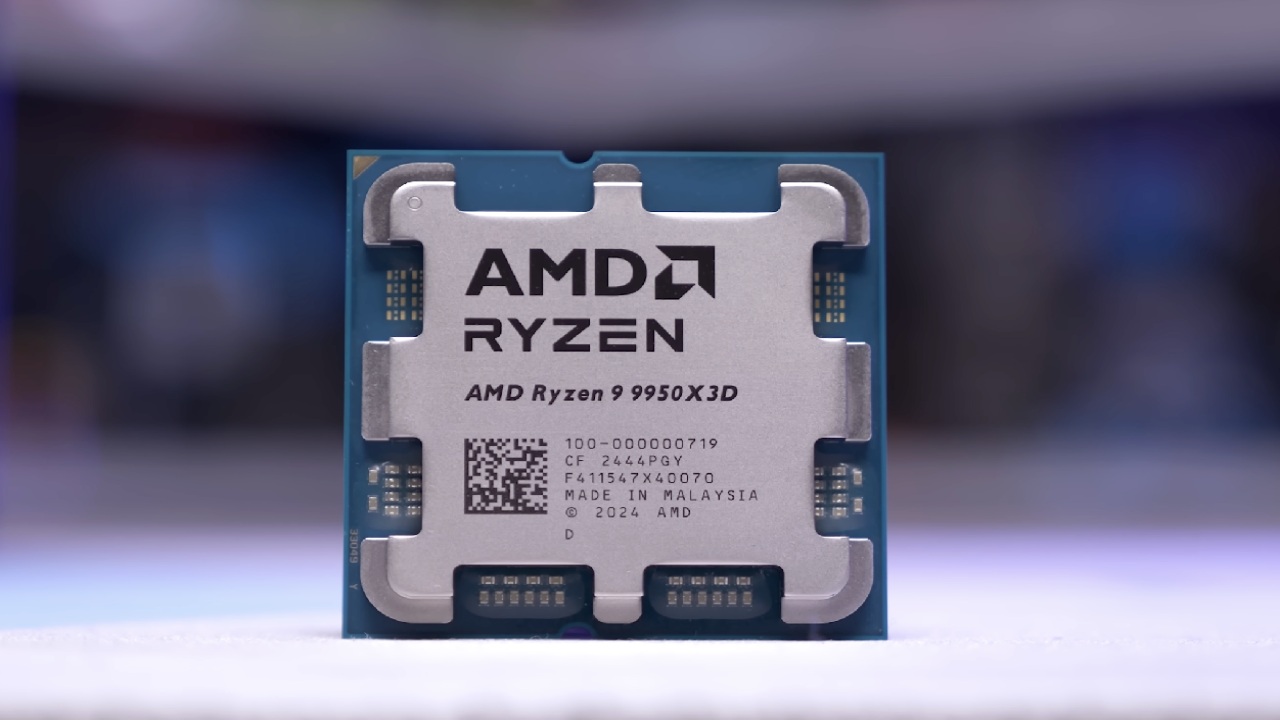
RTX 5090 Challenges Apple's GPU Performance
GPU rendering produced a different result. In Blender, the Mac Studio initially finished approximately 40% faster than the RTX 5090 using NVIDIA's CUDA rendering path. However, NVIDIA's OptiX ray-tracing engine provides additional acceleration for compatible RTX graphics cards. Once OptiX was enabled, the RTX 5090 pulled ahead.
This highlights the importance of software optimization. Apple's Metal and NVIDIA's CUDA and OptiX operate through different software ecosystems, meaning performance depends heavily on the application and rendering backend.
Unified Memory Makes M5 Ultra Particularly Powerful for AI
Local AI development revealed the biggest advantage of Apple's architecture. Testing covered models ranging from 12 billion to 70 billion parameters through LM Studio.
In Gemma 4 12B, the RTX 5090 was roughly 45% faster, while in GPT-OSS 20B it was almost 75% quicker. But the gap disappeared when we tested Qwen 3 27B with GGUF. NVIDIA's advantage dropped from 47% to 23% with Q4 quantization.
The results were completely different with the 70B-parameter DeepSeek R1 Llama Distill model. The model is larger than the RTX 5090's 32GB of VRAM; thus, the PC has to move more data to system memory, creating a major transfer bottleneck.
The M5 Ultra performed the test over 20x faster. It has 256GB of unified memory, meaning the CPU and GPU share the same memory pool, without being limited by separate specialized VRAM. Even the base 96GB configuration will allow a 70B model depending on quantization and extra memory needs. The Mac was around 300W, and the RTX 5090 was around 275W, so Apple's achievement is quite amazing.

Premiere Pro Gives Apple Silicon Another Advantage
Video editing produced mixed results. In DaVinci Resolve Studio, both systems exported a 10-minute 4K H.265 timeline in approximately the same time using their dedicated hardware encoders. Adobe Premiere Pro delivered a different outcome. The M5 Ultra finished the 4K export test in under half the time of the RTX 5090 desktop.
Surprisingly, the M5 Max MacBook Pro finished in about the same time as the high-end PC. It's a testament to how well Adobe has optimized Premiere Pro for Apple silicon.
RTX 5090 Remains Superior for Gaming
Gaming is an evident weak point of the Mac Studio. The RTX 5090 was much quicker in Cyberpunk, Baldur's Gate 3, and Total War: Warhammer. Running Pragmata through CrossOver also showed a big benefit on PC. Native Apple Silicon support can boost performance for games that use it, while translation layers can create overhead.
The Mac Studio isn't primarily a gaming machine, and the RTX 5090 is still the better option for enthusiasts who want the highest possible FPS.
Pricing and Availability Complicate the Decision
The M5 Ultra looks like the Mac Studio; it has six Thunderbolt 5 ports, HDMI 2.1, 10Gb Ethernet, USB Type-A, and an SDXC card reader. But pricing is still an issue. The 256GB RAM bump costs $4,000, and M5 Ultra variants apparently have 16-18 week supply delays.
Apple's pricing is more competitive for some professional workloads, since a Threadripper Pro 9975WX workstation paired with an RTX 5090 might cost north of $14,000.
Ultimately, the M5 Ultra will appeal most to AI developers, video editors, and those building apps tailored for Apple Silicon. Meanwhile, the RTX 5090 is still better for gaming and workloads tuned for NVIDIA GPUs. The better workstation depends on program compatibility, the memory requirements, and the type of performance your workflow actually needs.
Senior Editor, NoobFeed
Gaming Hardware Updates
No Data.