
GTA 6 on ROG XBOX Ally X: How to Play Using Remote Play
XBOX Remote Play brings GTA 6 to Windows handhelds without requiring cloud gaming or an official PC release.
Handheld by Tanvir Kabbo on Nov 20, 2026
GTA 6 can be played on Windows handhelds even without an official PC version at launch. XBOX Remote Play makes this possible by streaming the XBOX Series X version directly to devices such as the ROG XBOX Ally X. Unlike cloud gaming, the game runs on the console rather than a remote server, allowing players to enjoy it on a handheld with a suitable network connection.
Playing GTA 6 on the ROG XBOX Ally X
GTA 6 runs directly on an XBOX Series X and streams to the ROG XBOX Ally X through XBOX Remote Play. The game looks surprisingly good on the handheld's OLED display, while input latency remains minimal with a decent home router.
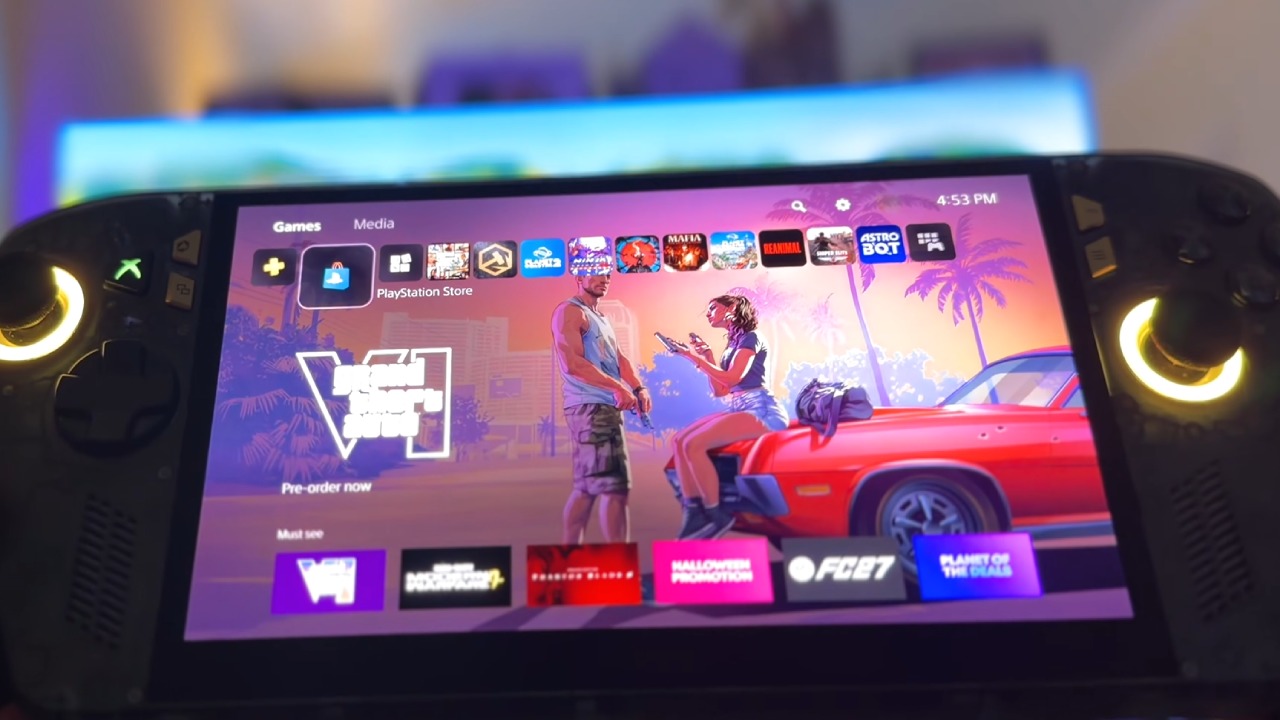
This setup is not limited to the ROG XBOX Ally X. Almost any Windows handheld with a compatible browser should support it. The Steam Deck can also use this method, making Remote Play a convenient alternative for handheld owners waiting for the PC version.
However, streaming performance depends heavily on the network connection. Even with good equipment, the experience will not be identical to running the game natively on an XBOX.
GTA 6 Streams at 30fps Through Remote Play
One important detail is that GTA 6 runs at 30fps on the XBOX Series X. Consequently, the stream also operates at 30fps. Streaming at 30fps instead of 60fps can help keep latency lower and make the experience more manageable on a handheld.
A Wi-Fi 6 router can deliver a surprisingly good experience without requiring an expensive Wi-Fi 7 setup. Nevertheless, some input latency is unavoidable because the game must continuously stream from the console to the handheld.
Why XBOX Remote Play Makes Sense for Handheld Gaming
One of Remote Play's biggest advantages is flexibility. If the XBOX is connected to the living room television and other family members want to watch a movie, you can keep playing GTA 6 on your handheld. For example, you can leave the XBOX downstairs and play upstairs without taking over the TV. This makes handheld streaming particularly useful when sharing a living space.
For better performance, connect the main gaming system via Ethernet. A wired connection can reduce latency and provide more stable streaming. The handheld can stay connected through Wi-Fi, though both devices can use wireless or wired connections.
How to Set Up XBOX Remote Play on a Windows Handheld
Setting up Remote Play takes only a few minutes. First, make sure your XBOX Series X and handheld are connected to the same network.
Enable Remote Features on XBOX Series X
Press the XBOX home button and navigate to your profile. Open System Settings, select Devices & Connections, and then choose Remote Features. Enable Remote Features before moving to your handheld.
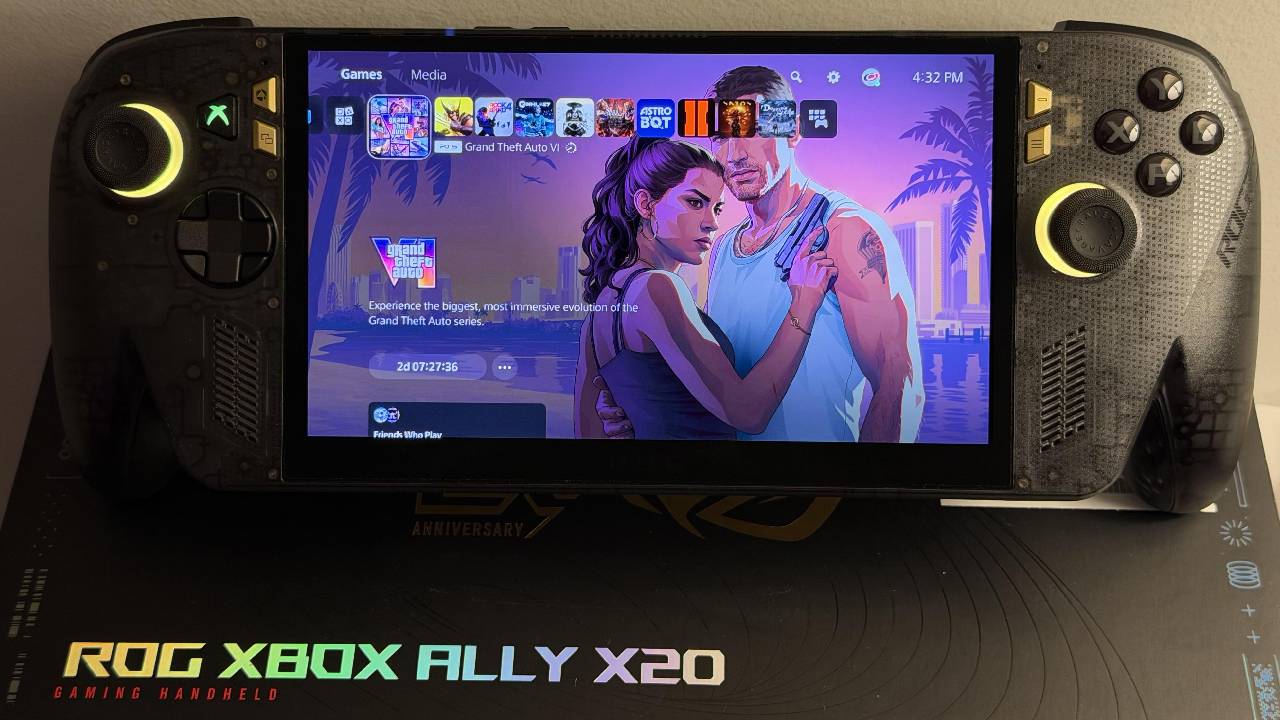
Open the XBOX Remote Play Website
On your handheld, open a compatible browser and visit the XBOX Remote Play website. Sign in with the same Microsoft account connected to your XBOX Series X. Once signed in, your console should appear automatically if both devices are on the same network. Select your XBOX to establish the Remote Play connection.
Set Up Remote Play as a Desktop App
For easier access, you can install the Remote Play website as a desktop app through your browser. You can also pin it to your taskbar for quick access. Once connected, the Xbox interface appears on your handheld, and the controller should sync. You can then access your console and start playing GTA 6 remotely.
A Temporary Alternative Until GTA 6 Arrives on PC
XBOX Remote Play is not a replacement for native gaming, and some input latency will remain regardless of your networking equipment. However, it offers a practical way to play GTA 6 on handheld devices while you wait for an official PC release.
With a stable network, the experience can be surprisingly enjoyable. Whether you use a Windows handheld or a Steam Deck, Remote Play offers another way to enjoy GTA 6 without being tied to your television.
FAQ
Q. Can you play GTA 6 on the ROG XBOX Ally X?
A. Yes. You can play GTA 6 on the ROG XBOX Ally X using Xbox Remote Play, which streams the XBOX Series X version directly to the handheld.
Q. Does GTA 6 run natively on the ROG XBOX Ally X?
A. No. The game runs on an XBOX Series X and streams to the handheld through XBOX Remote Play. It doesn't run natively on Windows.
Q. Does XBOX Remote Play require cloud gaming to play GTA 6?
A. No. XBOX Remote Play streams the game directly from your XBOX Series X, so cloud gaming isn't required.
Q. Can you play GTA 6 through Remote Play on the Steam Deck?
A. Yes. XBOX Remote Play can also work on the Steam Deck through a compatible browser, allowing players to stream GTA 6 from an XBOX console.
Senior Editor, NoobFeed
Latest Articles
No Data.