
HP OmniBook Ultra 16 Review: N1X Performance and 32GB Memory
HP's premium 16-inch laptop combines NVIDIA's N1X platform, impressive build quality, and OLED visuals with notable memory and software limitations.
Hardware by Tanvir Kabbo on Nov 19, 2026
The HP OmniBook Ultra 16 brings NVIDIA's new N1X laptop platform to a premium 16-inch design, combining powerful processing, unified memory, and an OLED display. Focused on creators, AI workloads, and gaming, it promises a versatile computing experience. However, its 32GB memory configuration, software shortcomings, and questionable hardware decisions raise concerns about its overall value.
NVIDIA N1X Performance and Benchmarks
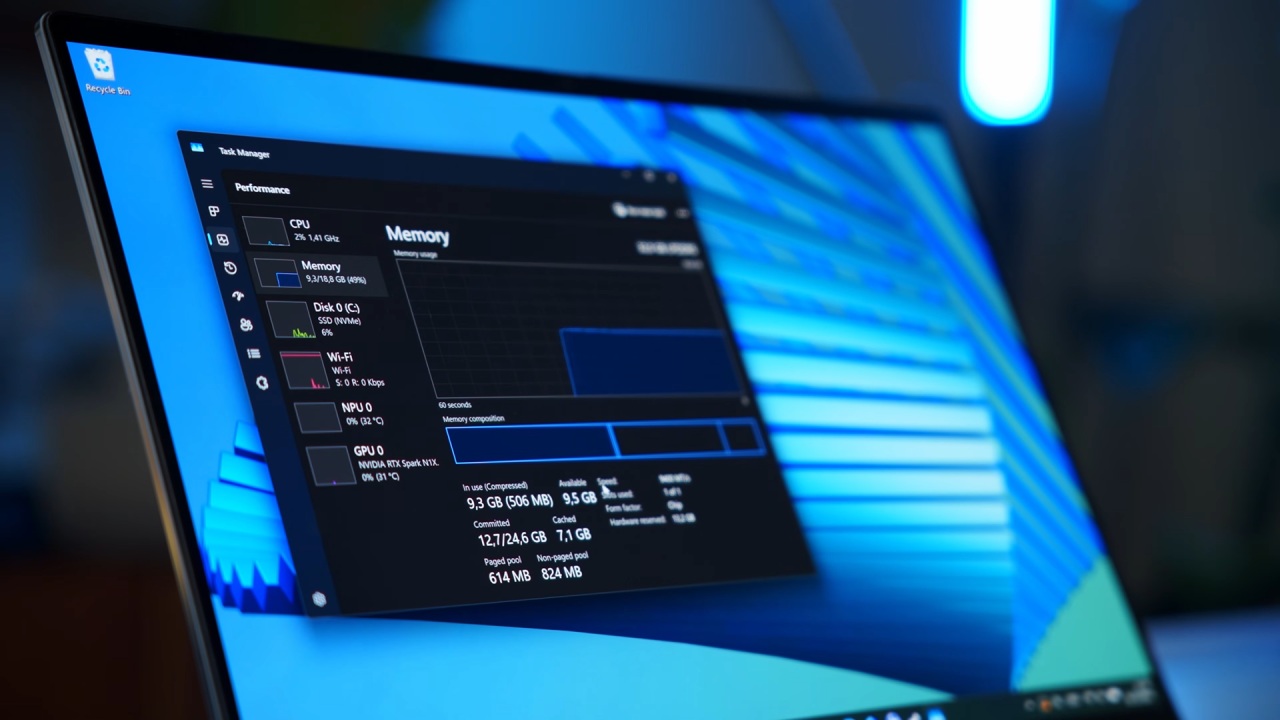
The OmniBook Ultra features NVIDIA's N1X platform with a 20-core CPU, 6,144 CUDA cores, and 32GB of unified memory. By default, it reserves 12GB for GPU operations. Synthetic benchmarks suggest that this configuration does not significantly affect raw performance. Whether running Cinebench CPU tests or 3DMark graphics benchmarks, the laptop delivers the expected performance from its underlying hardware.
The 16-inch display features a 2880x1800 OLED panel with a 120Hz refresh rate and G-Sync support. Although brightness cannot match the 4K tandem OLED found on the ASUS ProArt, contrast and color performance are impressive. However, factory calibration could be more accurate, and HP's display presets aren't clearly labeled.
The software experience also needs improvement. The management application required manual installation during testing, while its six performance profiles felt excessive and lacked clear explanations.
Premium Design and Connectivity
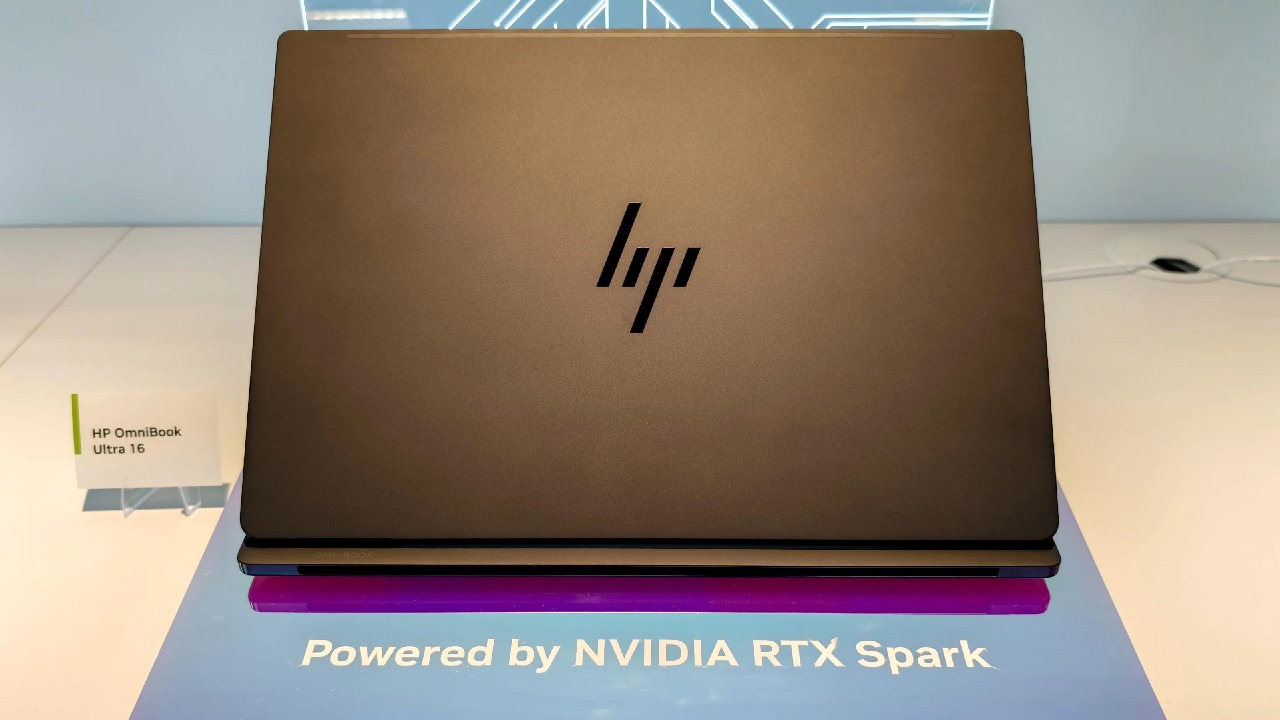
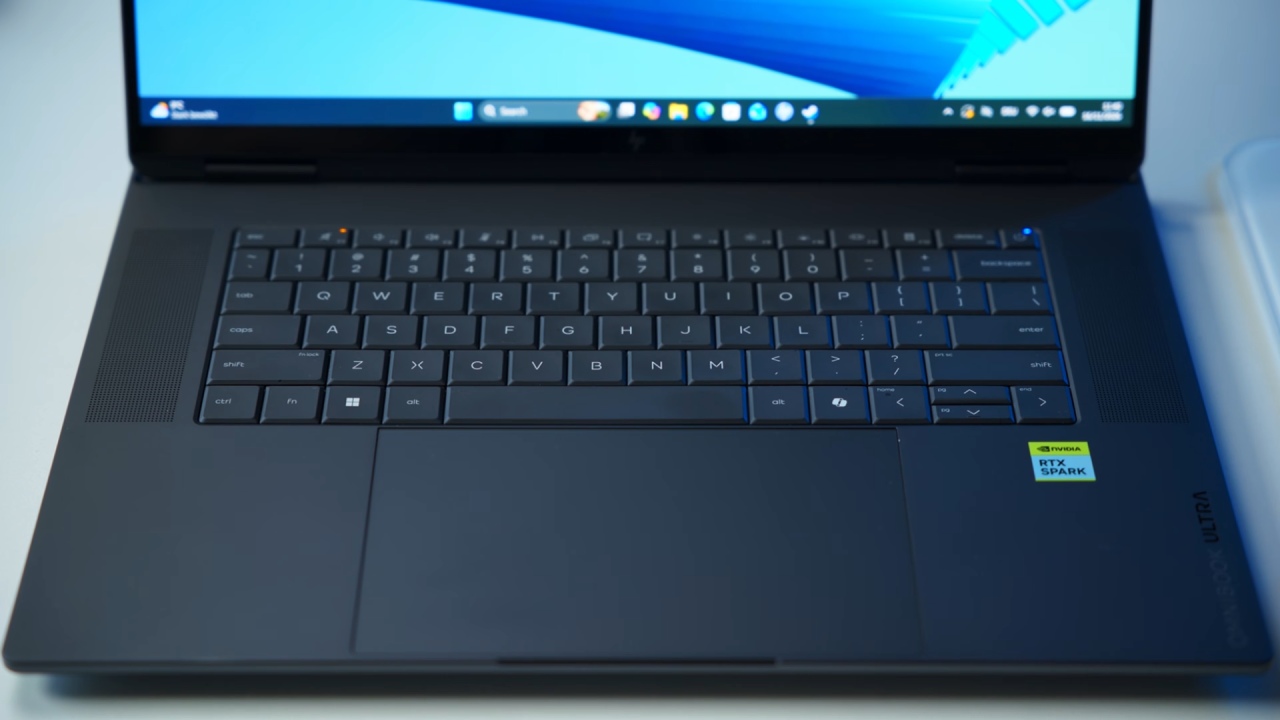
The chassis is arguably the OmniBook Ultra's biggest strength. Its clean branding, rear ventilation, and soft-touch keyboard surroundings create an excellent premium appearance. The construction feels incredibly solid, with no noticeable creaking or flexing.
The keyboard offers satisfying tactile feedback despite limited key travel, while the large haptic trackpad works well. Although the laptop is relatively heavy, its material quality makes a strong impression.
Connectivity includes two USB-C 4 ports, two USB-A 3.2 Gen 2 ports, HDMI, a headphone jack, and a microSD card reader. However, the relatively slow microSD reader is disappointing for a creator-focused laptop. A full-size SD card reader would have been considerably more practical. The webcam is adequate, while Wi-Fi transfer speeds remain competitive.
Creator Workloads and Local AI Performance
Blender rendering performance falls in the mobile RTX 5060-5070 range. Despite having only 32GB of unified memory, the architecture allows larger projects to use shared system memory. Video editing also performs surprisingly well. DaVinci Resolve 21 handled 6K and 8K RAW footage without major slowdowns, although reducing timeline resolution was occasionally necessary.
Local AI workloads reveal the limitations of the memory configuration. Testing with Hermes and a tuned Llama 3.1 8B model delivered responsive interactions, but answer quality was behind the Qwen 27B and 35B models tested on higher-memory configurations.
The laptop can handle note-taking agents, basic coding assistance, and conversational AI tasks. However, more demanding models and complex workloads will require additional memory.
Gaming Performance and Compatibility
Gaming performance is generally competitive with other N1X laptops, including the ASUS ProArt P16 and Surface Laptop. Control Resonant, Resident Evil, and Cyberpunk 2077 performed well, even with ray tracing enabled. DLSS and Multi Frame Generation also help reach the display's 120Hz refresh rate.
However, Windows on ARM compatibility remains a concern. While several recent games work properly, F1 25 wasn't playable during testing, and the Assassin's Creed Black Flag remake had performance issues. Gaming performance also remains broadly similar on battery, offering additional flexibility.
Final Thoughts
The OmniBook Ultra remains quiet under light and medium workloads, although its fans become audible under heavier loads. Its speakers are decent but fall behind some competing premium laptops. Battery life is considerably more impressive. At 150 nits, the laptop delivered about 12 hours in a simulated web browsing test, outperforming the ASUS ProArt and Surface Laptop.
Overall, the HP OmniBook Ultra 16 delivers excellent build quality, capable performance, and impressive battery life. However, its limited 32GB memory, missing full-size SD card reader, and underwhelming software experience make its premium price harder to justify.
It remains a capable option for creators and gamers who prioritize portability, battery life, and build quality. Nevertheless, similarly priced laptops with dedicated GPUs may offer better performance for demanding workloads, making the OmniBook Ultra a compelling but not universally suitable choice.
FAQ
Q. What are the main specifications of the HP OmniBook Ultra 16?
A. The HP OmniBook Ultra 16 features NVIDIA's N1X platform with a 20-core CPU, 6,144 CUDA cores, 32GB of unified memory, and a 16-inch 2880x1800 OLED display with a 120Hz refresh rate.
Q. Is 32GB of unified memory enough for AI workloads?
A. 32GB is sufficient for smaller local AI models, conversational assistants, note-taking agents, and basic coding tasks. However, larger models and more demanding AI workloads may require additional memory.
Q. How long does the HP OmniBook Ultra 16 battery last?
A. The laptop achieved approximately 12 hours in a simulated web browsing test with the display brightness set to 150 nits, outperforming the ASUS ProArt and Surface Laptop.
Q. Is the HP OmniBook Ultra 16 good for gaming?
A. Yes. Its NVIDIA N1X GPU handles games such as Control, Resident Evil, and Cyberpunk 2077 well, including ray tracing and DLSS. However, some games still have compatibility or performance issues on Windows on ARM.
Senior Editor, NoobFeed
Gaming Hardware Updates
No Data.