
ASUS ProArt P16 Review: RTX 5090 Power Meets a Stunning Tandem OLED Display
RTX 5090 performance meets professional-grade Tandem OLED visuals in ASUS ProArt P16’s premium creator-focused laptop design.
Hardware by Masaru Hoshino on Aug 07, 2026
ASUS ProArt P16 combines flagship laptop hardware, a premium metal chassis, a 4K Tandem OLED display, and serious creative performance in a machine designed for users who need more than a typical thin-and-light laptop can provide.
ASUS ProArt P16 Brings Premium Design and Serious Hardware
Premium laptops often struggle to balance powerful hardware with a thin and light form factor. High-end processors and GPUs can deliver incredible performance, but placing them inside an extremely slim chassis can limit how much of that performance is actually usable.
That's where the ASUS ProArt lineup finds the right mix of premium-feeling design, premium-looking construction, and premium performance. The ASUS ProArt P16 is particularly interesting because it combines a powerful RTX 5090 Laptop GPU with a gorgeous Tandem OLED display while maintaining a relatively reasonable form factor.
.jpg)
The laptop comes with a 240W charger that has a fairly reasonable form factor for its power output. Unfortunately, it's proprietary, although the other USB-C ports can be used for charging when necessary. This generation is also more minimal than previous ASUS ProArt models.
The larger ProArt branding that previously occupied more of the display lid has been replaced by a smaller logo positioned toward the corner, alongside a modest ASUS ProArt logo. At around 1.9kg or 4.22lb, the ProArt P16 is fairly hefty, but the metal construction makes it feel extremely sturdy.
The lid can attract fingerprints, though, particularly if you have naturally oily hands. The thickness is reasonable as well. It's nowhere near the size of a traditional gaming laptop, despite containing hardware that would normally require a much larger chassis.
Connectivity Includes Fast USB and SD Express
ASUS ProArt P16 offers a strong selection of connectivity options. The ports include DC-in, HDMI 2.1, a USB-C 40Gbit/s port, USB-A 10Gbit/s, a combo audio jack, and a full-sized SD card reader supporting SD Express 7.0. There is also another USB-A 10Gbit/s port and a USB-C 10Gbit/s port.
Having another 40Gbit/s USB-C connection would have been useful, but the existing selection should cover most creative workflows. The full-sized SD Express 7.0 reader is particularly useful for creators who regularly transfer large amounts of camera footage.
A Solid Keyboard and ASUS DialPad
Inside, the ASUS ProArt P16 features a tenkeyless keyboard with slightly cramped arrow keys. ASUS has at least left the surrounding spaces open instead of filling them with additional controls. The upward-firing speakers are positioned to provide a better experience when listening to music, watching videos, or working with audio.
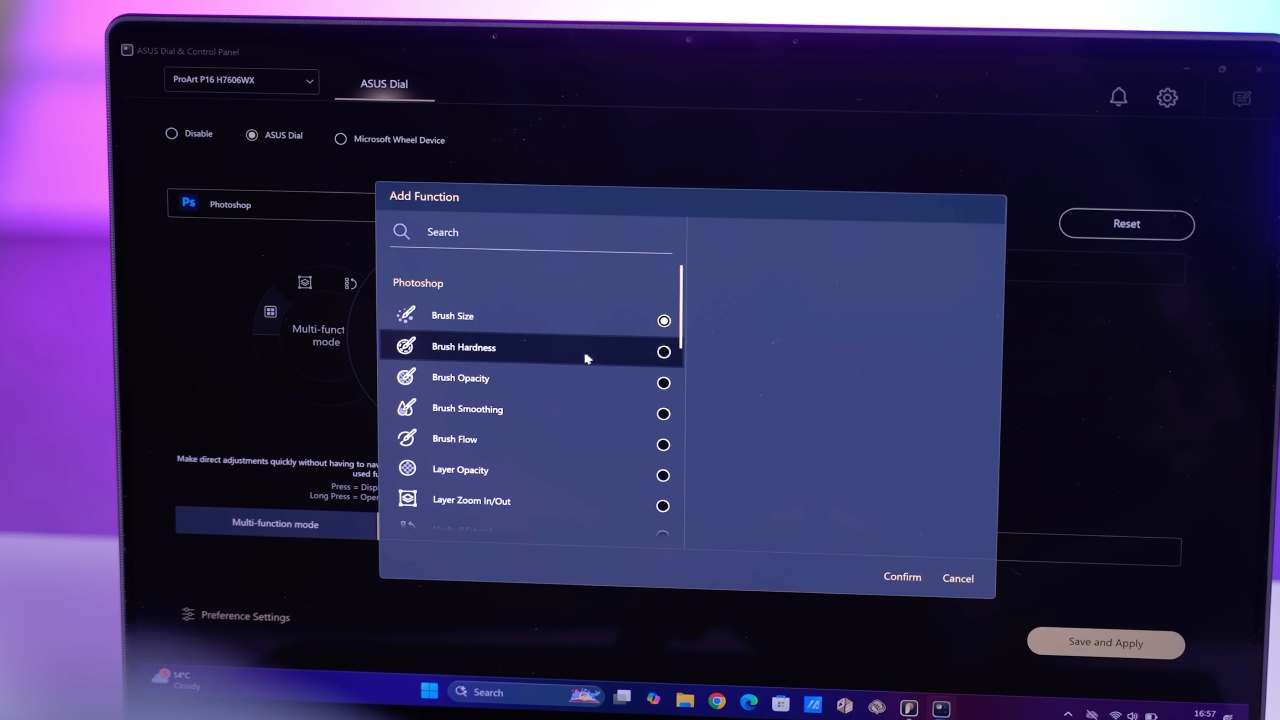
The large trackpad is what ASUS calls the DialPad. The circular control can function as a jog wheel and can be assigned to different tasks depending on the software being used. There is also a dedicated Copilot button. Build quality is one of the strongest aspects of the ProArt P16. There is virtually no keyboard flex, and the keyboard itself provides a good amount of travel while remaining relatively quiet.

4K Tandem OLED Is the Star of the ProArt P16
The biggest highlight of the ASUS ProArt P16 is arguably its 16-inch 4K Tandem OLED display. Tandem OLED uses multiple emitting layers, with this particular panel using two layers. The technology allows the display to produce higher brightness without requiring as much power through each individual layer. This can also help reduce the risk of burn-in over time.
The panel reaches up to 1,600 nits of peak HDR brightness, while testing recorded around 691 nits in SDR. That's exceptionally bright for a laptop display. ASUS ProArt P16 also features a 120hz refresh rate and an extremely fast 0.2ms gray-to-gray response time.
That makes the display suitable not only for professional creative work but also for gaming, movies, and other fast-paced workloads. Color performance is another major strength. The display provides 100% coverage of the DCI-P3 color space and is certified VESA DisplayHDR True Black 1000, which is the highest certification level available from VESA.
The panel is also Pantone Color Validated. For designers and creators working across different devices and mediums, accurate colors are extremely important because the image shown on the laptop needs to closely match the final result.
Webcam and Speaker Performance
The ProArt P16 includes a Full HD webcam with Windows Hello support. Image quality is serviceable, with some visible grain, but the camera handles bright background lighting and differences in exposure reasonably well. The speakers are good, although they don't quite match the quality of the rest of the laptop.
After seeing such an impressive display and powerful hardware, the speakers can feel slightly underwhelming. For laptop speakers, however, they still sit comfortably in the upper half of the market.
RTX 5090 Laptop GPU Delivers Serious Performance
ASUS ProArt P16 configuration being tested includes an AMD Ryzen AI 9 HX 370 processor, 64GB of LPDDR5X memory running at 7500MT/s, and two 2TB PCIe 4.0 NVMe SSDs. Both SSDs use the full-sized 2280 M.2 form factor.
One operates at Gen 4x4, while the other operates at Gen 4x2. Large file transfers can therefore experience a small performance difference between the two drives, although it shouldn't be particularly noticeable during normal use.
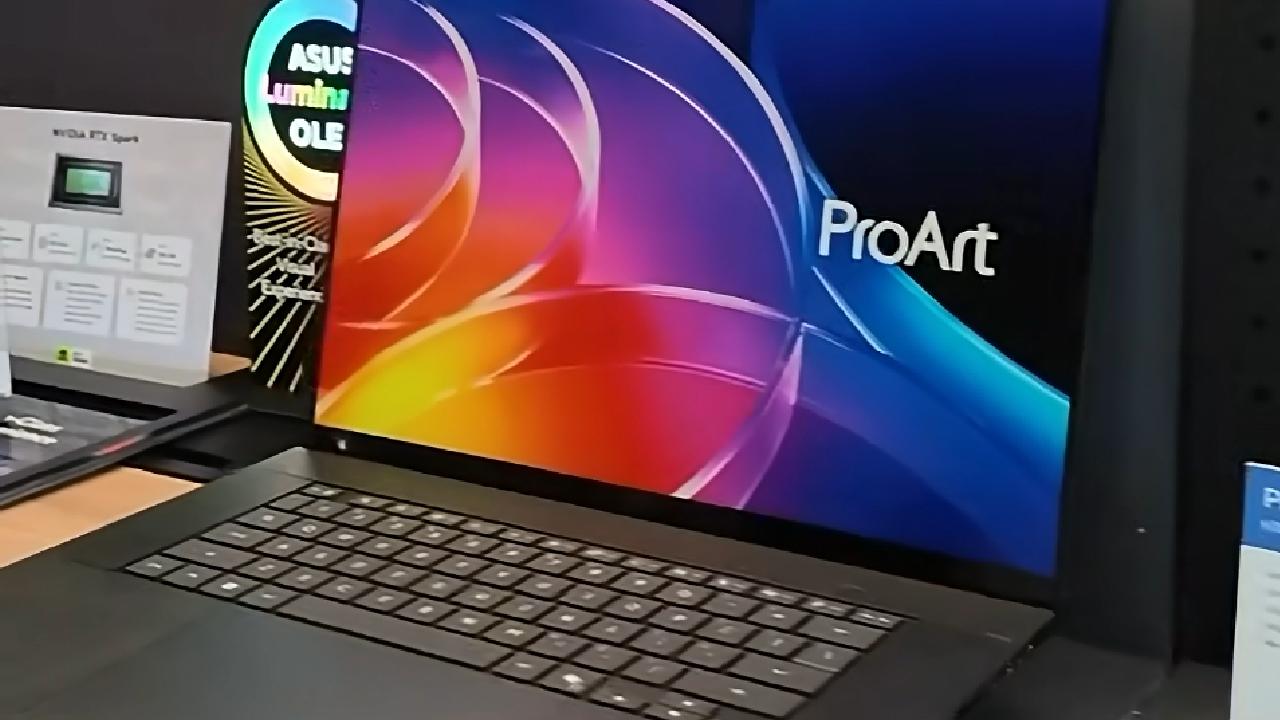
The biggest component is the NVIDIA RTX 5090 Laptop GPU. This is a flagship-class GPU, and it makes the ASUS ProArt P16 an extremely powerful machine for both creative applications and gaming.
Gaming Performance Comes With Thermal Costs
Running Cyberpunk at the full 4K resolution demonstrates just how demanding the RTX 5090 Laptop GPU can be. The fans become extremely loud, but the laptop still manages around 40-60fps depending on the scene. HDR also looks excellent on the Tandem OLED panel. The thermal situation is one of the compromises that comes with putting this much hardware into a relatively compact chassis.
There is no ventilation along the upper portion of the laptop. Most of the intake and exhaust is handled from the bottom. With such powerful components generating significant heat, the cooling system has a lot to manage within a relatively limited amount of space. CPU temperatures can reach around 97°C, while the fans become quite loud under sustained workloads.
A dock could also be worth considering for users who plan to keep the laptop connected to external peripherals. At 1200p Medium in Cyberpunk, the RTX 5090 Laptop GPU reaches around 120fps on average, with lows around 96fps. Increasing the resolution brings performance closer to 100-86fps, which remains impressive for a laptop.
F1 24 at 1200p High is about 173fps on average, and it does well at higher resolutions too. Across the board, the ASUS ProArt P16 delivers excellent gaming performance. The primary concern is not performance but the thermals and noise required to sustain it.
ProArt P16 is Built for Creative Work
The performance also translates well into creative applications, including Photoshop, Premiere Pro, and DaVinci Resolve. For video editing, the internal storage can handle footage transfers at around 263MB/s. The SD Express 7.0 card reader is particularly impressive, reaching around 985MB/s in testing.
An SD card capable of around 300MB/s can therefore operate close to its maximum potential through the built-in reader. Compared with many USB SD card readers that can be limited to around 90MB/s, the integrated SD Express reader is a major advantage for creators working with large video files.
The Tandem OLED display also makes applications such as Premiere Pro look excellent. The deep blacks and accurate colors are immediately noticeable. 4K 30fps footage plays smoothly, while color grading in Lumetri maintains strong image quality during previews. Playback is still really acceptable at half quality, with no visible hue shifts.
For creators, having a color-accurate display directly out of the box can be extremely useful, especially when working without an external color calibrator. A roughly two-minute clip can render full-resolution previews in around 30 seconds. After Effects performance is also respectable, although full-resolution playback can drop to around 16fps rather than maintaining 30fps. At half quality, playback reaches around 20fps, which remains usable for creative workflows.
Keyboard Also Works Well for Editing
The keyboard provides a good amount of travel and remains relatively quiet. It doesn’t feel too clicky, yet it still gives enough key movement for pleasant typing. For video editing and other creative work, the keyboard feels responsive and practical.
Display Testing Shows Excellent Color Accuracy
Display testing recorded almost 700 nits of peak SDR brightness and more than 1,600 nits of peak HDR brightness with a 10% window size. Color accuracy is also excellent in SDR. The sRGB, DCI-P3, and Display P3 modes each recorded an average Delta E2000 of less than one against their respective targets.
HDR testing initially produced an average Delta E ITP of 27 and a maximum of almost 33 with brightness at 100% and the HDR content slider at 100%. Reducing the display brightness to 90% significantly improved the results.
Despite reducing overall brightness by less than 20nits, the display reached an average Delta E ITP of just over 10 and a maximum of almost 16 due to improved EOTF tracking. For a creator-focused laptop, those results make the Tandem OLED display one of the most compelling features of the ASUS ProArt P16.
90Wh Battery Provides Decent Runtime
ASUS ProArt P16 includes a large 90Wh battery. It isn't the largest battery that could fit inside a laptop, but its capacity is substantial considering the hardware involved. Video playback testing reaches around 7 hours and 40 minutes.
That's a respectable result for a laptop with an RTX 5090 Laptop GPU, high-end Ryzen processor, 4K OLED display, and 64GB of memory. However, heavier workloads will still require access to the charger if the laptop is expected to maintain peak performance for extended periods.
ASUS ProArt P16 Pricing
The flagship RTX 5090 configuration comes with a massive $5,499 price tag. That's undeniably expensive, but for creators and professionals who use their laptop to make money, the combination of performance, display quality, storage, memory, and portability could justify the cost. For users who don't need RTX 5090-level performance, the RTX 5070 configuration costs around $2,500 instead.
The RTX 5070 variant has all of the features that make the ProArt P16 so attractive, such as the DialPad, Tandem OLED display, and powerful processor, but brings the entire price down significantly.
Final Thoughts
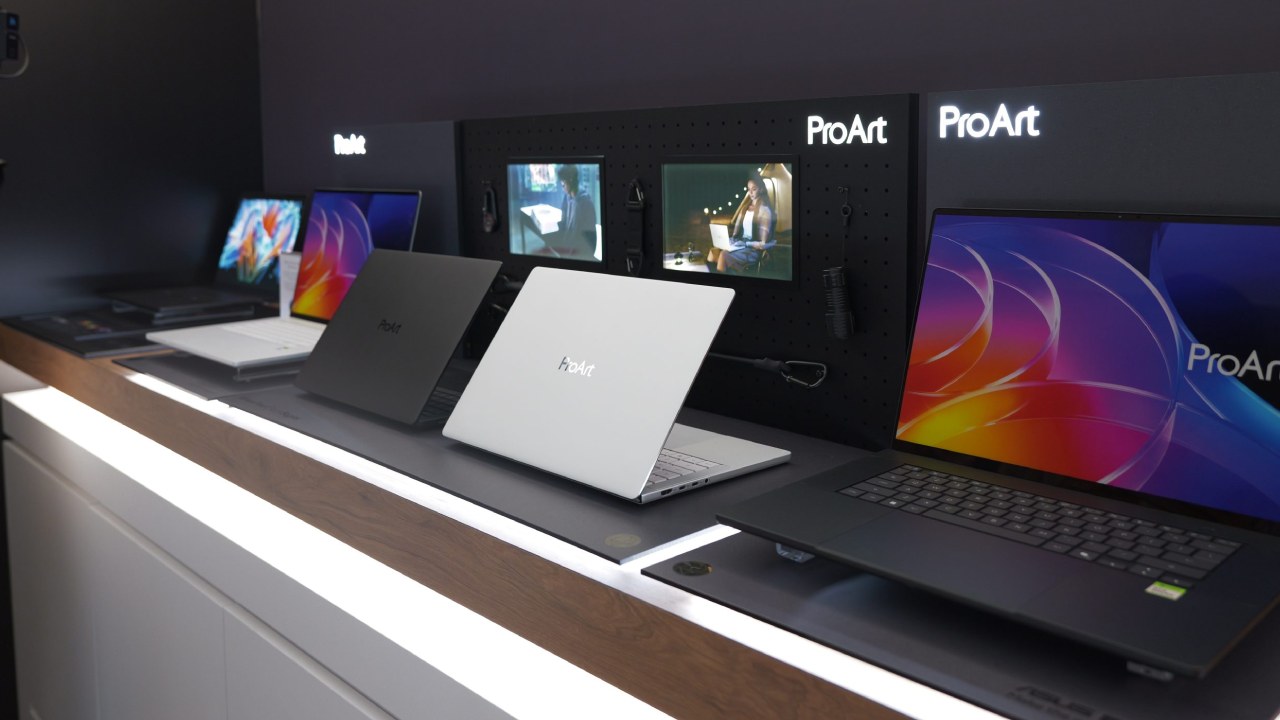
ASUS ProArt P16 is a winning combination of premium build and flagship laptop hardware. The RTX 5090 Laptop GPU delivers outstanding gaming and creative performance, while the Ryzen AI 9 HX 370, 64GB of memory, and high-speed storage provide a solid basis for demanding workloads.
The main highlight is probably the 4K tandem OLED display. It offers up to 1,600 nits HDR brightness, 120Hz frame rate, 0.2ms response time, 100% DCI-P3 coverage, VESA DisplayHDR True Black 1000 certification, and high color accuracy, making it especially suitable for professional creative work.
The greatest trade-offs are the high cost, noisy fans, and high CPU temperatures under intensive workloads. But those are acceptable trade-offs for a laptop stuffing this much hardware into a relatively compact chassis.
For creators and professionals who need significant performance without migrating to a traditional desktop replacement gaming laptop, the ASUS ProArt P16 delivers an incredible combination of power, portability, luxury design, and one of the best display technologies available in a laptop.
Editor, NoobFeed
Gaming Hardware Updates
No Data.