
ASUS ProArt P16 Review: NVIDIA N1X and RTX Blackwell Performance
ASUS ProArt P16 combines NVIDIA's N1X ARM processor with RTX Blackwell graphics to deliver powerful AI computing and gaming performance.
Hardware by Tanvir Kabbo on Oct 17, 2026
ASUS ProArt P16 introduces NVIDIA's latest N1X platform in a creator-focused laptop with an ARM CPU, RTX Blackwell graphics, and up to 128GB of unified memory. The laptop features a high-resolution dual OLED display, local AI capabilities, and broad connectivity, targeting producers who need powerful hardware in a compact design. Early benchmarks clearly reveal the gaming potential, but more work remains on Windows compatibility and CPU scheduling.
ASUS ProArt P16 Blends Premium Design, Tandem OLED Display
The ASUS ProArt P16 features a 16-inch OLED dual touchscreen display with a 3840×2400 resolution, a 120Hz refresh rate, a customizable refresh rate, and NVIDIA G-Sync support. The display delivers vivid colors, deep blacks, up to 1600 nits of peak brightness for HDR content, and a 0.2 ms response time. It's also Pantone-validated and includes an integrated calibration suite, making it well-suited for professional creative work.
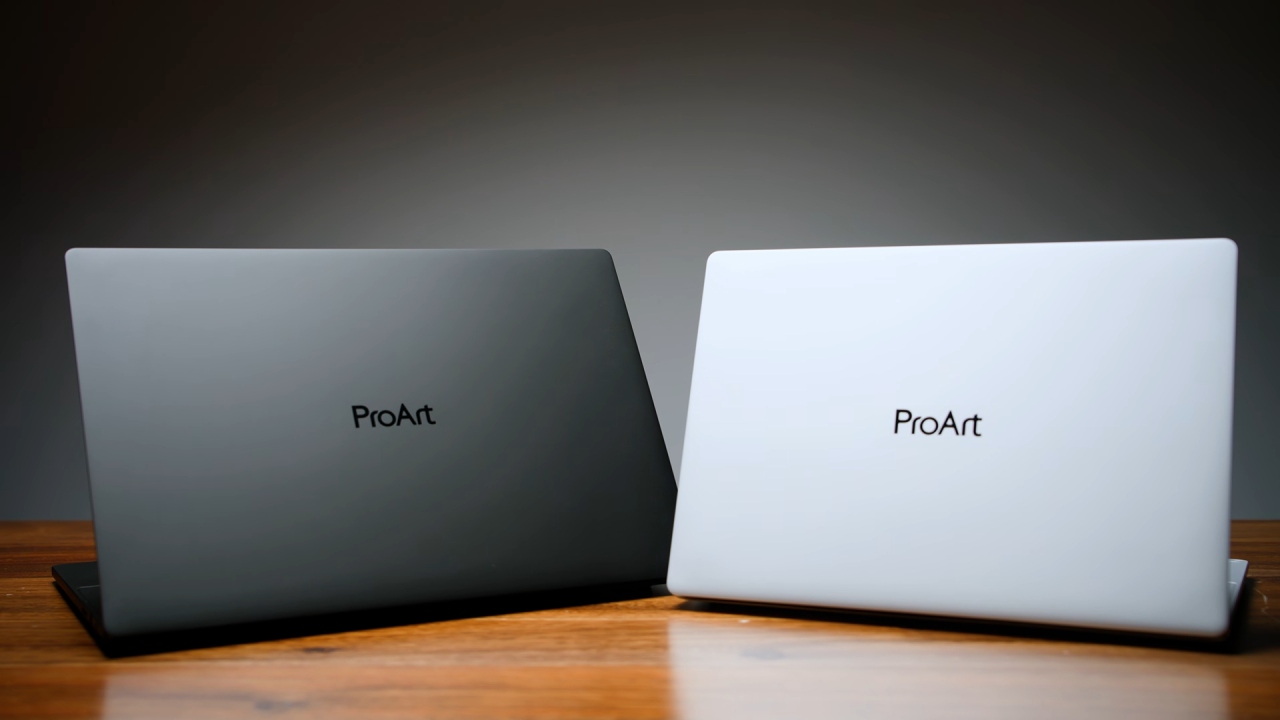
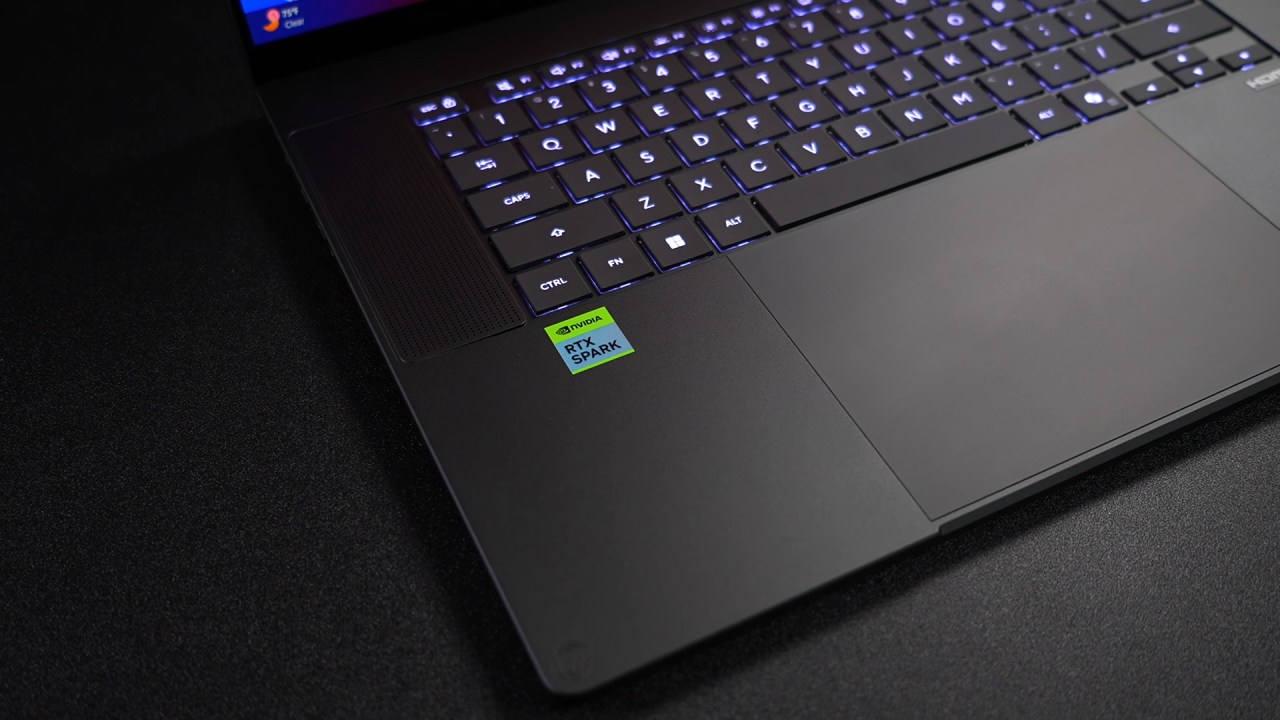
The laptop has a white LED-backlit chiclet keyboard, a huge haptic touchpad, and a six-speaker Dolby Atmos sound system with two tweeters and four woofers. It's made of aluminum, is 15.9mm thick at its thickest point, and weighs 3.9lbs, even with a 99.9Wh battery inside.
Connectivity options include HDMI 2.1 FRL, two USB4 ports supporting up to 40 Gbps, a 3.5 mm audio combo jack, an SD Express 7.0 card reader, and USB 3.2 Gen 2. It also offers Wi-Fi 7 and Bluetooth 5.4 for wireless connectivity, plus a 140W GaN charger.
NVIDIA N1X Brings ARM Processing and Blackwell Graphics to Windows
The NVIDIA RTX Spark N1X features a 20-core ARM CPU co-developed with MediaTek and an RTX Blackwell GPU with 6,144 CUDA cores. It sports 10 Cortex-X925 performance cores and 10 Cortex-A725 efficiency cores, alongside 128GB of unified memory running at 9,400MT/s.
NVIDIA's software lets you dedicate up to 96GB of memory to the GPU, leaving the rest for system duties. The tested configuration also includes a 2TB PCIe 4.0 M. 2 SSD.
However, the platform uses ARM architecture and runs full Windows 11 thanks to Microsoft's Prism translation layer. NVIDIA offers separate Studio and gaming drivers, while ASUS ProArt Creator Hub offers Whisper, Standard, Performance, and Manual modes. In Manual mode, the laptop can maintain 85W and deliver a short burst of up to 95W.
Local AI Generation Shows Potential of Unified Memory
N1X platform looks promising for local AI workloads, especially image/video production via ComfyUI. Z Image Turbo 720×1280 image, 8 stages average 6.71 seconds the system generated a
The same image was then used for image-to-video creation with LTX 2.3. A 5-second clip at 720x1280 took just under 51 seconds to make. GPU memory use reached around 40GB, highlighting the platform's large unified memory pool for demanding generative AI models.
In MLPerf testing, Llama 3.1 8B Instruct saw roughly 56.5tokens per second on Windows ML and 55 tokens per second on llama.cpp. The M4 Max machine under test produced about 103.6 tokens per second and 94 tokens per second, respectively, showing that performance can vary quite a bit among platforms and workloads.
CPU and GPU benchmarks show Strong performance
Geekbench 7 achieved 2,657 points in single-core performance and 23,828 points in multi-core performance. While Intel Core Ultra 9 285HX and AMD Ryzen AI Max+ 395 systems had slightly better single-core performance, N1X topped both in multi-core results.
The GPU scored 187,601 points in the Geekbench CUDA benchmark. In 3DMark Time Spy, it earned 13,285 points, beating the RTX 5070 laptop average of 13,255 and the RTX 5060 laptop average of 11,637. The Steel Nomad findings likewise put the N1X ahead of both laptop GPUs' average scores, although synthetic benchmarks don't always translate directly to game performance.
Gaming Performance Shows Promise With Some Limitations
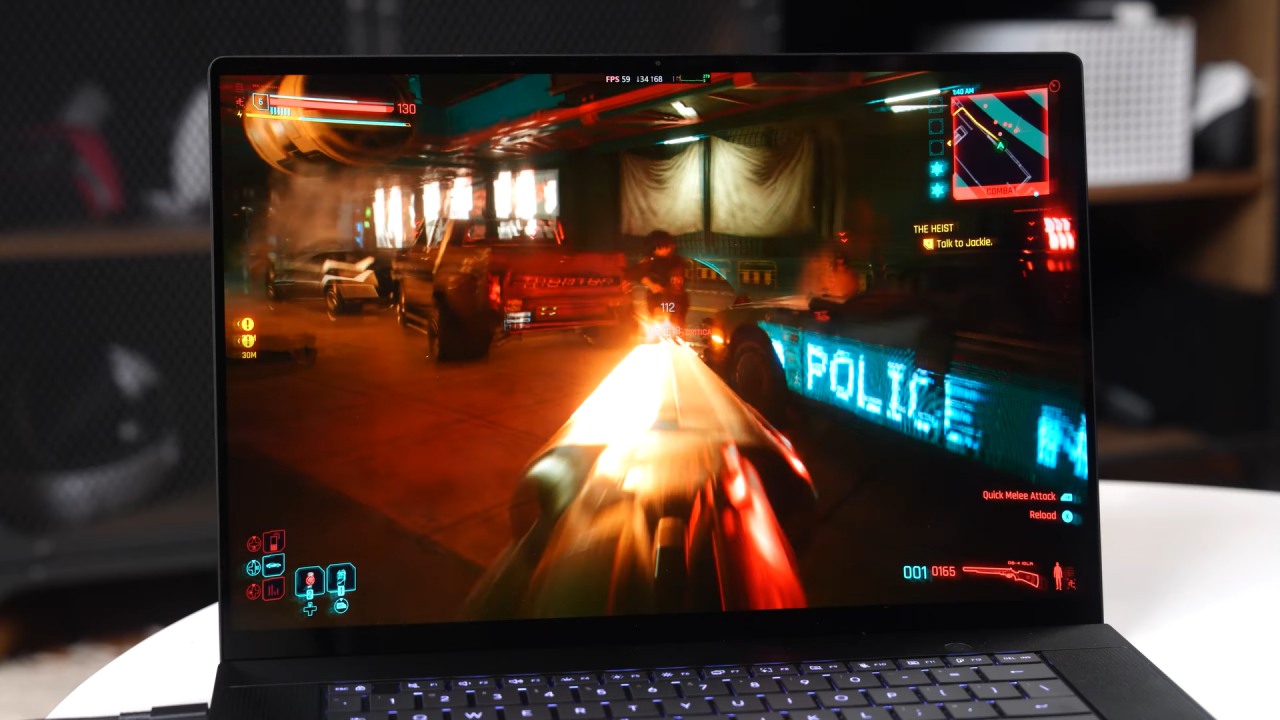
Gaming testing had varied outcomes. Crimson Desert ran at 2560×1600 with High settings and ray tracing disabled and couldn't hit 60fps without DLSS. DLSS Multi Frame Generation at 2X improved the 1600p experience with Ultra settings.
Doom: The Dark Ages averaged mid-80fps at 2560×1600 with High settings and DLSS Quality. Dropped to about 52fps at 1440p with Ultra settings, no upscaling. Mortal Kombat 1 also performed well at 1600p High with DLSS Quality; however, it occasionally dropped below 60fps.
CPU scheduling is still a problem, and some games can not maintain higher processor clocks. A software and scheduling-behavior update could improve consistency.
ASUS ProArt P16 Offers an Interesting Foundation for Creators
The ASUS ProArt P16 packs superior technology, a high-quality dual OLED display, and plenty of unified memory into a small design. NVIDIA's N1X technology has strong potential for local AI generation and multi-core workloads, and in synthetic tests it delivers gaming performance similar to some dedicated laptop GPUs.
But Windows translation costs and uneven CPU scheduling show that it still needs more optimization. For creators looking for portable AI computing, the N1X is still an exciting breakthrough, and future software enhancements should play a key part in deciding its long-term success.
Senior Editor, NoobFeed
Gaming Hardware Updates
No Data.