
AMD GPUs Get 6x Multi-Frame Generation With HelixSR
AMD's HelixSR multi-frame generation challenges FSR 3.1 with higher FPS but introduces visible ghosting issues.
Hardware by Shinji Okazaki on Nov 19, 2026
AMD graphics cards can now use HelixSR's multi-frame generation technology, which supports 2x to 6x frame generation. The technology offers another way to boost gaming performance, especially in games that already support DLSS frame generation. However, higher frame rates do not necessarily mean better image quality, as ghosting and other visual artifacts can affect the experience.
We compared HelixSR frame generation and AMD's FSR 3.1 frame generation in Cyberpunk using an RX 6500 XT at 1080p and 1440p. The results show that one technology delivers higher FPS under certain conditions, while the other produces cleaner images with less ghosting.
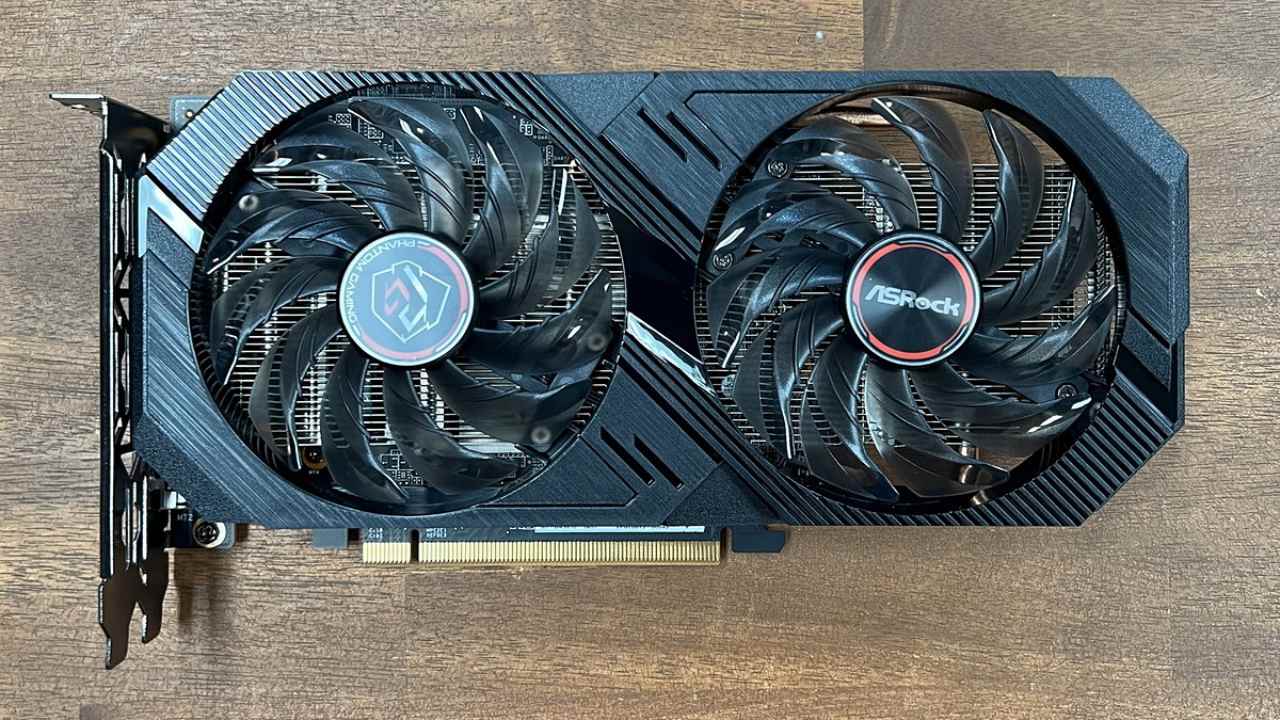
HelixSR Introduces Multi-Frame Generation
HelixSR's frame generation arrived with version 3.4.0, and less than a day later, version 3.4.1 improved it further. The technology supports 2x to 6x frame generation, allowing it to generate up to five additional frames for every real frame.
With version 3.4.1, frame generation became faster, with less ghosting around objects that remain stationary on the screen while the surrounding environment moves, such as a car being driven. It also adds a new dynamic mode that automatically adjusts the multiplier to reach a selected frame rate while reducing input latency.
HelixSR works in games that already support DLSS frame generation, including Cyberpunk. HelixSR replaces Nvidia's frame generation, allowing AMD graphics cards to use the feature. To update, open the HelixSR desktop application and select the option to update to HelixSR 3.4.1. Follow the on-screen instructions, select your game, and press Install.
HelixSR Produces More Ghosting Than FSR 3.1
With frame generation disabled, the image remains clean. However, when HelixSR frame generation is enabled at 2x, a ghost trail becomes visible behind the motorcycle's dashboard display. The dashboard stays in the same position on the screen while the surrounding environment moves, which is one situation where frame generation can struggle.
FSR 3.1 frame generation also produces some ghosting, but less than HelixSR. The difference becomes more noticeable on the dashboard during movement. The sniper scope provides another example. With frame generation disabled, the crosshair and lines inside the scope stay clean; with HelixSR enabled at 2x, moving the scope causes the crosshair to break apart, thin lines to smear, and the edges to become jagged.
FSR 3.1 frame generation also shows some of these issues, but they are less noticeable. The crosshair mostly stays intact, and the image remains more stable during movement. HelixSR at 4x introduces further opportunities for visual artifacts because it generates three additional frames for every real frame.
When comparing ghosting and shimmering, the order is clear. Disabling frame generation produces the cleanest image, followed by FSR 3.1 frame generation and then HelixSR. However, the developer already lists ghosting and fast camera movements as known issues. HelixSR is also receiving frequent updates, so these problems could improve in future versions.
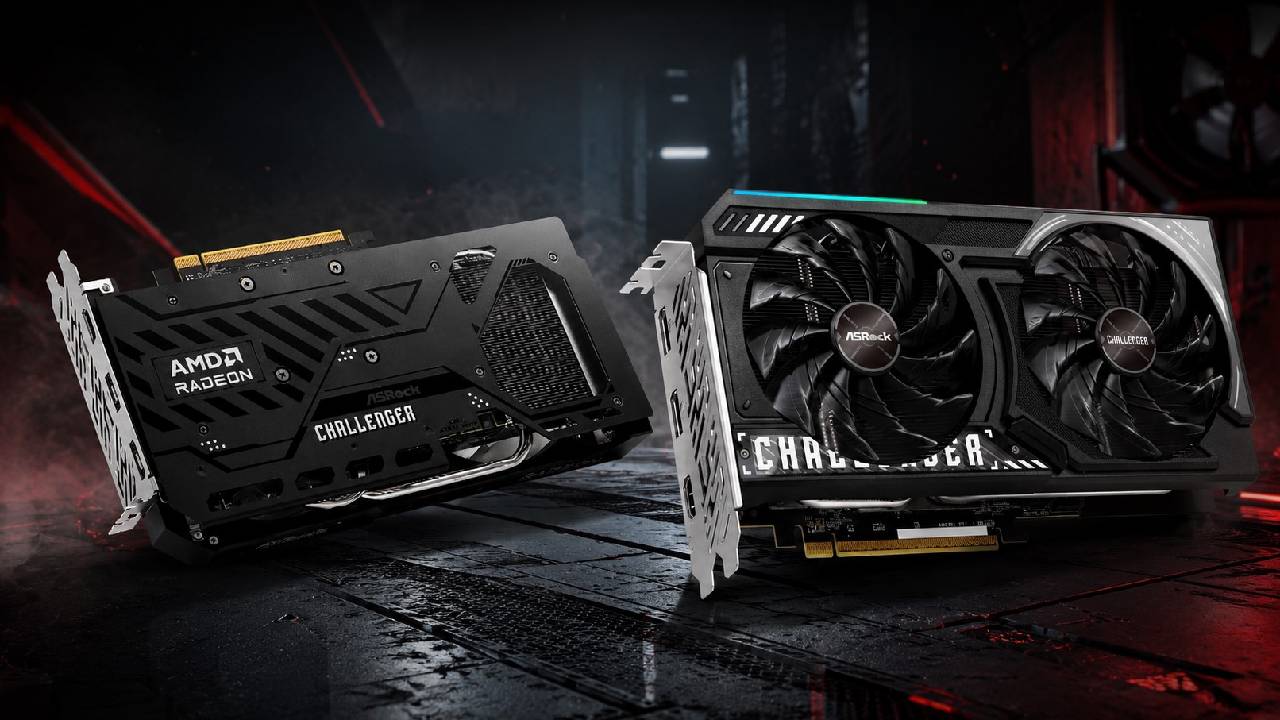
These results are specific to the RX 6500 XT and Cyberpunk testing conditions.
Different graphics cards and games can produce different results. The results show that both frame generation technologies have different advantages. At 1440p, where the graphics card was already operating at full load, HelixSR frame generation delivered higher FPS and better 1% lows. It also supports multipliers up to 6x, offering more ways to increase frame rates.
However, FSR 3.1 frame generation produced cleaner images with less ghosting around the motorcycle dashboard and a more stable sniper scope. At 1080p, it also delivered almost the same FPS as HelixSR. The choice ultimately comes down to what matters more. If you want higher FPS, HelixSR is worth trying.
If you notice ghosting and image quality problems easily, FSR 3.1 frame generation remains the better option for now. HelixSR frame generation is still relatively new and has already received multiple updates. As development moves quickly, future versions could improve image quality and address ghosting.
FAQ
Q. What is the maximum frame generation multiplier that Helix SR supports?
A. Helix SR supports frame generation from 2x up to 6x, allowing it to generate up to five additional frames for every real frame.
Q. Does Helix SR frame generation work on AMD graphics cards?
A. Yes. Helix SR replaces Nvidia's DLSS frame generation in compatible games, allowing AMD graphics cards to use the feature even when the game originally requires DLSS frame generation.
Q. Is Helix SR better than FSR 3.1 frame generation?
A. Helix SR delivered higher FPS and better 1% lows at 1440p in the RX 6650 XT test, while FSR 3.1 produced cleaner images with less ghosting and more stable visual details.
Q. How do you enable Helix SR frame generation in games?
A. Install Helix SR, open its in-game menu using the Insert key, set FG Input to DLSSG via NVNGX and FG NVNGX to Helix SR-FG, save the settings, restart the game, and enable DLSS frame generation in the graphics settings.
Editor, NoobFeed
Gaming Hardware Updates
No Data.