
Steam Deck Games with FSR 4 Enhance Visuals and Performance
FSR 4 delivers significant visual improvements on Steam Deck while requiring higher performance compared to previous FSR 3 upscaling methods.
Hardware by Tanvir Kabbo on Sep 22, 2025
When it comes to playing games on the Steam Deck, several tools can help push visuals and frame rates to be more playable. Often, this involves lowering graphical settings, but for more demanding games, upscalers become essential.
Currently, popular options include XESS, TSR, and FSR. FSR is typically the first upscaler tested on Steam Deck, as it is integrated directly into SteamOS. The latest version available on the Steam Deck is FSR 3, which delivers decent upscaling results, though it shows some edges and noticeable shimmering.
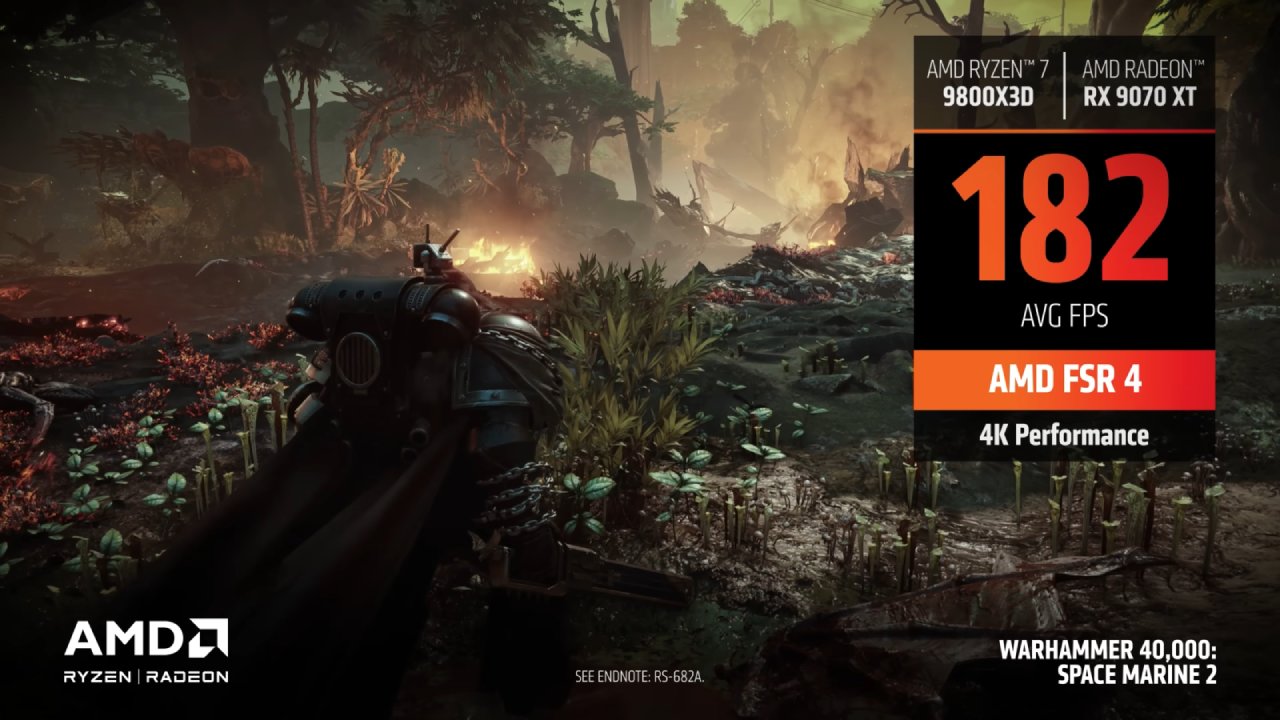
FSR 4 has been released, but it is initially limited to GPUs with RDNA 4 cores, which the Steam Deck lacks. However, a recent leak of the FSR SDK included FSF4 files compatible with older GPUs using RDNA 2 and RDNA 3 cores, making it possible to run on the Steam Deck. Testing FSR 4 on the Steam Deck revealed significant improvements in visual quality across multiple games.
Methods to Inject FSR 4
There are three ways to inject FSR 4 into games, with the Decki Frame Gen plugin being the most recommended. The plugin recently received an update, including the FSR 4 patch, making it the easiest method to bring the upscaler into games, even those that don't officially support it, thanks to Optaler. To use the Decki Frame Gen plugin, Deki Loader must first be installed on the Steam Deck.
After you install Deki Loader, go to GitHub and download the Decki Frame Gen plugin, version 1.15, which has the new FSR DLL with FSR 4 int8 capabilities. Unzip the ZIP file you got and put the Decki Frame Gen folder in the homebrew plugins folder. Permissions may need adjustment to allow content modification.
If permissions are locked, installation can also be performed in game mode through Deki Loader by enabling developer mode and installing the plugin from the ZIP file. Older versions of the Decki Frame Gen plugin may require uninstallation before installing the new version.
To use the plugin in-game, navigate to your game's properties, copy the Decki Frame Gen patch command, and paste it into the launch options. To operate Optiscaler, map a back key to emulate the Insert key, change the left trackpad to function as a mouse, and assign left-click to the trackpad.
You can choose between the FSR and upscaler versions by pressing the mapped back key, which opens the Optal menu. Although Optiscaler permits experimenting with other versions, testing concentrated on FSR 3.1.5 versus FSR 4.0.2.
Alternative Methods
DLL files for games that support FSR 4 can be manually replaced. Download the Fidelity FX Upscaler DLL and FSR SDK 2.0 package, locate the AMD Fidelity FXDX12.dll in the game's local files, and rename the old DLL as a backup.
Transfer the frame generation, loader, and upscaler DLLs from the SDK into the game folder, removing "loader" from the AMD Fidelity FX Loader DX12.dll filename, and finally replace the old DLL with the new FSR 4 DLL.
Games without FSR 3 support require the use of Optiscaler to force FSR 4, which can be installed using install.sh. However, the Decki Frame Gen plugin simplifies the process, providing compatibility for any game with FSR2 and above.
Game Testing and Performance
Hell is Us
Testing Hell is Us on Ultra Performance for both FSR 3 and FSR 4 showed immediate improvements. FSR 3 displayed pixelation and shimmering, which caused eye strain, while FSR 4 delivered clear visuals without pixelation. Some morphing occurred on tree branches, and battery consumption increased slightly, but overall, the visual improvement was remarkable.
Marvel's Spider-Man Remastered
Optimization of Marvel's Spider-Man Remastered showed less noticeable gains than FSR 3, but trees, windows, and distant objects were more visible with FSR 4. The performance hit was minimal, thus FSR 4 is a great choice for improved visual fidelity without sacrificing playability.
Hogwarts Legacy
Hogwarts Legacy continued the trend of FSR 4, providing sharper visuals over FSR 3. While FSR 4 increased clarity at the expense of increased performance demand, FSR 3 looked hazy and shimmering. Performance was marginally impacted by using the Decki Frame Gen plugin, although the distinction between FSR 3 and FSR 4 was still noticeable.
Kingdom Come: Deliverance 2
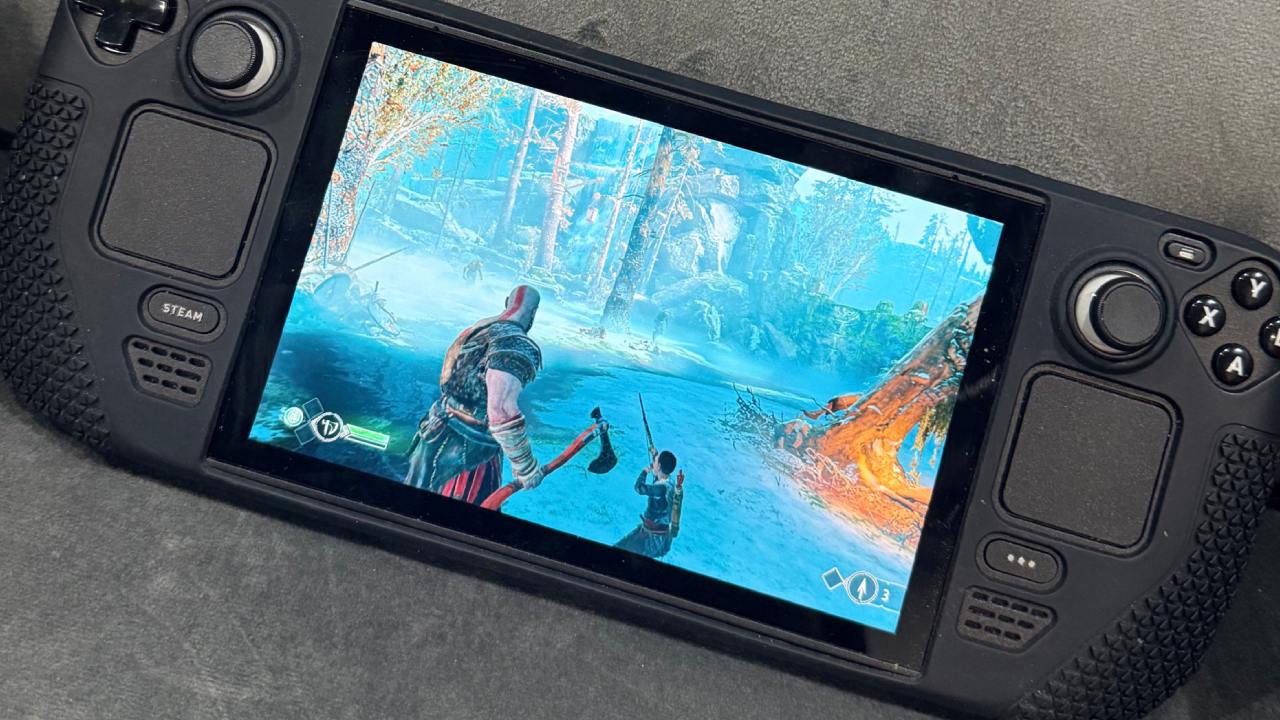
The game's already-optimized graphics and upscaling implementation allowed for more subtly noticeable enhancements. Nevertheless, FSR 4 improved visual realism for grass and far-off objects while maintaining playability despite higher power consumption.
Cyberpunk 2077
Although frame rates periodically fell below 30 fps, Cyberpunk 2077 showed considerable visual improvements with FSR 4, especially in minimizing shimmering. FSR 4 improves overall visual quality in combat and exploration scenarios, although some regions are still difficult to run on the Steam Deck.
Oblivion Remastered and The Elder Scrolls 4: Horizon Forbidden West
With FSR 4, Horizon Forbidden West showed minor enhancements, primarily in the sharpness of distant objects. More obviously, buildings, grass, and far-off things appeared clearer in The Elder Scrolls 4: Oblivion Remastered. Performance requirements for FSR 4 are still high for both titles.
Clair Obscur: Expedition 33
Clair Obscur: Expedition 33 followed the same pattern. FSR 3 appeared blurry and shimmery, while FSR 4 offered clearer visuals but required more performance overhead. For best results, try to keep your frame rate at 30 fps or higher.
Final Thoughts
With crisper, more defined features and less glittering and shimmering, FSR 4 continuously produces better images than FSR 3. Nevertheless, it results in increased power consumption, which may necessitate performance concessions
Games like Hell is Us and Kingdom Come: Deliverance 2 benefit most from FSR 4, whereas titles such as Hogwarts Legacy and Cyberpunk 2077 may see diminishing returns due to performance demands.
The Decki Frame Gen plugin makes FSR 4 integration simple, providing an excellent option for enhancing gameplay on the Steam Deck. Official support from AMD for older GPUs could further optimize FSR 4, reducing its performance overhead.
Check Our Other Upscaling Articles:
- FSR vs. XeSS vs. DLSS: Best Upscaling Technology for Gaming in 2025
- FSR 4 vs. DLSS 4 at 4K: A Detailed Comparison
- FSR 4 vs. DLSS 4 in 1440p Gaming: Visual Fidelity and Frame-Rate Uplift Analysis
- DLSS 4 Ray Reconstruction: Elevating Ray Traced Visuals with AI
- DLSS 4 vs. DLSS 3: How Transformer‑Based Upscaling Sharply Outpaces the Old AI Model
- AI Upscaling on PS5 Pro: Can PSSR Finally Match DLSS?
- DLSS 4 Balanced vs. Performance: Striking the Perfect FPS and Image Quality Balance
Senior Editor, NoobFeed
Latest Articles
No Data.