
Asus Zenbook A14 Review: Snapdragon X2 Elite Redefines Lightweight Performance
Snapdragon X2 Elite delivers strong CPU and GPU gains while maintaining efficiency in an ultra lightweight Zenbook A14 design.
Hardware by Tanvir Kabbo on Apr 09, 2026
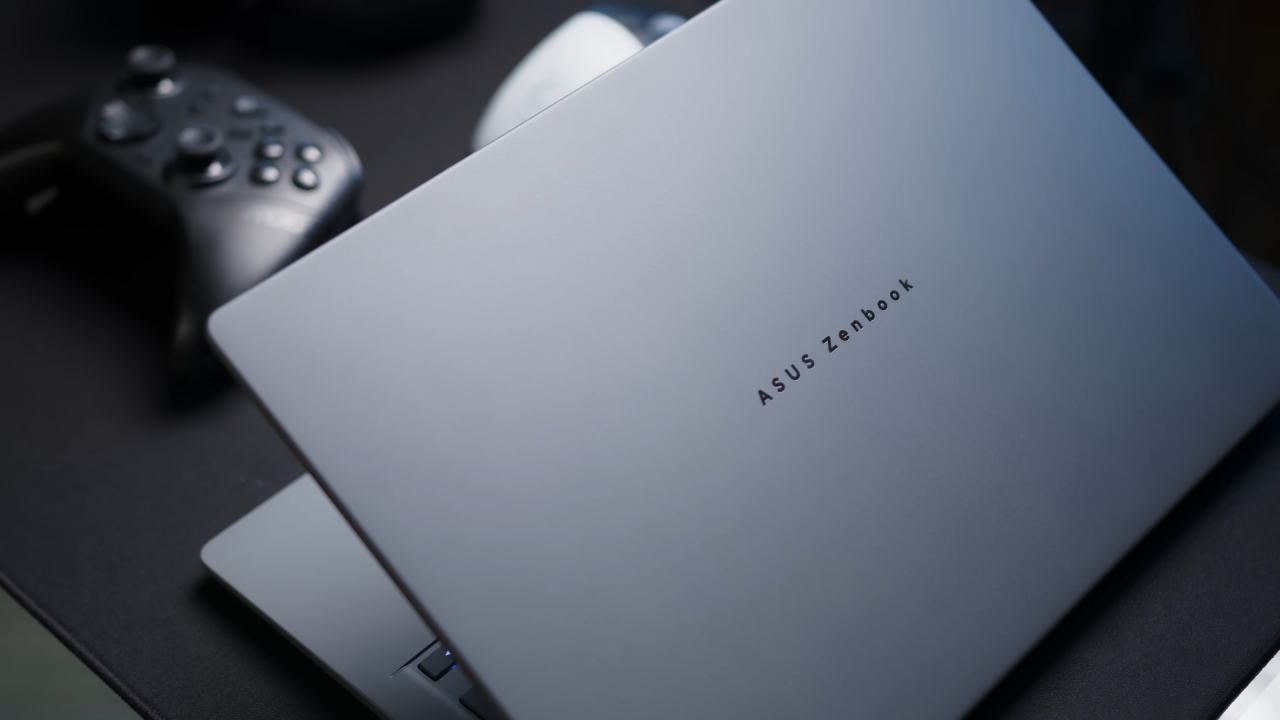
The Zenbook A14 is Asus's lightest laptop, weighing less than 1 kilogram. When it first came out a little over a year ago, it kept that promise, but it had several drawbacks that may affect the whole experience. Asus made thorough improvements throughout the board in 2026, when it got a refresh. Weight is still the most important selling attribute. The 14-inch variant now has a big performance boost and is one of the first devices to use Snapdragon's X2 Elite Windows on ARM chip.
Specifications and Hardware Overview
The Snapdragon X2 Elite X2E88 and the built-in X290 GPU are included in the configuration examined. It also has 32GB of RAM and a 1TB SSD, which is the higher-end model. There is also a lower-priced model with 24GB of RAM and a 512GB SSD.
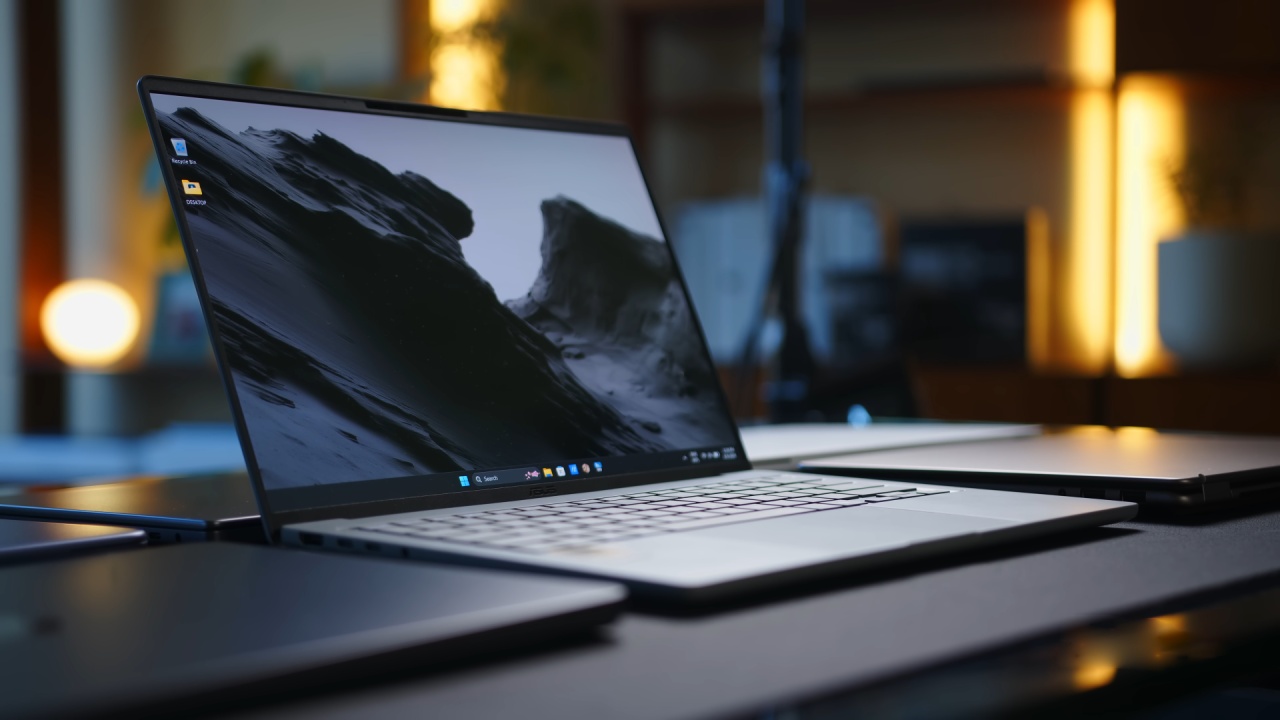
It still has a glossy Full HD OLED panel that refreshes at 60Hz, the same panel used before. An upgrade to 120Hz and increased brightness would have been nice. Still, the existing display is fine for regular usage, and the reduced resolution helps the battery last longer.
Design and Build Quality
The chassis is largely the same, with a full aluminum frame. The base unit seems strong, even though it is quite light. The lid cover is soft, but it doesn't flex much overall. This is a compromise that was made to keep things portable. It still feels like a high-end tablet, and it's still quite comfortable to carry, so you can easily slip it in a backpack for fast chores like browsing, writing, or watching video without adding too much weight.
Ports, keyboard, and input experience
This type of device has a good number of ports to choose from. There is an HDMI 2.1 port, two USB-C 4 ports, and an audio jack on the left. On the right side, there is also a USB-A port. Most users won't need any extra adapters with this setup.
Even though the keys don't go too far, the keyboard feels pleasant to type on. It gives users instant, direct feedback that helps them make changes right away. The touchpad performs nicely for regular tasks and supports Asus's edge gestures.
Snapdragon X2 Elite Performance
The Snapdragon X2 Elite is the biggest change in this update. The 18-core X2E88 performs very well in performance mode, taking first place in Cinebench 24 and the Geekbench multi-core benchmarks, with a substantial lead. Apple still has the best single-core performance, but Qualcomm is close and beats Intel and AMD's offerings.
Even when throttled or running on battery, performance stays strong, giving the same results in all situations. Emulation performance has improved significantly since earlier generations. Non-native benchmarks no longer have the same problems. While companies like Apple and Intel still lead in some categories, the difference is much less. This improvement shows how far compatibility and optimization have come.
Efficiency and System Performance
Apple is still ahead, but efficiency is still a strong advantage. Qualcomm achieves good results by balancing performance and power consumption. The system's performance remains competitive and keeps pace with Intel's latest products. The SSD is quick, but it might slow down when it has to do a lot of work for a long time. This shouldn't be a problem for everyday use.
GPU Performance and Gaming
The new Adreno GPU makes a big difference in performance. It doesn't do as well as Intel's high-end integrated graphics solutions. Still, it does better than most other options and is about the same as Apple's M5 in synthetic benchmarks. It does this, though, with much less power use, keeping efficiency levels similar to Apple's silicon.
The tablet works better than we thought it would for gaming in the real world. When set to performance mode with the highest settings, games like Fortnite run at 60 fps, and games like Hades and Hollow Knight run just well. Compatibility and stability have gotten a lot better, which makes it possible to play games casually.
Creative Workloads and Software Compatibility
Overall, creative apps work well. Photoshop and other Adobe applications work well, just like they did on older Snapdragon machines. Video editing in Resolve is becoming better. 4K timelines can now be used while the playback resolution is lower. This is a big step ahead from prior generations, when these kinds of workloads were mostly impossible.
Thermals and Noise
The small chassis requires active cooling to prevent the 18-core processor from overheating. When the system is working at its best, it gets really loud. There are quieter settings, though, that let users choose the right mix between performance and noise levels.
Battery Life
The Zenbook A14's battery life is still one of its best features. Devices with Snapdragon chips still last a long time, and this one is no exception. Even while competitors have made headway in closing the efficiency gap, users should expect the battery to last all day and then some.
Final Thoughts
Qualcomm and its partners have put in a lot of work to fix the biggest problems with older Windows on ARM devices, especially in interoperability, GPU performance, and overall efficiency. Some third-party apps may still have problems or run more slowly, but the changes are big.
The Zenbook A14 now offers a very light yet powerful computing experience. It can do more than just watch movies and TV shows; it can also perform light creative work, casual gaming, and productivity chores.
Also, check our other hardware articles:
- AMD Ryzen 9 9950X3D Review: Setting The Standard For 2025 Gaming CPU
- Amazon Luna 2025 Review: Is Prime Gaming's Cloud Service Your Go-To For Casual Fun?
- AMD RX 9070 XT Review: AMD's RDNA 4 Champion for 1440p Gaming
- GeForce Now Ultimate: Ditching Your Gaming PC For Cloud RTX 4080 Power?
- NVIDIA GeForce RTX 5080 Review (2025): Still A 4K Gaming Powerhouse?
- Intel Core Ultra 9 285K Review And Performance Breakdown (2025)
- AMD Ryzen 7 9800X3D Review: 3D V-Cache Goes God Mode with Stunning Gaming Performance
- Intel Core Ultra 9 285K vs AMD Ryzen 7 9800X3D: In-Depth Gaming Performance and Benchmark Comparison
- NVIDIA GeForce RTX 5080 Super Performance In Cyberpunk 2077: Path Tracing & DLSS 4.0 Tested
- AMD Radeon RX 9070 XT In Cyberpunk 2077: Ray Tracing & FSR 4.0 Tested
- Intel Arc B580 Review: The $250 GPU Revolutionizing 1440p Gaming
- Intel Arc B570 Vs. B580: Value, Specs, And Real-World Gaming Performance
- RTX 5090 Laptop Vs. M4 Max MacBook Pro: Ultimate Raw Performance Vs. Battery Endurance
- Intel Arc b580 Vs. RTX 4060: Game Performance And Value Analysis
- RTX5090 Hell Is Us Demo 4K Ultra Benchmark: DLSS Vs. Native Performance Guide
- NVIDIA RTX 5070 Review: Mid-Range Muscle or Marketing Hype?
- Nintendo Switch 2 Review: Handheld Performance, Features & Value Breakdown
- RTX 5070 Ti Review: Performance, Thermals & Power Efficiency Tested
- Samsung Odyssey OLED G81SF Review 2025: Ultimate 32-Inch QD-OLED Gaming Monitor
- AMD RX 9070 Performance Review: Thermals, Clocks, and Real-World FPS
- AMD Ryzen 5 7600 Review: Best Budget Gaming CPU of 2025?
- AMD Radeon RX 7800 XT Review: RDNA 3 Power For Midrange Gaming
- Asus ROG RTX 5090 Astral OC Vs. Founders Edition: The 4K Gaming Benchmark
Senior Editor, NoobFeed
Gaming Hardware Updates
No Data.