
Best GPUs to Buy in Late 2025 and 2026: Full Price Range Recommendations
Entry-Level GPU Options Under $250 That Deliver Excellent 1080p and 1440p Performance for Budget Gamers
Hardware by Mitsuba Miyu on Dec 20, 2025
Many people are unsure which GPU to buy until after the RTX Super update. But right now, we're in a unique RAM situation that directly affects GPUs. Because of this, it wouldn't make much sense to release new graphics cards in the near future.
The rise in RAM prices will likely affect SSDs and graphics cards as well. For this reason, if the cash is already there, this is a great time to buy. No matter how much you can spend, this guide covers the best GPU choices for late 2025 and early 2026 to help you make your decision.
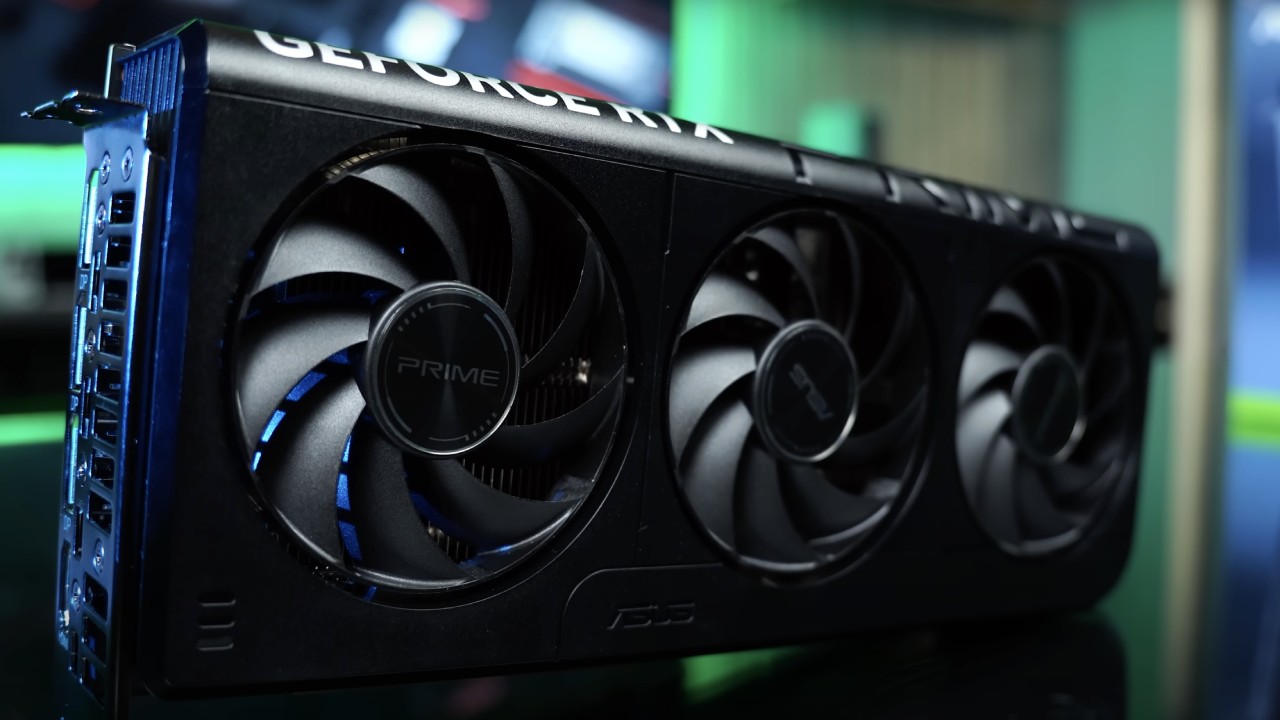
Entry-Level GPUs (Up to $250)
Starting with entry-level GPUs, the first one we can recommend is the Intel ARC B580, which costs about $250. This card took me completely by surprise. Intel's main GPU is this one, and it sees itself as a global entry-level choice. It competes directly with the RTX 5050 and RX 7600 XT and beats both in most cases.
In the new GPU market, there are basically no good options under $250. This guide is only about items that can be bought new. To keep things uniform, prices are given in US dollars.
The ARC B580 performs about 5% better than the RTX 5050 at 1080p rasterization, but only if neither ray tracing nor upscaling is used. With 12GB of VRAM versus the RTX 5050's 8GB, this one handles higher resolutions much better, making the difference much more noticeable.
Intel is about 13% better at 1440p and up to 35% better at 4K. In fact, it performs better than the RTX 5060 at 4K, which is a clear sign that VRAM can slow things down.
The B580 gets an average of 83 frames per second (fps) at 1080p and 61 fps at 1440p in over 25 games, according to TechPowerUp. Intel also does a good job with upscaling and frame generation and an okay job with ray tracing.
NVIDIA is still ahead in these areas, but none of the GPUs in this price range offer a truly ideal ray tracing experience. After extensive testing and driver improvements over time, the ARC B580 is the best choice in this price range.
Mid-Range GPUs ($300–$400)
The RX 9060 XT and the RTX 5060 Ti should be in a direct competition in the $300 to $400 range. Sadly, the RTX 5060 Ti, which costs less than $400, only has 8GB of VRAM. The price rises to about $450 for the 16GB version, putting it in a higher price bracket.
For this reason, the RX 9060 XT is the only realistically sensible option in this range. Across 25 games, it averages over 100 frames per second (fps) at 1080p and maintains a steady 70 fps at 1440p.
At this level, ray tracing performance improves, upscaling works better thanks to specialized AI hardware, and overall driver optimization is more mature. The RX 9060 XT is definitely the best choice between $300 and $400. This is because of AMD's decades of experience.
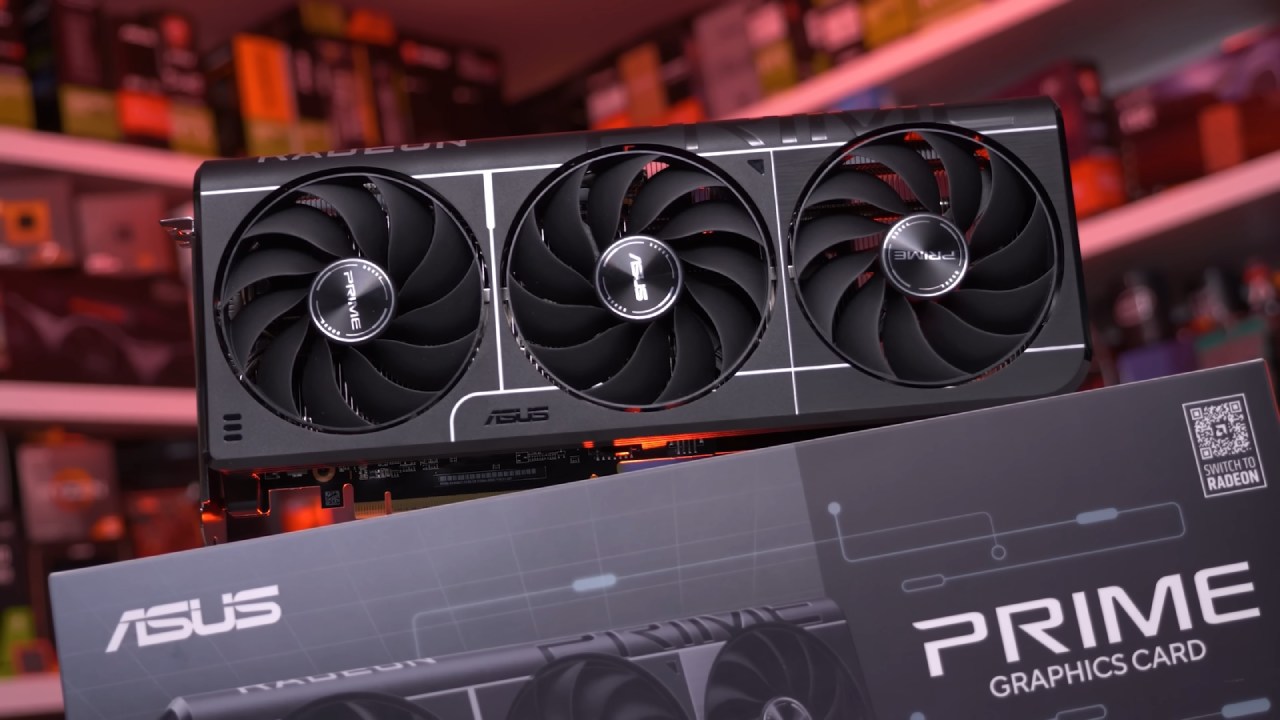
Upper Mid-Range GPUs ($400–$500)
In the $400–$500 range, expectations might say that both Nvidia and AMD have good choices. In fact, this place only has the RTX 5060 Ti 16 GB GPU, which is hard to recommend given how much it costs.
Saving money is a much better idea than buying the RX9060XT. It would even be okay to slightly raise the budget for the next tier. Because of this, the line doesn't offer a very convincing way to get a better model.
Performance Sweet Spot ($500–$600)
The RTX 5070 is the first Nvidia GPU we really think you should buy, and it costs between $500 and $600. The only real problem with it is that it only has 12GB of VRAM, which can be a problem in very demanding 4K games. But at about $540, it's a great deal for 1440p games.
The RX9070, which directly competes with it, costs 10% to 12% more but offers only about 5% better raster performance at 1080p and 1440p. When you factor in Nvidia's better ray tracing, upscaling, and multi-frame generation, it's clear that the RTX 5070 is the best choice in this price range.
The RTX 5070 averages 159 fps at 1080p and 120 fps at 1440p when using rasterization. With upscaling enabled, it can also play 4K games in many titles, averaging 70 frames per second.
A significant portion of its speed limit is due to VRAM rather than compute power, but it is still the best-value GPU in this group.
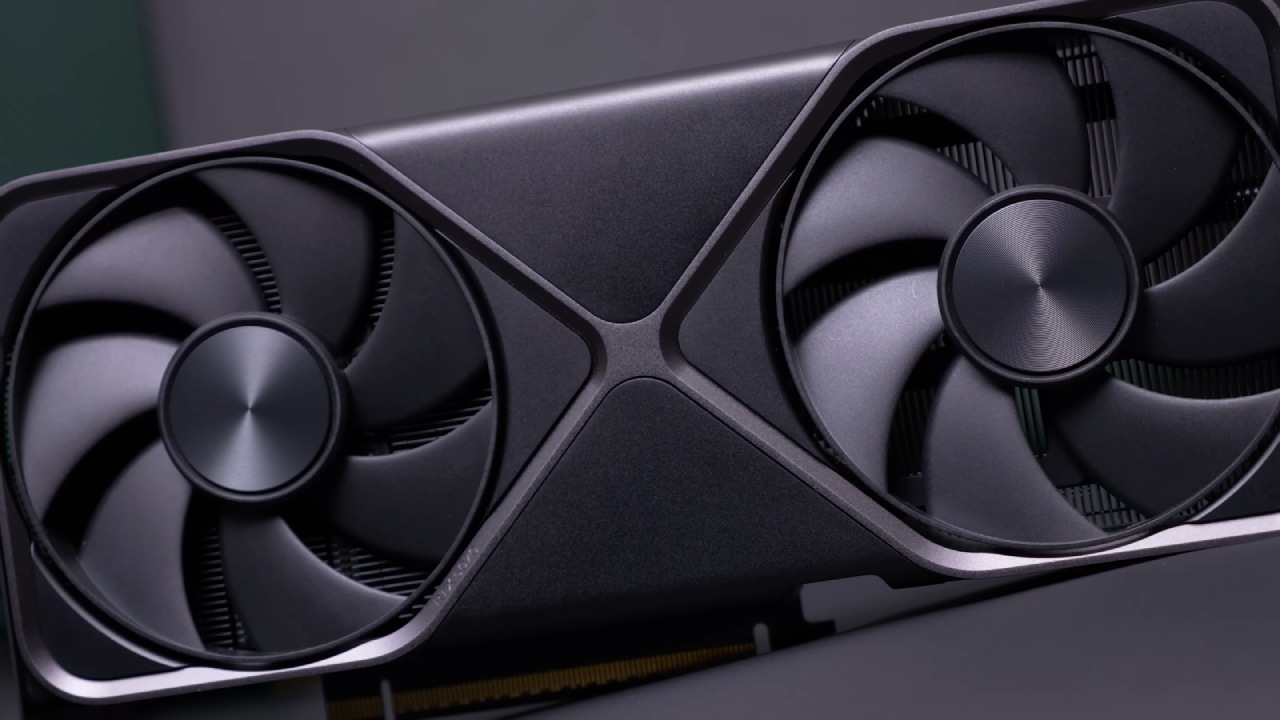
High-End GPUs ($600–$800)
In the $600–$800 range, the RX9070XT and the RTX 5070 Ti are the two most important graphics cards to compare. The RX9070XT usually costs between $630 and $680, but the RTX 5070 Ti is closer to $780, which makes it about 14% to 23% more expensive.
Memory size isn't an issue since both GPUs have 16GB of VRAM. The RTX 5070 Ti uses GDDR7, which is faster than GDDR6, but that's not enough to make a decision.
In rasterization, the RTX 5070 Ti is about 5% to 7% better than its closest competitor at higher resolutions. The RX9070XT makes sense from a value perspective because it has a little less speed but costs much less.
But ray tracking changes things. In ray tracing tasks, the RTX 5070 Ti is 15%–21% better than the RX9070XT. This is a significant change at this level.
Both cards can easily handle games at 1080p and 1440p, and they are still very playable at 4K. The last choice is based on what's most important: raster speed, advanced features, or saving about $100. No matter what you choose, you will have a great time.
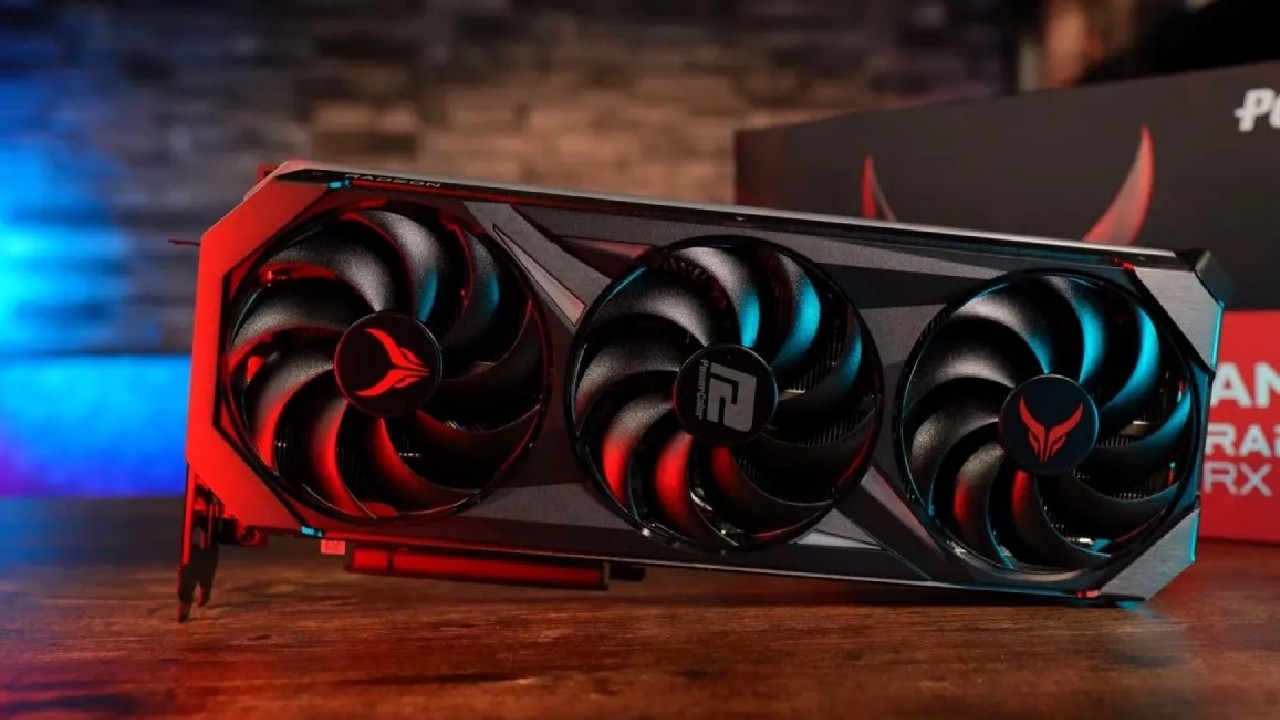
Enthusiast GPUs ($800 and Above)
The RTX 5080 and RTX 5090 are the only choices above $800. The RTX 5080 is a great card and a real workhorse, but costs tend to be higher because there isn't much competition. It gets about 10% to 14% better performance than the RTX 5070 Ti, depending on the resolution.
Just like with most flagship GPUs, the speed-to-dollar ratio drops significantly. The RTX 5080 may cost about 60% more than the RTX 5070Ti but only offer about 15% more speed. That could make sense or not, depending on what's most important to the person and how much money they have.
The RTX 5090 is the best GPU out there, but it's not good for gaming. It's very hard to explain why someone would spend $3000 or more on games alone.
That said, if the budget doesn't matter or the GPU will be used for professional work, AI jobs, or programs that can fully utilize its 32GB of VRAM, it makes total sense. When a GPU makes money directly, the value proposition changes completely.
Also, check our other NVIDIA articles below:
- GeForce RTX 5090 Unleashed: Is NVIDIA's New Flagship the Ultimate 4K Gaming GPU?
- NVIDIA GeForce RTX 5080 Review (2025): Still A 4K Gaming Powerhouse?
- RTX 5090 Performance Testing In GTA 5 – 1080p, 1440p, and 4K Max Settings Benchmark
- RTX 5090 Laptop Vs. M4 Max MacBook Pro: Ultimate Raw Performance Vs. Battery Endurance
- NVIDIA RTX 5070 Review: Mid-Range Muscle or Marketing Hype?
- RTX 5070 Ti Review: Performance, Thermals & Power Efficiency Tested
- Asus ROG RTX 5090 Astral OC Vs. Founders Edition: The 4K Gaming Benchmark
- ASUS ROG Astral RTX 5090 OC Edition Review: 32GB GDDR7 & 4K Gaming Benchmark
- ASUS GeForce RTX 5090 LC Liquid Cooled GPU Review: Unmatched Silence & Speed
- MSI GeForce RTX 5090 32GB SUPRIM SOC Review: Power Efficiency, Cooling, and Gaming Performance
- INNO3D RTX 5060 Ti 16 GB X2 Review: Gaming Benchmarks, Temps, and Power Efficiency
- HP Omen 45L Review: RTX 5090 Performance, Thermals, and Value Analysis
- ASUS TUF Gaming GeForce RTX 5060 Ti Review: DLSS 4, Power Efficiency, and Gaming
- ASUS Prime RTX 5060 Ti OC 16GB Review: DLSS 4, Ray Tracing, & Thermals Tested
- NVIDIA GeForce RTX 5060 Review: Specs, Gaming, and Cost per Frame
- MSI GeForce RTX 5090 GAMING TRIO OC Review: A Monster Power GPU
Editor, NoobFeed
Gaming Hardware Updates
No Data.