
Call of Duty: Black Ops 7—Ray Tracing and FSR4 Performance Breakdown
Ray regeneration performance behaviour in Black Ops 7 is highlighted through detailed comparisons of denoising methods, upscaling efficiency, and ray tracing impact.
Hardware by Nahe Yan on Nov 18, 2025
Ray regeneration performance behaviour in Black Ops 7 is highlighted through detailed comparisons of denoising methods, upscaling efficiency, and ray tracing impact.
The most recent update to FSR Redstone adds a beta version of ray regeneration sooner than intended. The Call of Duty retail folder contains version 0.9.0.0 of the file, indicating that the functionality is still not complete. The release is a temporary step, with certain features working while development continues.
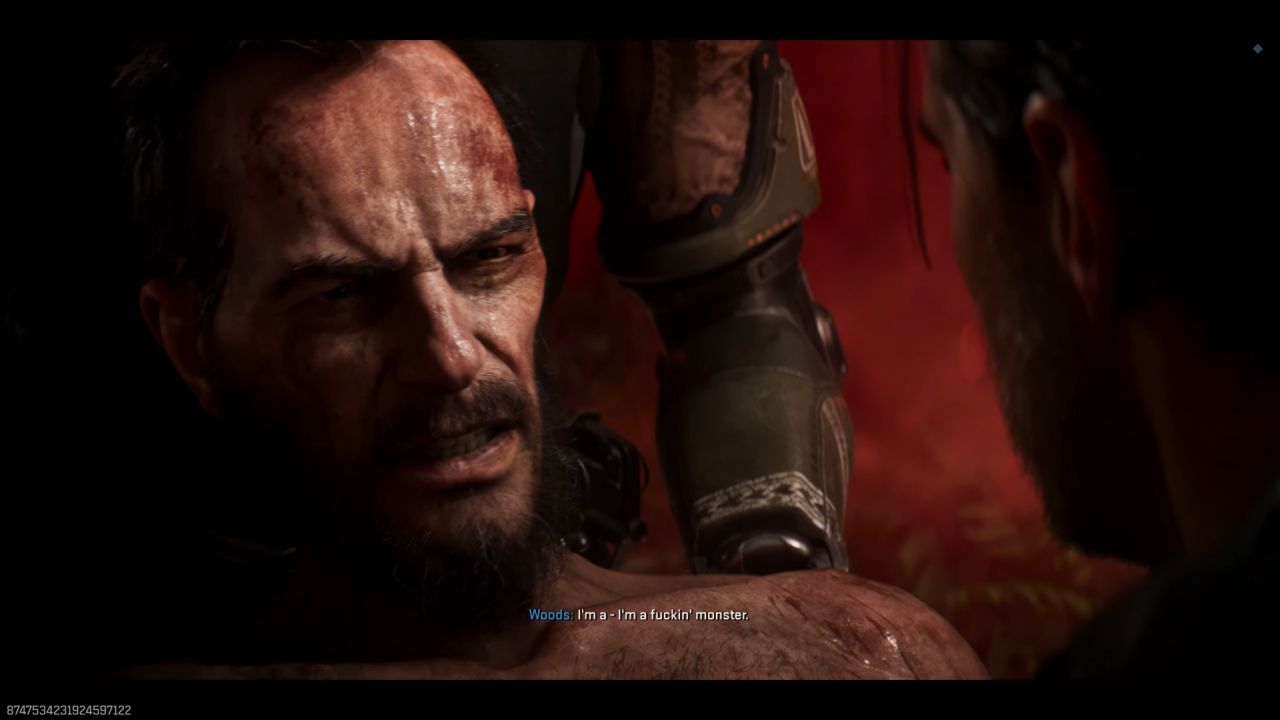
FSR4 Behaviour and Baseline: How well it works
We start by seeing how the game works with FSR4 turned on. At original settings, we see about 155 fps with an RX 9070 XT. When you switch to FSR4 Native, performance drops to 110 fps, even though you expect it to improve anti-aliasing.
The FSR4 Quality option, which renders at 66%, averages about 164 fps, only a little more than native. When you switch back to the built-in TAA or FidelityFX CAS, you get 151fps, which isn't much different.
How Ray Tracing Affects Performance
Ray tracing has a big effect on performance. When you turn on ray tracing reflections on High, the framerate drops from 150 fps to 41 fps, which is less than one-third of its previous value. The dip is still really bad, even on Low. The performance cost doesn't match the visual impact because only reflections are tracked, with no GI or AO.
When ray tracing is turned on, FSR4 is more useful. When ray tracing is enabled, the native resolution is 38–39 fps. Using FSR4 Quality boosts performance to 68 fps, a big improvement, especially for ray tracing workloads. At 1440p Extreme with Low ray tracing settings and FSR4 Quality, frame rates are around 90 fps.
Ray Regeneration Placement in the Pipeline
Ray regeneration removes noise from ray-traced material. Ray regeneration happens earlier in the rendering pipeline when you use upscalers like FSR 4. The basic quality improves, allowing the upscaler to produce cleaner results.
The game's default denoiser adds noise, flicker, and loss of wave detail while the water is moving. Once ray regeneration is turned on, the performance stays the same: 88 fps before and after; however, noise is lower, and waves are still visible when moving.
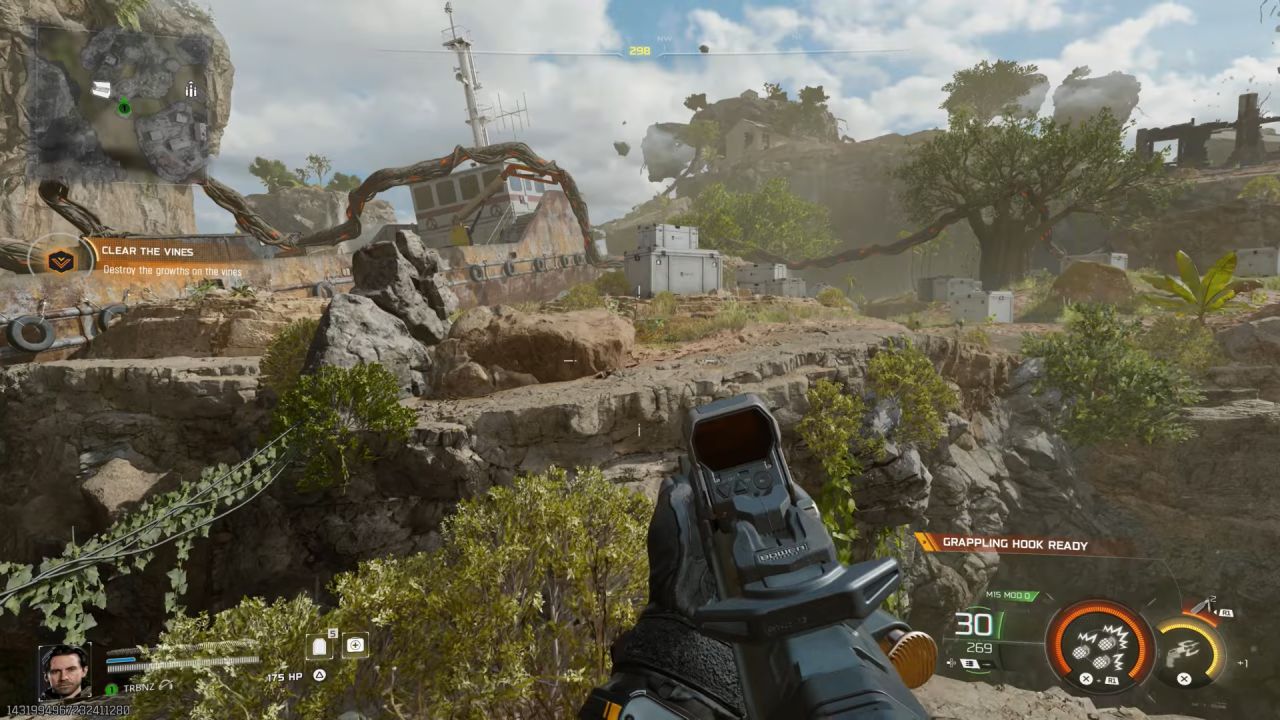
How Ray Regeneration Works
Ray regeneration causes a big drop in performance when FSR 4 is not activated. Without ray regeneration, the native resolution gives you 63 fps. Ray regeneration lowers it to 51 fps. But when used with FSR 4, the performance improvement disappears. This means the current beta version was designed to work with higher resolutions rather than native ones.
SSR vs. Ray Tracing: When to Use Each
When using SSR, turning off ray tracing removes all noise. Wave detail stays clear and consistent because SSR uses screen-space data. When reflections disappear or change with the camera's angle, it becomes evident what the trade-off is: this is a natural limitation of SSR.
Ray tracing with ray regeneration solves these problems by maintaining consistent reflection, depth accuracy, and angle independence.
But the benefits don't make up for the big drop in performance in this game. Reflections occur only on surfaces like glass, and they don't improve your vision much.
Observations on the Quality of Ray Regeneration
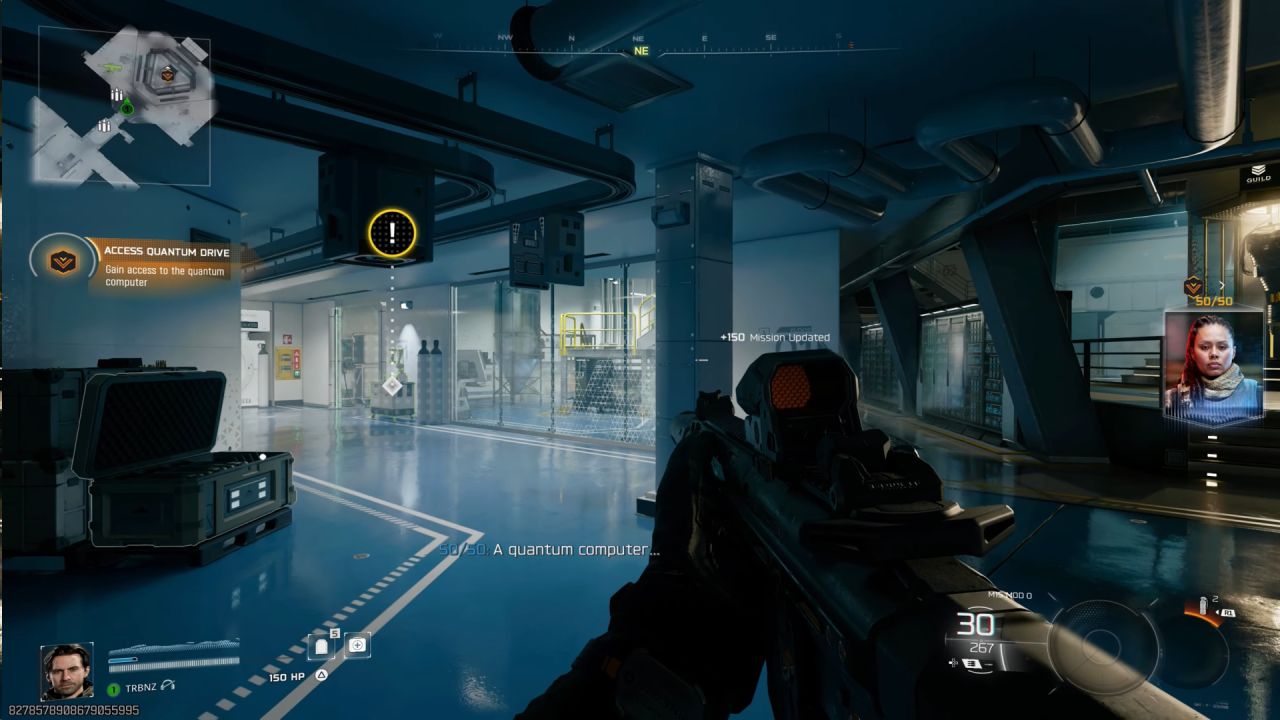
When there are windows and reflective surfaces in a scene, ray regeneration doesn't significantly improve image quality compared to the default denoiser. Ray regeneration isn't needed in this game because noise stays low anyway. Ray tracing doesn't provide the game a big visual boost, and the performance hits are worse than any possible gains.
Ray Regeneration in Other Games
Ray regeneration would make a bigger difference in games that rely heavily on ray-based lighting, such as Cyberpunk 2077 and Alan Wake 2.
Ray reconstruction techniques help these games a lot, and they run much faster on Nvidia hardware. Ray regeneration might help AMD GPUs handle route tracing and high-end ray tracing better if it were integrated in the same way.
Final Thoughts
We think ray regeneration is a good thing, and AMD is making progress. The feature is still in beta, and it isn't as good as other ray reconstruction options. AMD needs to accelerate development to stay competitive.
Ray tracing and ray regeneration aren't very useful for fast-paced shooters like Black Ops 7, as they slow down gameplay and don't enhance visuals. Adding ray regeneration to games that rely heavily on ray tracing would make a bigger difference.
Also, check our other AMD articles:
- AMD Ryzen 9 9950X3D Review: Setting The Standard For 2025 Gaming CPU
- AMD Ryzen 7 9800X3D Review: 3D V-Cache Goes God Mode with Stunning Gaming Performance
- AMD RX 9070 Performance Review: Thermals, Clocks, and Real-World FPS
- AMD Ryzen 5 7600 Review: Best Budget Gaming CPU of 2025?
- AMD Radeon RX 7800 XT Review: RDNA 3 Power For Midrange Gaming
- Sapphire NITRO+ AMD Radeon RX 9070 XT Review: The Ultimate 4K Gaming GPU
- AMD Ryzen 7 7800X3D: Delivers Gaming Performance Far Beyond Expectations
- AMD Ryzen 9 7900X Review: Powering the AM5 Era with DDR5 & PCIe 5.0
- ASRock Radeon RX 7800 XT Challenger OC Review: Best Price-to-Performance GPU of 2025
- Intel Core i9‑14900K vs. AMD Ryzen 7 7800X3D: Power Profiles & Gaming Benchmarks
Editor, NoobFeed
Gaming Hardware Updates
No Data.