
Is DDR5 Worth It for 1440p Gaming in 2026
Rising DDR5 prices reshape budget gaming PC decisions between AM4, AM5, and Intel platforms.
Hardware by Shinji Okazaki on Feb 16, 2026
Intel is still having trouble with desktop processors, but AMD keeps making X3D game CPUs that are fast and don't cost too much. Core Ultra is not often picked for game PCs. People used to like the 12th and 13th-generation Core i5s and i7s because they were fast and could handle different types of memory. They work with DDR4 and DDR5. As the price of DDR5 RAM keeps rising, the question is whether it's worth buying DDR4 before costs go up even more.
Two very similar computers were made to find out. An Intel 12700K with 16GB of DDR4 RAM is in the blue corner. An AMD 7800X3D with 16GB of DDR5 is in the red corner. Each computer includes a 1TB Gen4 NVMe SSD, a 750W power supply, a Thermalright Peerless Assassin cooler, and an ASRock RX970XT. The motherboards are all in the same tier, and their power limits are the same.
Both CPUs have 8 cores, which are good for gaming. Intel employs efficiency cores to do extra work, while AMD uses 3D V-Cache technology. People thought that the DDR5 with the 7800X3D would be better than the Intel DDR4 combination. The Intel rig, on the other hand, costs almost $260 less to put together. The question was whether the lower price would mean lesser performance.
The AM4 Option
We also thought of using an AM4 Ryzen 7 5800XT. It has a similar setup to Intel's, although it costs about $1500 less. It's hard to locate new 5800 or 5700X3D chips at a good price. 5800XT is still available for $220 and comes with a stock cooler. To make everything match, a Peerless Assassin cooler was added.
Why 12700K? Not 14700K
Intel says that problems with microcode on 13th and 14th-generation chips have been fixed, but updates were still being made as recently as mid-last year. We chose 12th gen because we weren't sure what to do. It also costs less. It was hard to choose between the 12900K and the 12700K because they were both about the same price. 12700K was picked because it is easier to cool than the 12900K, which has higher clocks and more e-cores.
Why the 7800X3D on AM5
7800X3D was chosen for the AM5 system. It costs less than newer models and performs a little worse at 1440p. At this resolution, later generations' memory controller upgrades won't be needed. The choice can vary if you play games at 1080p. If you have a budget of $1500 or more, you may expect to play games in 1440p or even 4K.
Choosing Memory and Setting Prices
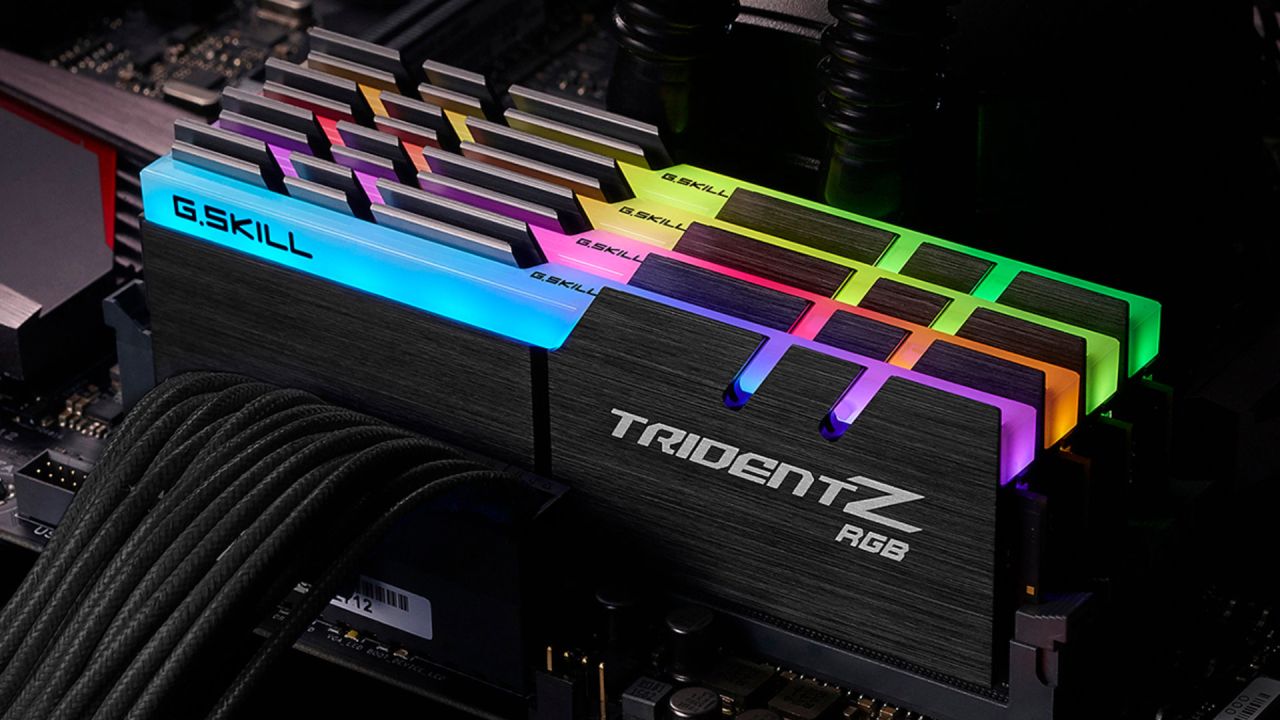
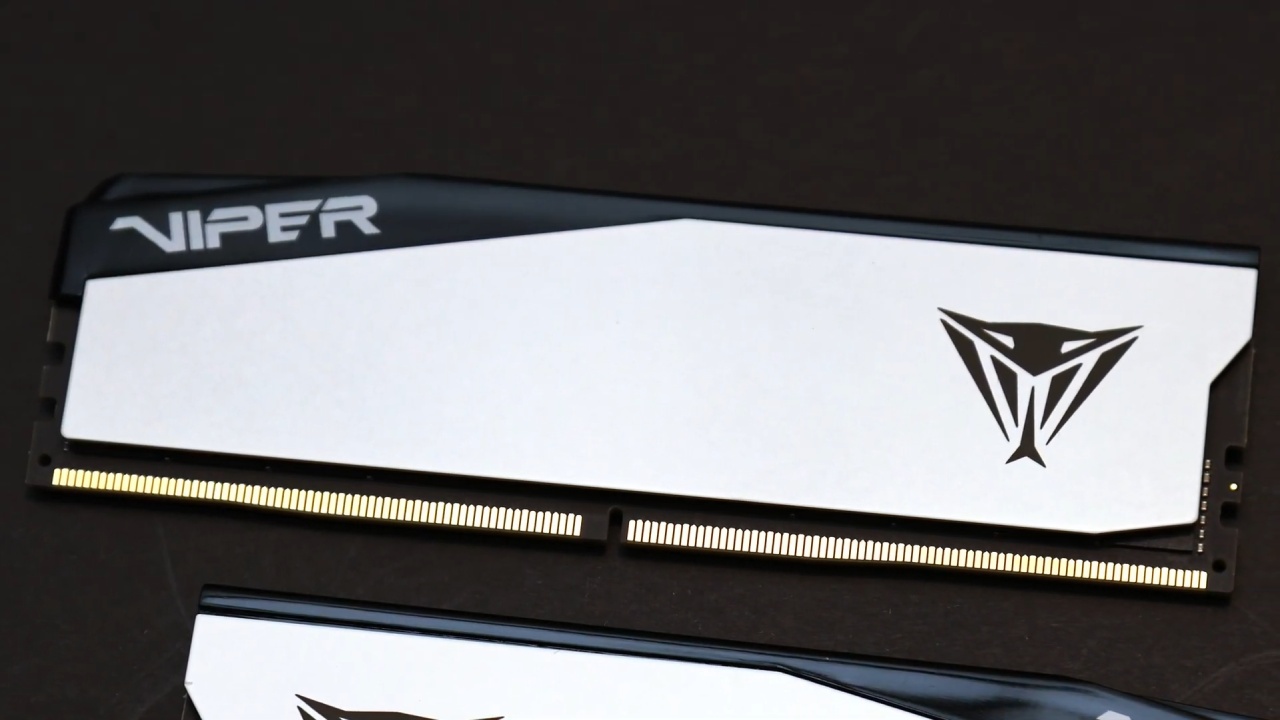
A 2x8GB 3200MT/s CL16 kit costs $125 for Intel and AM4 DDR4 setups. Prices went up to $140 not long after that. A 6000MT/s CL32 2x8GB DDR5 kit for AM5 costs $225, $100 more than a DDR4 kit.
A single 16GB DDR5 stick costs less, but dual-channel was chosen. Testing hardware has shown that single-channel DDR5 can lower 1% lows in some games by a lot, although not all benchmarks are affected. Paying about $30 more for dual-channel prevents those performance decreases.
1440p Gaming Benchmarks
We tried several games at 1440p, such as Dota 2, Resident Evil 4, Doom, Baldur's Gate 3, Cyberpunk, Arc Raiders, Oblivion Remaster, Kingdom Come: Deliverance 2, Expedition 33, Silent Hill F, and Civilization 7.
The systems worked the same way in many circumstances. In other cases, DDR5 had higher 1% lows. In several cases, the variations were very small. One thing that wasn't related to gaming stood out: the 7800X3D finished setup more than 30 seconds faster than the 7800X3D during shader composition in Metal Gear Solid Delta. Gaming benchmarks show frame rates, but they don't give a complete picture of how well a computer works in general.
The geometric mean FPS was nearly identical across both systems after averaging 10 games. The two DDR4 systems were within 1 fps of each other at 1% lows. 7800X3D with DDR5 was around 9% ahead in 1% lows.
The changes in performance were less important than the savings. Choosing Intel with DDR4 saved almost 15%. Choosing AM4 saved me almost 20%.
Some games, like Oblivion, Resident Evil 4, and Silent Hill 4, had results so close that they could be considered tied. In other games, the 12700K and 5800XT took turns finishing second behind the 7800X3D.
How Important is the CPU at Higher Resolutions?
When the resolution is 1440p or higher, the GPU often becomes the bottleneck. Many games still run well on contemporary 8-core and even some 6-core processors. The combination of CPU and RAM may not have a big effect on results, depending on the games played.
Things to Think about When Upgrading
The upgrade path is still a factor. Many people buy a system and only think about replacing the GPU years later, even though they may upgrade parts over time.
Choosing AM5 with DDR5 today can mean you won't have to switch your whole platform later. AM4 supported numerous Ryzen generations, from Zen 1 to Zen 3, and then the X3D and XT releases. But AM5 may not see the same improvements. Improvements may stay small without new technology like 3D V-Cache.
It's hard to say what kind of support the platform will have in the future. The best thing to do is get what matches your budget right now and not worry too much about little variances in FPS.
Final Thoughts
The price of DDR5 keeps going up. Older Intel processors are also nearing the end of their lives, making them harder to obtain. When you think about platform options, timing is important. The most important thing to consider is how to balance cost, current performance, and future enhancements.
In the end, the performance variations at 1440p are negligible. You can see how much money you save by using DDR4 platforms. The choice depends on whether the system being constructed needs more long-term platform flexibility or short-term cost reductions.
Also, check our other AMD articles below:
- AMD Ryzen 9 9950X3D Review: Setting The Standard For 2025 Gaming CPU
- AMD Ryzen 7 9800X3D Review: 3D V-Cache Goes God Mode with Stunning Gaming Performance
- AMD RX 9070 Performance Review: Thermals, Clocks, and Real-World FPS
- AMD Ryzen 5 7600 Review: Best Budget Gaming CPU of 2025?
- AMD Radeon RX 7800 XT Review: RDNA 3 Power For Midrange Gaming
- Sapphire NITRO+ AMD Radeon RX 9070 XT Review: The Ultimate 4K Gaming GPU
- AMD Ryzen 7 7800X3D: Delivers Gaming Performance Far Beyond Expectations
- AMD Ryzen 9 7900X Review: Powering the AM5 Era with DDR5 & PCIe 5.0
- ASRock Radeon RX 7800 XT Challenger OC Review: Best Price-to-Performance GPU of 2025
- Intel Core i9‑14900K vs. AMD Ryzen 7 7800X3D: Power Profiles & Gaming Benchmarks
Editor, NoobFeed
Gaming Hardware Updates
No Data.