
FSR 4 for Vulkan Now Works via OptiScaler With Noticeable Visual Improvements
FSR4 arrives on Vulkan through OptiScaler, delivering improved image clarity with minimal performance overhead.
Hardware by Tanvir Kabbo on Feb 25, 2026
AMD released FSR 4, but Vulkan support never officially arrived. Instead, modders ended up delivering FSR 4 for Vulkan using a DX-to-Vulkan path, and it actually works. That means FSR 4 can now be used in games like Doom: The Dark Ages, Indiana Jones and the Great Circle, Baldur's Gate 3, and No Man's Sky, among many others.
There have been claims that AMD split its Radeon software division into two teams, one focused on Radeon software and another dedicated solely to FSR technologies. Even so, the teams still appear small. The surprising part is that modders delivered FSR 4 for Vulkan nearly one year after AMD launched FSR 4, which raises some eyebrows.
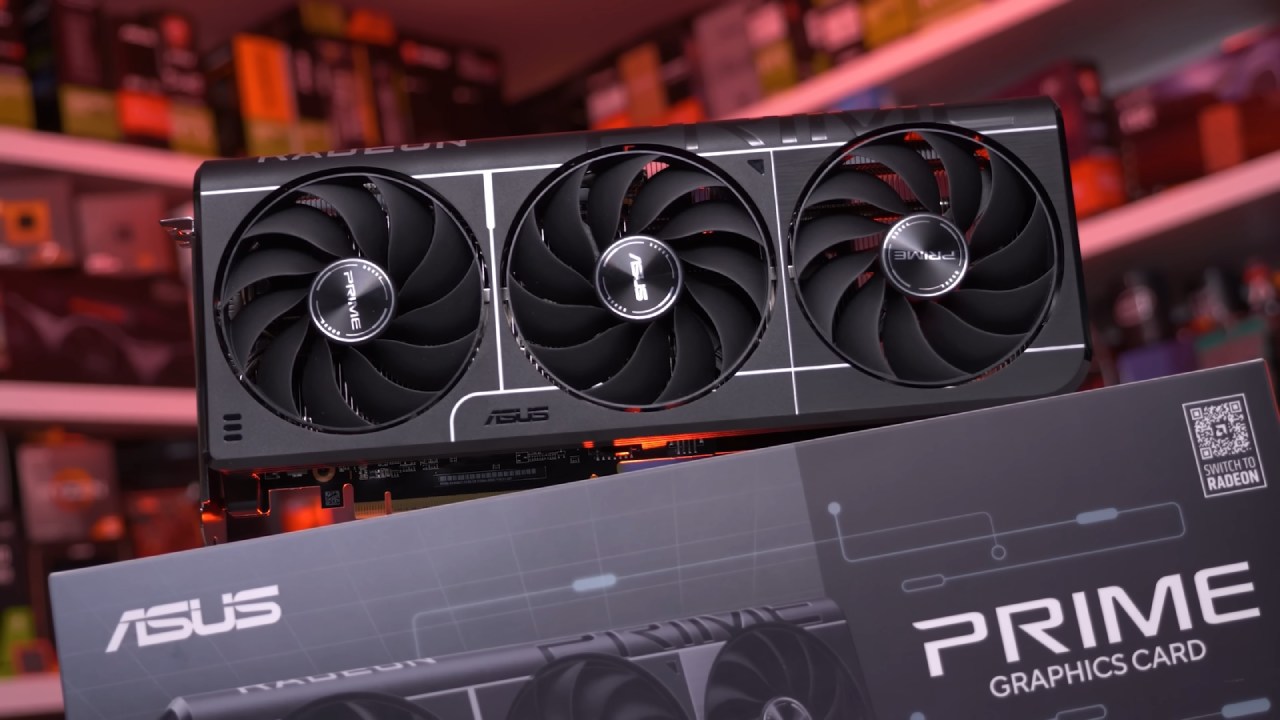
There are still bugs, and not every game works perfectly. However, after testing titles like Doom: The Dark Ages and Indiana Jones and the Great Circle, the functionality is clearly there.
Installing OptiScaler for Vulkan FSR 4
To use FSR 4 inside Vulkan, we need the latest OptiScaler test build, specifically version 0.9.0 pre10. It is available through OptiScaler’s test builds and should be treated as experimental because errors may occur.
After downloading the zip file, we extract it and copy the files into the game’s executable folder. In some cases, the executable is in the main directory. In others, you may need to navigate to x64 or bin folders. Once copied, we run the setup window.
For Vulkan, we must select winmm.dll instead of the usual DXGI option. If we are using an AMD GPU, we select the AMD option. If the game only supports DLSS, such as Palworld, we may need to enable DLSS hooks. However, in Doom: The Dark Ages, hooks are not required.
Once inside the game, we select FSR as the upscaler and choose the quality mode. Pressing Insert opens the OptiScaler menu, though one current bug prevents mouse movement unless we open the in-game menu first.
Performance in Doom: The Dark Ages
Running native FSR 3.1.4 in Vulkan delivers around 133fps. When switching to FSR 3.1.5 through the DX12 backend, performance drops slightly to about 129fps–130fps. That 3fps difference is negligible in gameplay.
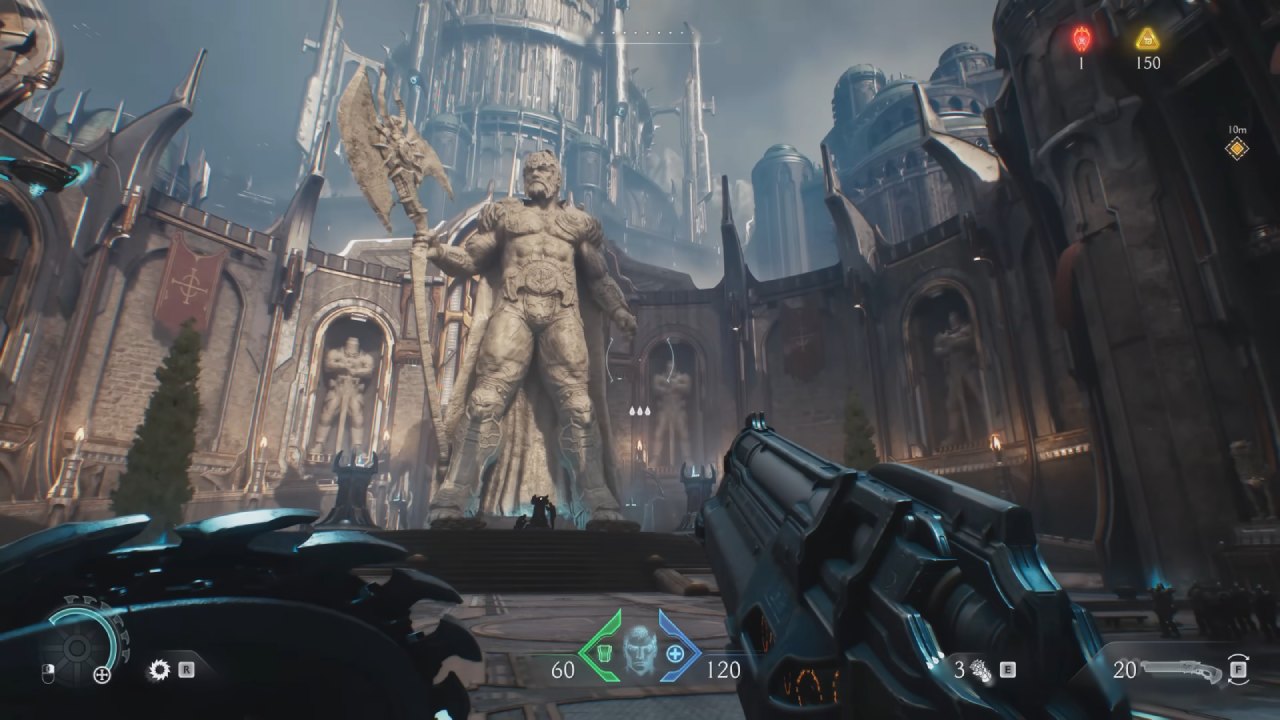
Enabling FSR 4.0 reduces performance further to about 120fps. The drop is larger, but it is due to the improved algorithm rather than driver overhead. The image clarity, stability, and reduced ghosting immediately stand out. Movement stability is significantly better, even though Doom: The Dark Ages already has one of the better FSR 3.1.5 implementations.
In performance mode, the difference becomes dramatic. When you use FSR 3.1.5 to go from 720p to 1440p ultrawide, you can see pixelation and ghosting, especially in fine details like trees that are far away. Changing to FSR 4.0 changes the picture. There are less ghosts, lines are clearer, and even 720p upscaled gameplay is okay. Not perfect, but you can play it in ways that FSR 3.1 can't.
There are still minor issues, particularly with fine object detail at low base resolutions, but the improvement is obvious.
FSR 4 Working in Indiana Jones and the Great Circle
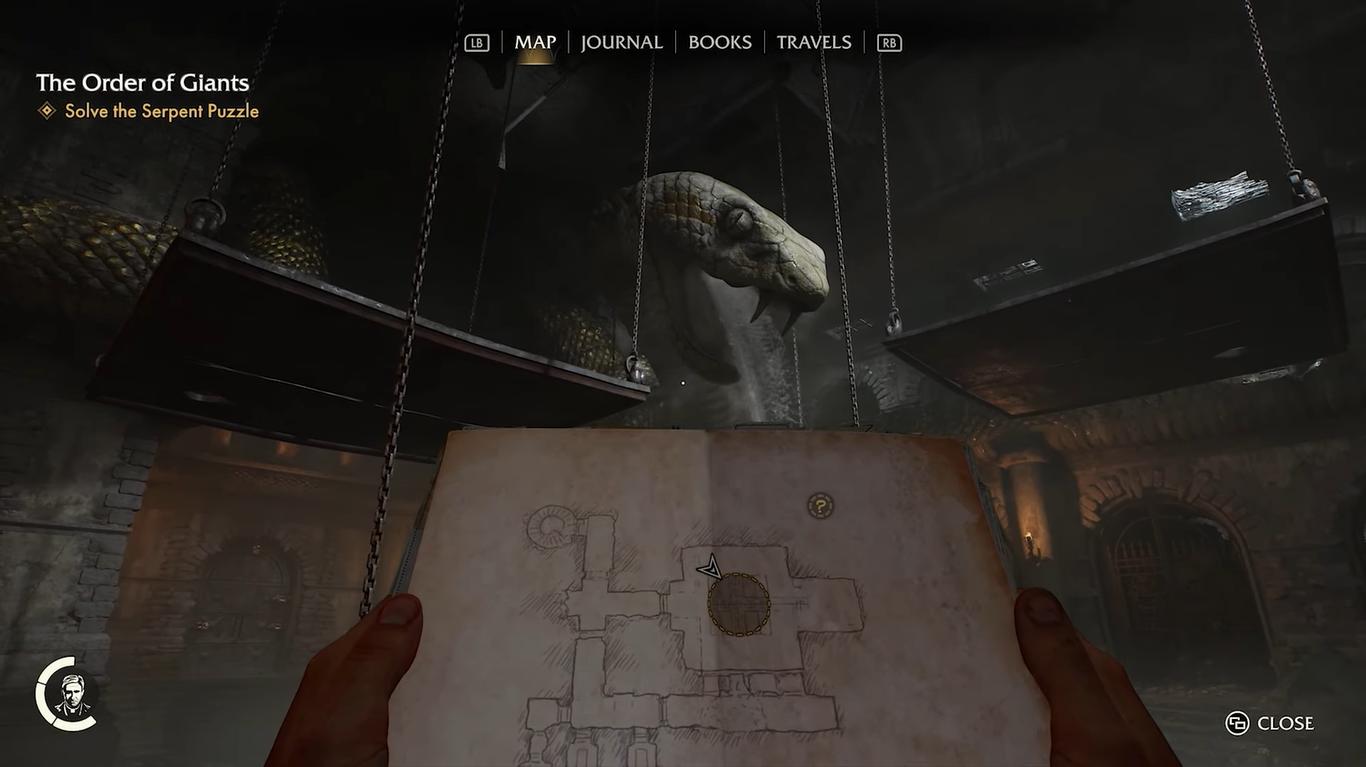
Testing in Indiana Jones and the Great Circle confirms that FSR 4 also works there. The Insert overlay may not appear due to a bug, but that does not mean OptiScaler is inactive.
We manually change the OptiScaler configuration file and set VulkanUpscaler to FSR 3.1 if the overlay doesn't work. This makes the DX12 path that FSR 4 needs possible. Once we're in the game, we turn on either FSR or DLSS in the graphics settings. The mod can still send the input to FSR 4 even if DLSS is chosen in the menu.
In performance mode at 1440p ultrawide, running at around 120fps–130fps, the image remains surprisingly stable. With FSR 3.1 at 720p base resolution, the image would look significantly worse. Returning to quality mode further improves clarity and reduces artifacts. Some minor motion blur may still appear, though that could be game-related.
Performance Overhead and GPU Compatibility
There is a performance overhead due to the DX12 backend. On a 9070 XT, the overhead is minimal and barely noticeable. However, older GPUs such as the RX 7000 series may experience a larger hit.
Frame generation support remains limited in Vulkan mode, and enabling FSR frame generation may prevent the hook from working correctly in some scenarios. Even with these problems, the revised installer and better setup process have made installation easy.
Bigger Picture
OptiScaler now lets FSR 4 operate in Vulkan games, even though official support took over a year to show up. The image quality is clearly better, especially when scaling from lower resolutions like 720p to 1440p ultrawide.
While there are still bugs and a measurable performance overhead, the results are strong enough to make FSR 4 a meaningful upgrade over FSR 3.1. We can finally run FSR 4 in Vulkan titles, and you can decide whether the visual gains justify the small performance cost.
Also, check our other hardware articles:
- AMD Ryzen 9 9950X3D Review: Setting The Standard For 2025 Gaming CPU
- Amazon Luna 2025 Review: Is Prime Gaming's Cloud Service Your Go-To For Casual Fun?
- AMD RX 9070 XT Review: AMD's RDNA 4 Champion for 1440p Gaming
- GeForce Now Ultimate: Ditching Your Gaming PC For Cloud RTX 4080 Power?
- NVIDIA GeForce RTX 5080 Review (2025): Still A 4K Gaming Powerhouse?
- Intel Core Ultra 9 285K Review And Performance Breakdown (2025)
- AMD Ryzen 7 9800X3D Review: 3D V-Cache Goes God Mode with Stunning Gaming Performance
- Intel Core Ultra 9 285K vs AMD Ryzen 7 9800X3D: In-Depth Gaming Performance and Benchmark Comparison
- NVIDIA GeForce RTX 5080 Super Performance In Cyberpunk 2077: Path Tracing & DLSS 4.0 Tested
- AMD Radeon RX 9070 XT In Cyberpunk 2077: Ray Tracing & FSR 4.0 Tested
- Intel Arc B580 Review: The $250 GPU Revolutionizing 1440p Gaming
- Intel Arc B570 Vs. B580: Value, Specs, And Real-World Gaming Performance
- RTX 5090 Laptop Vs. M4 Max MacBook Pro: Ultimate Raw Performance Vs. Battery Endurance
- Intel Arc b580 Vs. RTX 4060: Game Performance And Value Analysis
- RTX5090 Hell Is Us Demo 4K Ultra Benchmark: DLSS Vs. Native Performance Guide
- NVIDIA RTX 5070 Review: Mid-Range Muscle or Marketing Hype?
- Nintendo Switch 2 Review: Handheld Performance, Features & Value Breakdown
- RTX 5070 Ti Review: Performance, Thermals & Power Efficiency Tested
- Samsung Odyssey OLED G81SF Review 2025: Ultimate 32-Inch QD-OLED Gaming Monitor
- AMD RX 9070 Performance Review: Thermals, Clocks, and Real-World FPS
- AMD Ryzen 5 7600 Review: Best Budget Gaming CPU of 2025?
- AMD Radeon RX 7800 XT Review: RDNA 3 Power For Midrange Gaming
- Asus ROG RTX 5090 Astral OC Vs. Founders Edition: The 4K Gaming Benchmark
Senior Editor, NoobFeed
Gaming Hardware Updates
No Data.