
NVIDIA GeForce RTX 5090 Call of Duty Black Ops 7 4K Performance Benchmarks
Comprehensive performance breakdown of RTX 5090 behavior across multiple upscaling modes and visual presets in Black Ops 7
Hardware by Naheyan Tahmin on Dec 09, 2025
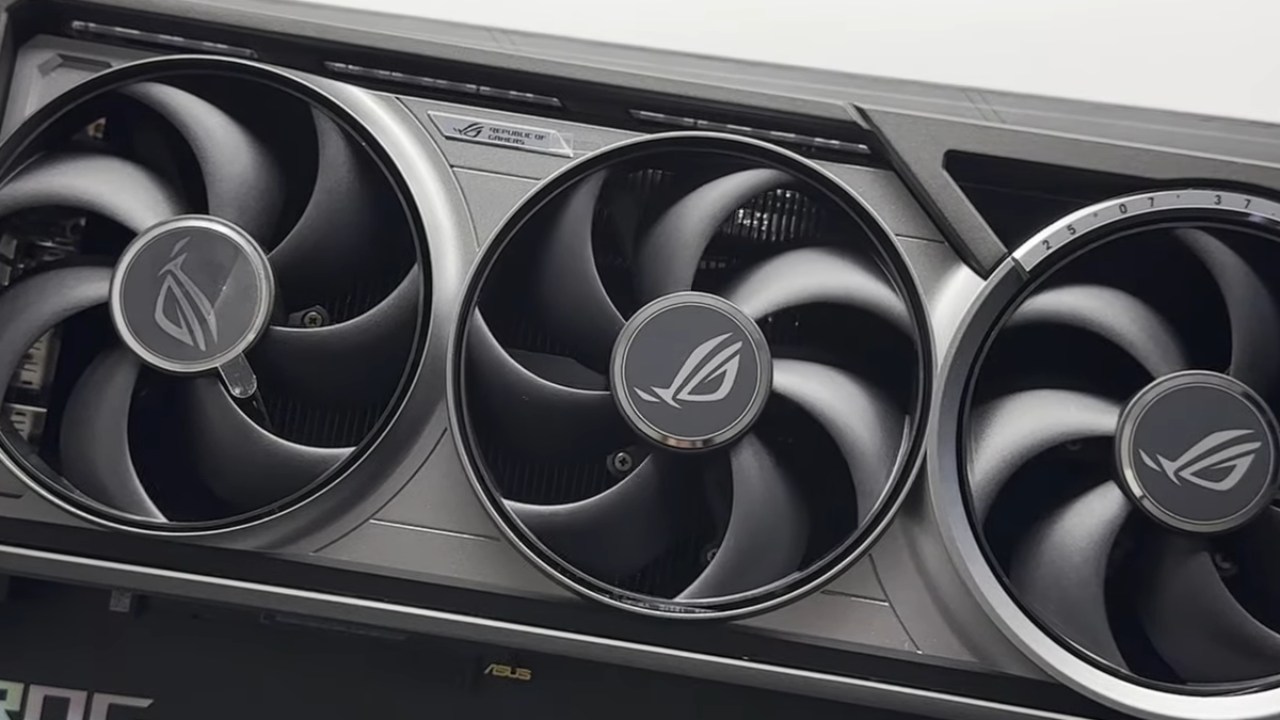
The test is mostly about the GeForce RTX 5090 Founders Edition, which is paired with a Ryzen 7 9800X3D and 32GB of RAM. The machine has the most recent Nvidia drivers installed, and there is no manual overclocking.
We test settings, performance, and gameplay at 4K resolution using several rendering and upscaling options, as well as rate-tracing and frame-generation tools.
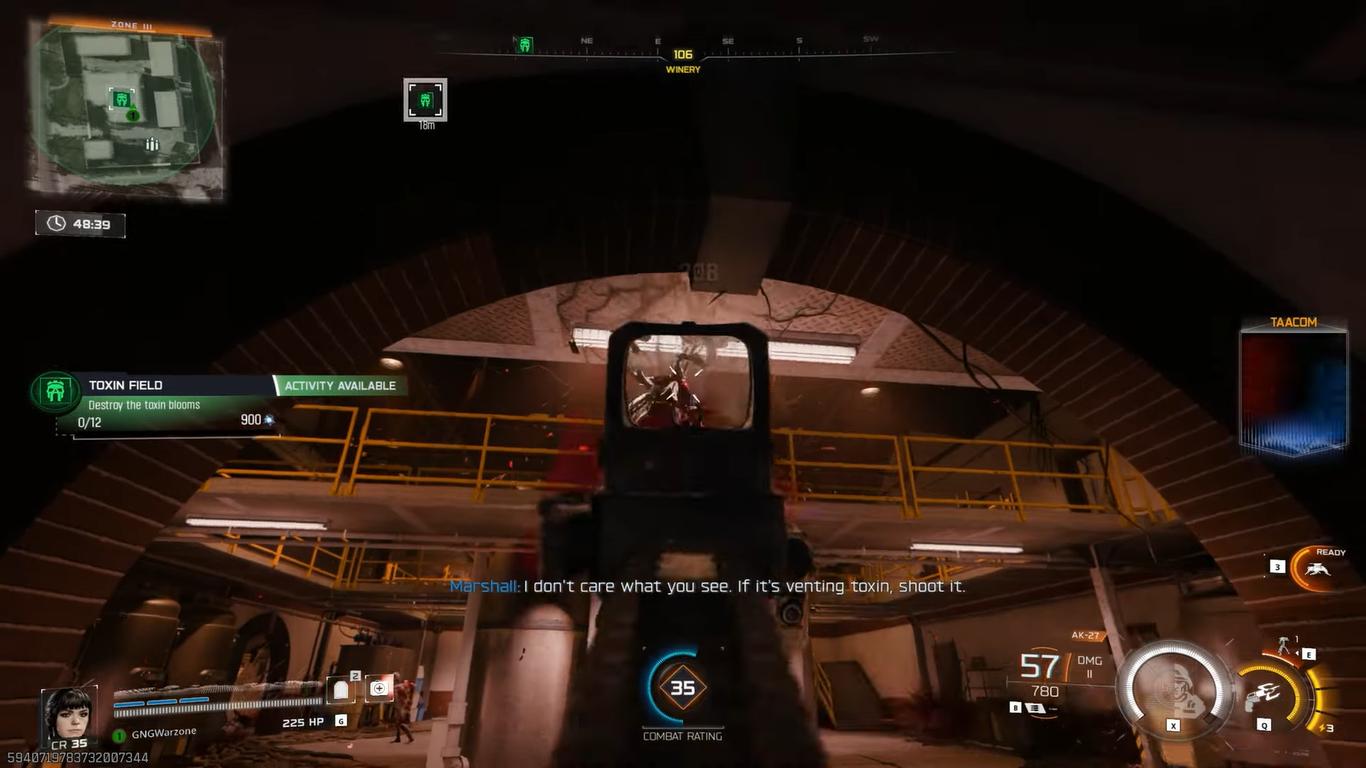
4K Native Gameplay With Rate Tracing Turned On
We start with the extreme preset and a 4K resolution with rate tracing set to high. A default-rate tracing denoiser is chosen so that DAA can be performed at 100% resolution. Motion blur and depth of field are both turned off. At first, the RTX 5090 runs at about 30 fps, though it sometimes dips into the low 20s.
Rate-traced reflections work as they should; however, they still don't work very well. The little map still suffers from significant slowdowns, with frame rates dropping to 19 fps during action. Rate tracing is still hard and makes the GPU work far harder than it should.
DLSS Ray Reconstruction in Quality Mode
We enable DLSS ray reconstruction, enabling DLSS to work in quality mode using the transformer model. The performance is almost twice as good as it is on native. The transformer model produces better visuals than DAA, resulting in crisper output.
The gameplay is more stable, but it still dips into the 50s when you get near an enemy. Even with DLSS enabled, performance isn't always consistent, and rate-tracing optimization doesn't seem to work well.
4K DLSS Performance Mode
It goes down to DLSS performance at 1080p and then back up to 4K. DLSS 4 keeps the visual quality sharp, and the gameplay is smooth and responsive. FPS stays in the 90s most of the time; however, it drops into the 70s when there are many effects. This keeps the output at 4K levels while making it far more stable than quality mode. It doesn't reach high-refresh-rate performance, but it doesn't slow down much.
Testing the Generation of Frames
We test the production of several frames at 4×. When you use a sniper rifle, the input lag is more obvious. FPS reaches 240 fps and works with high-refresh-rate monitors; however, there is still input lag even when you don't zoom in. When the FPS drops into the 200s, baseline dips indicate higher latency. For FG to perform well, the baseline FPS needs to be high.
When the baseline is 90 fps, the added input lag is easier to see. When FG is turned on, there are occasional stutters, indicating that rate tracing isn't very good at optimization. We avoid FG in competitive play to keep things responsive.
Turning off Rate Tracing for Normal 4K Gameplay
Rate tracing is turned off, and DAA is turned back on. After a restart, performance improves significantly. With DAA CNN, native 4K reaches 120 fps, with 97 fps at 1% lows. Reflections aren't right now, but the game runs smoothly.
Turning off DAA and using sharpness can get frame rates up to about 150–160 fps, but picture quality will be worse. DAA CNN is as crisp as DLSS, thus it's still better to use transformer-based DLSS.
Comparisons of DLSS Quality and No-AA
We switch to DLSS quality, which outputs at 1440p and then upscales to 4K. It appears to be better and works better than the DAA CNN. No-AA mode raises FPS a bit more, but makes things much less crisp. DLSS remains the best way to strike a balance between graphics and performance. DLSS doesn't introduce input lag, though it can reduce overall input lag by increasing FPS.
DLSS Performance for High-FPS Gaming
DLSS performance mode boosts FPS to around 200fps without making any new frames. Even on a 120Hz screen, this gives you a very responsive experience. Competitive players generally aim for high FPS to reduce input lag. Even when the display refresh rate is lower than the framerate, the benefits are clear.
Performance and Gameplay Flow Depend on the Map
Some maps put more strain on the GPU, causing the frame rate to dip from 200 fps to 170–180 fps. These maps have more complicated lighting and scenery. Lighting still looks good and stays stable without rate tracing. Multiplayer gameplay stays the same, with quick responses and few slowdowns.
Notes on Optimizing the System
When settings are low, the load usually moves to the CPU. This means that a GPU like a 5070 or 5060Ti is more than enough when paired with a robust processor. If you care more about 4K fidelity than competitive low-settings performance, the 5090 is the best choice.
Smaller map sizes and simpler physics don't always lead to greater performance, and Battlefield-scale games can have the same or better performance even though the environments are wider.
.jpg)
Final Thoughts
Disabling rate tracing provides the best experience, according to extensive testing. DLSS maintains sharp graphics and a high frame rate. Even with an RTX 5090, rate tracing is still hard and doesn't get any better.
Frame generation can achieve very high FPS, but it also introduces input lag, making it harder to play competitively. Overall performance stays the same, and gameplay is seamless at high refresh rates when rate tracing is off.
Also, check our other NVIDIA articles below:
- NVIDIA GeForce RTX 5080 Review (2025): Still A 4K Gaming Powerhouse?
- NVIDIA RTX 5070 Review: Mid-Range Muscle or Marketing Hype?
- RTX 5070 Ti Review: Performance, Thermals & Power Efficiency Tested
- ASUS GeForce RTX 5090 LC Liquid Cooled GPU Review: Unmatched Silence & Speed
- MSI GeForce RTX 5090 32GB SUPRIM SOC Review: Power Efficiency, Cooling, and Gaming Performance
- INNO3D RTX 5060 Ti 16 GB X2 Review: Gaming Benchmarks, Temps, and Power Efficiency
- HP Omen 45L Review: RTX 5090 Performance, Thermals, and Value Analysis
- ASUS TUF Gaming GeForce RTX 5060 Ti Review: DLSS 4, Power Efficiency, and Gaming
- ASUS Prime RTX 5060 Ti OC 16GB Review: DLSS 4, Ray Tracing, & Thermals Tested
- NVIDIA GeForce RTX 5060 Review: Specs, Gaming, and Cost per Frame
- MSI GeForce RTX 5090 GAMING TRIO OC Review: A Monster Power GPU
Editor, NoobFeed
Gaming Hardware Updates
No Data.