
AMD AM5 Chipsets Explained: X870, B850, B840, A620 Compared for Ryzen 7000 and 9000
AMD AM5 motherboards bring advanced chipset options with PCIe 5.0 support, faster memory speeds, and next-generation Ryzen CPU compatibility.
Hardware by Masaru Hoshino on Sep 27, 2025
AM5 platform is a mess when it comes to motherboards and chipsets. If you plan to buy a Ryzen 7000 or Ryzen 9000 processor, there are nine main chipsets to choose from, ranging from the X870 at the high end to the A620 at the low end.
Figuring out the differences isn't straightforward, especially since the release of the 800 series chipsets, which have muddied the waters with the older 600 series.
AM5 CPU Compatibility
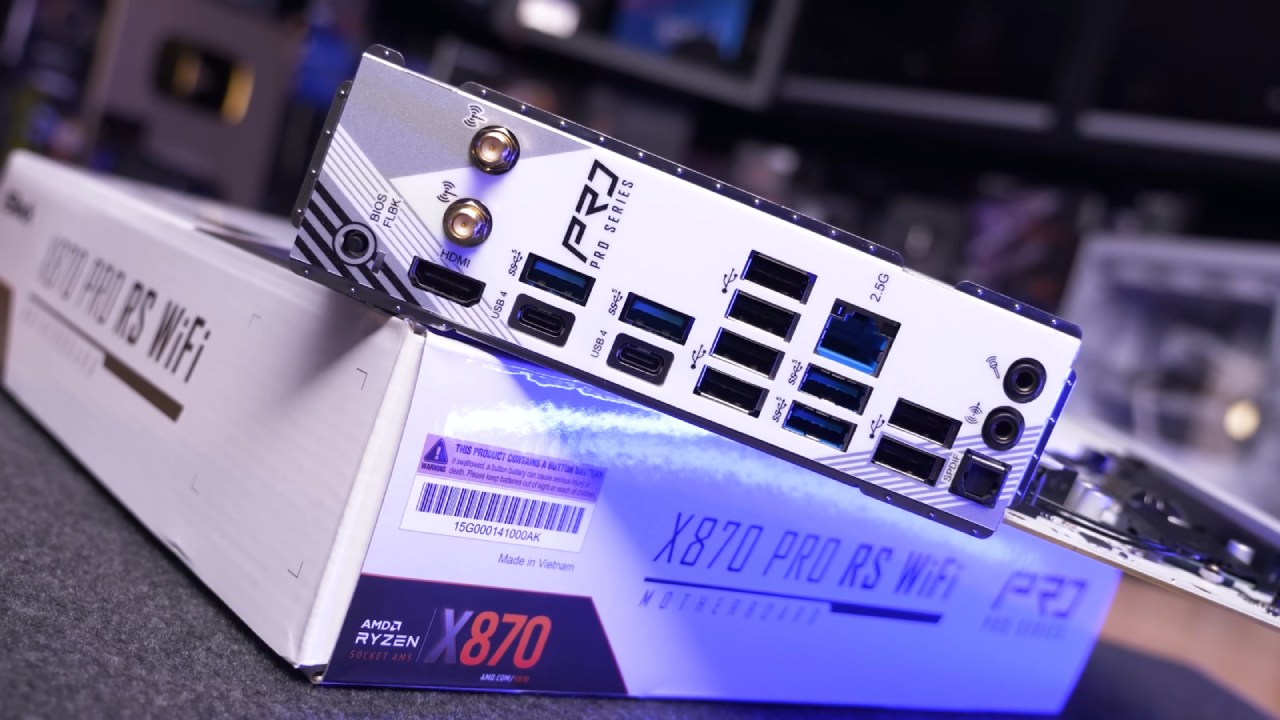
From a compatibility standpoint, all AM5 motherboards support both Ryzen 7000 and Ryzen 9000 processors with their latest BIOS versions. The 600 series boards released for Zen4 are forward-compatible with Zen5, while the 800 series boards released for Zen5 are backward-compatible with Zen4. So you don't need a newer motherboard to support AMD's latest Ryzen 9000 CPUs.
However, out-of-the-box compatibility will vary. All 800 series boards, such as the X870 and B850, will support Ryzen 9000 CPUs out of the box. On the other hand, 600 series boards may require a BIOS update before the CPU can function properly, depending on the stock and model.
Future CPU releases, such as the upcoming Ryzen 7 9800X3D, may also require a BIOS update depending on the motherboard. Thankfully, updating most AM5 boards is simple due to BIOS Flashback, which lets you update the BIOS without needing a CPU in the socket. This ensures you can upgrade first and then install your CPU without hassle.
AM5 Chipset Features
All AM5 motherboards support DDR5 memory overclocking (XMP/EXPO). CPU overclocking is available on all chipsets except B840 and A620, which also lack AMD's Precision Boost Overdrive (PBO).
While CPU overclocking is supported on B650, B850, and above, the actual overclocking potential depends on VRM quality. Cheaper boards may be power-limited, effectively restricting overclocking despite official support.
The higher-tier boards typically feature stronger VRMs, making them better suited for overclocking Ryzen 9 CPUs or pushing your system to higher limits.
AM5 PCIe Support
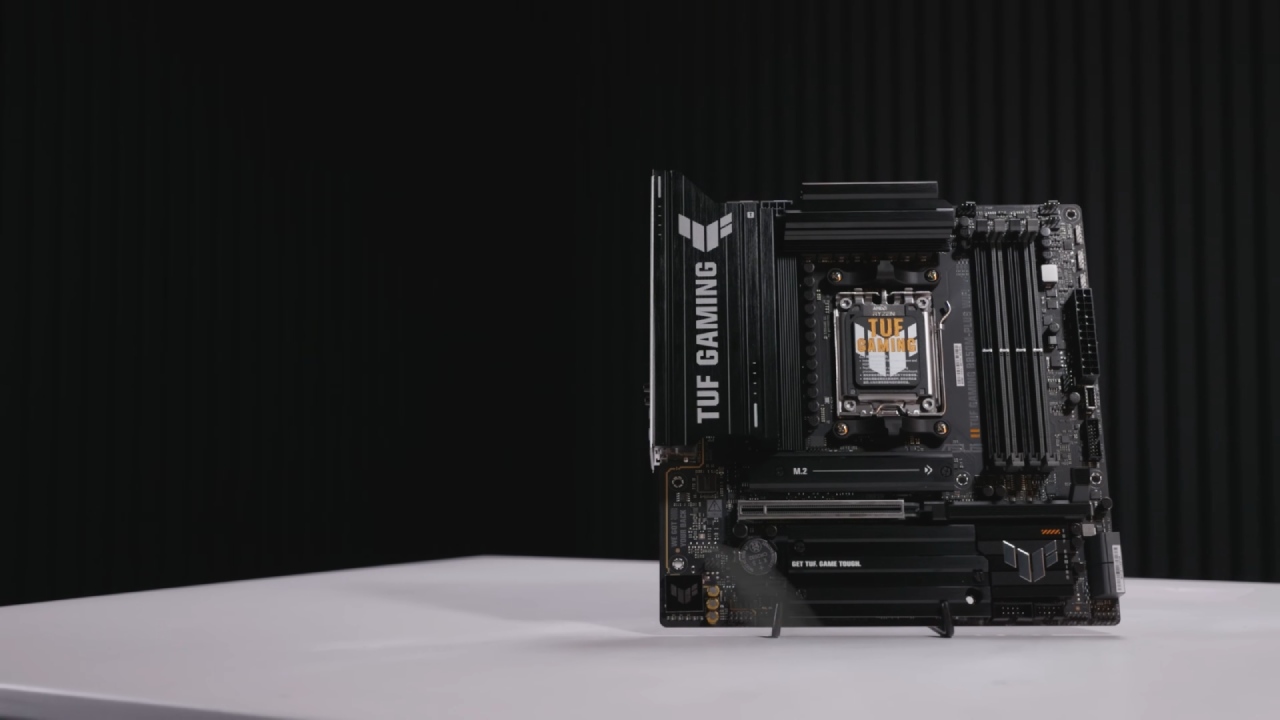
PCIe support on AM5 depends on both the CPU and the chipset. Most AM5 CPUs support 28 PCIe 5.0 lanes, typically allocated as 16 lanes for graphics, 8 lanes for SSDs/devices, and 4 lanes for the chipset connection. Some CPUs, like the Ryzen 7 8700G, are reduced to 20 PCIe 4.0 lanes.
For graphics, X870, X870E, X670E, and B650E boards guarantee PCIe 5.0 on the primary x16 slot. Other chipsets, such as B850, B840, and A620, only guarantee PCIe 4.0.
For storage, the X870, X870E, X670E, and B650E guarantee PCIe 5.0 for the primary M.2 slot, whereas on the B650 and B850, it's optional. General-purpose lanes can be connected to additional SSDs, PCIe slots, or onboard devices, but support depends on the chipset tier.
The chipset also provides additional PCIe lanes for more M.2 slots or expansion cards. X870/X670 motherboards utilize dual-chipset designs, offering up to 12 PCIe 4.00 lanes and 8 PCIe 3.00 lanes, whereas B850/B650 motherboards employ a single chipset with up to 8 PCIe 4.00 lanes and 4 PCIe 3.00 lanes. B840 and A620 are further cut down, offering only PCIe 3.0 or reduced PCIe 4.0 connectivity.
AM5 USB Support
USB connectivity on AM5 is split between the CPU and chipset, with CPUs offering up to four 10Gbps ports while chipset capabilities vary by tier. High-end X870, X670E, and X670 motherboards support up to two 20Gbps, twelve 10Gbps, and two 5Gbps ports, while mid-range X870E, B650E, and B650 boards cut that roughly in half with one 20Gbps, six 10Gbps, and one 5Gbps port.
Entry-level B840 and A620 boards are more limited, providing up to two 10Gbps and two 5Gbps ports. USB4 is mandatory on X870 and X870E models, often appearing as dual rear USB4 Type-C connectors, but remains optional on other AM5 chipsets.
AM5 Chipset Summary
X870/X670E/X670: Dual-chipset, maximum connectivity, PCIe 5.0, with mandatory USB4 on the X870.
X870E/B650E: Same chipset hardware, USB4 mandatory on X870E, optional on B650E.
B850/B650: Nearly identical, except that PCIe 5.0 for M.2 is mandatory on the B850 but optional on the B650.
B840/A620: Entry-level, no CPU overclocking, limited PCIe and USB, capped at PCIe4.0.
AM5's Confusing Refreshes
The AM5 platform has become more confusing with the introduction of the 800 series. The X870 is just a fresh version of the B650E, however it is marketed as a high-end X-tier board. The B840 is a new model of the A620, however it has a name that starts with the letter B. This naming method can easily fool buyers into choosing a board that doesn't work as well, making them think it's mid-tier.
B850 and B840 highlight this problem the most, as their names are too similar despite having drastically different capabilities. Meanwhile, X870 and X670E are functionally the same chipsets, with USB4 being the only guaranteed difference.
The hardware hasn't changed significantly between the 600 and 800 series, but AMD has repackaged them under new branding for marketing purposes. While some new boards are better built with stronger features, they also come at higher prices.
Final Thoughts
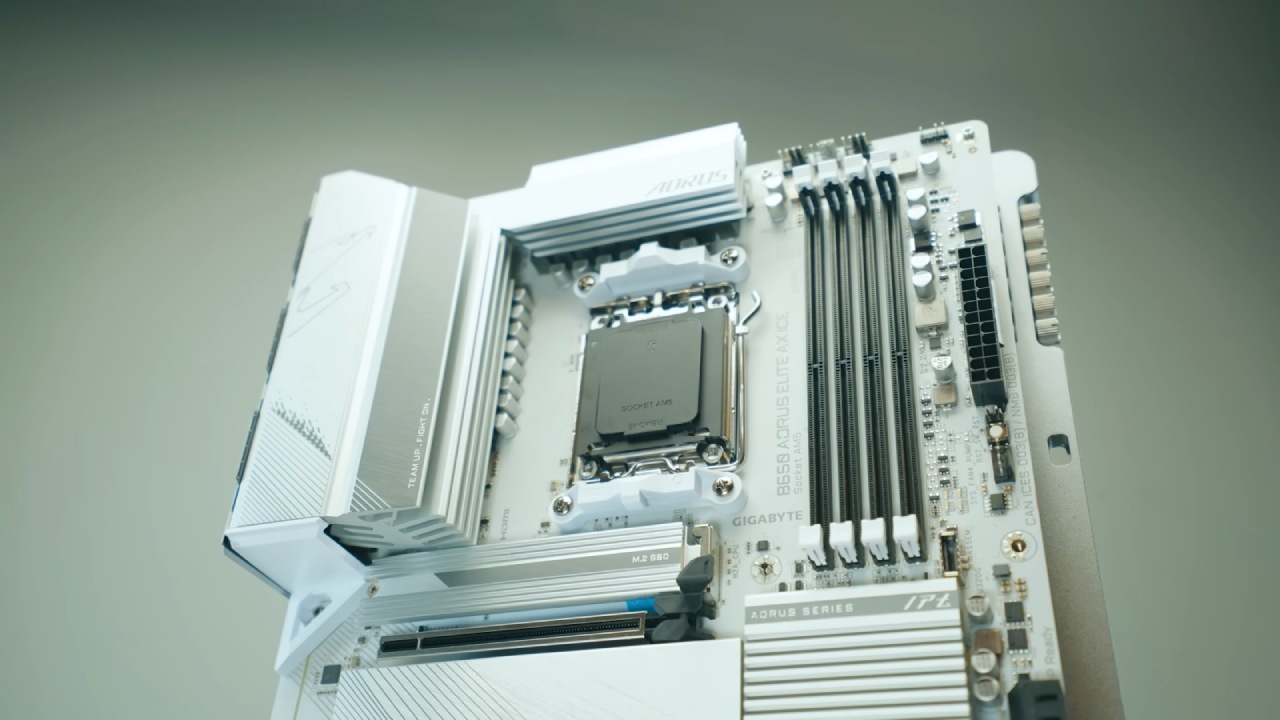
We recommend staying with B650 if you want a nice motherboard that is well-rounded and cheap. These boards work with the greatest Ryzen processors, have adequate ports for most gaming rigs, and are usually cheaper with stable BIOS upgrades.
If you're creating a workstation with Ryzen 9 processors, the X870 or X670 boards are better choices because they have more ports and stronger VRMs. Right now, X670E boards are usually a better overall value, although X870E boards may have even more high-end features.
Navigating AM5 chipsets can be confusing, but understanding the differences between each series helps narrow down the right choice for your build.
Check Our Other AMD articles:
- AMD Ryzen 9 9950X3D Review: Setting The Standard For 2025 Gaming CPU
- AMD Ryzen 7 9800X3D Review: 3D V-Cache Goes God Mode with Stunning Gaming Performance
- AMD RX 9070 Performance Review: Thermals, Clocks, and Real-World FPS
- AMD Ryzen 5 7600 Review: Best Budget Gaming CPU of 2025?
- AMD Radeon RX 7800 XT Review: RDNA 3 Power For Midrange Gaming
- Sapphire NITRO+ AMD Radeon RX 9070 XT Review: The Ultimate 4K Gaming GPU
- AMD Ryzen 7 7800X3D: Delivers Gaming Performance Far Beyond Expectations
- AMD Ryzen 9 7900X Review: Powering the AM5 Era with DDR5 & PCIe 5.0
- ASRock Radeon RX 7800 XT Challenger OC Review: Best Price-to-Performance GPU of 2025
- Intel Core i9‑14900K vs. AMD Ryzen 7 7800X3D: Power Profiles & Gaming Benchmarks
Editor, NoobFeed
Gaming Hardware Updates
No Data.