
Intel vs AMD DDR5: How Memory Speed Affects Gaming and Productivity
Analyzing DDR5 scaling on the Intel Core Ultra 9 285K for gaming and high-resolution settings.
General by Tanisha Aria on Mar 02, 2026
The price of DDR5 has been all over the place, and many buyers aren't sure if the extra money is worth it for fast memory. Many tests with four CPUs and eight different DDR5 speeds, from 4800 MT/s to higher, show that the answer is highly platform- and workload-dependent.
Even though faster memory can be helpful in some situations, the real-world benefits may not justify the huge price differences we see today, especially in gaming.
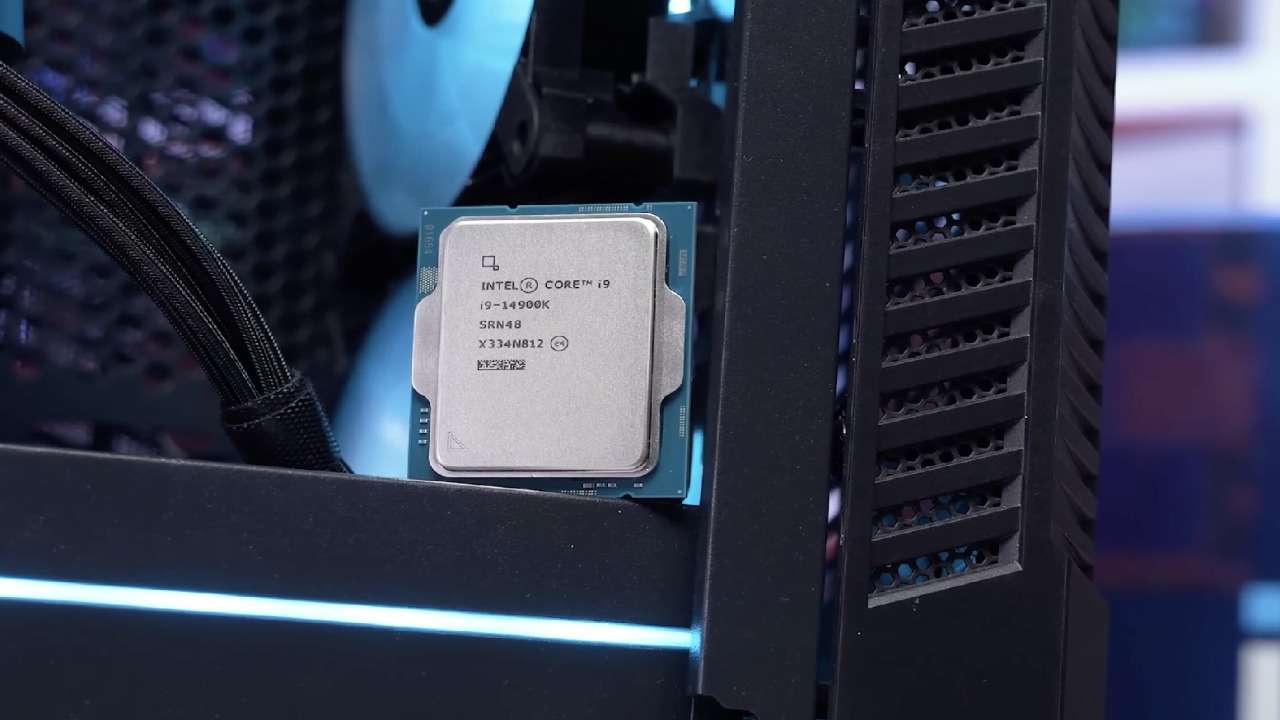
Intel Gaming Performance: Raptor Lake and Core Ultra
Intel was first, because its story is more complicated than AMD's X3D line. We standardised our test bench by using both a last-gen and a current-gen representative. To keep things consistent, we used the same memory kit on different systems.
Gaming on Intel Core i9-14900K
If you only look at the geometric mean of all games at 1080p, it's clear that the 14900K has faster DDR5. High-speed kits like the 8400MT/sCL40 can make games run faster, especially Ashes of the Benchmark, Cyberpunk, and Red Dead Redemption 2.
As you move away from the very slowest memory kits, however, the drop in speed is much less noticeable. The biggest improvements happen when the CPU is limited, and the quality is low.
Gaming on Intel Core Ultra 9 285K
The newer Core Ultra 9 285K showed a different view. It couldn't even run the fastest kit we tried, and there weren't many differences between the other speeds as long as the memory was faster than JEDEC-standard speeds.
Looking at 1% lows, there were only a few frames separating the configurations across the games and resolutions tested. Most users wouldn't notice any difference without an FPS counter. This is especially true as the screen or game settings are changed.
Setting is important. When faster RAM costs $20 to $30 more, it makes sense to get a few extra per cent of speed on a $1500 to $2,000 build. The value equation changes a lot when the delta ranges from $200 to $300, though.
Intel Productivity Results
Games aren't the only thing going on. The 14900K scaled meaningfully in some productivity tests. Higher-speed memory didn't make a big difference for Blender, but it did make a big difference for compile tasks like GDAU. When used with faster, lower-latency kits, several professional programs performed better.
Even though it's more expensive now, buying faster memory may still make sense if you use your computer to make money. But for gamers, the value argument is not nearly as strong.
AMD Gaming Performance: X3D Dominance
In tests, AMD's latest claims that X3D processors can handle slower memory mostly hold up.
Gaming on AMD Ryzen 7 9800X3D
There was a lot of consistency in the 9800X3D's success charts. The 4800MT/s kit always came in last, but the 6000MT/sCL30 was always the best. Still, the difference in results was not very big. The gap got even smaller when the quality was increased or ray tracing was enabled.
At 1080p, Cyberpunk and Ashes still had the largest difference, but it was not nearly as large as with Intel's Raptor Lake. Sometimes, the difference between 16GB and 24GB modules was just as important as the memory frequency. The 3D V-Cache reduces memory sensitivity.
Gaming on AMD Ryzen 9 9950X
The standard 9950X had a little trouble with the JEDEC kit that was the fastest. But when paired with any tuned EXPO profile, there were almost no changes in performance. When the resolution reaches 1440p or 4K, the difference is even less noticeable.
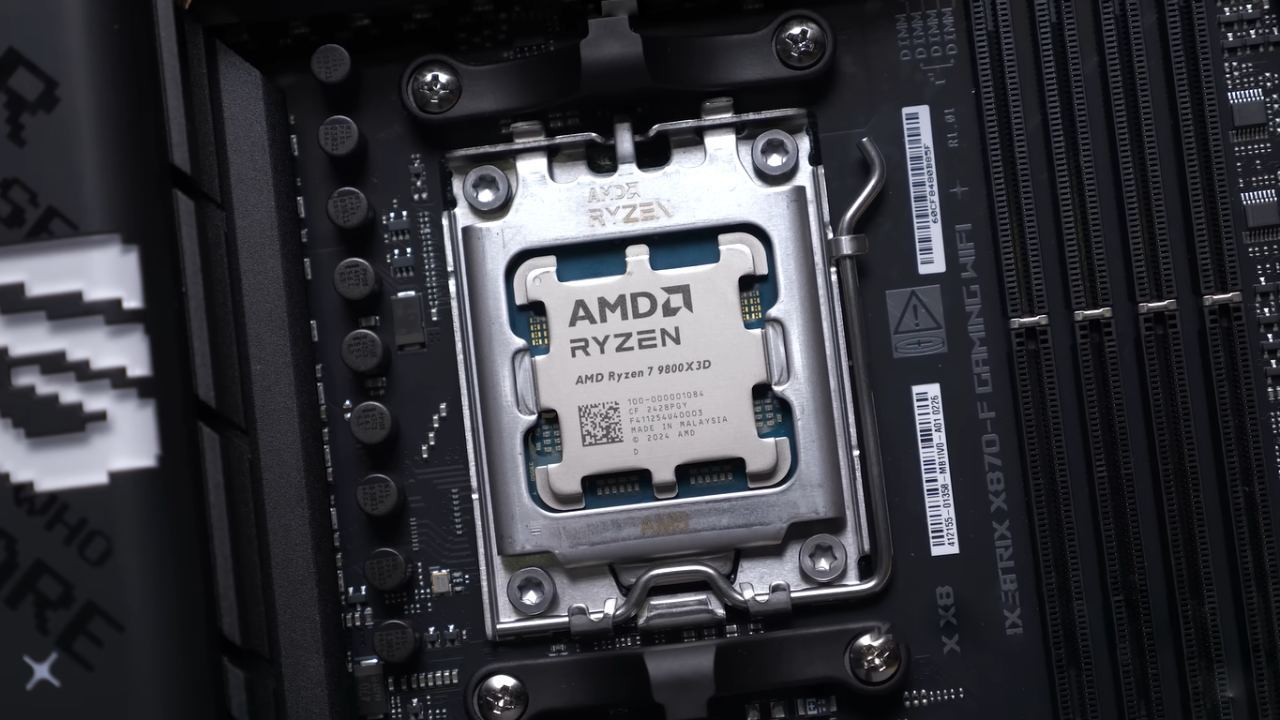
AMD Productivity Performance
Workloads for productivity gave a familiar story. The JEDEC kit was always the fastest, which proves that overclocked memory can be useful. But the gains weren't usually big enough to justify the high prices we have now for tasks that aren't compile workloads.
In some situations, memory that works with AMD's Infinity Fabric and has low latency can make a difference. But besides those few situations, most users won't notice a change big enough to mess up their daily tasks.
Gaming Versus Workstation Considerations
At these prices, it's hard to recommend high-speed DDR5 to gamers, especially those buying X3D processors. Even if the price difference is small, it might still make sense, especially on older Intel systems. But it rarely makes sense to pay hundreds more for small gains.
It's still possible for faster RAM to be useful for skilled users who compile code, do creative work, or run memory-based programs. If increased productivity leads to more money, the expense might be worth it.
It's not a good time for house professionals and independent developers. The cost of memory has made improvements very hard. One benefit is that if you buy a kit that isn't too expensive now, you can still afford to improve later when prices level off.
Final Thoughts
One thing is clear from the tests: DDR5 speed doesn't matter nearly as much in games as many people think it does, especially on AMD's X3D processors and at higher resolutions. Even though Intel's Raptor Lake chips scale more clearly with faster memory, the effect isn't as big in real life as it is in games.
High-speed memory is still useful, especially for certain tasks that need to be completed quickly. But for most gamers building or upgrading today, it's better to go with a reasonably priced kit rather than trying to go as fast as possible.
Also, check our other hardware articles:
- AMD Ryzen 9 9950X3D Review: Setting The Standard For 2025 Gaming CPU
- Amazon Luna 2025 Review: Is Prime Gaming's Cloud Service Your Go-To For Casual Fun?
- AMD RX 9070 XT Review: AMD's RDNA 4 Champion for 1440p Gaming
- GeForce Now Ultimate: Ditching Your Gaming PC For Cloud RTX 4080 Power?
- NVIDIA GeForce RTX 5080 Review (2025): Still A 4K Gaming Powerhouse?
- Intel Core Ultra 9 285K Review And Performance Breakdown (2025)
- AMD Ryzen 7 9800X3D Review: 3D V-Cache Goes God Mode with Stunning Gaming Performance
- Intel Core Ultra 9 285K vs AMD Ryzen 7 9800X3D: In-Depth Gaming Performance and Benchmark Comparison
- NVIDIA GeForce RTX 5080 Super Performance In Cyberpunk 2077: Path Tracing & DLSS 4.0 Tested
- AMD Radeon RX 9070 XT In Cyberpunk 2077: Ray Tracing & FSR 4.0 Tested
- Intel Arc B580 Review: The $250 GPU Revolutionizing 1440p Gaming
- Intel Arc B570 Vs. B580: Value, Specs, And Real-World Gaming Performance
- RTX 5090 Laptop Vs. M4 Max MacBook Pro: Ultimate Raw Performance Vs. Battery Endurance
- Intel Arc b580 Vs. RTX 4060: Game Performance And Value Analysis
- RTX5090 Hell Is Us Demo 4K Ultra Benchmark: DLSS Vs. Native Performance Guide
- NVIDIA RTX 5070 Review: Mid-Range Muscle or Marketing Hype?
- Nintendo Switch 2 Review: Handheld Performance, Features & Value Breakdown
- RTX 5070 Ti Review: Performance, Thermals & Power Efficiency Tested
- Samsung Odyssey OLED G81SF Review 2025: Ultimate 32-Inch QD-OLED Gaming Monitor
- AMD RX 9070 Performance Review: Thermals, Clocks, and Real-World FPS
- AMD Ryzen 5 7600 Review: Best Budget Gaming CPU of 2025?
- AMD Radeon RX 7800 XT Review: RDNA 3 Power For Midrange Gaming
- Asus ROG RTX 5090 Astral OC Vs. Founders Edition: The 4K Gaming Benchmark
Contributor, NoobFeed
Latest Articles
No Data.