
Kingston Fury G5 vs. Samsung 9100 Pro: 8TB Gen 5 SSD Benchmarks Compared
Kingston Fury G5 and Samsung 9100 Pro share nearly identical specifications across capacity, cache, and memory type.
Hardware by Nahe Yan on Jul 06, 2026
Gen5 SSDs have begun to push into higher capacities, with 8TB drives now available from multiple manufacturers. Pricing on memory and storage has stayed volatile for a while, making it worth understanding how the top drives in this category actually perform against each other before deciding which one to buy, especially once prices eventually settle.
We analyzed the fastest 8TB SSDs on the market, the Kingston Fury G5 and the Samsung 9100 Pro, back when they were among the first large-capacity Gen5 drives available. On paper, the two drives look similar. Both come in 8TB capacity, use 1GB of DRAM cache per TB of capacity, use TLC memory, and run on the Gen5 interface.
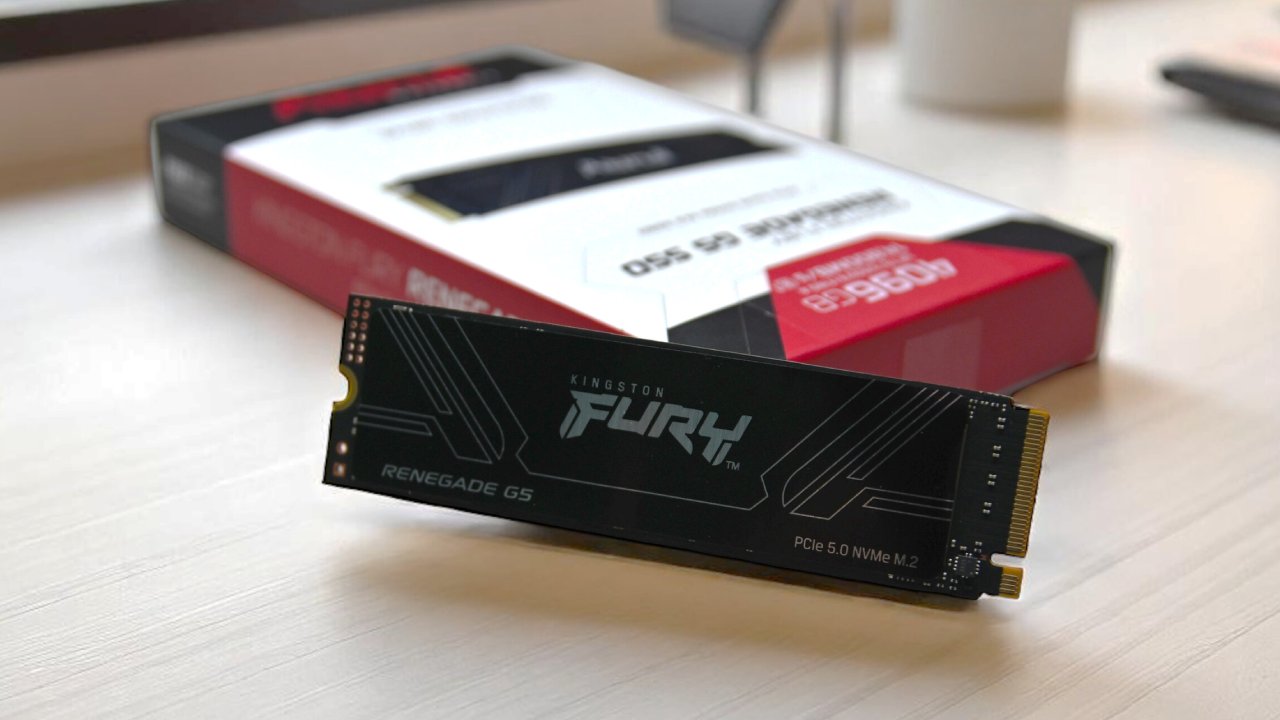
Comparing Specs Between The Two Drives
Kingston uses the SM2508 controller, while Samsung relies on its own in-house controller. Fury G5 holds an edge in total bytes written rating, which matters if you write large amounts of data within the 5-year warranty period. Samsung, on the other hand, ships noticeably better software and pushes firmware updates more frequently.
We used this quiet period on the SSD side to upgrade the test bench, so these results are not directly comparable to older reviews. SSD performance on newer Intel and AMD platforms tends to run lower than on the previous i9-14900K setup, so you should treat these numbers as a separate baseline going forward rather than comparing them against older results. Older drives will get retested over time on the new bench, and that list will keep growing.
Samsung ships its drives either with or without a heat sink, while Kingston ships without one and recommends adding your own. We tested both drives with a heat sink installed, since each draws around 9-10W under stress and will throttle without cooling. Most motherboards include a heat sink by default, and a basic aftermarket option works fine if yours does not.
PCMark10 and Latency Results
Starting with the PCMark10 quick benchmark, which simulates everyday tasks like working with documents, browsing photos, and loading games, the Samsung came out ahead with a score of 800 MB/s, beating Kingston by a small margin, though the difference would go unnoticed in everyday use.
Moving to the full PCMark10 suite, which simulates heavier and more sustained workloads, the G5 pulled ahead of the 9100 Pro with a score of nearly 940 MB/s compared to around 900 MB/s. Latency results followed a similar pattern, with the G5 landing just ahead of the Samsung, though again by a small margin.
The consistency test simulates an extended, multi-hour workload that most people will never run in practice, but it remains a useful way to see how a drive holds up under sustained stress, particularly for an expensive high-end Gen5 drive.
Both drives performed well here, with results well above the 1000MB/s mark that previously counted as strong, and with almost no separation between the two, aside from Kingston finishing slightly ahead.
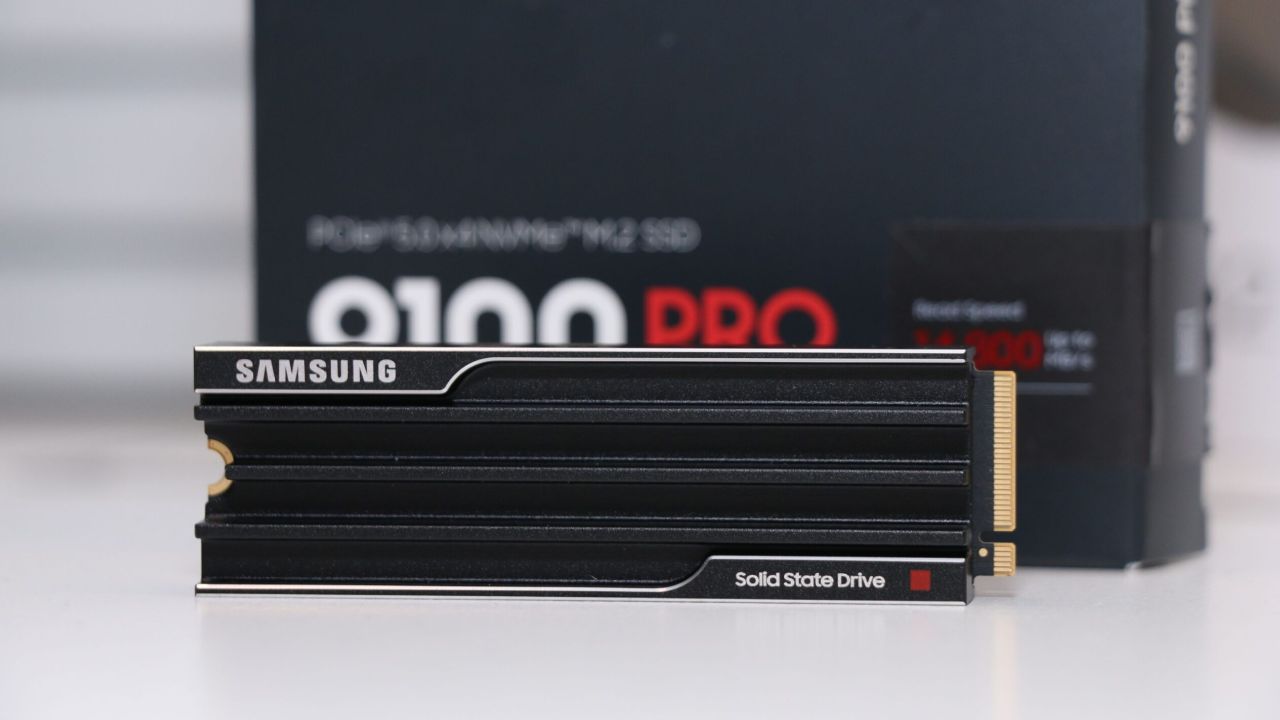
Sequential read and write numbers do not reflect real-world use as well as the other benchmarks.
Samsung came out slightly ahead in sequential reads, and the G5 came out slightly ahead in sequential writes, though neither gap makes a meaningful difference. Both drives meet Sony's requirements for PlayStation 5 compatibility, and since both use DRAM cache, either would work on that console.
That said, the PlayStation 5 does not take advantage of Gen5 speeds, so a more affordable DRAM-based Gen4 drive makes more sense for that use case, assuming pricing works out that way. Overall, both drives perform at a high level, and the differences across these benchmarks stay small enough that you would not notice them in daily use.
Neither drive will meaningfully boot a system faster or load games faster. Samsung has a slight edge when it comes to lighter tasks, but Kingston is slightly better overall, especially in gaming tests, and they also say their products will last a little longer. G5 would be the choice if the price were the same. In 2025, both drives went for around $800 to $900, but prices have been all over the place since then.
In the US, the Samsung still costs around $2,000, while the Kingston costs around $3,000. Given how little of a difference there is in real-world performance, the Samsung is the better choice. Prices will keep changing and depend on where you live, so it's still a good idea to check prices before buying either drive.
Editor, NoobFeed
Gaming Hardware Updates
No Data.