
Moonlighter 2: The Endless Vault Beginner’s Guide | Gameplay Tips & Tricks
Here's a beginner’s guide on some gameplay tips and tricks in Moonlighter 2: The Endless Vault.
Game Guide by Ragib Rawnak on Nov 21, 2025
Moonlighter 2 operates through two forms of play. You move through dungeons to gather relics and then return to town to sell what you collected. The guide explains the systems you use, the HUD elements you see, and the actions you take.
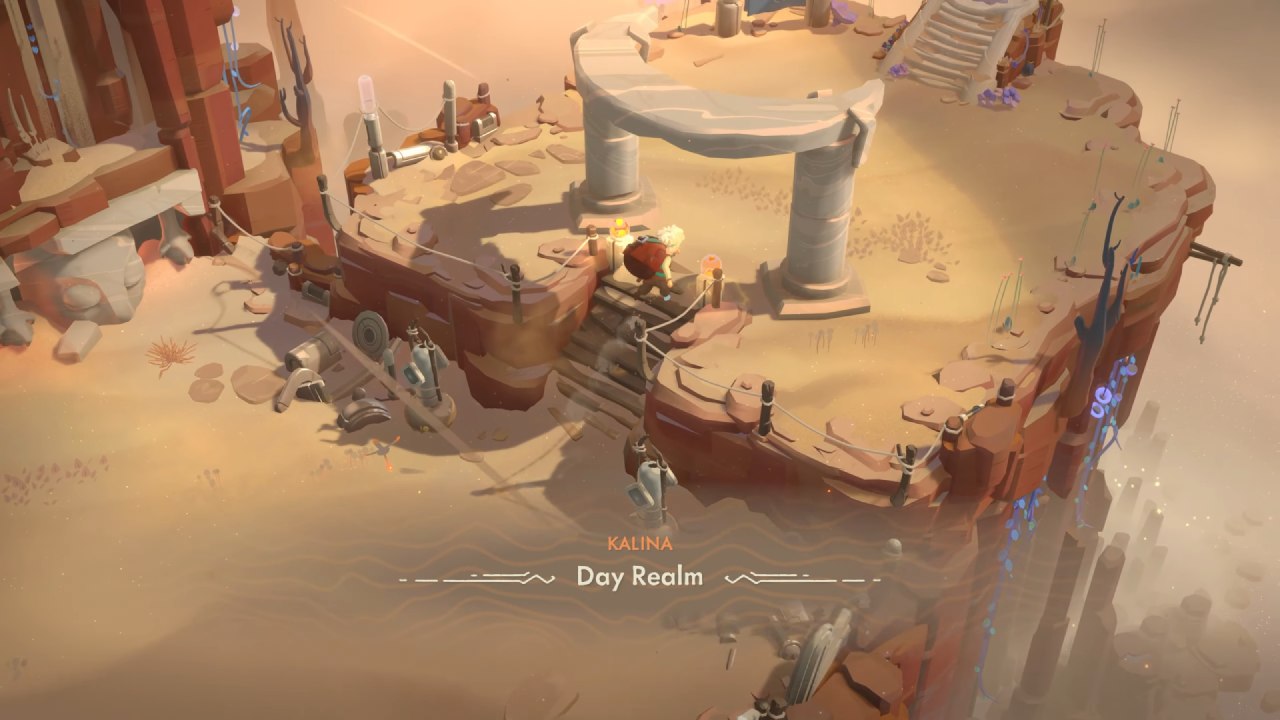
Dungeon Exploration
You enter dungeons to gather relics and materials. These items support access to the Endless Vault, upgrades for gear, and progression for your shop. Dungeons supply the material stock you use for crafting and for items you place in your store in Moonlighter 2: The Endless Vault.
Relics and Selling
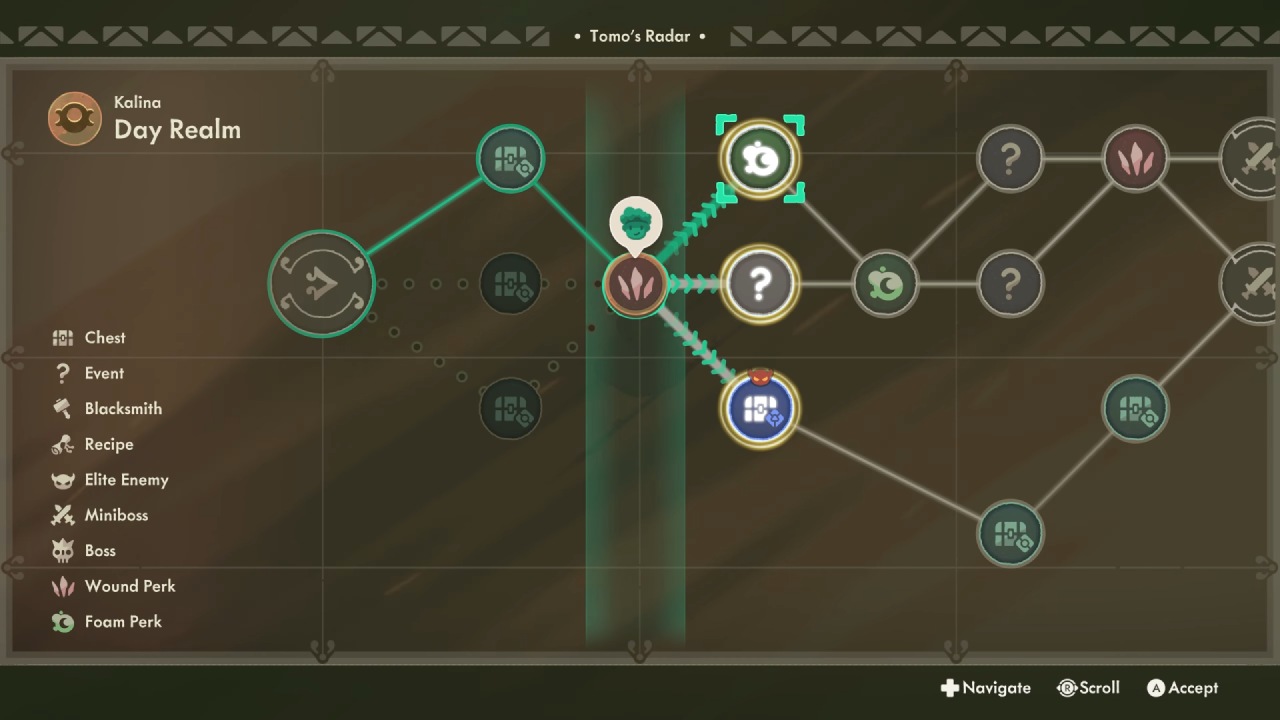
You find relics in chests at the end of encounters. Each relic has a quality value that changes its price. Each quality value increases the relic price by a set amount. Relics fall under Common, Uncommon, Rare, Epic, and Legendary categories. The quality you receive depends on the encounter icon color on Tomo’s Radar.
Relics fall under the categories Cheap, Perfect, Perfect Stamp, Expensive, and Overpriced. Cheap relics give less gold but still fill the Perkmeter. Perfect relics sell without resistance and raise the Perkmeter.
Perfect Stamp relics sit at the highest point before reaching Expensive, and the stamp in the relic description shows a red mark on the inventory price. Expensive relics give the highest gold but do not raise the Perkmeter. Overpriced relics never sell in Moonlighter 2: The Endless Vault.
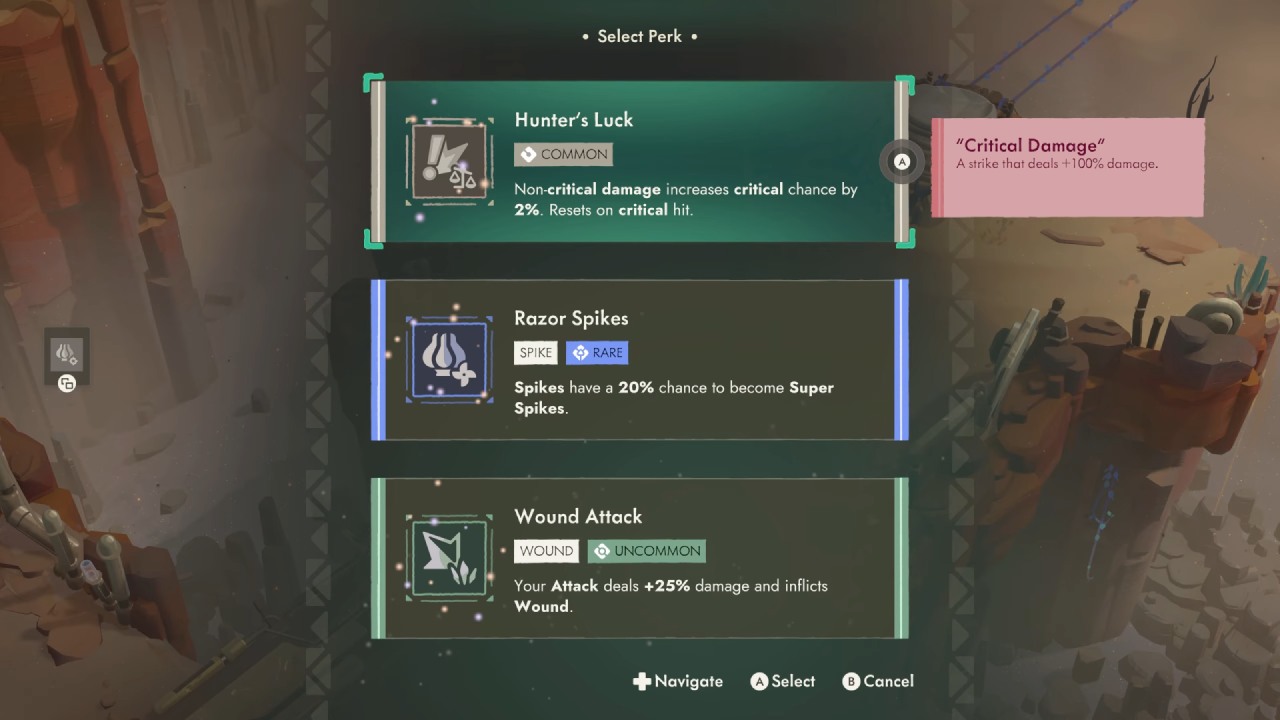
Some relics gain Deluxe status after research. Relics also have effects that activate when placed in the backpack. Some remove items, change them, or apply changes. You control these effects by placing less important relics next to the ones that trigger these actions.
Character and Equipment Upgrades
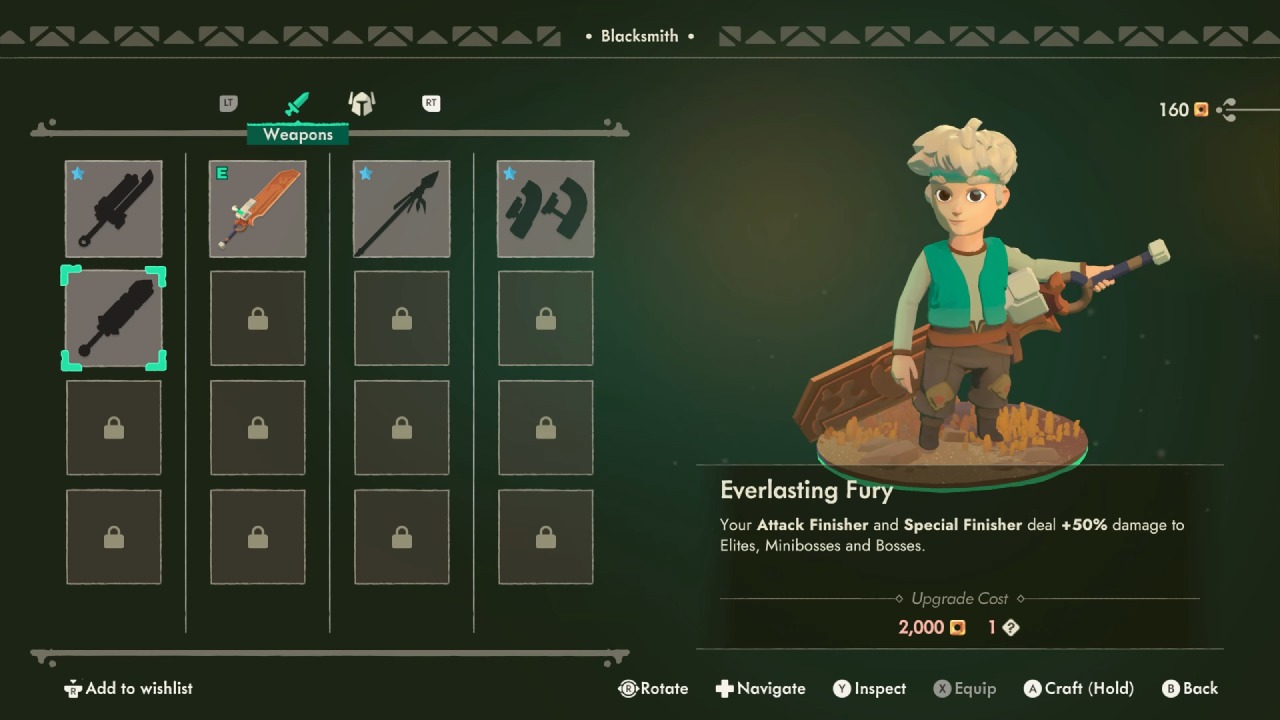
Your gold supports upgrades for Will, his equipment, and his utilities. Character upgrades come from research, potions, and Patches. Research and potion upgrades stay active at all times.
Patches can be swapped before each dungeon run. Weapons, armor, and gun variants each follow separate upgrade paths. You manage these paths based on your run's needs in Moonlighter 2: The Endless Vault.
Shop Upgrades
You upgrade your shop by buying Merchant Progression tiers from K33P3R or by purchasing furniture and showcases from The Comtesse in Tresna. Merchant Progression upgrades remain active permanently. Furniture and showcases can be changed between shop sessions. You also change carpets, walls, and decorations, though these elements do not influence any game system.
Bosses and Dungeon Unlocks
Every dungeon contains two regions with many encounters. You move through these rooms along paths shown on Tomo’s Radar. Each dungeon contains a miniboss in the center portion that gives two chests and one crafting material. The final encounter includes the boss, which grants two chests and another crafting material.
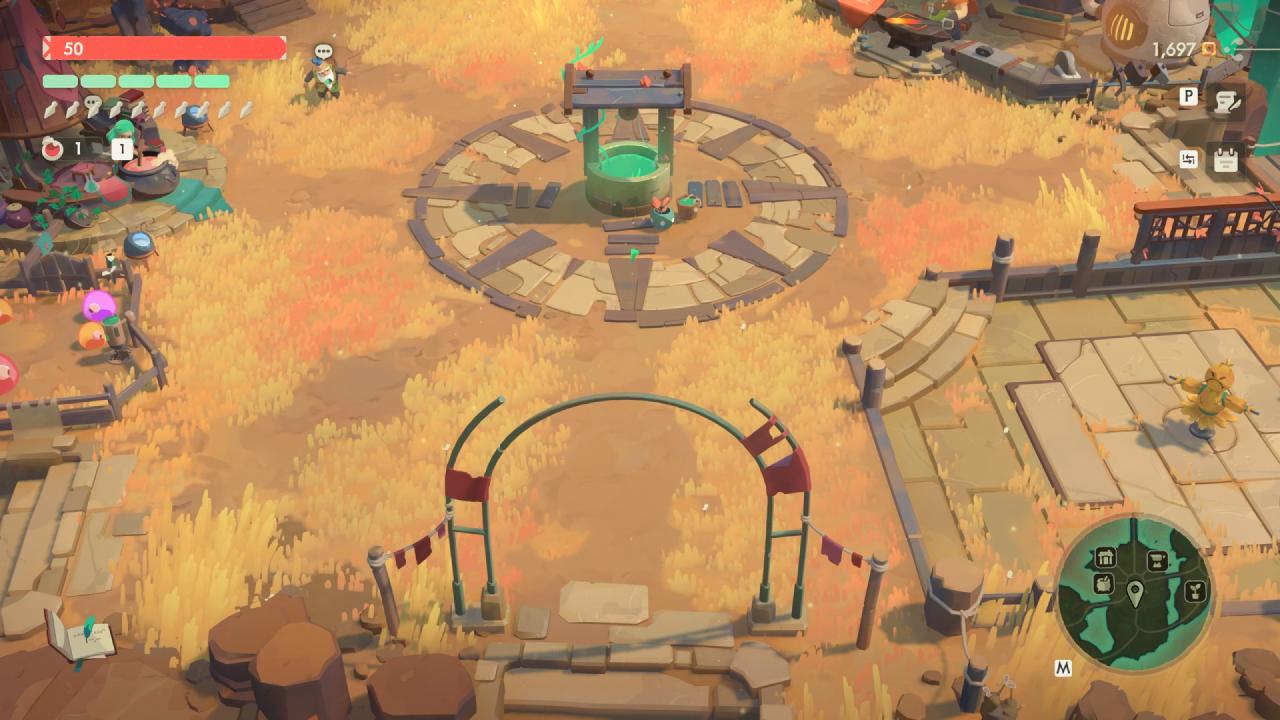
Moonlighter 2 includes three dungeons during Early Access. New regions unlock through boss completions, Endless Vault progress, and quests in Moonlighter 2: The Endless Vault.
Combat HUD Elements
You see your potion count and the potion hotkey in the top left corner. Above this sits your weapon’s special meter. Your gun’s ammo sits below your health bar. Shields appear to the right of the health bar when your gear or perks provide them.
Thunder charge from certain perks appears near your character. Gold is in the top-right corner. Tracked quests appear below your gold count.
Shopkeeping HUD Elements
Your Tip Value appears at the top left. When a perk becomes available, the counter shows a teal signal. Relic prices appear above each relic with any showcase or perk changes included. Gold remains visible in the top right.
Customers show a speech bubble during price consideration. During this moment, you cannot adjust the relic's price or pick it up. When a customer accepts a price, a symbol indicating the price category appears. The Perk Meter rises as your sales continue.
Sales results show the gold you earned and the tip you received. A circle at the bottom indicates the passing of time. When the circle reaches night, the shop closes, and relics stay on their stands. A counter at the bottom displays the total gold gained during the session.
Choosing a Difficulty
When you start, you select Easy, Normal, or Hard. Each mode changes the strength and durability of enemies. You can change the difficulty later through the menu in Moonlighter 2: The Endless Vault.
Desert and Navigation
After the opening, Ms. Scratch places you in a desert and hands you your backpack. The tutorial explains movement, dodging, and hazards.
Traps deal damage if you remain inside them; you pass through them while rolling. Enemies also take damage from traps, so you can push or lure them into hazards.
Breakable objects block movement until you destroy them with your weapon or gun. During challenges that require no breakage, you avoid interacting with them.
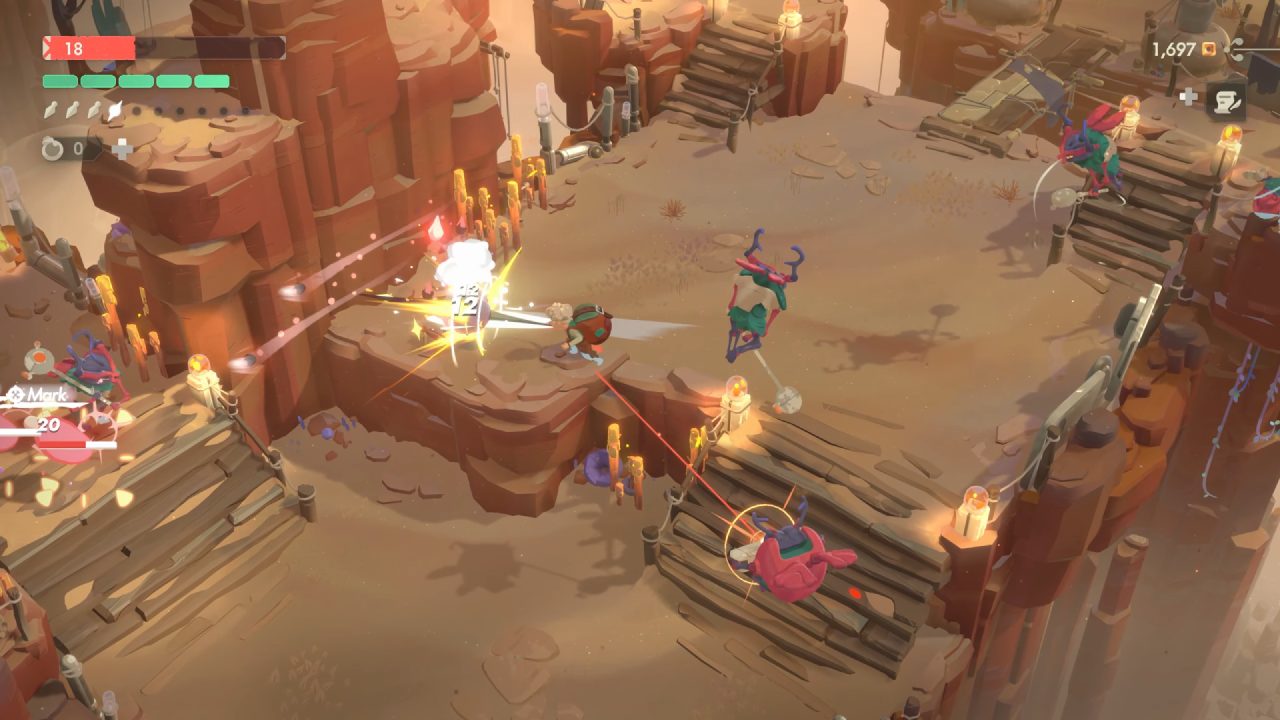
You reach a flower device at the end of the first area. It moves you to the next encounter. In normal dungeons, you choose your direction using Tomo’s Radar.
Gun Use
The tutorial next activates your gun. You use the weapon on flying enemies or enemies outside melee range. Ammo restores over time and restores at a faster rate when you land melee hits in Moonlighter 2: The Endless Vault.
Backpack Smash
When an enemy enters the Rupture state, marked by a dark aura, you perform a backpack smash. This strike pushes the enemy into walls, other enemies, or off edges. Some bosses require backpack smash interactions, so you practice this action during early encounters.
Potions
You then receive your first potion. Potions restore health. You increase potion capacity and power through the Arcanism tree at Eris’s Witch Hut, south of your shop. You usually hold potions for boss encounters or moments where your health reaches low levels. Later, you encounter an Onsen that restores part of your health.
Running and Using Your Pendant
The tutorial ends with a chase sequence in which many enemies pursue you. When you reach safety, you pick up the Pendant. The Pendant returns you to Tresna from any location inside a dungeon in Moonlighter 2: The Endless Vault.
Using it activates any “Back to Tresna” relic effects and removes the chance to gain items in the remaining sequence. You use it when continuing poses unnecessary risk or when the encounter layout does not offer promising gains.
Also, check our Moonlighter 2: The Endless Vault Review and other guides below:
- Moonlighter 2: The Endless Vault Guide | How to Defeat Senda
- Moonlighter 2: The Endless Vault Guide | How to Defeat Curator
- Moonlighter 2: The Endless Vault Guide | How to Defeat Thalaam
- Moonlighter 2: The Endless Vault Guide | How to Complete Hidden Treasure In The Desert Quest
- Moonlighter 2: The Endless Vault Guide | How to Complete Hidden Treasure In The Gallery Quest
- Moonlighter 2: The Endless Vault Guide | How to Complete Hidden Treasure In Aeolia Quest
- Moonlighter 2: The Endless Vault Guide | How to Defeat Herald
- Moonlighter 2: The Endless Vault Guide | How to Defeat Tyke
- Moonlighter 2: The Endless Vault Guide | How to Defeat Monte
Senior Editor, NoobFeed
Latest Articles
No Data.